
Turn your API into an MCP server.
No code.
Import your OpenAPI or Postman collection and get hosted docs plus a live MCP endpoint that Claude, Cursor, and other agents can read. It includes a full API client, test suites, and mocks, and it's free for teams of 3.
Everything you used Postman for — and the docs.
One workspace for the whole API lifecycle: send requests, test them, mock them, and publish them for people and AI agents.
HTTP API client
Collections, environments, variables, pre/post scripts, multi-tab, and a ⌘K command palette — in the browser.
Online API client →Test suites & reports
Chain requests into suites with assertions, run history, and flaky-test detection. PDF/CSV report export on Pro and Team.
WebSocket endpoints
Document a socket’s handshake URL, query params, headers, and auth next to your REST endpoints, in the same docs.
Webhooks
Describe the payloads your API sends out, and test-send them to a receiver before your customers see them.
Schema-based mocks
Publish a collection and it serves mock responses at /mock/<path>, built from your response schemas.
Published docs
A hosted docs site on its own subdomain, with search, live try-it, a changelog, and an AI assistant.
API documentation →CLI for CI
npm i -g @apikumo/apikumo — push OpenAPI specs and run test suites from a pipeline, with pass/fail exit codes.
Install the CLI →MCP endpoint
Every published collection is a read-only MCP server, so Claude, Cursor, and Continue can discover your API.
MCP endpoint generator →Every published collection is also an MCP endpoint.
No MCP server to write or host. Agents list your endpoints and read their parameters, schemas, and examples — read-only, with secrets redacted.
get_endpoint({ endpointId: "req_8f2a" })params · schema · exampleEverything in one workspace.
Test requests, publish docs, and expose a live MCP endpoint from a single collection — without stitching Postman, Mintlify, and a hand-coded MCP server together.
A read-only MCP endpoint for every published collection
Publish once — Claude, Cursor, and Continue discover your endpoints and read their schemas, zero config.
MCP endpoint generator →Import in seconds
Postman, OpenAPI, Insomnia, HAR & cURL — schemas, variables, and auth carry over.
Import from Postman →Keyboard-first editor
⌘K command palette, multi-tab, and a Monaco body editor with format-on-paste.
Online API client →Docs that look like a product
Turn any collection into a public docs site on its own subdomain — theme, search, AI chat, and live try-it.
API documentation →27 languages
method: "POST"
})
One tool instead of three.
See how a single apikumo workspace compares to the stack you might be running today.
Competitor capabilities vary by plan. Free covers up to 3 members in a shared org.
Frequently asked questions
What is apikumo?
apikumo turns your API into an MCP server with no code: import an OpenAPI spec or Postman collection and get hosted docs plus a live, read-only MCP endpoint that Claude, Cursor, and other agents can read. It also includes a full API client, test suites, and schema-based mocks, and it is free for teams of 3.
Is apikumo free for teams?
Yes. The Free plan includes 3 workspaces (one shared with up to 3 members, you included), unlimited collections, 3 published doc sites, 20 AI credits, and 20 API test runs a month — no credit card required. Team is $8 per seat per month for unlimited members.
Can I import from Postman?
Yes. apikumo imports Postman v2.1, OpenAPI, Insomnia, HAR, cURL, and Markdown — requests, folders, variables, and auth carry over.
Does apikumo support WebSocket, webhooks, and mock servers?
Yes. Document WebSocket endpoints (handshake URL, params, headers, auth) and webhook payloads next to your HTTP requests, and test-send webhooks to a receiver. Every published collection also serves schema-based mock responses at /mock/<path>.
What is an MCP endpoint?
An MCP (Model Context Protocol) endpoint is a URL that AI tools like Claude, Cursor, and Continue connect to. apikumo generates a read-only one for every published collection: agents list your endpoints and read their parameters, schemas, and examples — no server code to write or host.
Still have questions? Contact us
Switch from Postman in minutes.
Bring your team for free.
Import your Postman collections — variables and auth carry over — and share a workspace with up to 3 members on the Free plan.
No card required · Google, GitHub, or Discord
What the team is building
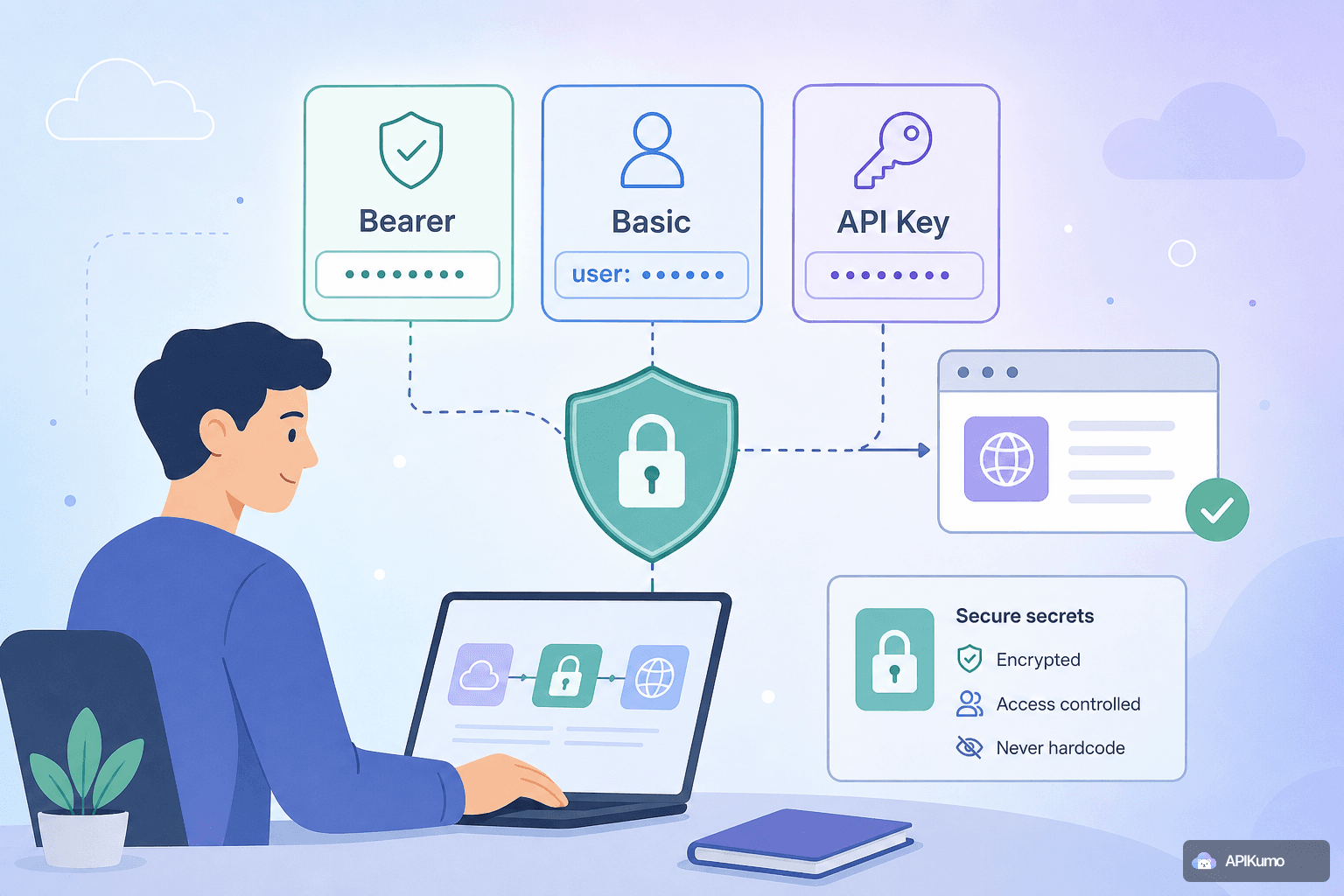
How to secure API secrets in apikumo: Bearer, Basic, and API-key auth without ever hardcoding a value
A practical guide to using apikumo's built-in Bearer, Basic, and API-key auth modes together with environment variables, so your credentials stay out of version control, exported files, and shared code samples.
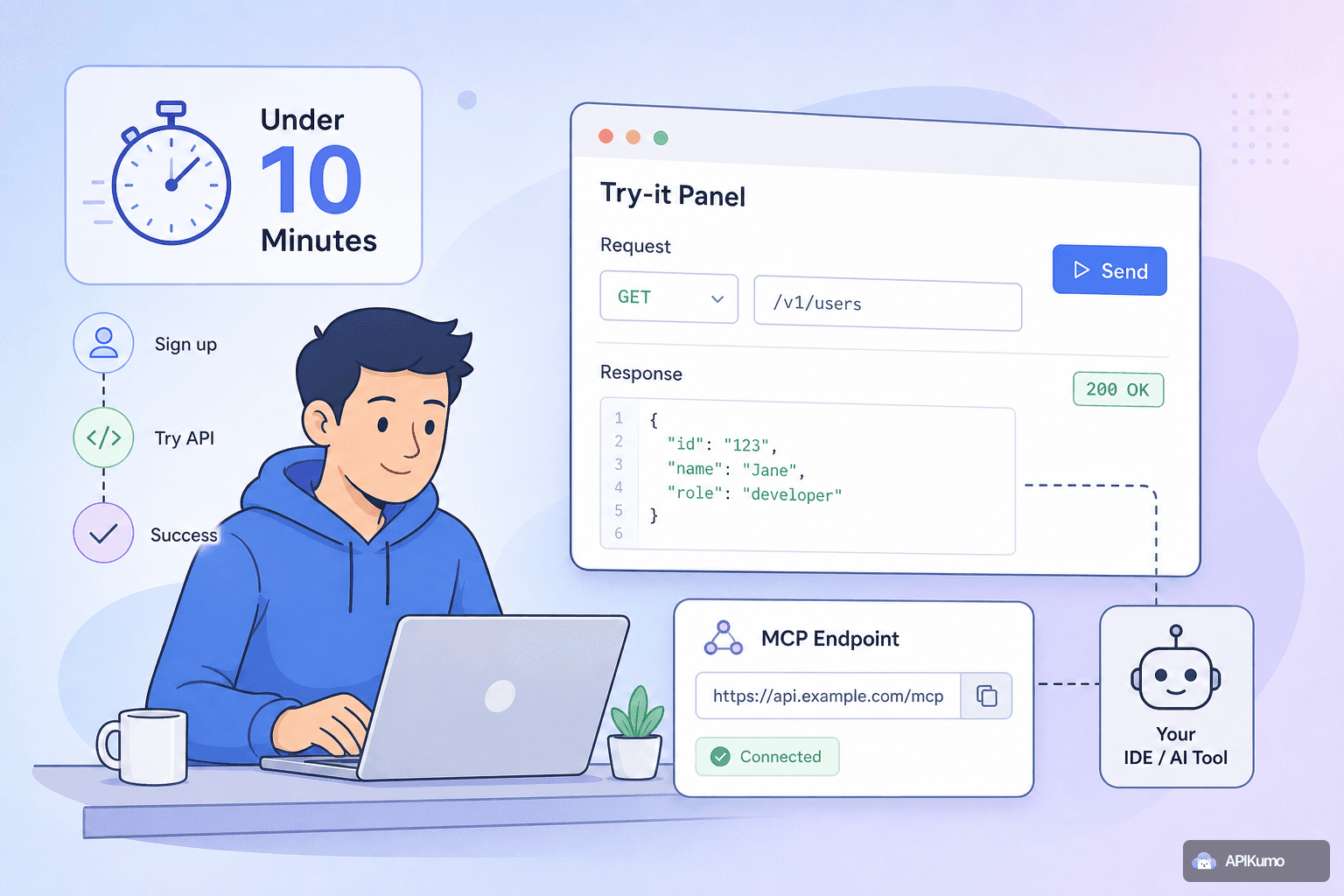
Onboarding a new developer to your API in under ten minutes using apikumo's Try-it panel and MCP endpoint
Publishing your API with apikumo gives new developers a live Try-it panel and an MCP endpoint so they can make a real, authenticated call on day one — no lengthy setup guide required.
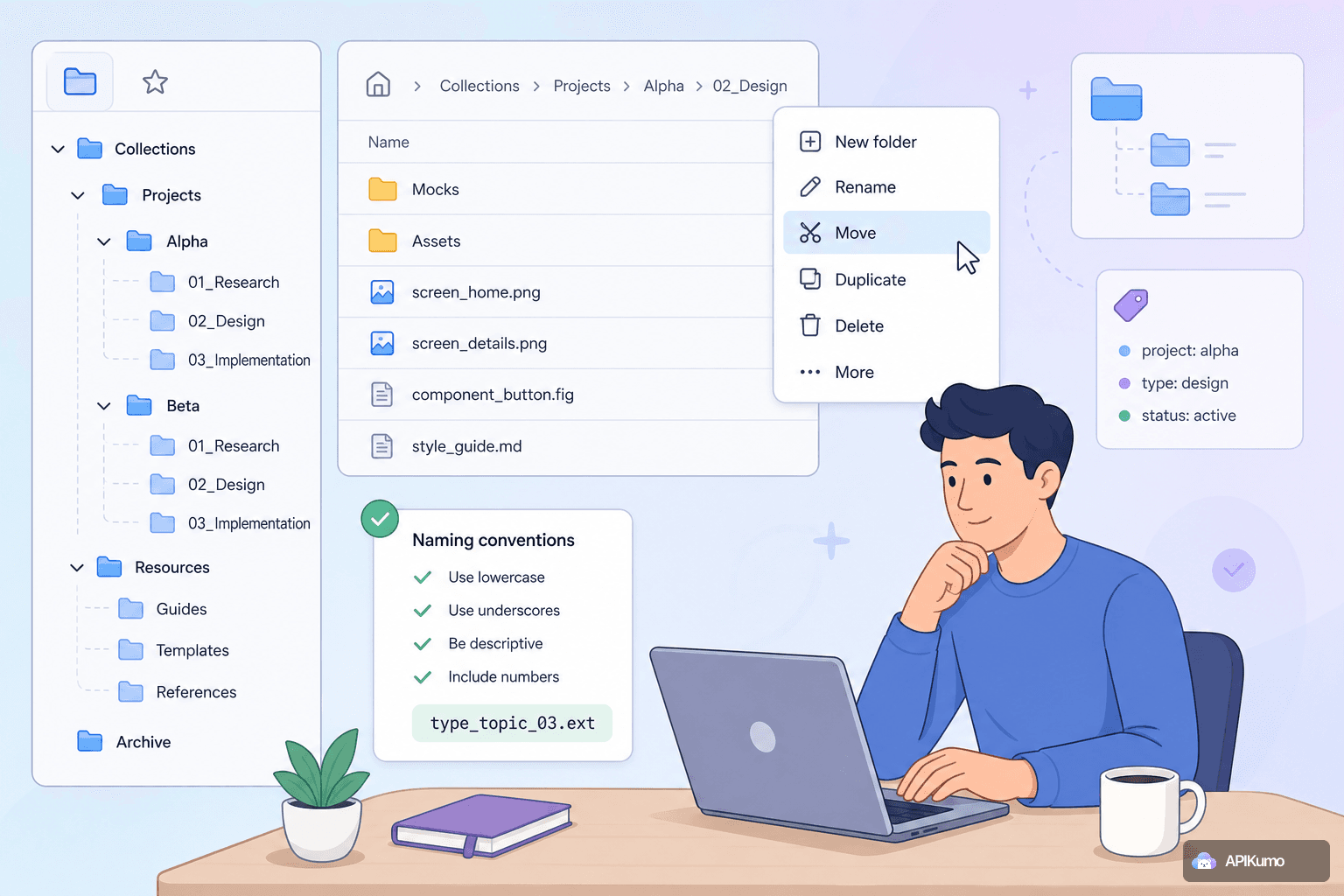
Organizing large collections with nested folders, context menus, and naming conventions
When a collection grows past a few dozen endpoints, structure becomes as important as the requests themselves. Here are practical strategies for using nested folders, context menus, and naming conventions to keep large apikumo collections fast to navigate and easy to maintain.
