


1.获取源码
git clone https://github.com/obsproject/obs-studio.git
// 切换分支
git switch -c remotes/origin/release/30.0
// 获取 obs 子模块
git submodule update --init --recursive2.获取依赖库obs-deps repo releases
3.Cmake gui配置
(1)Where is the source code: 源码目录
(2)Where to build the binaries: 输出目录
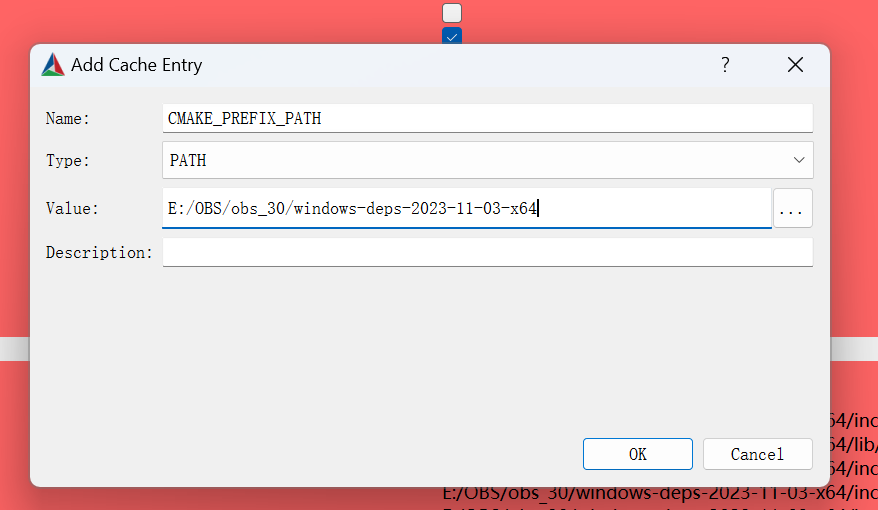
(3)点击 Add Entry 添加配置项 :
CMAKE_PREFIX_PATH:依赖库目录
QTDIR:QT目录







 扫一扫
扫一扫


&spm=1001.2101.3001.5002&articleId=135392579&d=1&t=3&u=d7fe81026b28469fafa5ebc0f4fe5a52)
 1227
1227

 被折叠的 条评论
为什么被折叠?
被折叠的 条评论
为什么被折叠?
 到【灌水乐园】发言





