



 本文介绍了一个简单的jQuery脚本,用于实现网页上复选框的全选和全不选功能。通过点击一个特定的复选框,可以控制页面上所有其他复选框的选中状态。
<html>

    <head>
        <meta charset="utf-8">
        <title></title>
        <script src="./jquery-2.2.4.min.js">
        </script>
        <script type="text/javascript">
        $(function(){
            $("#aid").click(function(){
                //当选中复选框是b的值是TRUE,不选择b的值是false
                var b = $(this).prop("checked");
                //将b的属性给每一个input
                $("ul li input[type = 'checkbox']").prop("checked",b);
            });
        });
        </script>
    </head>

    <body>
        <h2 id="hid">jQuery实例---全选/全不选</h2>
        <ul>
            <li><input type="checkbox" name="likes" />aaa</li>
            <li><input type="checkbox" name="likes" />bbb</li>
            <li><input type="checkbox" name="likes" />cccc</li>
            <li><input type="checkbox" name="likes" />ddd</li>
            <li><input type="checkbox" name="likes" />cccc</li>
            <li><input type="checkbox" name="likes" />ddddd</li>
        </ul>
        <input type="checkbox" id="aid"/>全选/全不选
    </body>

</html>
文档内容
选中复选框为true,没选中为false
jQuery 代码:
$("input[type='checkbox']").prop("checked");

禁用和选中所有页面上的复选框。
jQuery 代码:
$("input[type='checkbox']").prop("disabled", false);
$("input[type='checkbox']").prop("checked", true);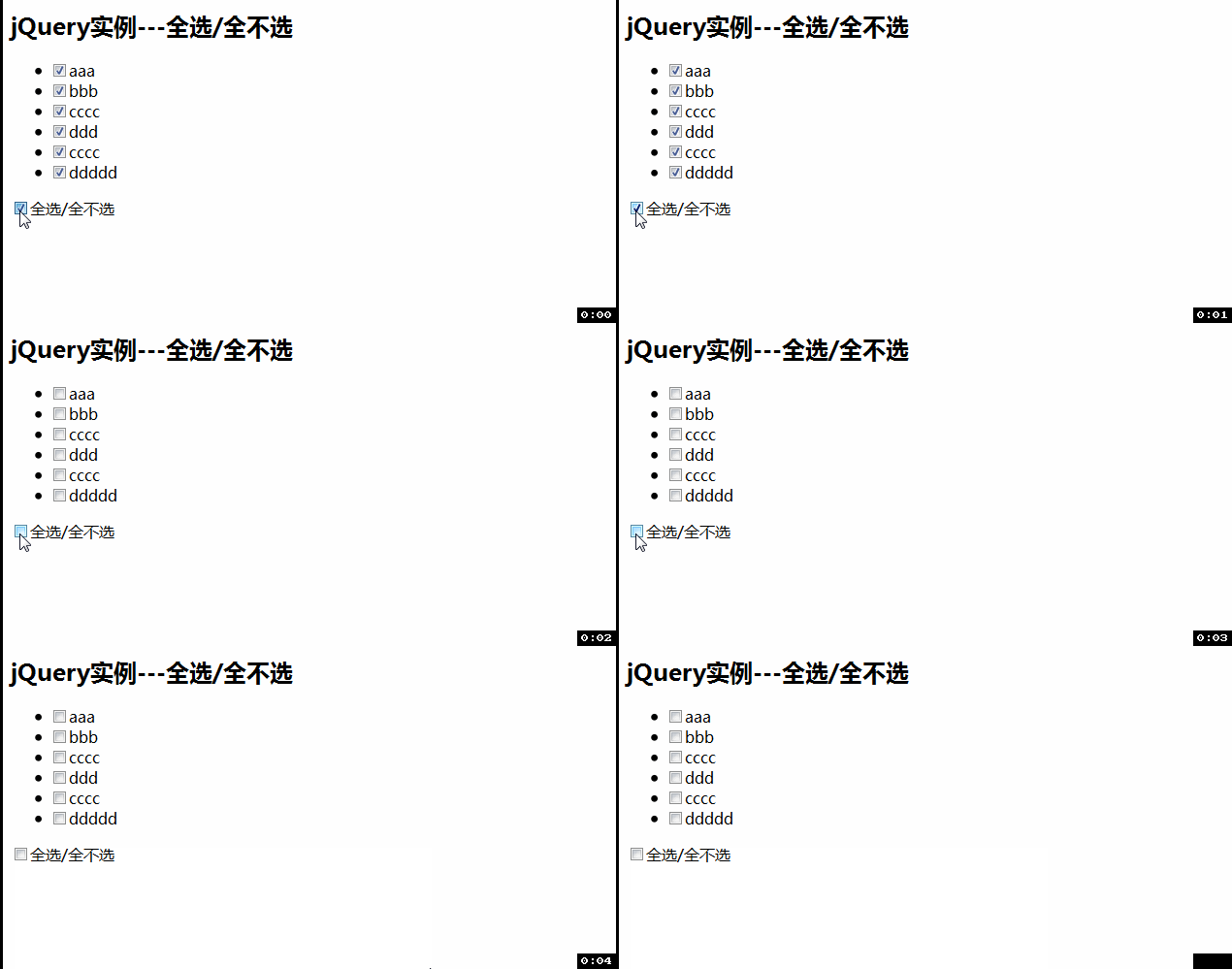





 扫一扫
扫一扫


 1519
1519

 被折叠的 条评论
为什么被折叠?
被折叠的 条评论
为什么被折叠?
 到【灌水乐园】发言





