





 博主使用PyCharm通过Database窗口操作SQLite时,出现ClassNotFoundException异常。经查找发现是数据库驱动未安装,未安装时显示Download,安装后显示Show License,点击“Apply”和“OK”后问题解决,并给出参考资料链接。
今天在使用pycharm 通过Database窗口操作SQLite时显示
com.intellij.execution.ExecutionException: Exception in thread “main” java.lang.ClassNotFoundException: org.sqlite.JDBC
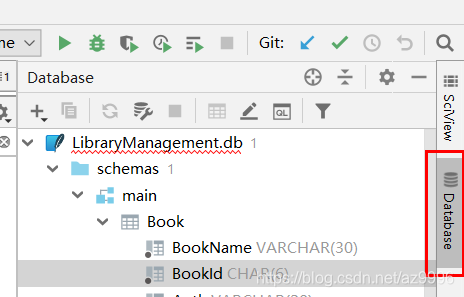
20:04	SELECT t.* FROM User t
			LIMIT 501
			com.intellij.execution.ExecutionException: Exception in thread "main" java.lang.ClassNotFoundException: org.sqlite.JDBC
			at java.net.URLClassLoader.findClass(URLClassLoader.java:381)
			at java.lang.ClassLoader.loadClass(ClassLoader.java:424)
			at sun.misc.Launcher$AppClassLoader.loadClass(Launcher.java:331)
			at java.lang.ClassLoader.loadClass(ClassLoader.java:357)
			at java.lang.Class.forName0(Native Method)
			at java.lang.Class.forName(Class.java:264)
			at com.intellij.database.remote.RemoteJdbcServer.main(RemoteJdbcServer.java:14)
经过一番查找后发现,数据库的驱动没有安装
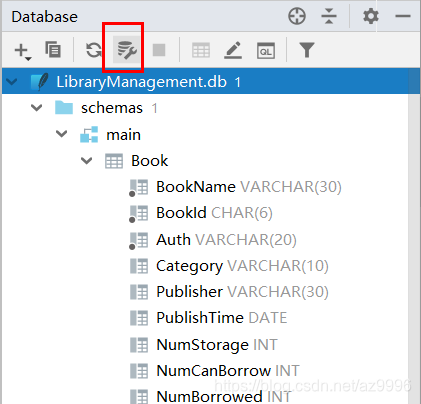
未安装之前显示为 Download 安装后显示为 Show License
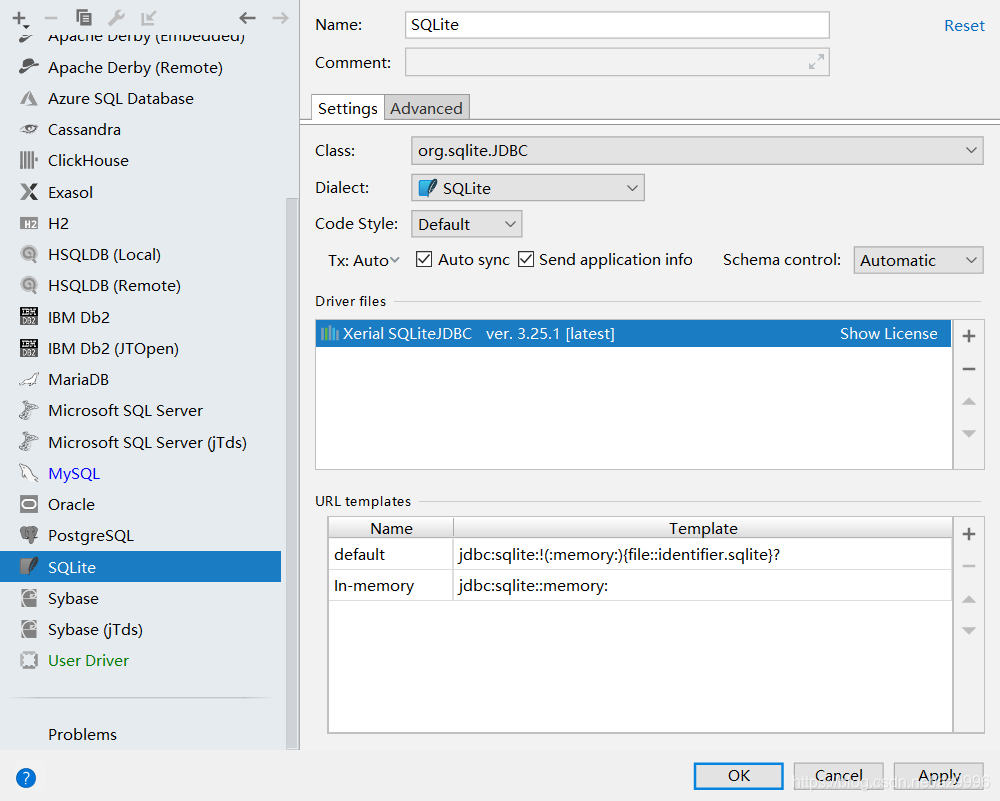
点击“Apply”–“OK”后,问题解决。
参考资料:
https://jingyan.baidu.com/article/e5c39bf5e4f32439d7603387.html





 扫一扫
扫一扫


 846
846

 被折叠的 条评论
为什么被折叠?
被折叠的 条评论
为什么被折叠?
 到【灌水乐园】发言





