


 这篇博客介绍了如何在Linux环境中利用Docker搭建Kettle 9的ETL在线平台,详细步骤包括拉取镜像、创建配置文件、启动容器、添加JDBC驱动、重启容器及验证设置。此外,还提到了添加用户的额外配置。
Linux Docker搭建ETL online平台kettle 9
一、效果图
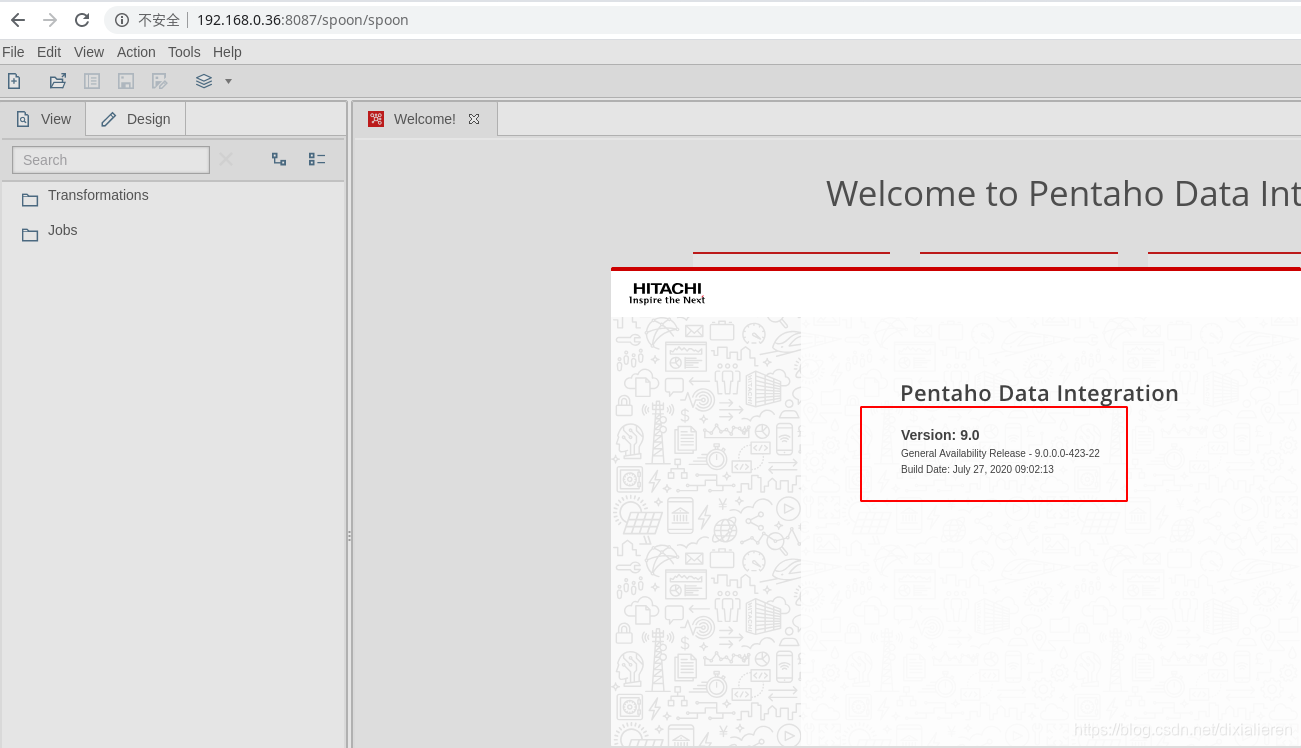
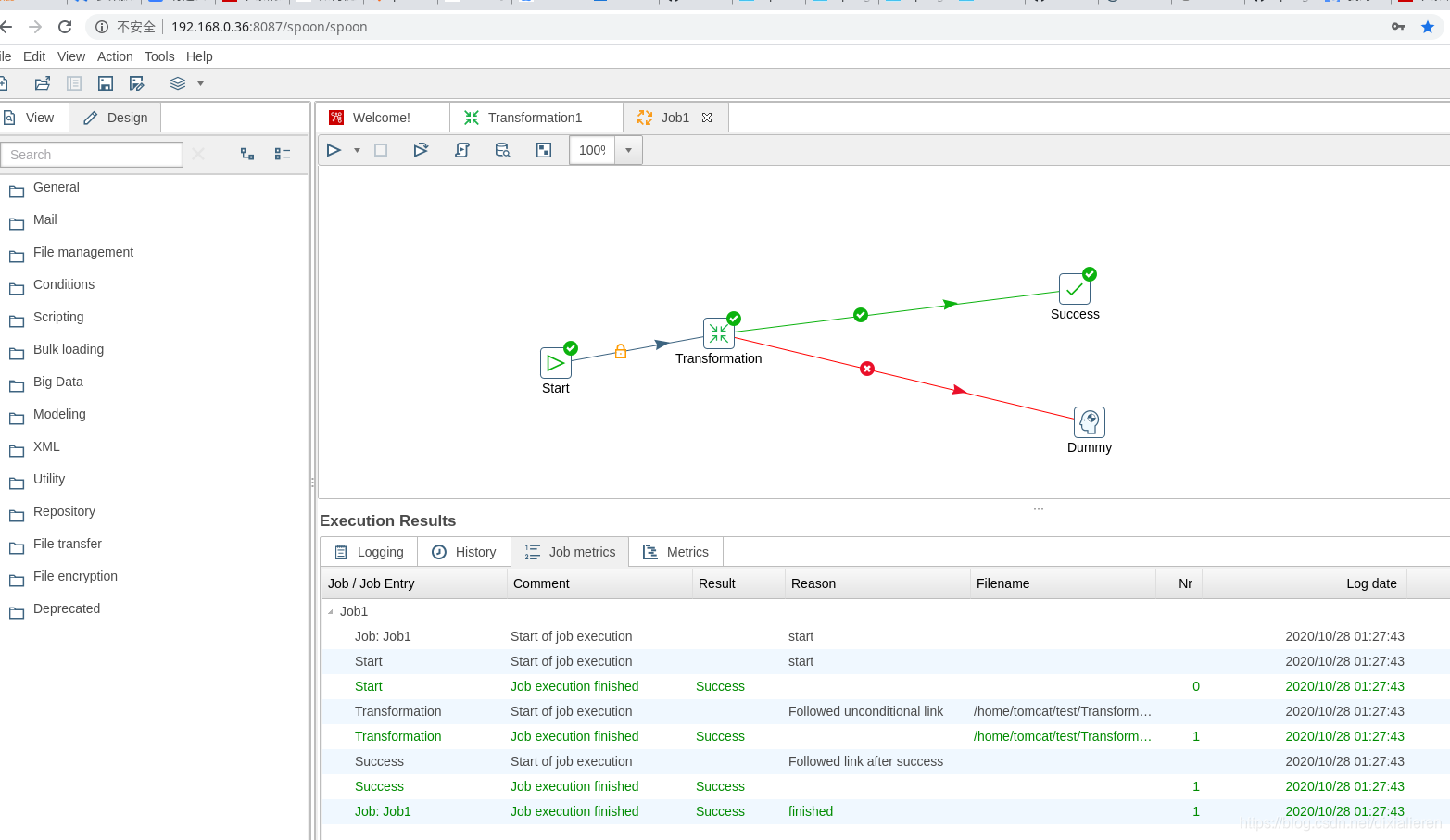
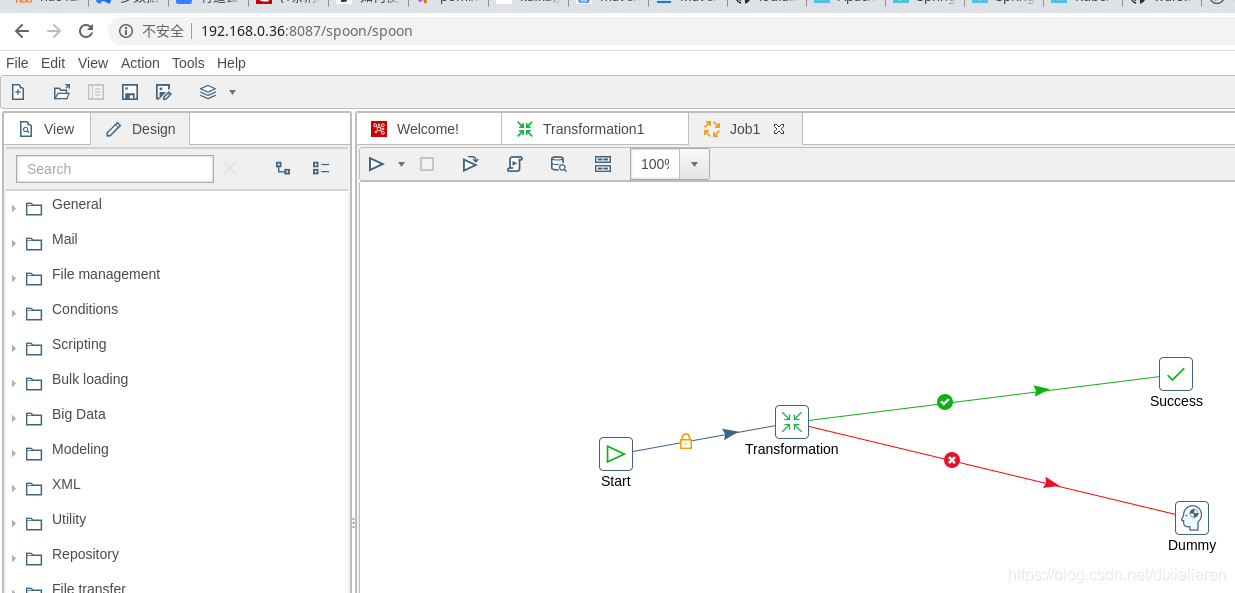
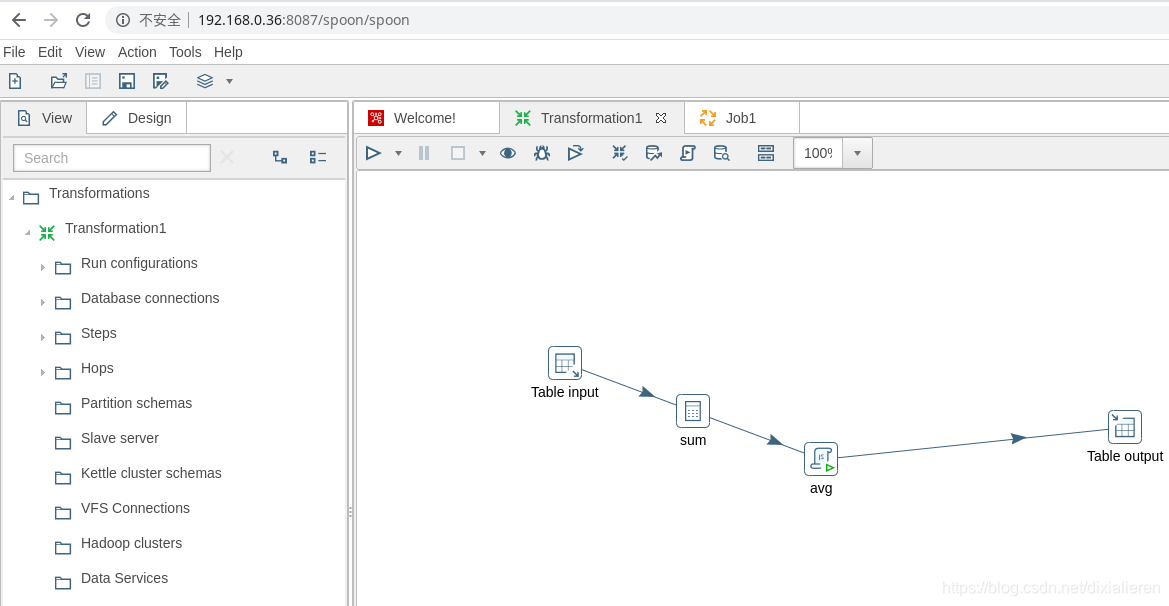
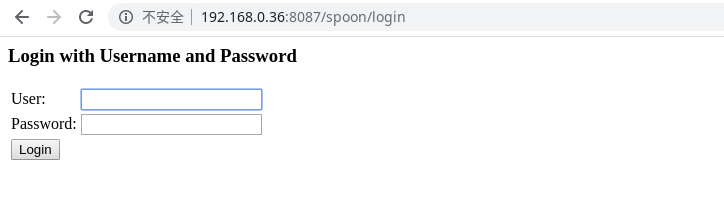
二、搭建步骤
step 1 pull image
镜像大小1.5G左右
docker pull hiromuhota/webspoon
step 2 create conf files
- create dir
mkdir -p /home/kettle/cusconf
- create two conf file
- web.xml
<?xml version="1.0" encoding="UTF-8"?>
<web-app xmlns="http://java.sun.com/xml/ns/j2ee"
  xmlns:xsi="http://www.w3.org/2001/XMLSchema-instance"
  xsi:schemaLocation="http://java.sun.com/xml/ns/j2ee http://java.sun.com/xml/ns/j2ee/web-app_2_4.xsd"
  version="2.4">

  <!--
    - Location of the XML file that defines the root application context
    - Applied by ContextLoaderListener.
    -->
  <!-- Uncomment the followings to enable login page for webSpoon-->
  <context-param>
    <param-name>contextConfigLocation</param-name>
    <param-value>
      /WEB-INF/spring/*.xml
    </param-value>
  </context-param>
  <filter>
    <filter-name>springSecurityFilterChain</filter-name>
    <filter-class>org.springframework.web.filter.DelegatingFilterProxy</filter-class>
  </filter>
  <filter-mapping>
    <filter-name>springSecurityFilterChain</filter-name>
    <url-pattern>/*</url-pattern>
  </filter-mapping>
  <listener>
    <listener-class>org.springframework.web.context.ContextLoaderListener</</






 扫一扫
扫一扫


 1596
1596

 被折叠的 条评论
为什么被折叠?
被折叠的 条评论
为什么被折叠?
 到【灌水乐园】发言





