



 本文介绍了一个用于设置Android按钮不同状态(按下、聚焦及默认)的颜色配置文件。通过XML布局文件,可以实现按钮文本颜色随状态变化的效果。
USAGE:
XML file saved at res/color/button_text.xml:
<?xml version="1.0" encoding="utf-8"?>
<selector xmlns:android="http://schemas.android.com/apk/res/android">
    <item android:state_pressed="true"
          android:color="#ff1bb5d7"/> <!-- pressed -->
    <item android:state_focused="true"
          android:color="#ff0000ff"/> <!-- focused -->
    <item android:color="#ff000000"/> <!-- default -->
</selector>
This layout XML will apply the color list to a View:
<Button
    android:layout_width="match_parent"
    android:layout_height="wrap_content"
    android:text="@string/button_text"
    android:textColor="@color/button_text" />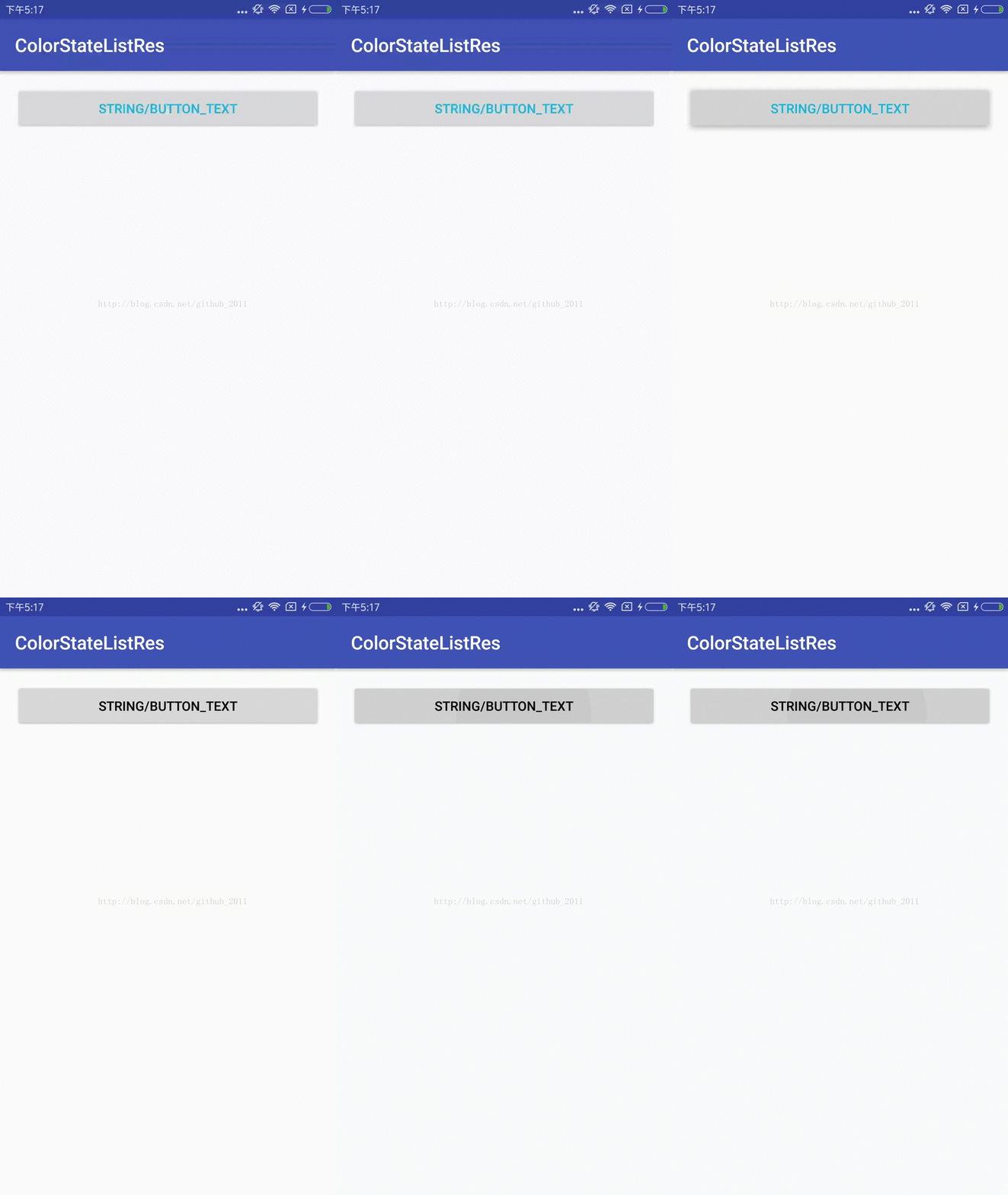





 扫一扫
扫一扫


 1483
1483

 被折叠的 条评论
为什么被折叠?
被折叠的 条评论
为什么被折叠?
 到【灌水乐园】发言





