


 本文介绍了如何使用Java的iText7库来创建PDF文档,包括设置标题、表格和详细信息。通过创建布局、定义表格样式及处理图片等元素,实现了自定义PDF报告的生成。此外,还提供了读取Base64编码图片的工具类以及详细的代码示例。
About itext
在网上看到java关于pdf的第三方库有名的是com.itextpdf的。
上git上查看,官网的意思是推荐itext7,而itext5只用于修复bug和安全了:
 https://github.com/itext/itextpdf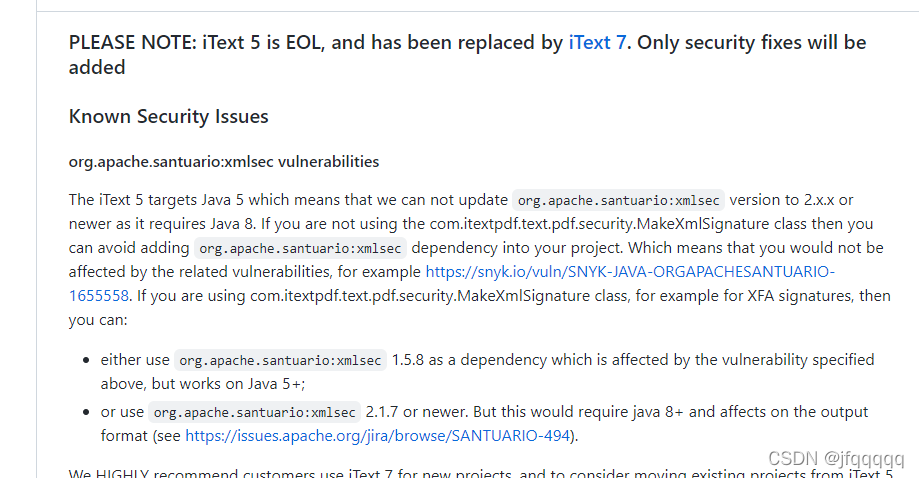
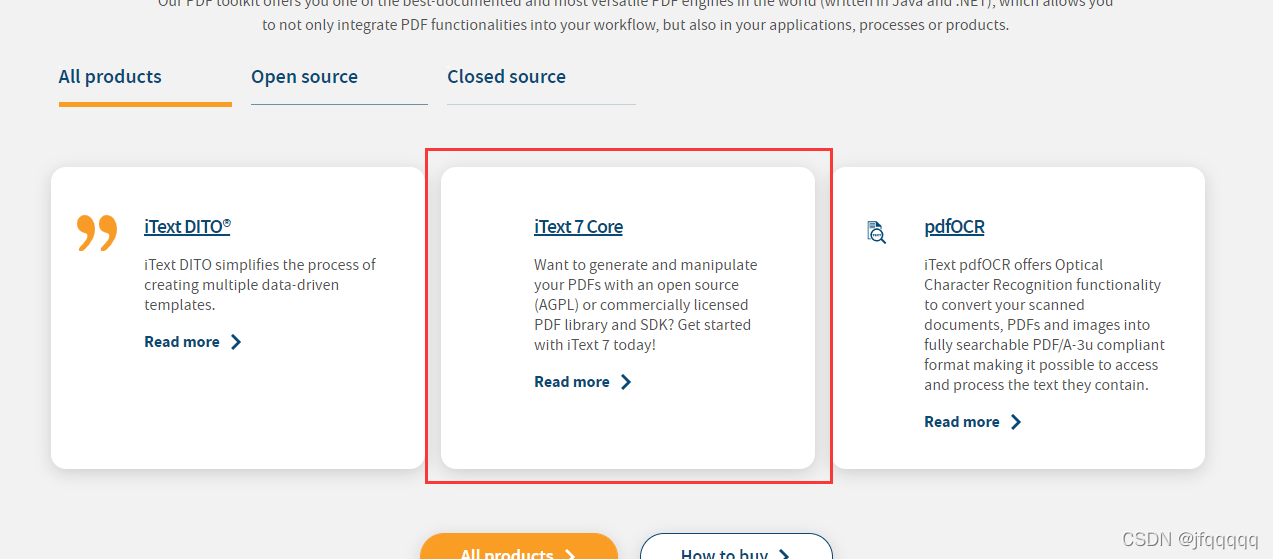
所以,下面是以itext7进行的开发 :
The Leading PDF Library for Developers | iText https://itextpdf.com/en
API Doc
Demo
好的,接下里开始上demo:
布局设定
分为title、table、detail三大类,如下用绿色框出来了:
 按照这个设定封装对应的数据载体
然后编写工具类
接下测试即可。
工具类
imageUtil
用于读取base64的图片到byte数组
import org.bouncycastle.util.encoders.Base64;

import javax.imageio.ImageIO;
import java.awt.image.BufferedImage;
import java.io.ByteArrayInputStream;
import java.io.IOException;

public class ImageUtil {


    /**
     * 校验base64是否合法
     * @param base64
     * @return
     */
    public static boolean safeCheckImgFile(String base64) {
        //check image
        String regex = ",";
        String[] split = base64.split(regex);
        String imageBase64 = split[1];
        byte[] decode = Base64.decode(imageBase64);
        ByteArrayInputStream byteArrayInputStream = new ByteArrayInputStream(decode);
        try {
            BufferedImage image = ImageIO.read(byteArrayInputStream);
            if (image != null && image.getWidth() > 0 && image.getHeight() > 0) {
                return true;
            }
        } catch (IOException e) {
            e.printStackTrace();
        }
        return false;
        /*

        Base64Encoder base64Encoder = new Base64Encoder();

        try {
            FileOutputStream fileImageOutputStream = new FileOutputStream("/data/temp/");
            BufferedOutputStream bufferedOutputStream = new BufferedOutputStream(fileImageOutputStream);
            base64Encoder.decode(img, bufferedOutputStream);

        } catch (IOException e) {
            e.printStackTrace();
        }
*/

    }

    /**
     * 读取base64字符串,转换为bimage的ytes数组并返回
     * @param base64
     * @return
     */
    public static byte[] readFromImage(String base64) {
        String regex = ",";
        String[] split = base64.split(regex);
        String imageBase64 = split[1];
        byte[] decode = Base64.decode(imageBas






 扫一扫
扫一扫


 4978
4978

 被折叠的 条评论
为什么被折叠?
被折叠的 条评论
为什么被折叠?
 到【灌水乐园】发言





