



High-performance dynamically evolving medical imaging software with advanced capabilities for precision diagnostics, 3D modelling, and surgical planning.Inobitec DICOM Viewer Pro v2.19.0
-

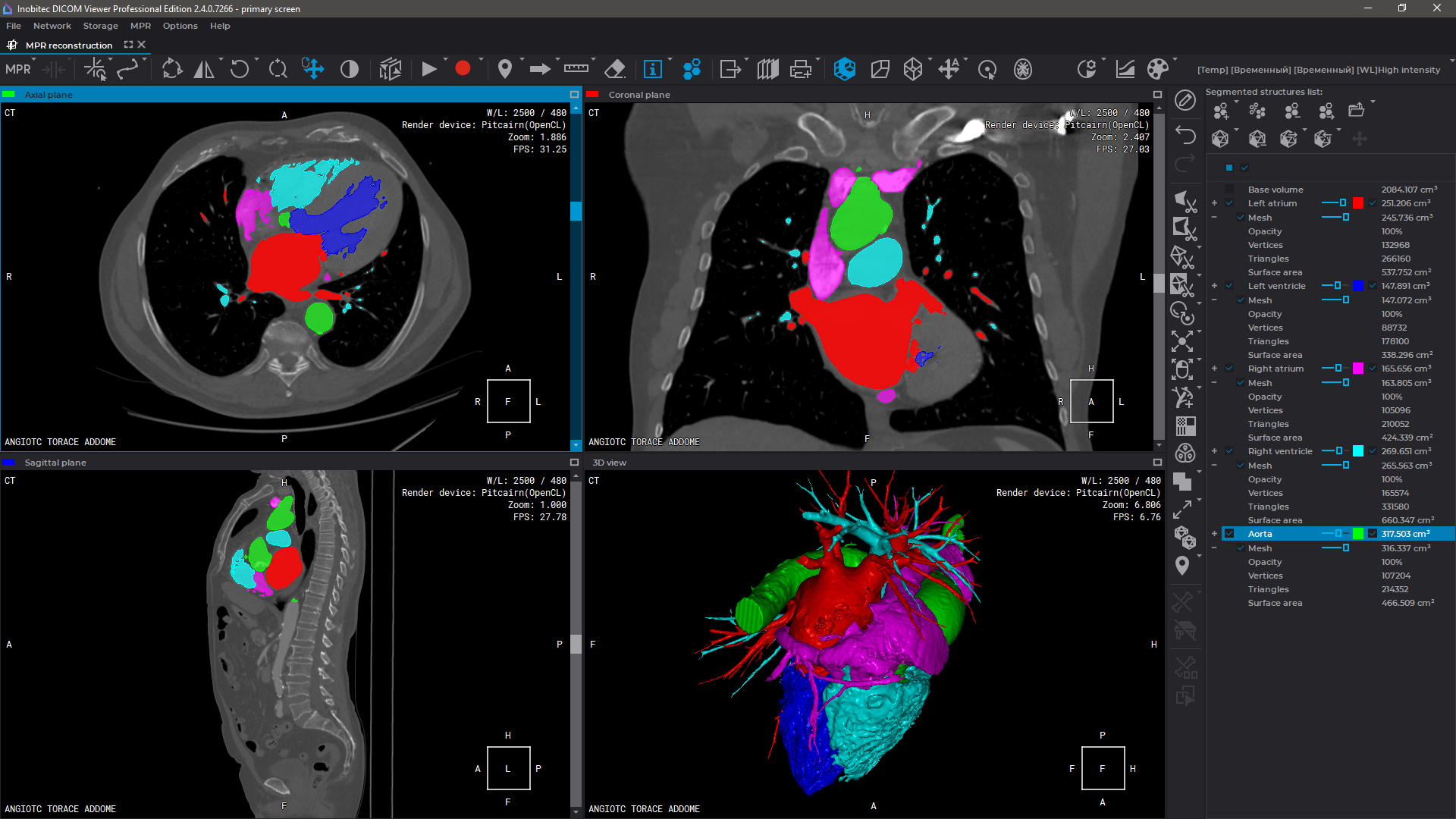
Advanced 3D Reconstruction
-

Export surfaces in OBJ, STL, PLY, GLB formats
-

Advanced multi-plan reconstruction
-

Adding Markers and Marker Lines
-

Series Fusion with Advanced Tools
-

Virtual endoscopy with various options
-

Image stitching (including X-Ray stitching)
-

Calcium Scoring
-

Recording video from viewports (64-bit builds only)
-

Remote viewing with limited functionality via a web browser
-

Ability to activate additional modules
-

Custom development of specialized modules (example: Preoperative planning of the installation of transpedicular screws)

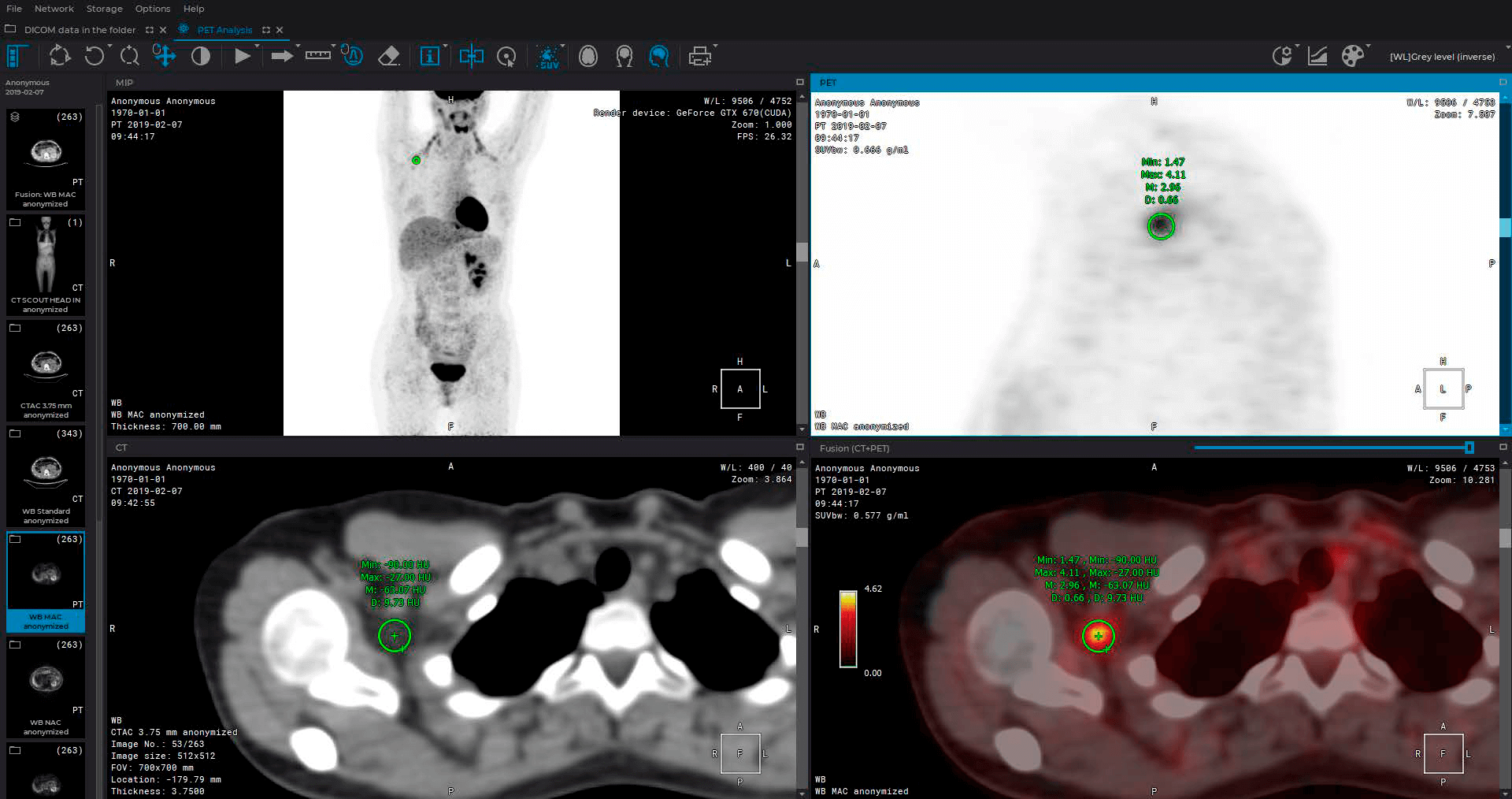
PET / CT analysis module
roll up
- Positioning a 3D model in a MIP window
- Automatic setting of CLUT and WL
- 3D MIP for PT Series
- VOI Tool
- One-click tool
- Measurement of a value reflecting the intensity of contrast accumulation in tissues (SUV)
- 2D MIP for CT-series with the ability to change the thickness of the cut
- Switching between Mono PET, Mono CT, PET-CT
- Setting the default color table for MIP
- Image navigation, mirroring, magnifying, PET export options
- Manage multiple tools at once

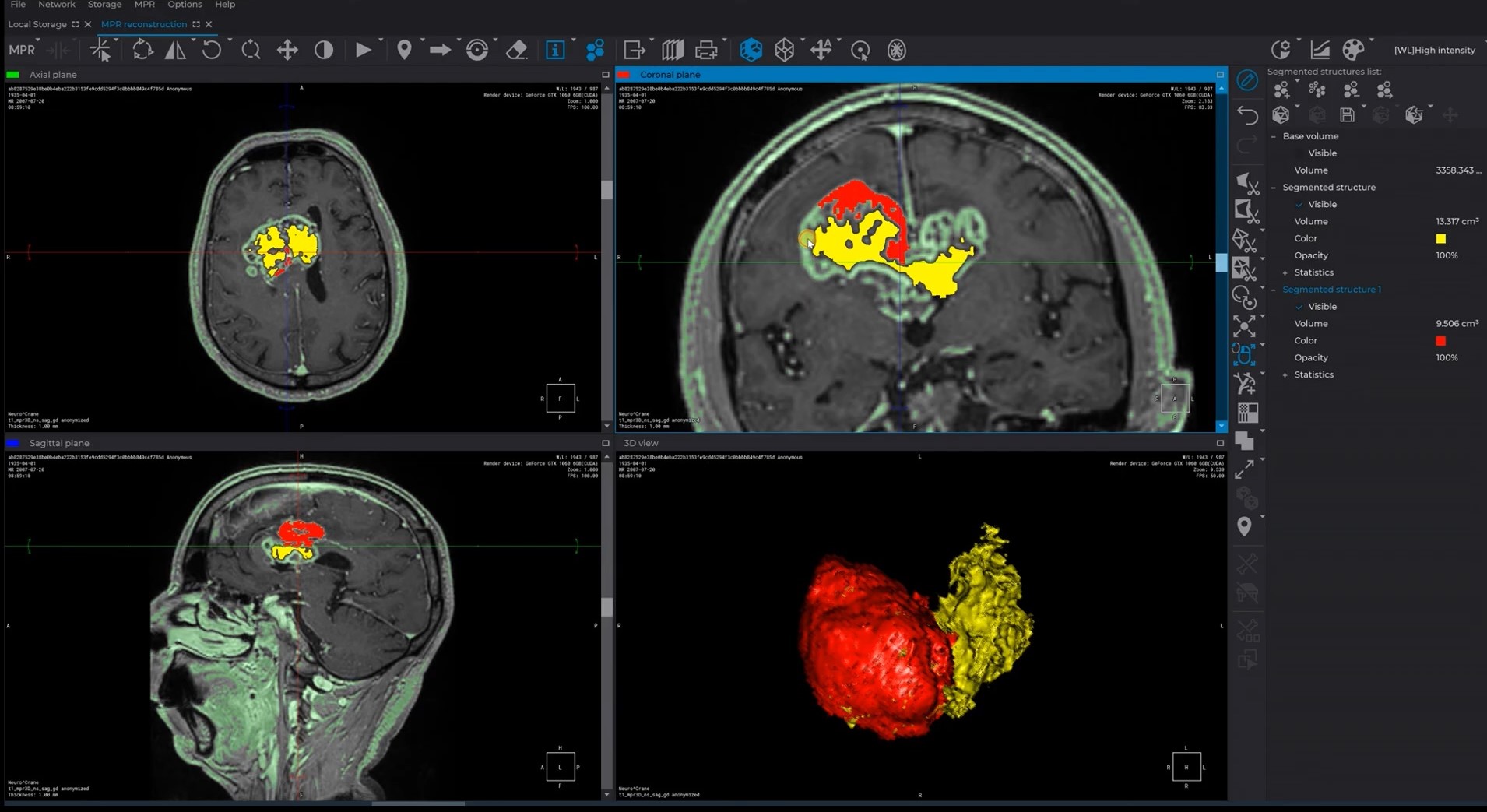
Extended segmentation module
roll up
- The opportunity to save and open 3D results segmentation
- Using the results for demonstration during the process of preoperative preparation
- Using the results for 3D printing
- Auto-saving mode for segmentation projects
- Export and import of markers

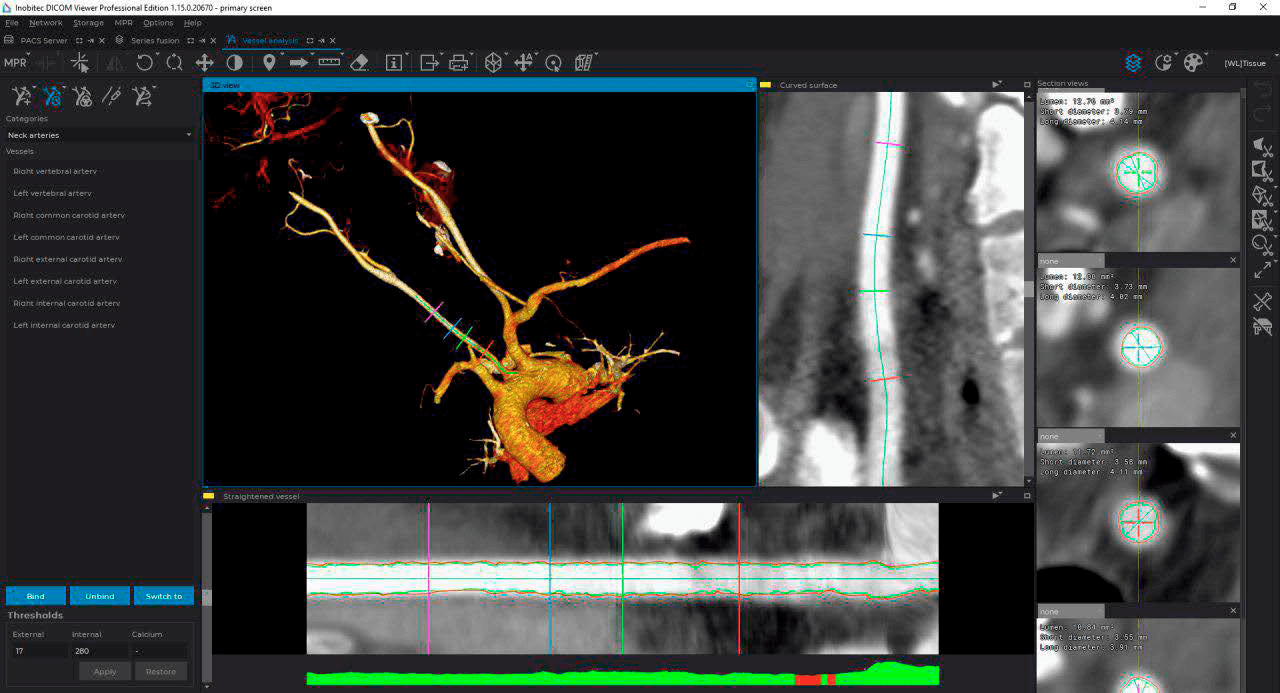
Vessel analysis module
roll up
- Algorithm for automatically determining the center line of a vessel
- Algorithm and interface for semi-automatic and manual editing of the center line of the vessel
- Algorithm for automatic analysis of transverse sections of a vessel to determine the area, as well as the minimum and maximum diameters
- Interface for working with the scan of the vessel, including the choice of cross sections and their display
- Automatic display of percent stenosis based on selected reference and working sections

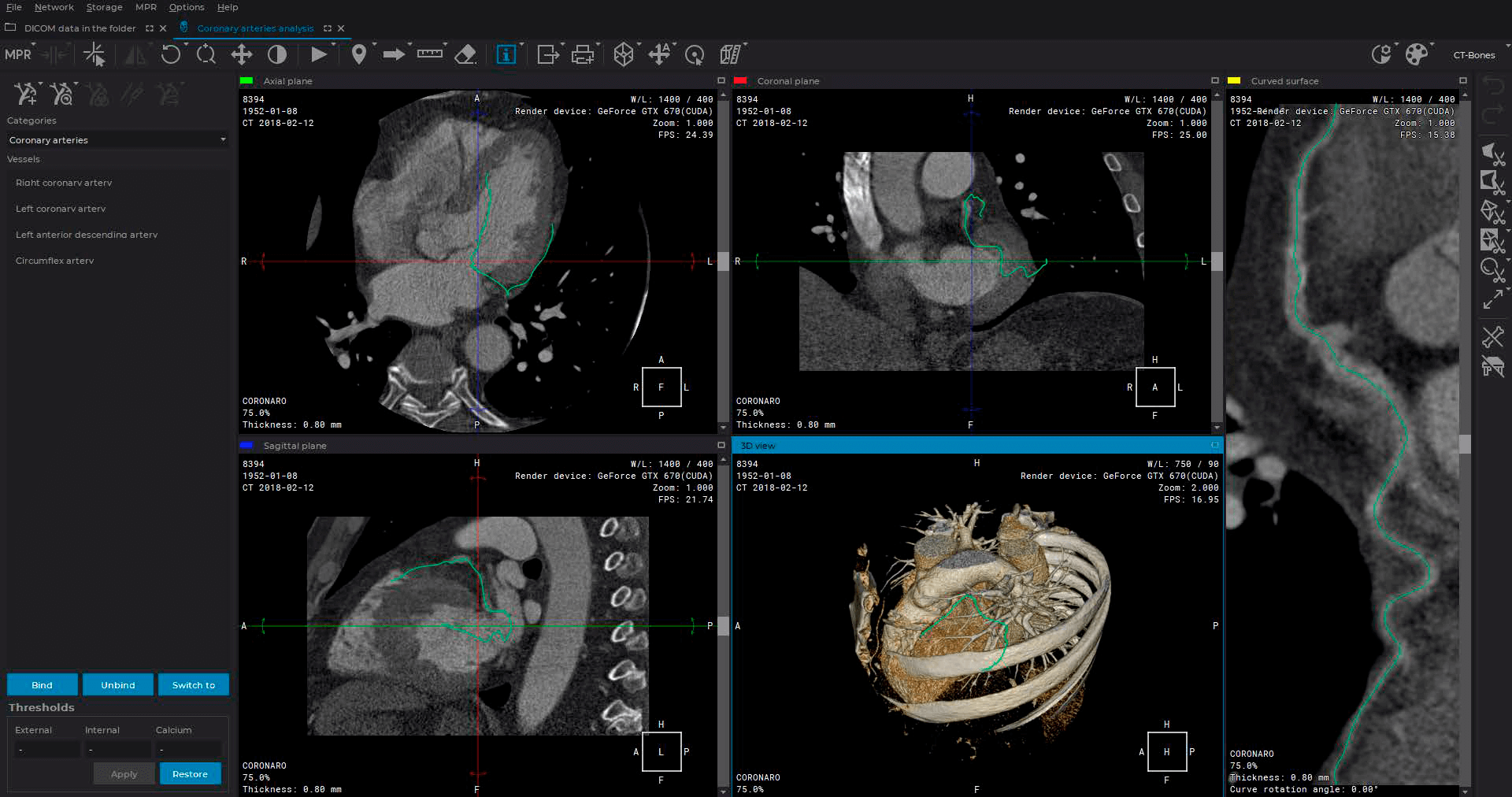
Coronary arteries analysis module
roll up
- Analysis of transverse sections of coronary vessels to determine the boundaries of the lumen of the vessel and the boundaries of the outer wall
- Classification of tissue in the vessel wall: fat / calcium / fibrosed tissue
- Isolation of the portion of the vessel for analysis, display of the color of classified tissues
- Automatic search for the bottleneck in the selected section
- Display the length of the selected section and the distance to it from the mouth of the vessel

Cardiac analysis module
roll up
- Building contours for the left and right ventricle manually
- Automatic Contouring of the Left Ventricle Endocardium and Epicardium
- Evaluating the main parameters for the left and the right ventricle (EDV, ESV, SV, EF, CO, CI, myocardial mass)
- Heart functional parameters displayed on graphs
- T1 mapping


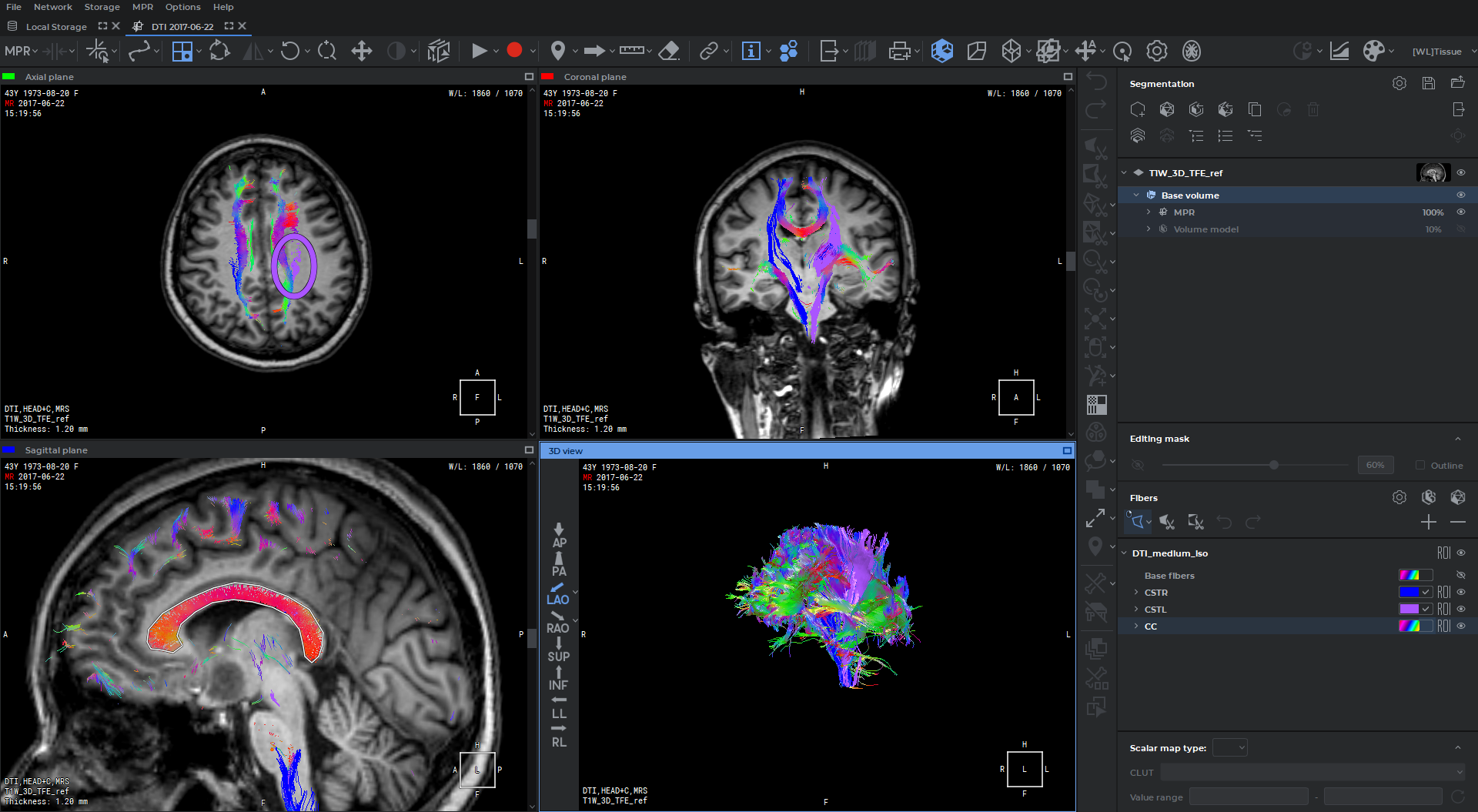
Diffusion tensor imaging (DTI) analysis module
roll up
- Visualization of Diffusion Tensor Imaging (DTI)
- Scalar maps for DTI
- Voxelization of the fiber tracks

Perfusion parameters estimation module
roll up
- CT and MRI studies support
- Results of perfusion parameters evaluation in the form of CBV, CBF, MTT, and Tmax maps
- Simultaneous display of multiple perfusion maps
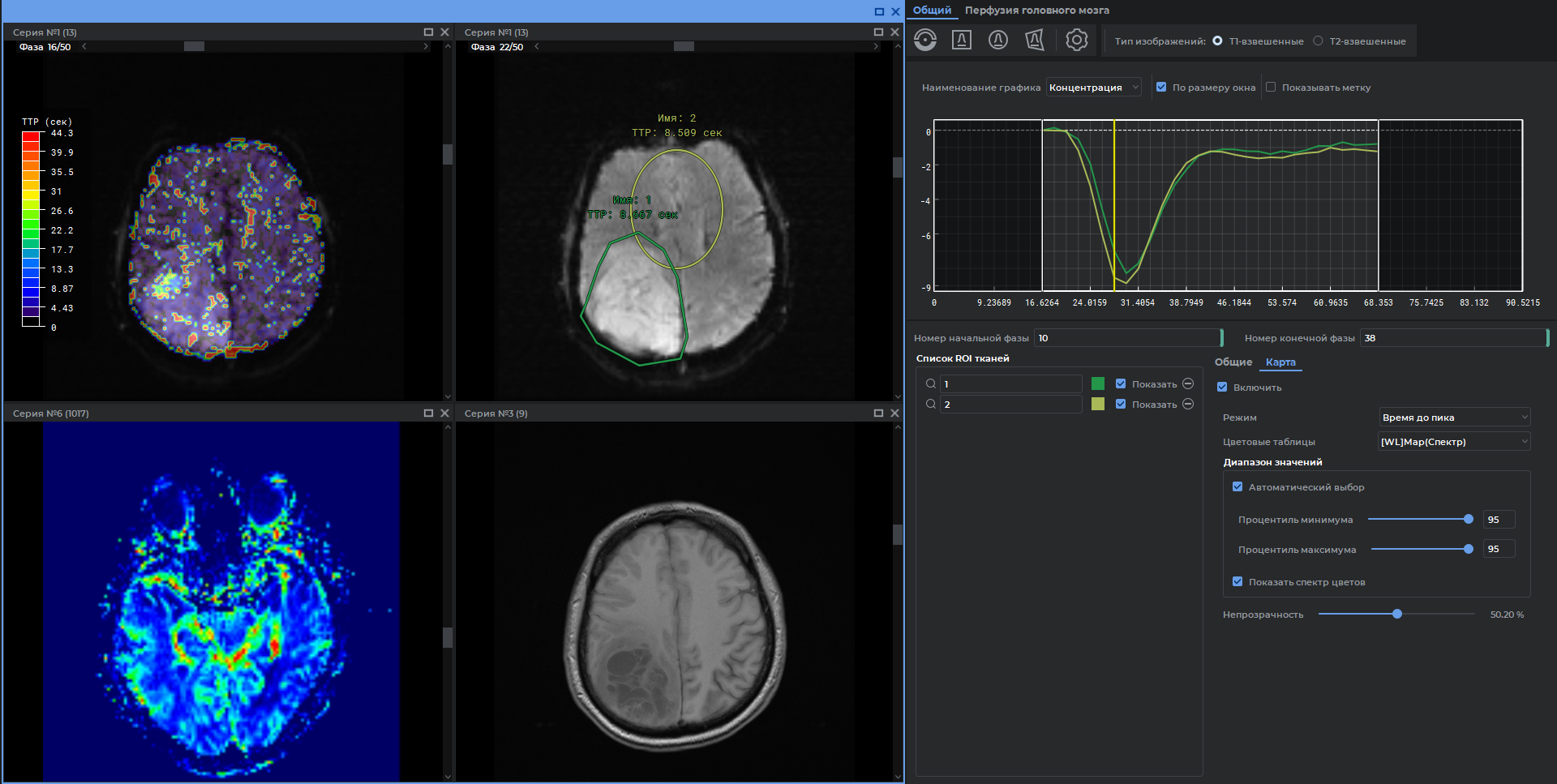

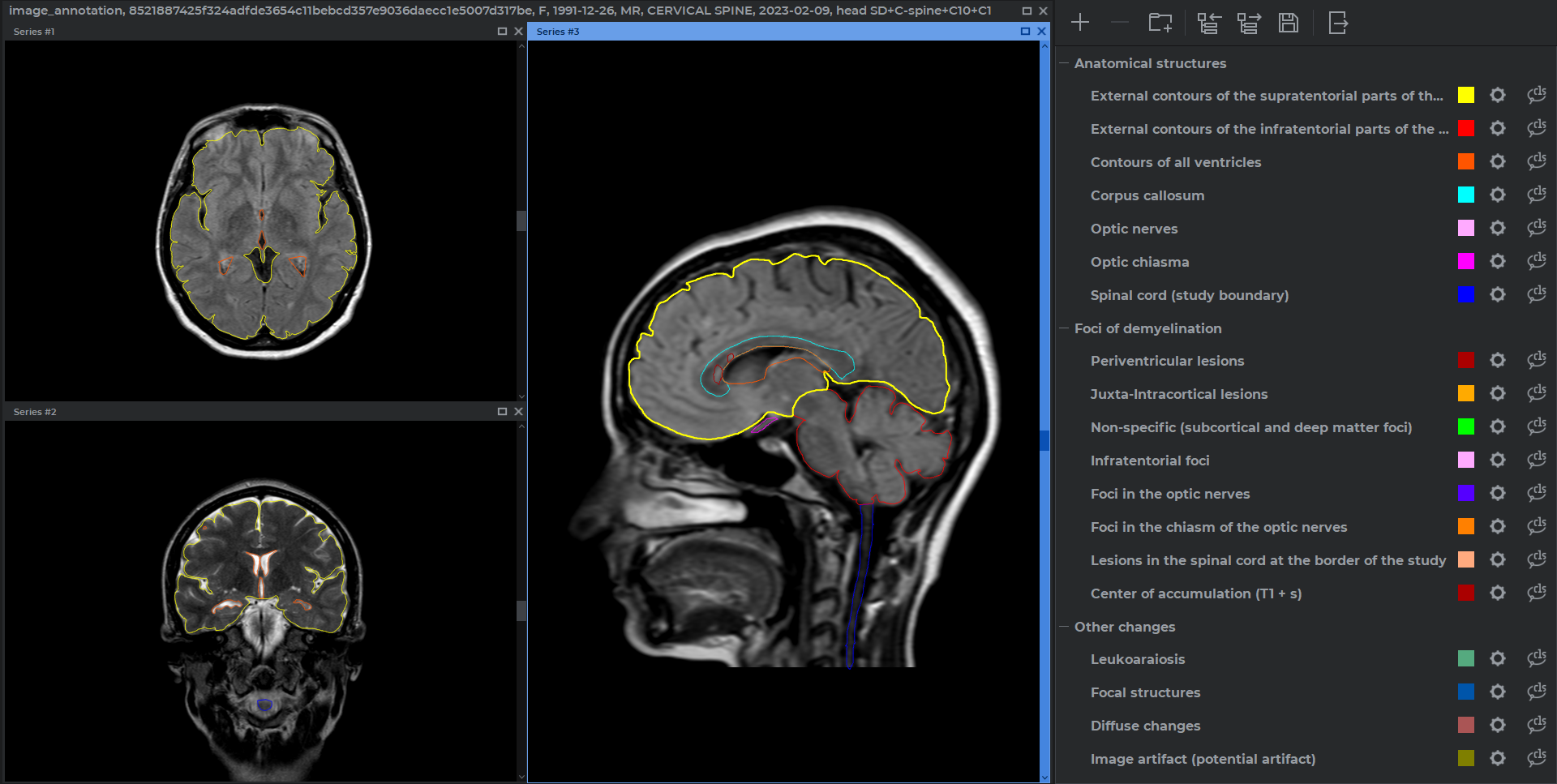
Image annotation module
roll up
- Segmentation of objects in DICOM images
- Control of contours intersections
- Combination of contours into classes and groups
- Import and export in .json format
- Save the results to a project file
- Possibility to work with multiple series and studies





 扫一扫
扫一扫


 被折叠的 条评论
为什么被折叠?
被折叠的 条评论
为什么被折叠?
 到【灌水乐园】发言





