


CSS Transitions 过渡效果详解
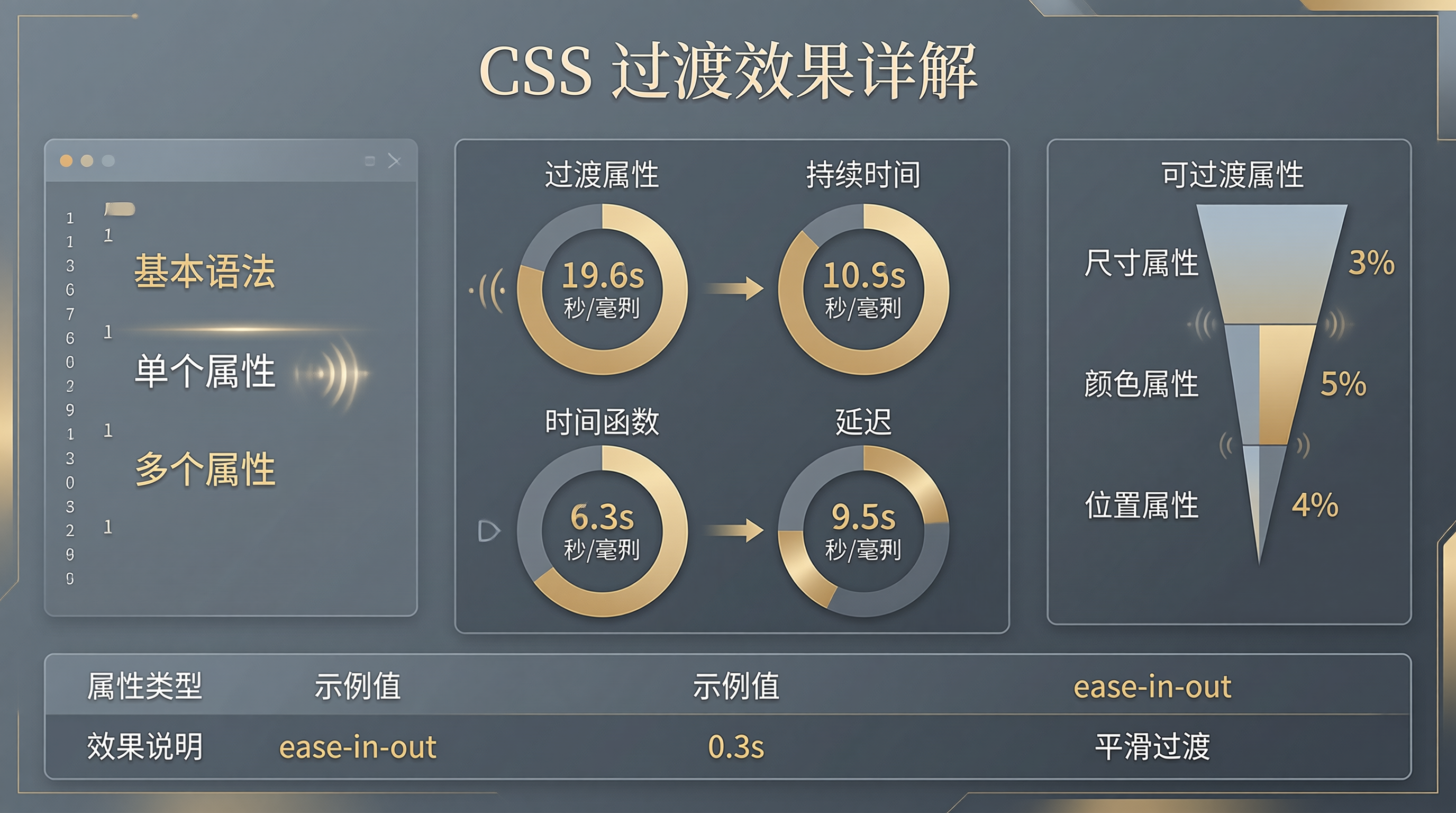
一、Transitions 概述
CSS Transitions(过渡)用于在元素状态变化时创建平滑的动画效果。它们允许属性值在一段时间内平滑过渡。
1.1 基本语法
.element {
  transition: property duration timing-function delay;
}
二、过渡属性
2.1 transition-property
/* 单个属性 */
.element { transition-property: width; }

/* 多个属性 */
.element { transition-property: width, height, opacity; }

/* 所有属性 */
.element { transition-property: all; }
2.2 transition-duration
.element {
  transition-duration: 0.3s;
  transition-duration: 500ms;
}
2.3 transition-timing-function
/* 线性 */
.timing-linear { transition-timing-function: linear; }

/* 缓入 */
.timing-ease-in { transition-timing-function: ease-in; }

/* 缓出 */
.timing-ease-out { transition-timing-function: ease-out; }

/* 缓入缓出 */
.timing-ease-in-out { transition-timing-function: ease-in-out; }

/* 自定义贝塞尔曲线 */
.timing-custom { transition-timing-function: cubic-bezier(0.4, 0, 0.2, 1); }

/* 步进 */
.timing-steps { transition-timing-function: steps(4); }
2.4 transition-delay
.element {
  transition-delay: 0.2s;
}
三、组合写法
3.1 简写形式
/* 完整写法 */
.element {
  transition: all 0.3s ease-in-out 0.1s;
}

/* 多个属性 */
.element {
  transition:
    width 0.3s ease,
    height 0.5s ease-out;
}
四、可过渡属性
4.1 常用可过渡属性
.element {
  /* 尺寸 */
  width: 100px;
  height: 100px;
  padding: 10px;

  /* 颜色 */
  color: #333;
  background-color: #fff;
  border-color: #ccc;

  /* 位置 */
  transform: translateX(0);
  left: 0;
  top: 0;

  /* 透明度 */
  opacity: 1;

  /* 边框 */
  border-width: 1px;
  border-radius: 4px;

  /* 阴影 */
  box-shadow: 0 2px 4px rgba(0,0,0,0.1);
}
五、实战案例
5.1 悬停效果
.button {
  padding: 12px 24px;
  background: #667eea;
  color: white;
  border-radius: 8px;
  transition: all 0.3s ease;
}

.button:hover {
  background: #764ba2;
  transform: translateY(-2px);
  box-shadow: 0 4px 12px rgba(102, 126, 234, 0.4);
}
5.2 卡片翻转
.card {
  transition: transform 0.6s ease;
  transform-style: preserve-3d;
}

.card.flipped {
  transform: rotateY(180deg);
}
5.3 进度条动画
.progress-bar {
  height: 10px;
  background: #eee;
  border-radius: 5px;
  overflow: hidden;
}

.progress-bar::after {
  content: '';
  display: block;
  width: 0;
  height: 100%;
  background: linear-gradient(90deg, #667eea, #764ba2);
  transition: width 1s ease-out;
}

.progress-bar.active::after {
  width: 75%;
}
5.4 菜单展开
.menu {
  max-height: 0;
  overflow: hidden;
  transition: max-height 0.3s ease;
}

.menu.open {
  max-height: 500px;
}
5.5 图片悬停缩放
.image-container {
  overflow: hidden;
  border-radius: 12px;
}

.image-container img {
  width: 100%;
  height: auto;
  transition: transform 0.4s ease;
}

.image-container:hover img {
  transform: scale(1.1);
}
六、性能考虑
6.1 触发重绘/回流
/* 触发回流(不推荐) */
.element {
  transition: width 0.3s;
}

/* 仅触发合成(推荐) */
.element {
  transition: transform 0.3s;
}
6.2 will-change
.element {
  will-change: transform, opacity;
}
七、JavaScript 触发过渡
7.1 添加/移除类
const element = document.querySelector('.box');

// 添加过渡
element.classList.add('active');

// 移除过渡
element.classList.remove('active');
7.2 监听过渡结束
element.addEventListener('transitionend', (event) => {
  console.log('过渡完成:', event.propertyName);
});
八、浏览器兼容性
| 属性 | Chrome | Firefox | Safari | IE |
|---|---|---|---|---|
| transition | 26+ | 16+ | 6.1+ | 10+ |
九、总结
CSS Transitions 是创建平滑动画的基础:
- 过渡属性 - property、duration、timing-function、delay
- 可过渡属性 - 尺寸、颜色、位置、透明度等
- 性能优化 - 使用 transform 和 opacity
- JavaScript 集成 - 触发过渡、监听结束事件
合理使用过渡可以提升用户体验。





 扫一扫
扫一扫


 419
419

 被折叠的 条评论
为什么被折叠?
被折叠的 条评论
为什么被折叠?
 到【灌水乐园】发言





