



下载安装包
上传到服务器
-rw-r--r--. 1 root root 1805776753 2月 20 11:22 oceanbase-all-in-one-4.3.5_20250115.el8.x86_64.tar.gz
解压
tar -zxvf oceanbase-all-in-one-4.3.5_20250115.el8.x86_64.tar.gz
安装
执行以下命令
sh oceanbase-all-in-one/bin/install.sh
配置文件
cd oceanbase-all-in-one/obd/usr/obd/example
cp mini-single-example.yaml mini-single-20250220-01.yaml
打开配置文件
## Only need to configure when remote login is required
user:
  username: admin
  password: root1234
#   key_file: your ssh-key file path if need
  port: 22
#   timeout: ssh connection timeout (second), default 30
oceanbase-ce:
  servers:
    # Please don't use hostname, only IP can be supported
    - 192.168.1.8
  global:
    #  The working directory for OceanBase Database. OceanBase Database is started under this directory. This is a required field.
    home_path: /root/oceanbase/observer
    # The directory for data storage. The default value is $home_path/store.
    data_dir: /root/oceanbase/data
    # The directory for clog, ilog, and slog. The default value is the same as the data_dir value.
    redo_dir: /root/oceanbase/redo
    # Starting from observer version 4.2, the network selection for the observer is based on the 'local_ip' parameter, and the 'devname' parameter is no longer mandatory.
    # If the 'local_ip' parameter is set, the observer will first use this parameter for the configuration, regardless of the 'devname' parameter.
    # If only the 'devname' parameter is set, the observer will use the 'devname' parameter for the configuration.
    # If neither the 'devname' nor the 'local_ip' parameters are set, the 'local_ip' parameter will be automatically assigned the IP address configured above.
    # devname: eth0
    mysql_port: 2881 # External port for OceanBase Database. The default value is 2881. DO NOT change this value after the cluster is started.
    rpc_port: 2882 # Internal port for OceanBase Database. The default value is 2882. DO NOT change this value after the cluster is started.
    obshell_port: 2886 # Operation and maintenance port for Oceanbase Database. The default value is 2886. This parameter is valid only when the version of oceanbase-ce is 4.2.2.0 or later.
    zone: zone1
    cluster_id: 1
    # please set memory limit to a suitable value which is matching resource.
    memory_limit: 6G # The maximum running memory for an observer
    system_memory: 1G # The reserved system memory. system_memory is reserved for general tenants. The default value is 30G.
    datafile_size: 2G # Size of the data file.
    datafile_next: 2G # the auto extend step. Please enter an capacity, such as 2G
    datafile_maxsize: 20G # the auto extend max size. Please enter an capacity, such as 20G
    log_disk_size: 14G # The size of disk space used by the clog files.
    cpu_count: 16
    production_mode: false
    enable_syslog_wf: false # Print system logs whose levels are higher than WARNING to a separate log file. The default value is true.
    max_syslog_file_count: 4 # The maximum number of reserved log files before enabling auto recycling. The default value is 0.
    # root_password: # root user password, can be empty
部署集群
#部署集群
obd cluster deploy obtest -c mini-single-20250220-01.yaml
#查看集群
obd cluster list
启动web界面
obd web
在浏览器访问8680端口
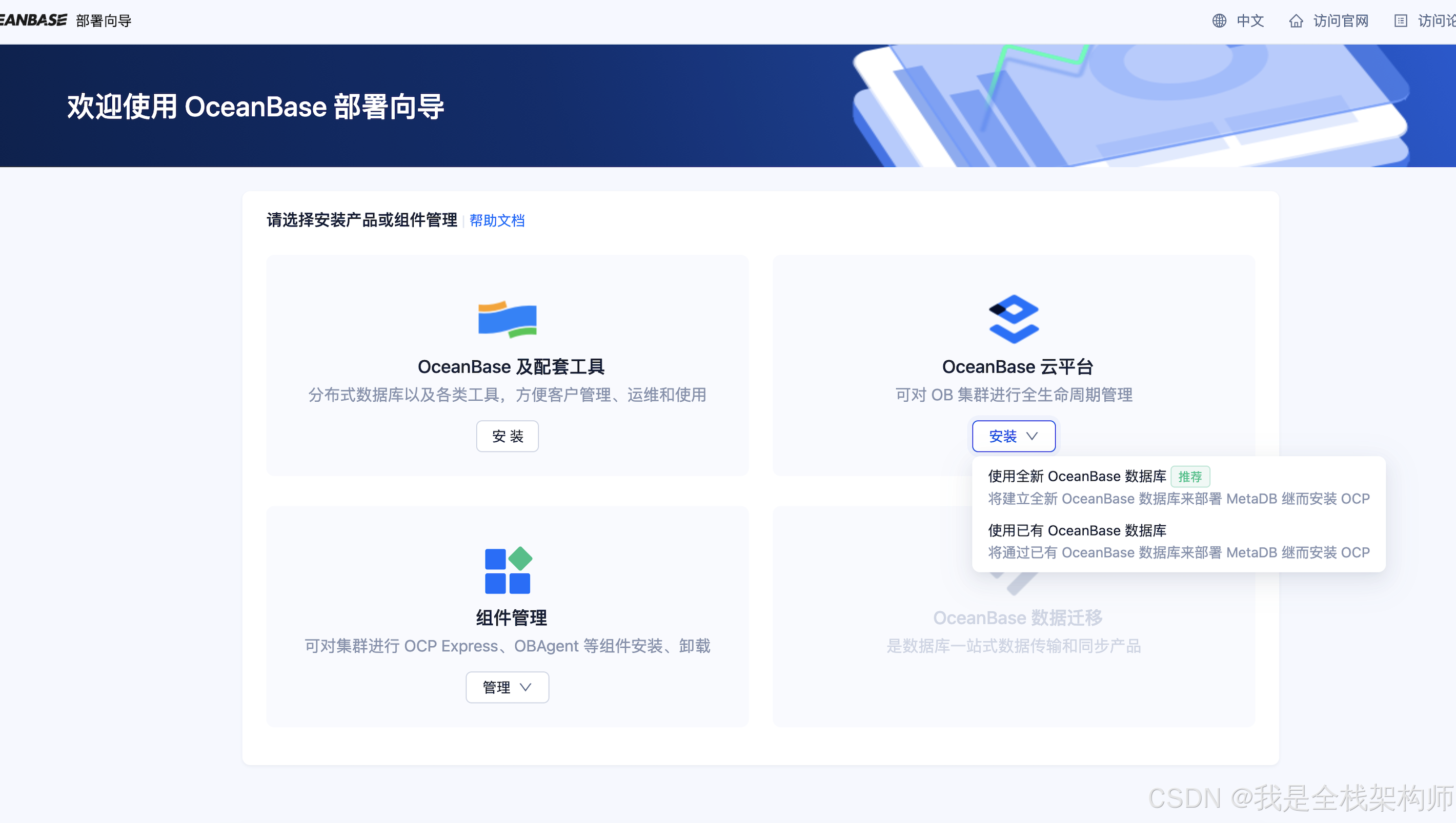
中间过程省略了. 按照提示一步一步安装
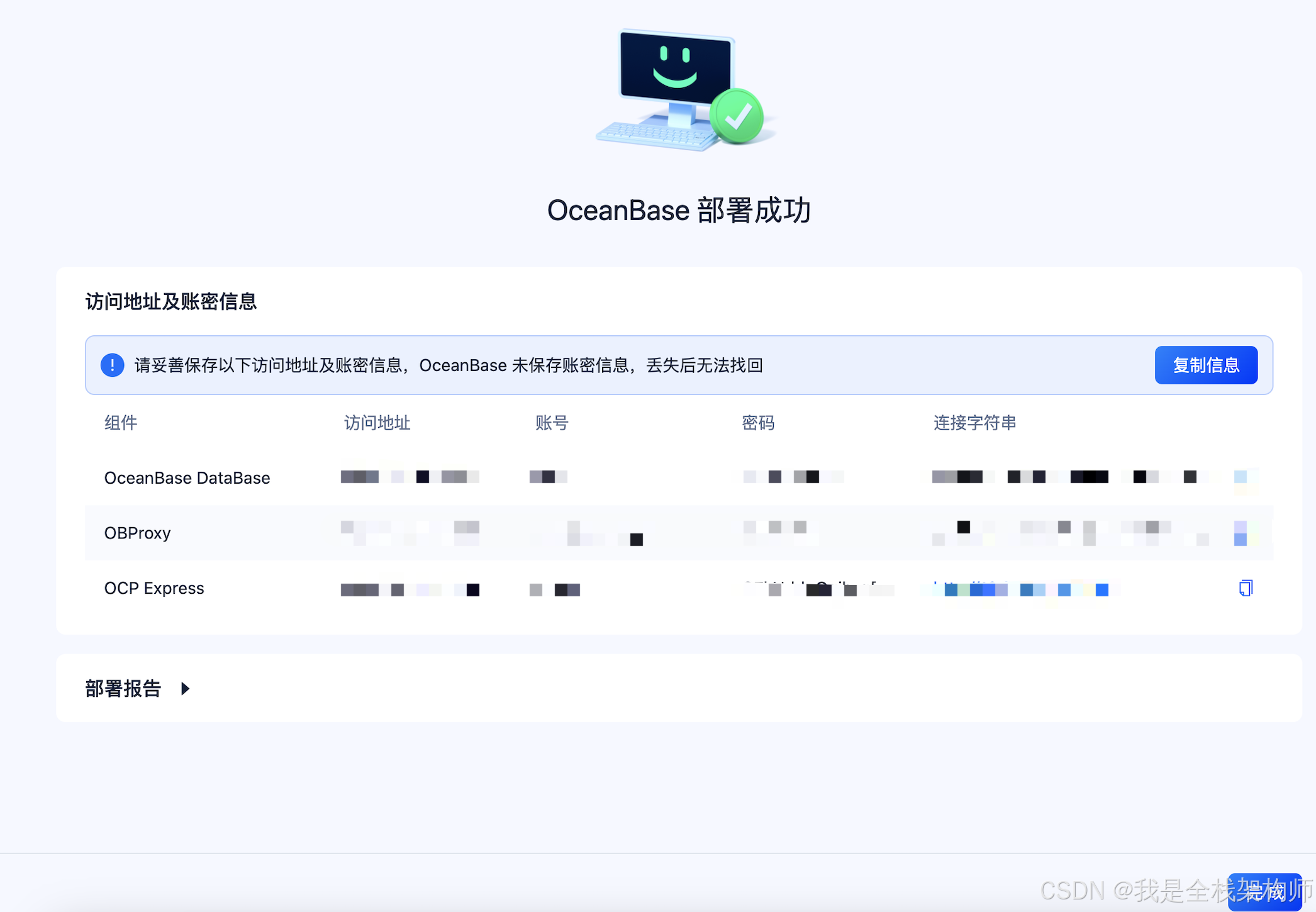
安装成功提示
https://blog.csdn.net/Cyrus_Gao/article/details/142386675





 扫一扫
扫一扫


 2572
2572

 被折叠的 条评论
为什么被折叠?
被折叠的 条评论
为什么被折叠?
 到【灌水乐园】发言





