



安装jaeger报错
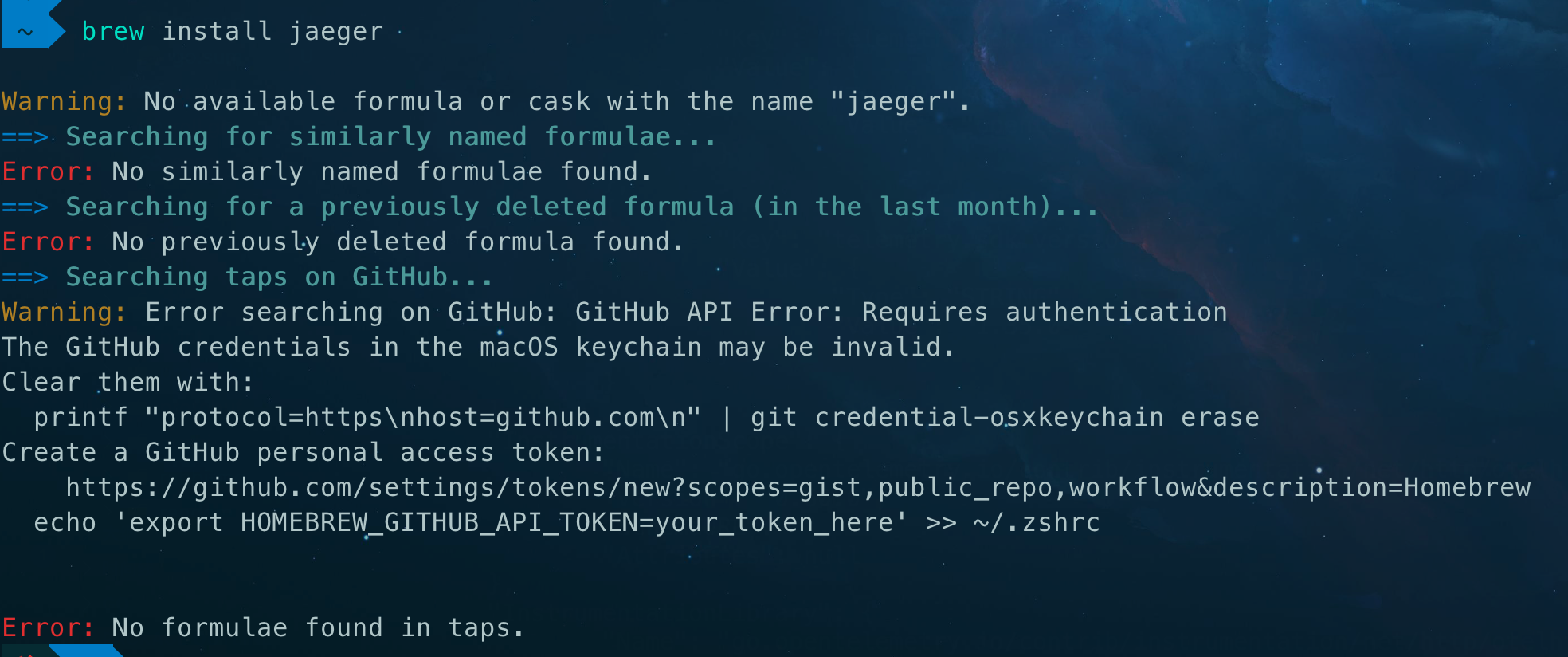
brew install jaeger
Warning: No available formula or cask with the name “jaeger”.
==> Searching for similarly named formulae…
Error: No similarly named formulae found.
==> Searching for a previously deleted formula (in the last month)…
Error: No previously deleted formula found.
==> Searching taps on GitHub…
Warning: Error searching on GitHub: GitHub API Error: Requires authentication
The GitHub credentials in the macOS keychain may be invalid.
Clear them with:
printf “protocol=https\nhost=github.com\n” | git credential-osxkeychain erase
Create a GitHub personal access token:
https://github.com/settings/tokens/new?scopes=gist,public_repo,workflow&description=Homebrew
echo ‘export HOMEBREW_GITHUB_API_TOKEN=your_token_here’ >> ~/.zshrcError: No formulae found in taps.
原因
github凭证失效
解决
跟着报错提示走就行
-
清除无效的凭证
printf “protocol=https\nhost=github.com\n” | git credential-osxkeychain erase
-
github创建新凭证
https://github.com/settings/tokens/new?scopes=gist,public_repo,workflow&description=Homebrew
已经默认勾选好,直接生成就行
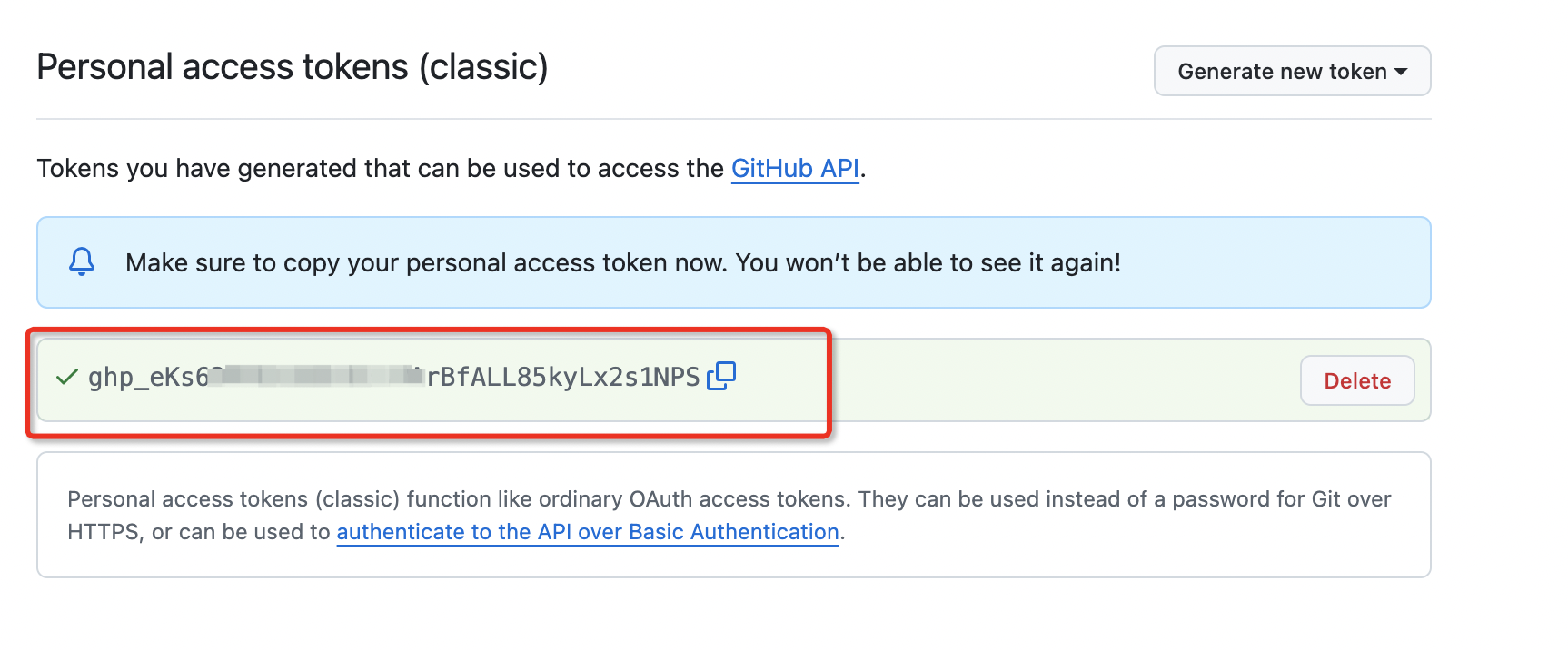
配置凭证,上图的红色部分替换到下面的tokenecho ‘export HOMEBREW_GITHUB_API_TOKEN=your_token_here’ >> ~/.zshrc
重新加载配置文件
source ~/.zshrc
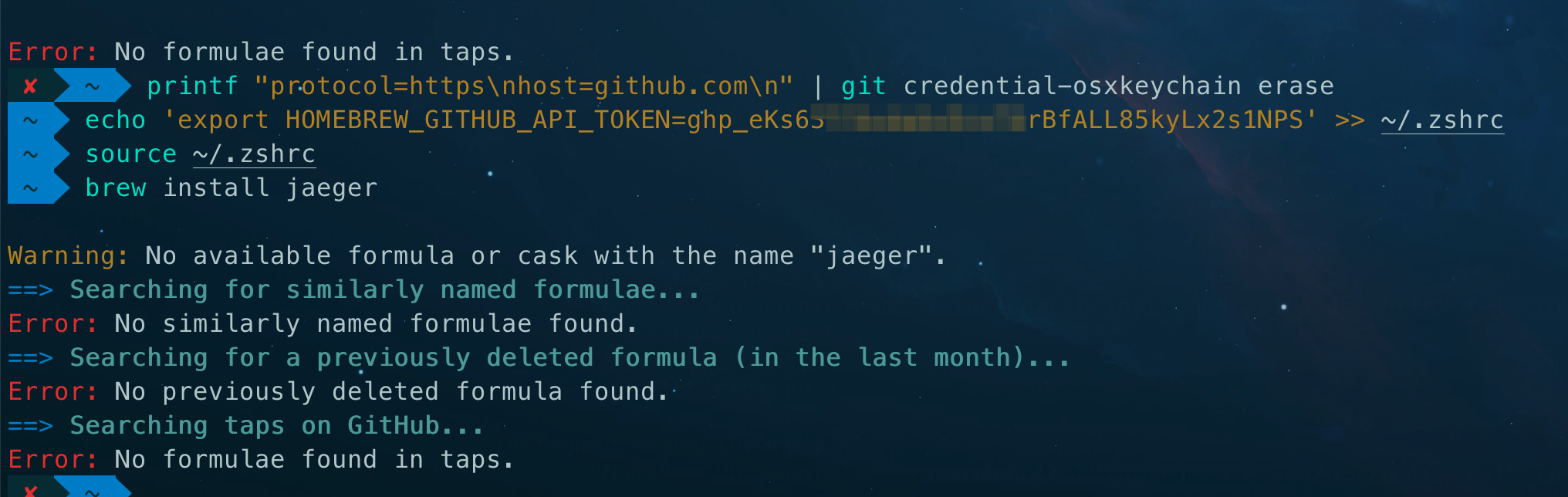
虽然,还是没找到…
但是,以后找别的包就能用了…
最后,还是用了docker…
docker run -itd -d --name jaeger -p 16686:16686 -p 4317:4317 -p 4318:4318 -p 5778:5778 -p 9411:9411 jaegertracing/all-in-one






 扫一扫
扫一扫


 1115
1115

 被折叠的 条评论
为什么被折叠?
被折叠的 条评论
为什么被折叠?
 到【灌水乐园】发言





