



 本文介绍了如何在SpringBoot2.x项目中,通过java -jar方式运行实现文件上传和访问。首先,需在maven的pom.xml中添加spring-boot-maven-plugin插件来正确打包jar,解决缺少主清单属性的问题。然后,通过maven install命令生成jar包。在application.properties配置文件中设置文件上传路径(例如F:/wc)和静态资源位置。最后,在代码中指定上传文件的路径以完成功能。
spingBoot2.x使用 java -jar运行方式的图片上传和访问处理
1.打包成jar包,需要增加maven依赖
<build>
<plugins>
<plugin>
<groupId>org.springframework.boot</groupId>
<artifactId>spring-boot-maven-plugin</artifactId>
</plugin>
</plugins>
</build>
如果没加相关依赖,执行maven打包,运行后会报错:no main manifest attribute, in XXX.jar
项目打jar包
点击项目----右键---Run as----maven install
如果在打包jar文件出现No compiler is provided in this environment错误,参考博客
https://blog.csdn.net/lslk9898/article/details/73836745
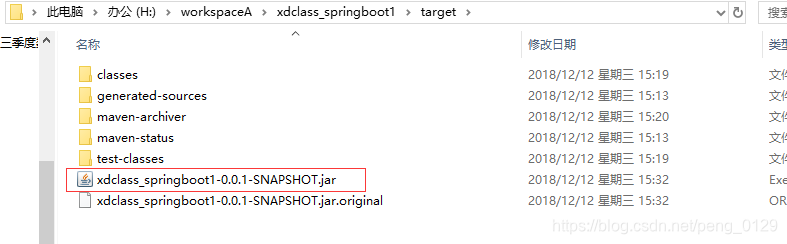
生成的jar包路径:
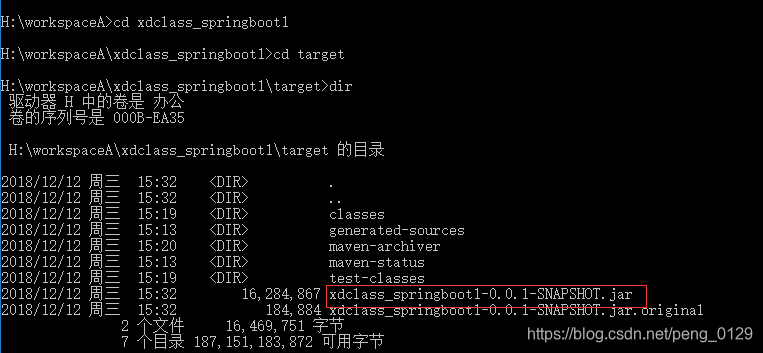
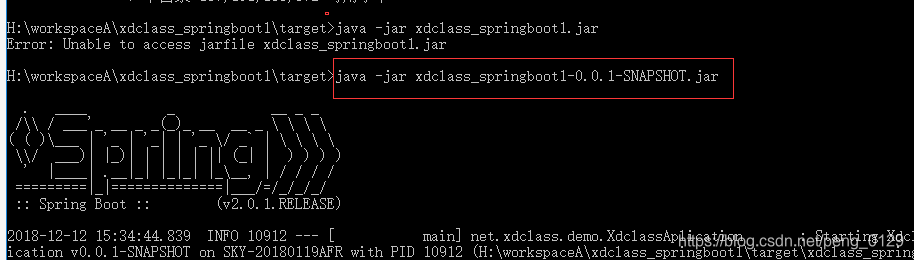
运行jar 文件
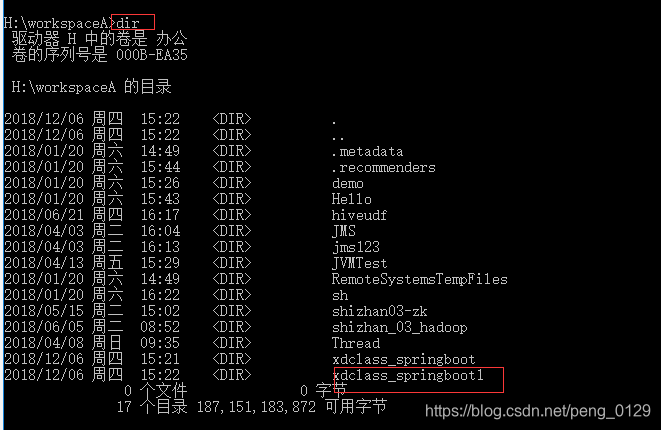
进到windows命令行窗口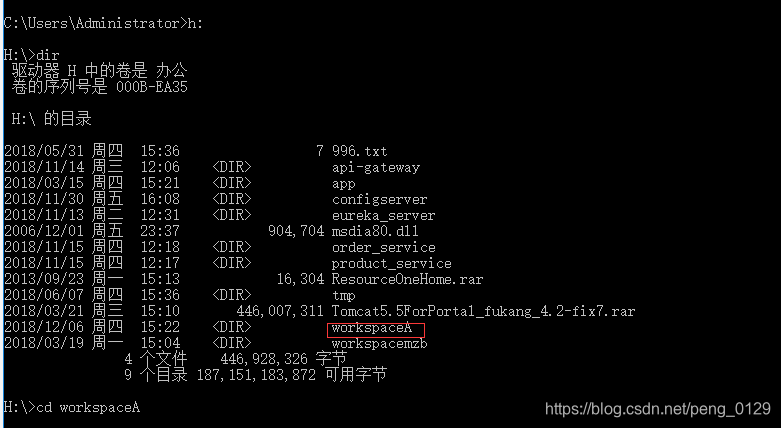
2.文件上传和访问需要指定磁盘路径
application.properties中增加下面配置
1) web.images-path=F:/wc
2) spring.resources.static-locations=classpath:/META-INF/resources/,classpath:/resources/,classpath:/static/,classpath:/public/,classpath:/test/,file:${web.upload-path}
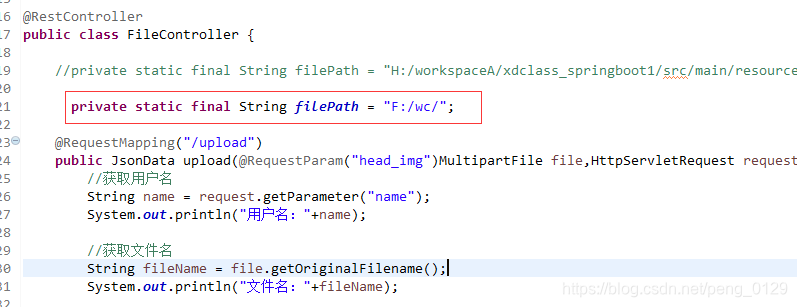
3.在代码里面指定上传文件的路径





 扫一扫
扫一扫


 被折叠的 条评论
为什么被折叠?
被折叠的 条评论
为什么被折叠?
 到【灌水乐园】发言





