


 本文解释了垂直同步(V-Sync)的概念及其如何避免屏幕撕裂现象。当应用程序的帧率与屏幕刷新率不同步时,会导致屏幕显示不完整帧而出现撕裂效果。通过启用垂直同步可以确保每一帧的完整显示。
It synchronizes the redraw of the screen to the vertical refresh of your screen. The monitor or projector redraws the screen at usually 60 frames per second. If you don't enable the vertical sync your application runs as fast as possible and the screen can be drawing half of one frame and half of the previous, getting an effect called tearing
to avoid it you synchronize the update / draw of your app with the refresh of the screen.
By default since 0.8.0 vsync is enabled you can disable it calling ofSetVerticalSync(false)
If you draw the frame rate of the application you can see how the app runs at 60fps usually with vsync enabled and way faster without it
Screen tearing
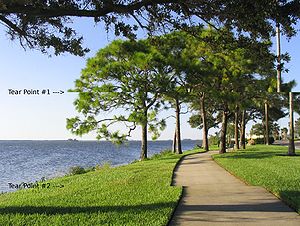
Screen tearing is a visual artifact in video display where a display device shows information from two or more frames in a single screen draw. The artifact occurs when the video feed to the device isn't in sync with the display's refresh. This can be due to non-matching refresh rates—in which case the tear line moves as the phase difference changes (with speed proportional to difference of frame rates). It can also occur simply from lack of sync between two equal frame rates, in which case the te...





 扫一扫
扫一扫


 1872
1872

 被折叠的 条评论
为什么被折叠?
被折叠的 条评论
为什么被折叠?
 到【灌水乐园】发言





