



 本文详细介绍Otto事件总线框架,包括其在Android应用中的作用、如何使用Otto进行不同组件间的通信以及最佳实践。Otto能有效降低组件耦合度,提高应用的响应速度。
Otto 介绍
Otto is an event bus designed to decouple different parts of your application while still allowing them to communicate efficiently.Forked from Guava, Otto adds unique functionality to an already refined event bus as well as specializing it to the Android platform。
官方介绍:square.github.io/otto/
Otto框架是square公司为Android出的一款事件总线框架,用于应用的不同组件之间的通信;降低耦合;基于观察者模式实现,最好采用单例模式实现,这样更高效。
Otto 使用
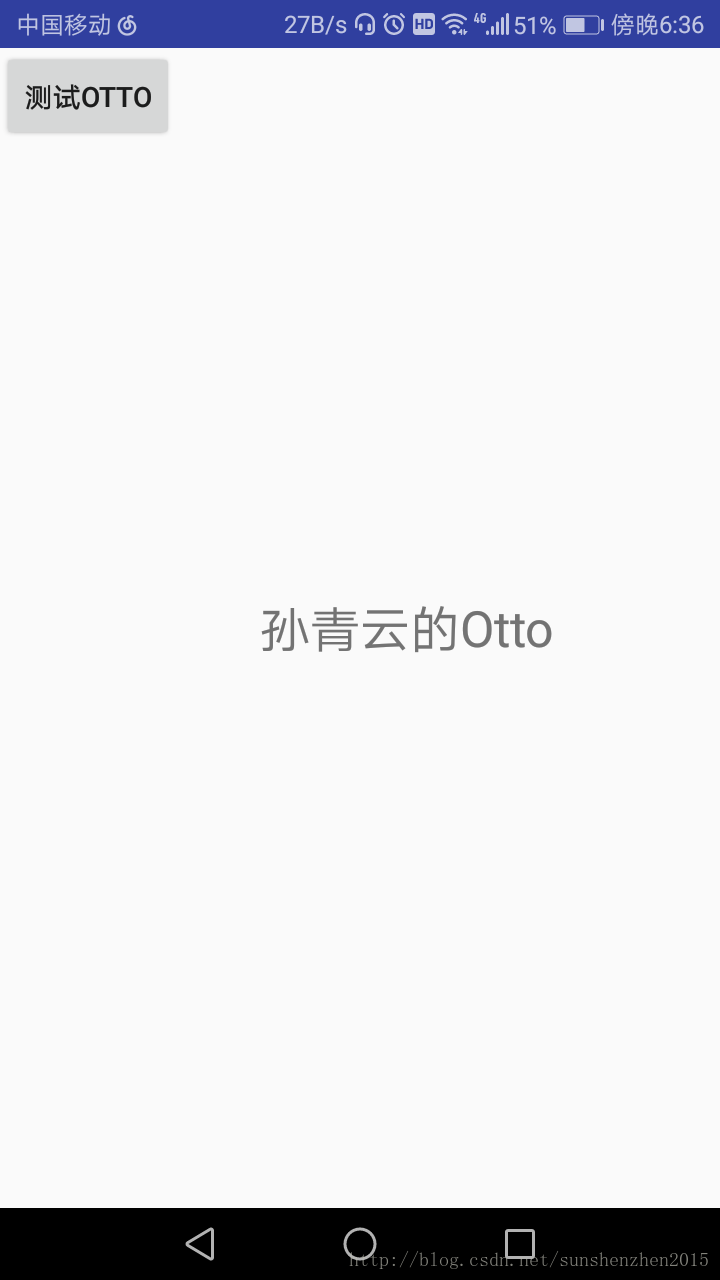
一. 实现在CustomActivity中点击按钮,发送消息,在MainActivity中获得消息并显示出来
1.在build.gradle 中添加依赖
dependencies {
  compile 'com.squareup:otto:1.3.8'
}
2.自定义Bus
用单例模式实现:
public class MyBus  extends Bus{
    private volatile static  MyBus bus;//当一个共享变量被volatile修饰时,它会保证修改的值会立即被更新到主存,当有其他线程需要读取时,它会去内存中读取新值

    private MyBus() {
    }
    public static MyBus getInstance(){
        if (bus==null){
            synchronized (MyBus.class){
                if (bus==null){
                    bus=new MyBus();
                }
            }
        }
        return bus;
    }
}
3. 获取Bus 实例,通过注解处理Event ,不使用时unregister
public class MainActivity extends LayoutActivity {
    private Bus bus;
    private TextView resultTextView;

    @Override
    protected int getLayoutID() {
        return R.layout.activity_main;
    }

    @Override
    protected void onCreate(Bundle savedInstanceState) {
        super.onCreate(savedInstanceState);
        bus= MyBus.getInstance();
        bus.register(this);

        //
        findViewById(R.id.otto).setOnClickListener(new View.OnClickListener() {
            @Override
            public void onClick(View v) {
                startActivity(new Intent(MainActivity.this,CustomActivity.class));
            }
        });
        resultTextView=findViewById(R.id.result);

    }

    @Subscribe
    public void setContent(BusEventData data){
        resultTextView.setText(data.getMessage());
    };


    @Override
    protected void onDestroy() {
        super.onDestroy();
        bus.unregister(this);
    }
}
4.通过post()方法在任何地方发布消息
public class CustomActivity extends Activity {

    @Override
    protected void onCreate(Bundle savedInstanceState) {
        super.onCreate(savedInstanceState);
        setContentView(R.layout.activity_custom);
        Button button=findViewById(R.id.button);
        button.setOnClickListener(new View.OnClickListener() {
            @Override
            public void onClick(View v) {
                MyBus.getInstance().post(new BusEventData("孙青云的Otto"));
                finish();
            }
        });
    }
}
显示效果
使用@Produce来发布事件
Produce注解用来生产发布事件,需要注意的是它生产事件前它需要注册,并且在生产完事件后需要取消注册。如果使用这种方法则在跳转到发布者所在的类中则会立即产生事件并触发订阅者.
二 .Activity 和Fragment 之间或者不同类之间的通信
三. Otto 默认实在主线程进行通信
可以指定@Subscribe和@Produce标注的回调方法所运行的线程,默认是在MainThread中执行。
// 这两个方法是等价的
Bus bus1 = new Bus();
Bus bus2 = new Bus(ThreadEnforcer.MAIN);
public interface ThreadEnforcer {

  /**
   * Enforce a valid thread for the given {@code bus}. Implementations may throw any runtime exception.
   *
   * @param bus Event bus instance on which an action is being performed.
   */
  void enforce(Bus bus);


  /** A {@link ThreadEnforcer} that does no verification. */
  ThreadEnforcer ANY = new ThreadEnforcer() {
    @Override public void enforce(Bus bus) {
      // Allow any thread.
    }
  };

  /** A {@link ThreadEnforcer} that confines {@link Bus} methods to the main thread. */
  ThreadEnforcer MAIN = new ThreadEnforcer() {
    @Override public void enforce(Bus bus) {
      if (Looper.myLooper() != Looper.getMainLooper()) {
        throw new IllegalStateException("Event bus " + bus + " accessed from non-main thread " + Looper.myLooper());
      }
    }
  };

}





 扫一扫
扫一扫


 7635
7635

 被折叠的 条评论
为什么被折叠?
被折叠的 条评论
为什么被折叠?
 到【灌水乐园】发言





