A Ceph cluster used to mean a rack, a 10GbE switch the size of a pizza box, and a five-figure budget. That changed. A class of mini-PC now ships with dual SFP+ 10GbE and room for two or three enterprise NVMe drives, used enterprise SSDs with power-loss protection sell for the price of a consumer drive, and a silent four-port 10GbE switch costs less than a single server NIC did five years ago. Three of these on a desk make a real, fast, self-healing Ceph home lab cluster.
This is a build guide, not a parts list. We sized it, bought-checked every part, then actually stood the cluster up: a real 3-node Ceph 19.2.4 (Squid) cluster deployed with cephadm, six OSDs, HEALTH_OK, with the deploy commands and output captured below. Every command here was run in June 2026, and every price is a live band you should re-check at purchase because the 2026 DRAM shortage moves memory prices weekly.
If you are still deciding the spec rather than the parts, read the companion Ceph home lab hardware requirements guide first; it explains the node-count, RAM, and network math this build assumes.
Quick picks
Build three (or five) identical nodes. These are the parts that survived the bought-check, by job.
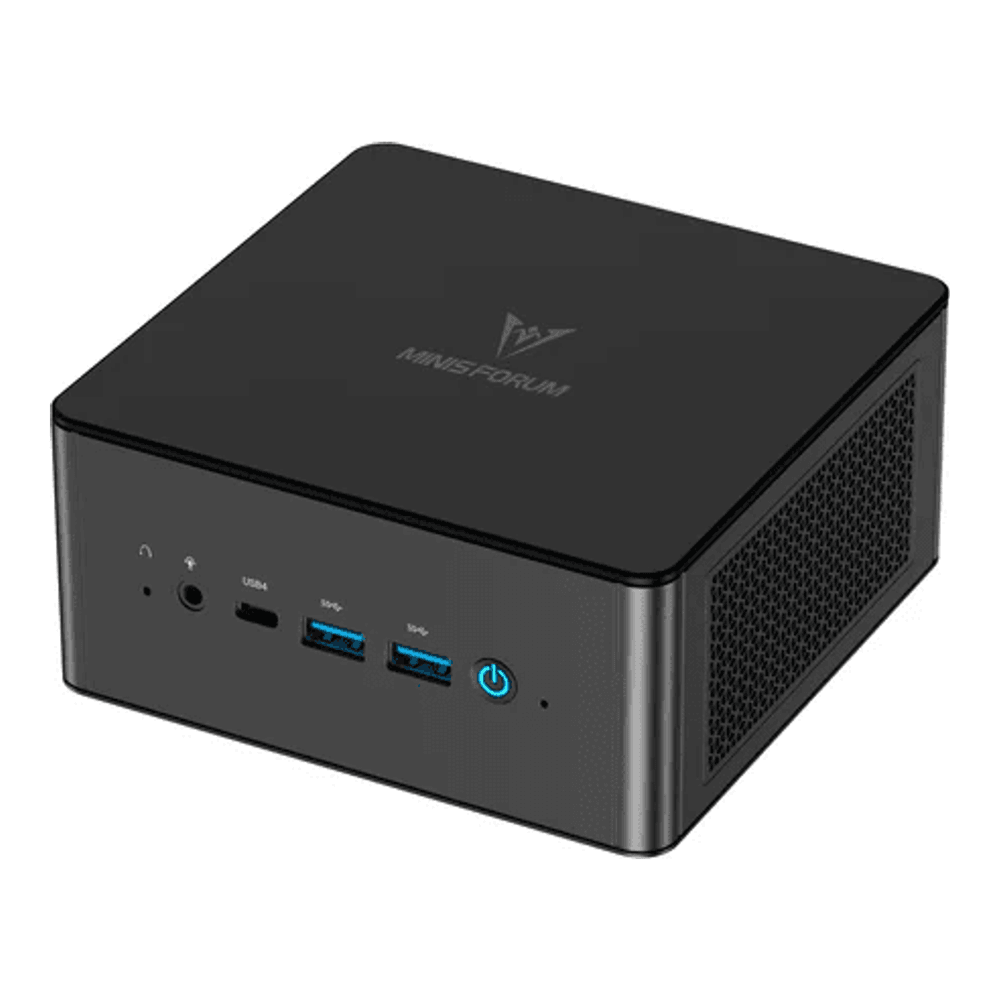
Best overall node: Minisforum MS-01
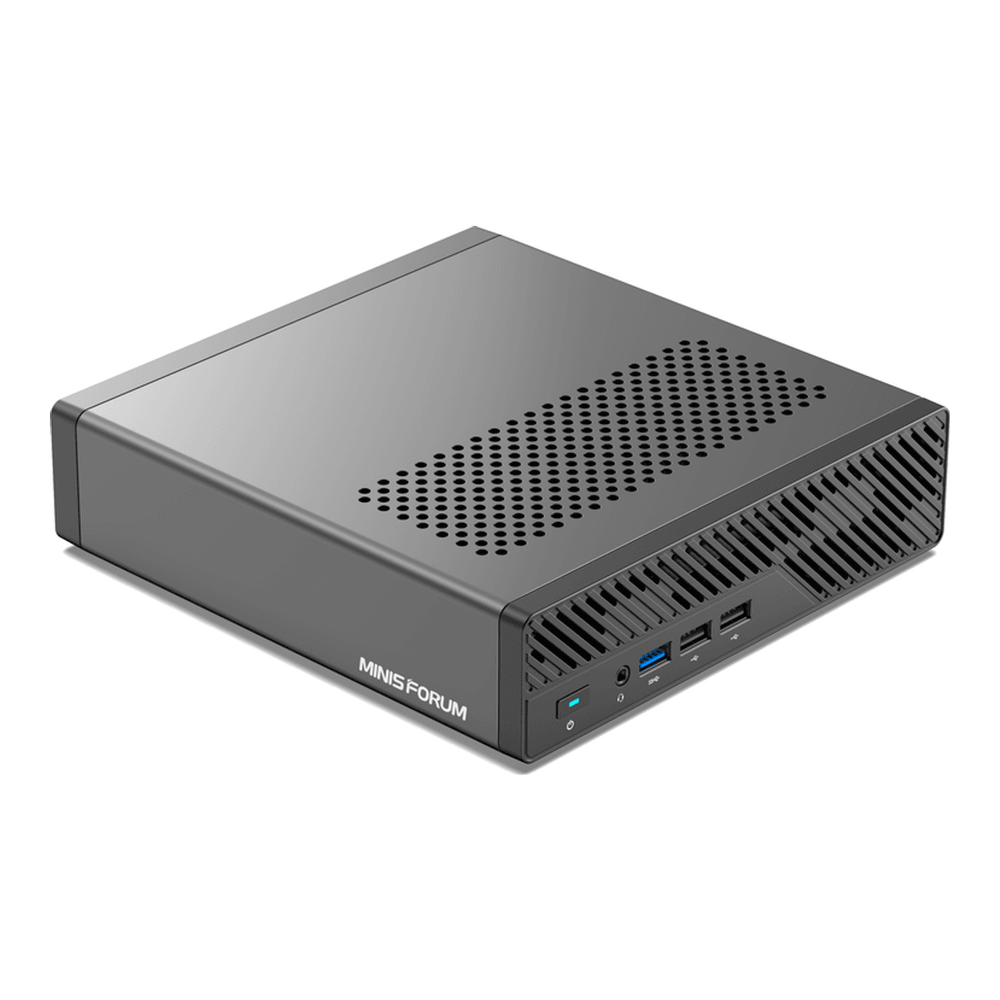
Dual SFP+ 10GbE (Intel X710), three M.2 NVMe slots, and a 14-core i9-13900H in a fanned-but-quiet chassis. It is the settled homelab Ceph node for a reason: the 10GbE is built in, so a three-node cluster needs only the switch and cables. Barebone (no RAM/SSD) runs approx $600 to $650, check the live price. Check price on Amazon.
Best for more cores and RAM: Minisforum MS-A2
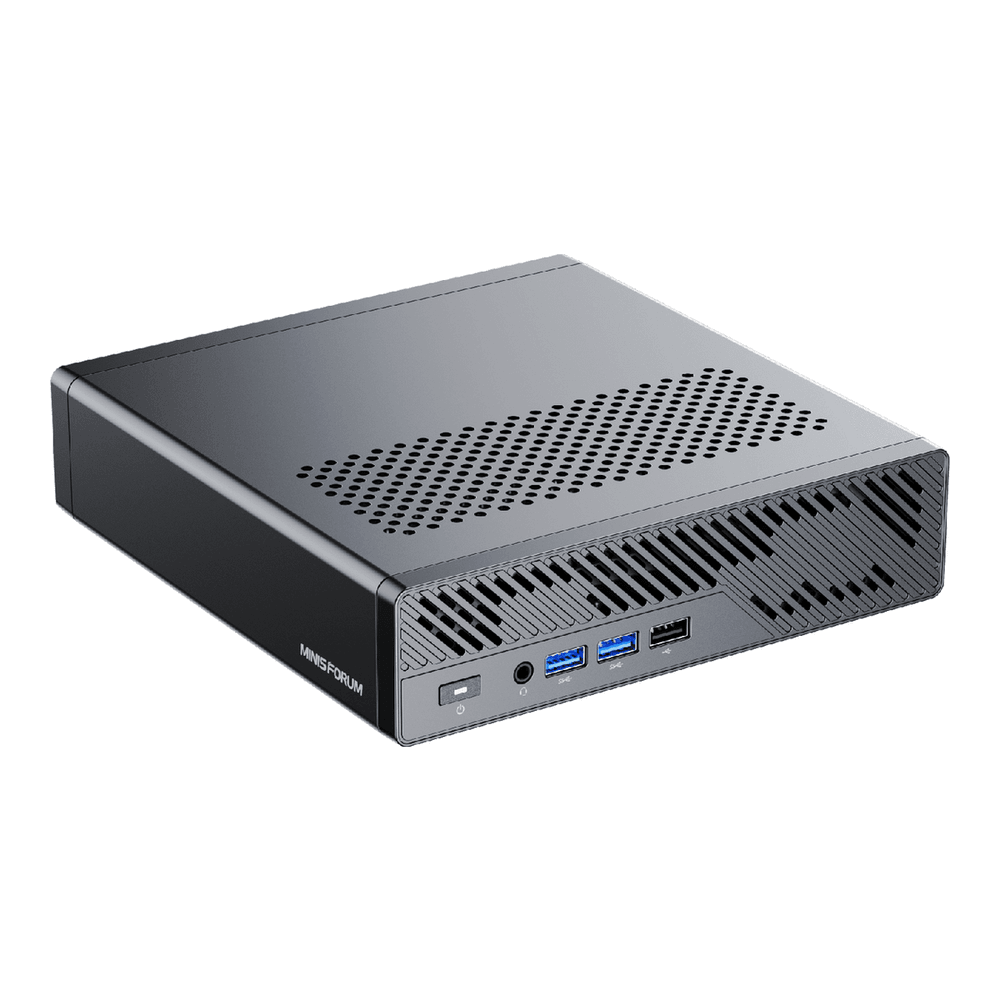
A 16-core, 32-thread Ryzen 9 9955HX, up to 96GB of DDR5, the same dual SFP+ 10GbE, and an M.2 slot that takes 22110 enterprise drives. If your nodes also run VMs on top of Ceph, the extra cores and memory ceiling are worth the step up. Barebone approx $799, check the live price. Check price on Amazon.
Best budget node: Minisforum UM890 Pro
An 8-core 8945HS with two M.2 slots and up to 96GB RAM, for less money. The catch is networking: it has dual 2.5GbE and no 10GbE, so the cluster is network-bound on recovery. Fine for a first cluster you are learning on, approx $500 to $700 configured, check the live price. Check price on Amazon.
Best OSD drive: Micron 7450 PRO
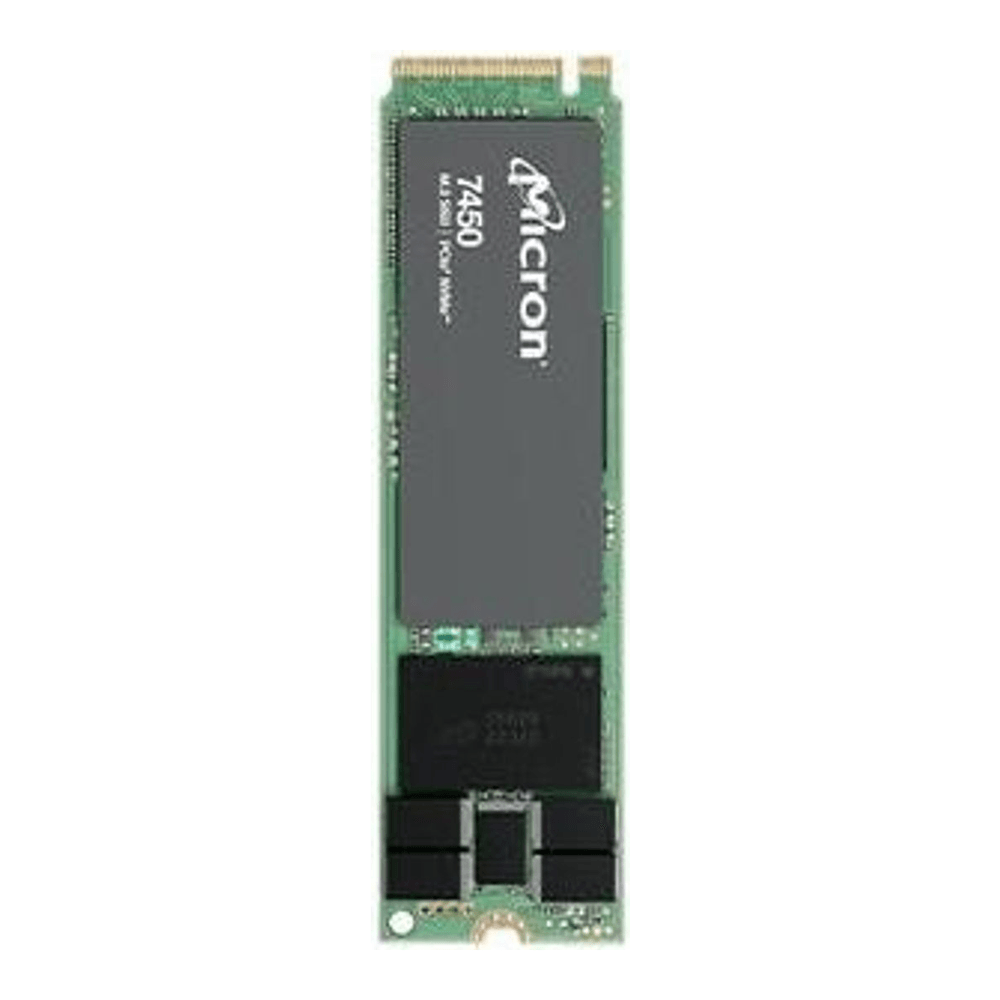
The drive choice is where most home Ceph clusters go wrong. This is an enterprise NVMe with real power-loss protection and a 1 DWPD endurance rating, in the M.2 2280 form factor that fits every node above. It sustains Ceph’s sync writes where a consumer drive collapses. The 960GB is approx $120 to $180, check the live price. Check price on Amazon.
Best switch for three nodes: MikroTik CRS305-1G-4S+IN
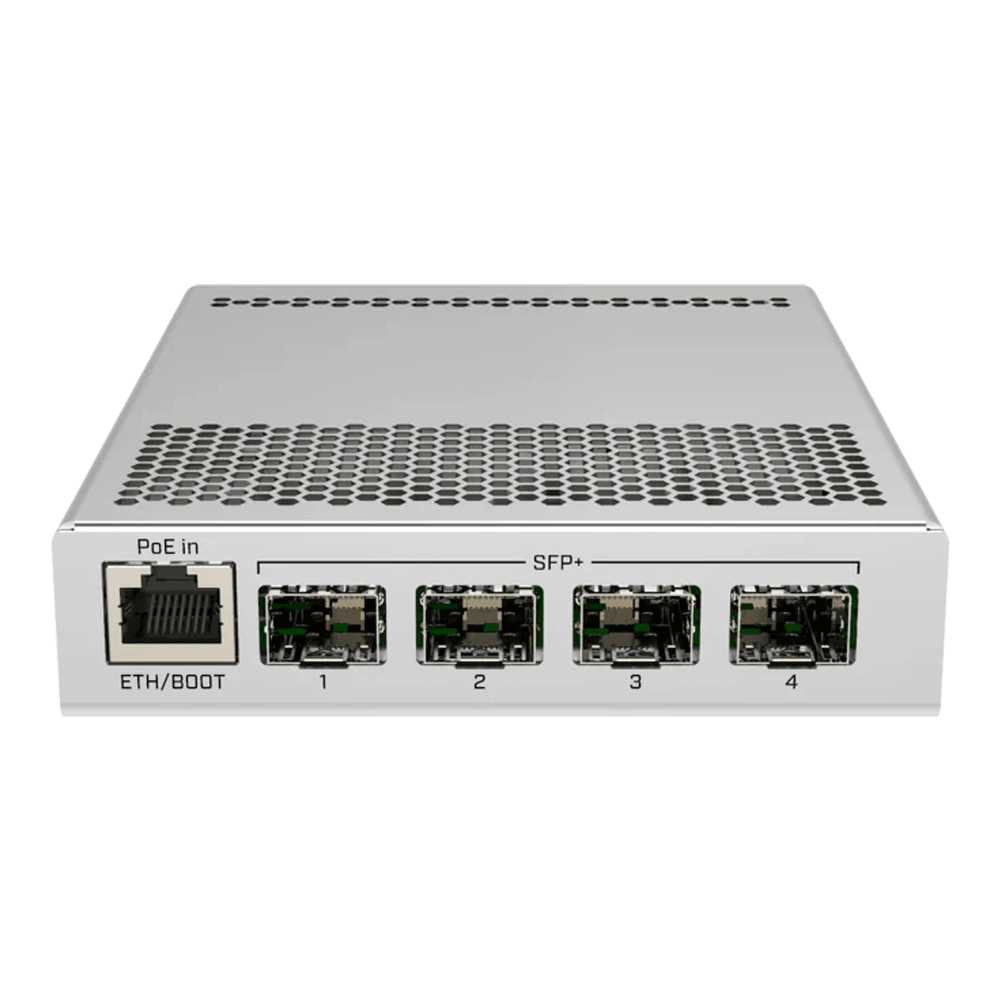
Four SFP+ 10G ports, fanless and silent, under 18 watts, around $140 to $170, check the live price. Four ports is exactly a three-node cluster plus an uplink. Check price on Amazon.
How we tested and picked
Two things had to be true for a part to make this guide: the spec had to check out against the manufacturer datasheet and a live retailer listing, and the resulting cluster had to actually run.
For the cluster, we deployed Ceph 19.2.4 (Squid) with cephadm across three nodes, two OSDs each, and let it settle to HEALTH_OK before running rados bench. That deploy and its output are in the build section below, so you can see the exact commands rather than take our word for it. Honesty matters here: the deploy was run on three VMs on a single host, which is a faithful way to prove the Ceph workflow and behaviour but is NOT a 10GbE hardware throughput benchmark. The throughput numbers you get on real MS-01 nodes with enterprise NVMe and a 10GbE switch will be different and far higher on writes; we say so plainly where the numbers appear.
For the parts, every spec was confirmed against the manufacturer page and a live listing, and a few common claims were corrected in the process: the MS-01 RAM ceiling is 64GB (not the 96GB some forums quote), its 10GbE is an Intel X710, and the Micron 7450 PRO only reaches 1.92TB in the 22110 or U.3 form factor, not M.2 2280.
The parts list at a glance
Pick one node row and replicate it across all three (or five) nodes. Identical nodes matter in Ceph: the cluster weights data by capacity, so an odd node out either wastes space or drags on the rest. Drives, switch, and RAM are shared across all node choices.
| Node platform | CPU | RAM ceiling | NVMe slots | Network | ECC | Price band |
|---|---|---|---|---|---|---|
| MS-01 (recommended) | i9-13900H, 14C/20T | 64GB DDR5 | 3x M.2 (+U.2) | 2x SFP+ 10GbE | No | ~$600-650 |
| MS-A2 (more cores) | Ryzen 9 9955HX, 16C/32T | 96GB DDR5 | 3x M.2 (+U.2) | 2x SFP+ 10GbE | No | ~$799 |
| UM890 Pro (budget) | Ryzen 9 8945HS, 8C/16T | 96GB DDR5 | 2x M.2 | 2x 2.5GbE | No | ~$500-700 |
| Used SFF (serious/cheap) | 8th/9th-gen Core | 64GB+ DDR4 | 1x M.2 + SATA | add SFP+ NIC | No | used market |
Prices are bands; the DRAM shortage in 2026 makes the RAM line in particular worth re-checking the day you buy.
Choosing the nodes for your Ceph cluster
The node is the cluster. Three matched machines, each contributing one or two OSDs, joined by a fast link. The decision is really about networking and how much compute rides alongside the storage.
The MS-01 is the default answer because the dual SFP+ 10GbE is onboard. That single fact removes the biggest home-Ceph headache, since you do not need to add and seat a 10GbE NIC in every node. It pairs a 14-core i9-13900H with three M.2 slots, so one drive holds the OS and two become OSDs. RAM tops out at 64GB, which is plenty for a node doing storage plus a couple of VMs. Who it is for: anyone who wants the recommended build with the least fuss. Skip it if you need ECC or more than 64GB per node.
Step up to the MS-A2 when the nodes do real compute as well as storage. The 16-core Ryzen 9 9955HX and 96GB ceiling give a hyperconverged cluster room to run VMs on the same boxes that serve Ceph, and the M.2 slots accept 22110 enterprise drives for larger OSDs. Who it is for: hyperconverged Proxmox-plus-Ceph nodes. Skip it if the cluster is storage-only, where the MS-01 saves money for the same network.
The UM890 Pro is the honest budget pick, and the honest part is the network. It has no 10GbE, only dual 2.5GbE, so cluster recovery and large writes are network-bound. Ceph still works fine on 2.5GbE for a small, lightly-loaded cluster, and the 8-core 8945HS with up to 96GB is otherwise capable. Who it is for: a first cluster to learn on, or a cluster that mostly reads. Skip it if you care about rebuild speed after a drive or node fails, where 10GbE pays for itself.
The cheapest path is a used small-form-factor desktop such as a Dell OptiPlex SFF, with a 10GbE SFP+ NIC added in its PCIe slot. We are not linking a specific used machine because secondhand stock varies and we only link parts we can verify as currently buyable, but the pattern is sound: a three-node cluster of used SFF desktops plus three NICs can come in well under the price of one new mini-PC. Skip it if you want low idle power and a tidy desk, where the mini-PCs win.
The OSD drives: power-loss protection or nothing
This is the part to not cheap out on, and the reason is specific. Ceph’s BlueStore back end issues frequent synchronous flushes for its journal and metadata. A consumer NVMe drive honours each flush by writing all the way to NAND, which is slow, so a cluster built on consumer QLC drives benchmarks at a fraction of the drives’ rated speed and wears them out fast. An enterprise drive with power-loss protection has onboard capacitors, so it can safely acknowledge a flush from its protected cache. That is the difference between a Ceph cluster that feels fast and one you abandon.
The Micron 7450 PRO is the pick: M.2 2280, PCIe 4.0, 1 DWPD endurance, real power-loss protection, five-year warranty. The 960GB fits the OS-plus-two-OSDs layout of every node here and runs approx $120 to $180, check the live price. If your nodes have a 22110 or U.2 slot (the MS-01 and MS-A2 do), the 1.92TB version in that form factor doubles capacity per OSD at approx $220 to $320. A note on a common mistake: the 7450 PRO in M.2 2280 stops at 960GB, the 1.92TB is only sold as 22110 or U.3, so match the drive to your node’s actual slot.
You can put the OS on a cheaper drive. A power-loss-protected boot SSD like the Kingston DC2000B works for the OS disk, but its 0.4 DWPD endurance is too low for an OSD that takes constant writes, so keep it for boot and use the 7450 PRO for the OSDs.
The network: SFP+ and a DAC per node
Ceph moves every write to other nodes and shifts large amounts of data during recovery, so the network is the cluster’s spine. The recommended MS-01 and MS-A2 nodes use SFP+ (not RJ45), which means a small fanless SFP+ switch and a direct-attach copper (DAC) cable per node. If you built the budget UM890 Pro tier instead, its ports are 2.5GbE RJ45, so pair it with a small 2.5GbE switch rather than the SFP+ unit below.
The MikroTik CRS305-1G-4S+IN gives four SFP+ 10G ports in a silent, sub-18-watt box for approx $140 to $170. Four ports is exactly right for three nodes plus an uplink. If you are building five nodes or want a second link per node, step up to the eight-port CRS309-1G-8S+IN at approx $250 to $300. Check the CRS309 on Amazon.
Two cabling notes that catch people. First, SFP+ connectivity is not free with the switch: budget one DAC cable per node-link.
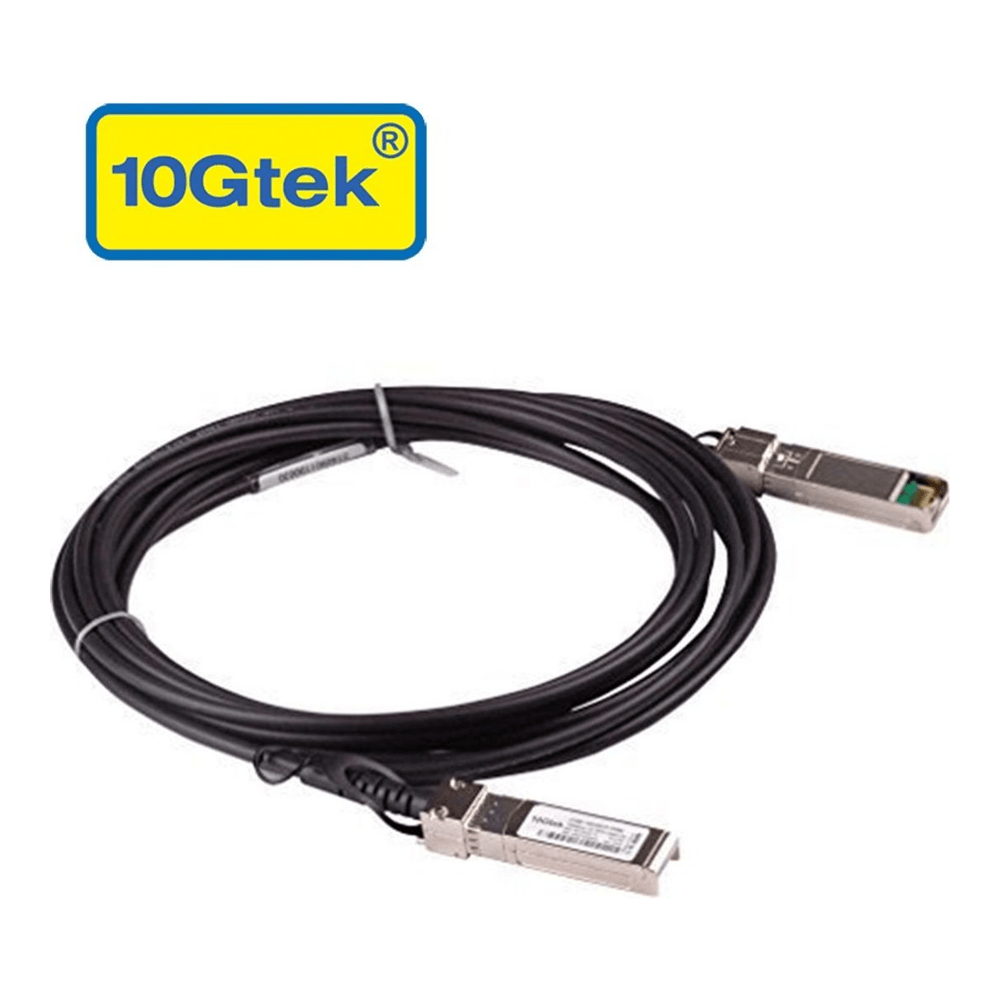
A 10Gtek SFP+ DAC is approx $15 to $25 each and plugs straight into the MS-01 and MS-A2 SFP+ cages. Check the DAC on Amazon. Second, if you went the used-SFF route and a node has no onboard 10GbE, add an Intel-based NIC.
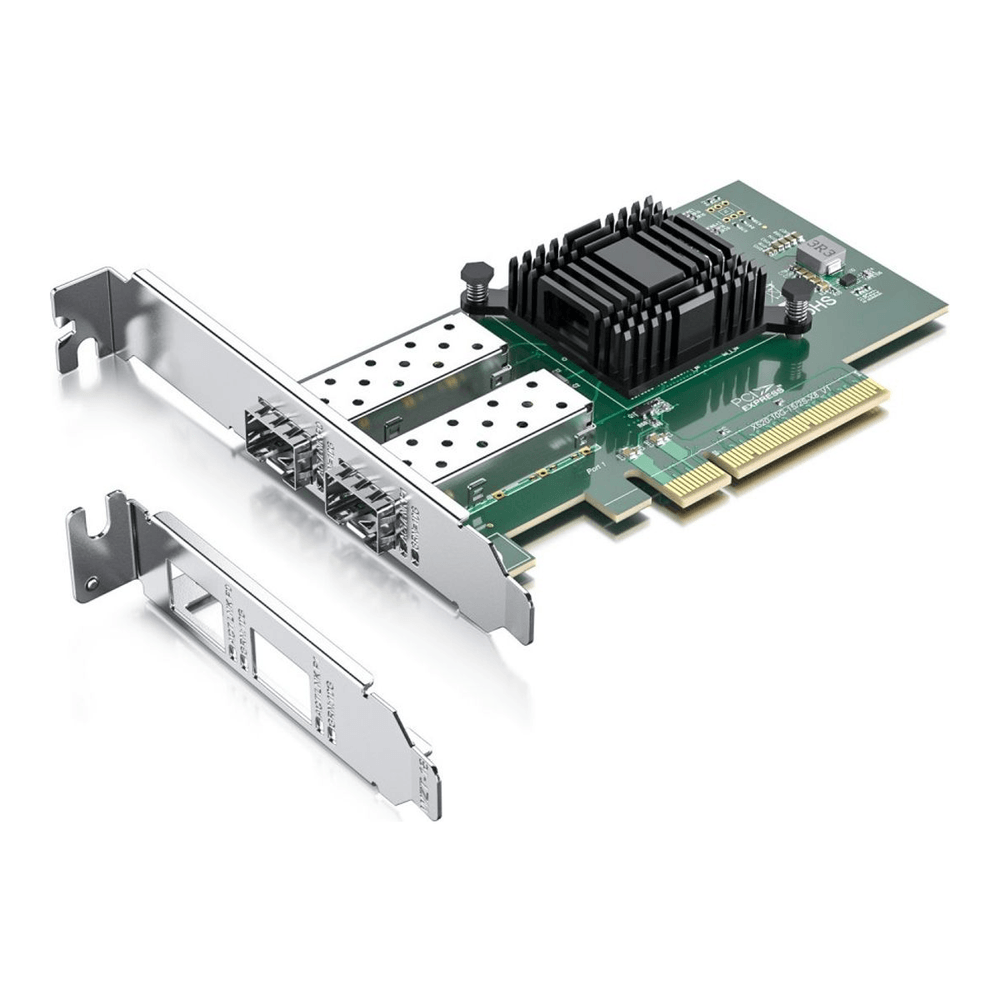
The 10Gtek X520-DA2 uses the Intel 82599ES controller with rock-solid Linux and Proxmox driver support, has dual SFP+ ports, and runs approx $45 to $70. Check the X520-DA2 on Amazon.
RAM: budget per OSD
Each Ceph OSD targets 4GB of memory by default, and the rule of thumb is total node RAM greater than the number of OSDs times that target times two. A node with two OSDs plus the OS and monitor daemons wants 32GB as a floor, and 64GB if it also runs VMs.
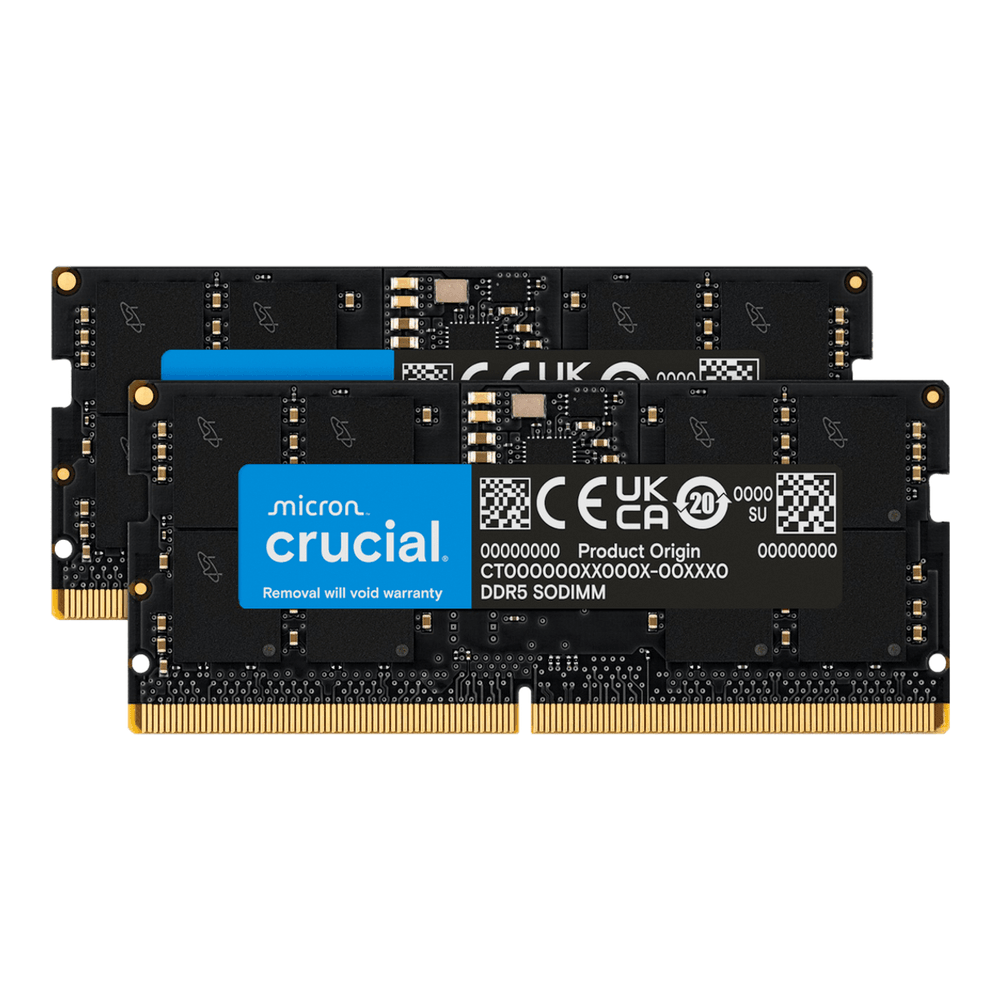
A Crucial 64GB DDR5 SO-DIMM kit fits all three mini-PC nodes and runs approx $170 to $230, though the 2026 DRAM shortage means you should re-check this one at purchase. Check the RAM kit on Amazon. Note that the used SFF route needs full-size DDR4 UDIMMs instead, a different module.
Building it: deploy Ceph with cephadm
With three nodes racked, cabled to the switch, and running a fresh Linux install (we used Ubuntu 24.04), the cluster comes up with cephadm. Install the prerequisites on every node first. Ceph needs a container runtime, LVM, and time sync:
sudo apt update
sudo apt install -y podman lvm2 chrony cephadm ceph-common
On the first node, bootstrap the cluster, pointing it at that node’s IP. This stands up the first monitor and manager:
sudo cephadm bootstrap --mon-ip 192.168.1.140Bootstrap prints the dashboard URL and admin credentials when it finishes:
Ceph Dashboard is now available at:
             URL: https://ceph1:8443/
            User: admin
        Password: s6oxxo5xbl
Bootstrap complete.
Let cephadm manage the other two nodes by copying the cluster’s SSH key to them, then adding them as hosts:
ssh-copy-id -f -i /etc/ceph/ceph.pub root@ceph2
ssh-copy-id -f -i /etc/ceph/ceph.pub root@ceph3
ceph orch host add ceph2 192.168.1.175
ceph orch host add ceph3 192.168.1.158
Now hand Ceph the dedicated OSD drives. This one command turns every empty drive on every host into an OSD:
ceph orch apply osd --all-available-devicesAfter a minute or two the OSDs come up and the cluster reaches HEALTH_OK. Check it:
ceph -sOur three-node cluster reports all six OSDs up and in, with three monitors in quorum:
  cluster:
    id:     f69627a0-6e19-11f1-a0b8-bc24119e87a1
    health: HEALTH_OK

  services:
    mon: 3 daemons, quorum ceph1,ceph2,ceph3 (age 30s)
    mgr: ceph1(active), standbys: ceph3
    osd: 6 osds: 6 up, 6 in

  data:
    pools:   1 pools, 1 pgs
    usage:   560 MiB used, 143 GiB / 144 GiB avail
    pgs:     1 active+clean
The same healthy state on the node itself, monitors in quorum and every OSD up:
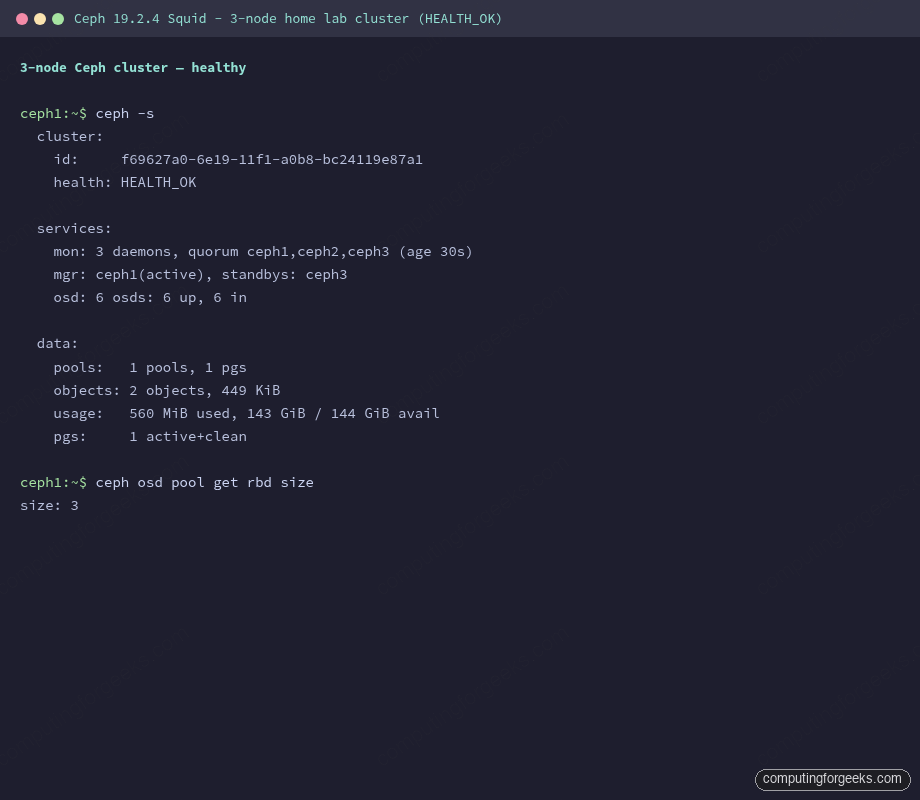
The OSD tree confirms the layout we want: two OSDs on each of the three hosts, so Ceph’s default three-way replication can place one copy per host.
ceph osd treeEach host appears as its own branch under the root, with its two OSDs beneath it:
ID  CLASS  WEIGHT   TYPE NAME       STATUS  REWEIGHT
-1         0.14035  root default
-7         0.04678      host ceph1
 0    hdd  0.02339          osd.0       up   1.00000
 3    hdd  0.02339          osd.3       up   1.00000
-3         0.04678      host ceph2
 2    hdd  0.02339          osd.2       up   1.00000
 5    hdd  0.02339          osd.5       up   1.00000
-5         0.04678      host ceph3
 1    hdd  0.02339          osd.1       up   1.00000
 4    hdd  0.02339          osd.4       up   1.00000
The drives in our lab register as the hdd device class because they are virtual disks; on real Micron 7450 PRO OSDs this column reads ssd, which is what your CRUSH rules key on when you later pin pools to fast media. The default pool already uses three-way replication, which you can confirm directly:
ceph osd pool get .mgr sizeThe reply shows the size that keeps one copy of every object on each of the three hosts:
size: 3That is the whole cluster: three nodes, six OSDs, three-way replication, healthy. From a fresh OS to this state is about fifteen minutes of commands.
What to expect from performance
On our nested lab cluster, a 10-second rados bench write run sustained about 78 MB/s and sequential reads came back near 1 GB/s. Read those numbers in context: three VMs on one host sharing virtual disks and a virtual bridge is a faithful functional test (it proves replication, placement, and recovery all work) but it deliberately understates write throughput. The write path here is bottlenecked by the shared virtual storage, not by Ceph. On real MS-01 nodes with Micron 7450 PRO OSDs and a 10GbE switch, write throughput climbs substantially because the sync writes land on power-loss-protected NAND and the replication traffic has a real 10GbE path. The lesson the lab does teach cleanly: the network and the OSD drive class are what move these numbers, which is exactly why this build spends its money there.
What to look for when you buy
If you take nothing else from the parts research, take these four. Power-loss protection on the OSD drives is the single biggest performance factor, far more than the drive’s rated sequential speed. The network wants to be 10GbE for anything beyond a learning cluster, and SFP+ plus DAC cables is the cheapest way there. ECC is a recommendation for storage rather than a hard requirement, and the homelab consensus runs Ceph on these non-ECC mini-PCs as a known, accepted trade-off; if ECC is non-negotiable for you, that pushes you to a used server platform instead of these. And nodes must match, because Ceph balances by capacity and an oversized or undersized node helps no one.
One capacity note for the shopping math: with three-way replication your usable space is roughly a third of the raw total, and you should plan to fill no more than about 80 percent of that. Six 960GB OSDs (two per node) give around 5.7TB raw, which lands near 1.5TB of comfortable usable capacity. Step to the 1.92TB drives, or add a fourth and fifth node, when that runs tight.
Which tier should you actually build
For most people the answer is three MS-01 nodes, two Micron 7450 PRO 960GB OSDs each, the CRS305 switch, and three DAC cables: a quiet, fast, self-balancing cluster that fits on a shelf and costs less than a prebuilt NAS of the same usable capacity. Move to the MS-A2 if the same nodes will run your VMs, and to the UM890 Pro only if the budget is tight and you accept slower recovery on 2.5GbE. Once the hardware lands, the deploy above is the whole job, or follow our longer walkthroughs to set up Ceph on Rocky Linux and AlmaLinux or Ubuntu, and wire in Prometheus and Grafana monitoring to watch it work. Match the nodes, give them power-loss-protected drives and a 10GbE link, and you have a cluster you will keep.