Repository navigation
Skipping releases
Sometimes you may encounter an 'update loop' - when updater suggest you to install the very same JDK/JRE version you already have. This happens due to the lack of metadata on the local side - for example, version
17.0.9+9.1looks exactly like17.0.9+9from updater's POV.
In such cases (or probably some others), you may want to skip a release, and be notified when the next one arrives.
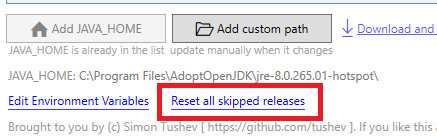
Since v. 2.0.3, all you need to do is to click this button:

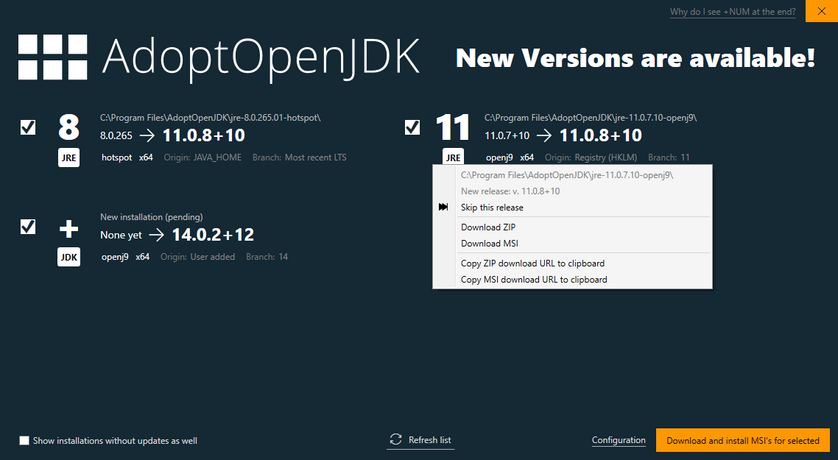
(pre-2.0.3) You can skip any suggested release by using context menu:
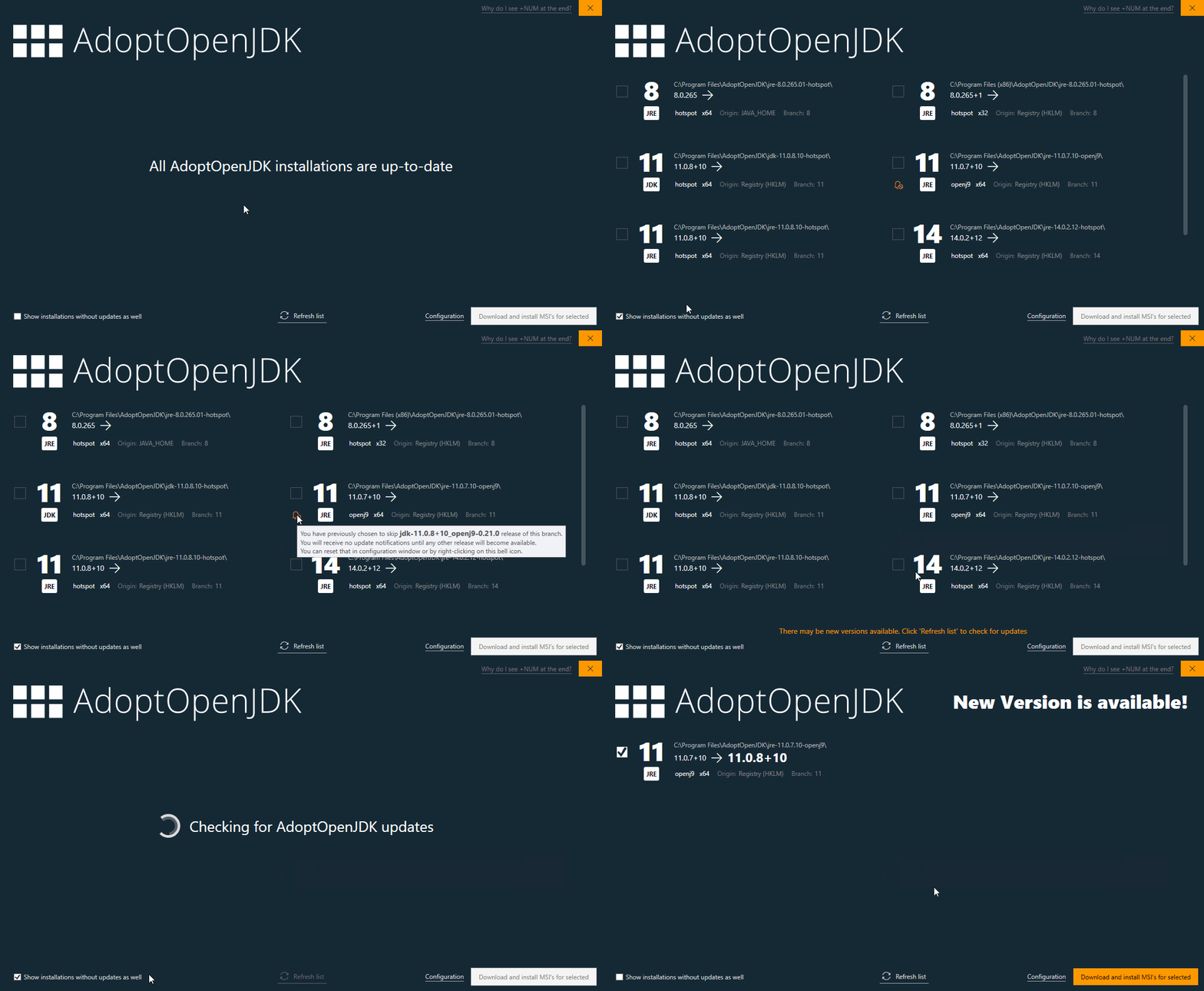
To remove skipped release, set Show installations without updates as well and use context menu:
Or, use Configuration window: