
【ComfyUI】Flux.2(GGUF)で生成する方法

2025年11月25日にFlux.2がリリースされました。
ComfyUIも既に対応しており、fp8モデルが用意されていますが、VRAM16GBだとOOMになります。
調べたらGGUFモデルを公開してる方がおり、こっちなら生成できたので今回はこちらを紹介します。
ComfyUI Blog:
ComfyUIのインストール
ComfyUIのインストールがまだの方はこちらを参考にしてみてください
ComfyUI ポータブル版:https://note.com/aiaicreate/n/n0bb6c5b8bfa2
ComfyUI デスクトップ版:https://note.com/aiaicreate/n/n753c76432496
Stability Matrix:https://note.com/aiaicreate/n/nadcfc6dc8605
ComfyUI Manager:https://note.com/aiaicreate/n/ne73ba273c412
Flux.2(GGUF)の使い方
モデルの用意
生成に必要なモデルをダウンロードして対応するパスに置きます。
orabazes/FLUX.2-dev-GGUF
ComfyUI\models\diffusion_modelssplit_files/text_encoders
ComfyUI\models\text_encoderssplit_files/vae
ComfyUI\models\vaeworkflow
ワークフローはComfyUI起動して左上のメニュー→browser template→Flux.2 Devが使えます。
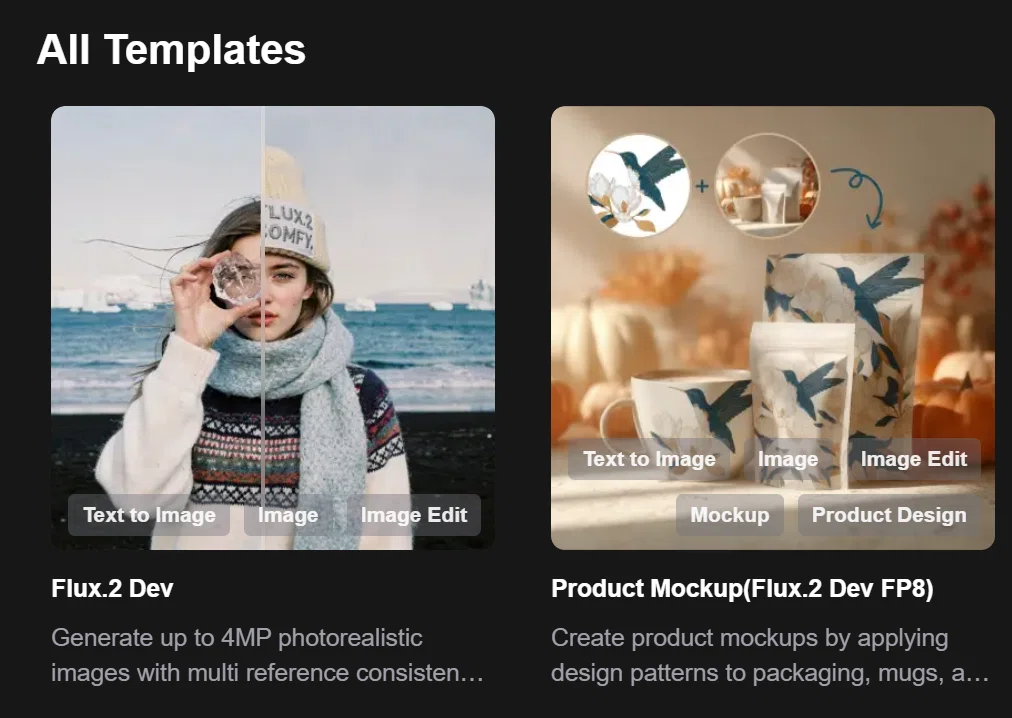
ComfyUI Blogからもダウンロード可能です。
FLUX.2 Day-0 Support in ComfyUI: Frontier Visual Intelligence!
ノードの設定&実行
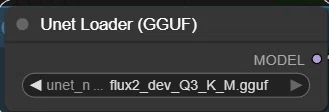
Unet Loader (GGUF)
GGUFモデルなのでComfyUI-GGUFが必要です。
インストールするとこのノードが使えるのでLoad Diffusion Modelと置き換えてください。
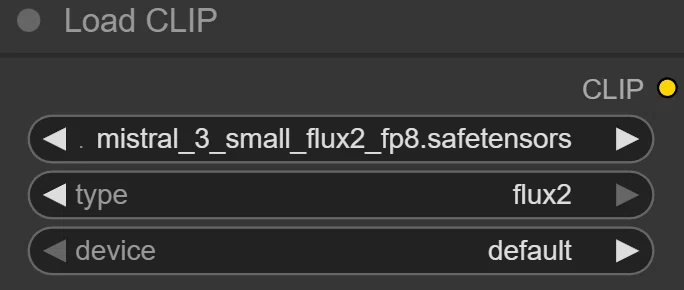
Load CLIP
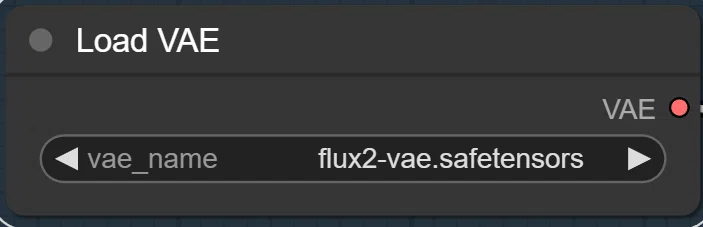
Load VAE
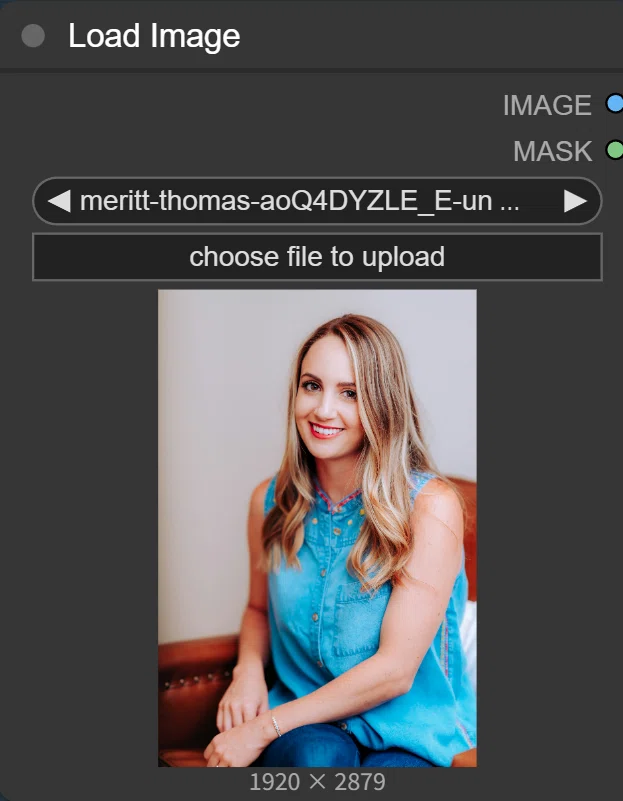
Load Image
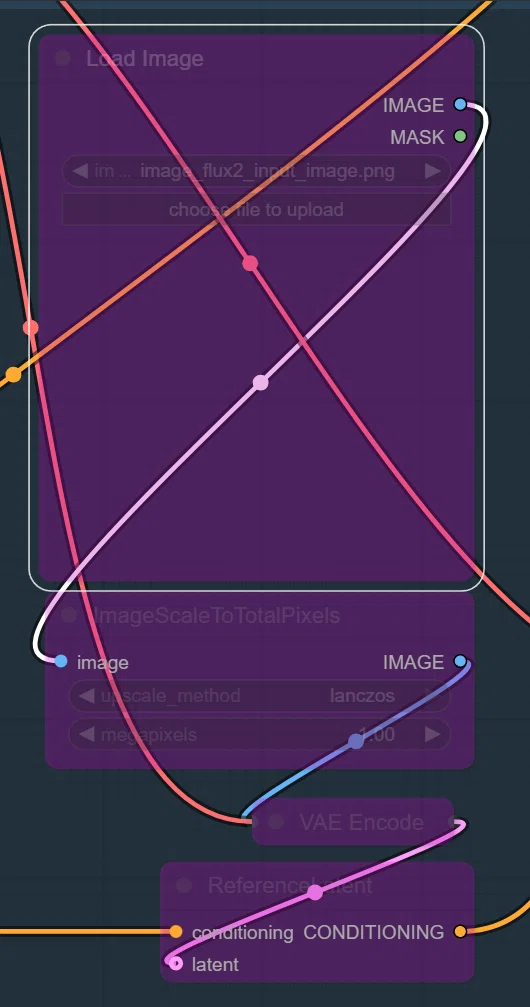
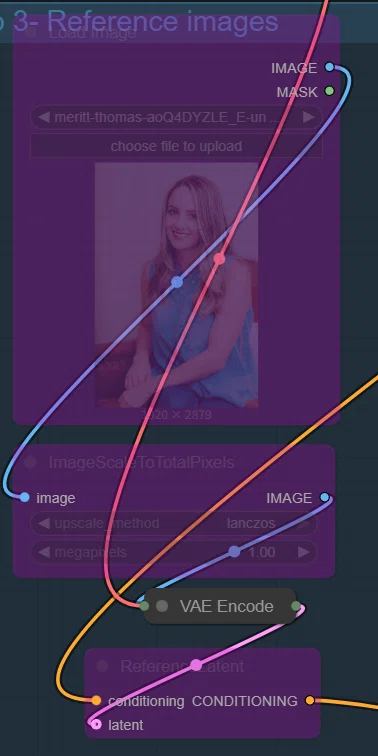
参照画像増やしたい場合は、こっちのbypassされてる方をONにすれば使えます。
公式情報だと10枚までいけるそうです。
CLIP Text Encode (Positive Prompt)
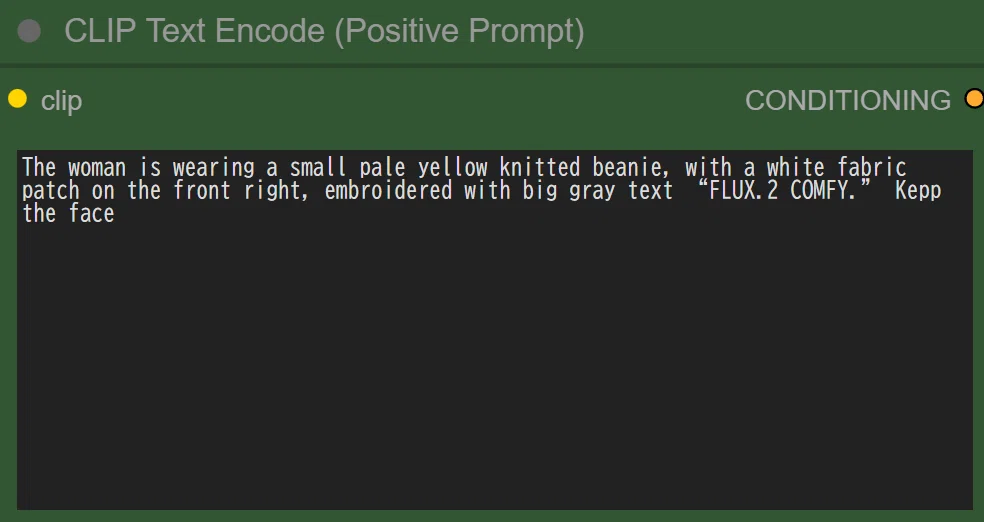
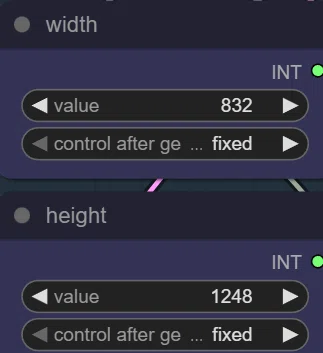
Image Size
ここで画像サイズを指定できます。
結果:
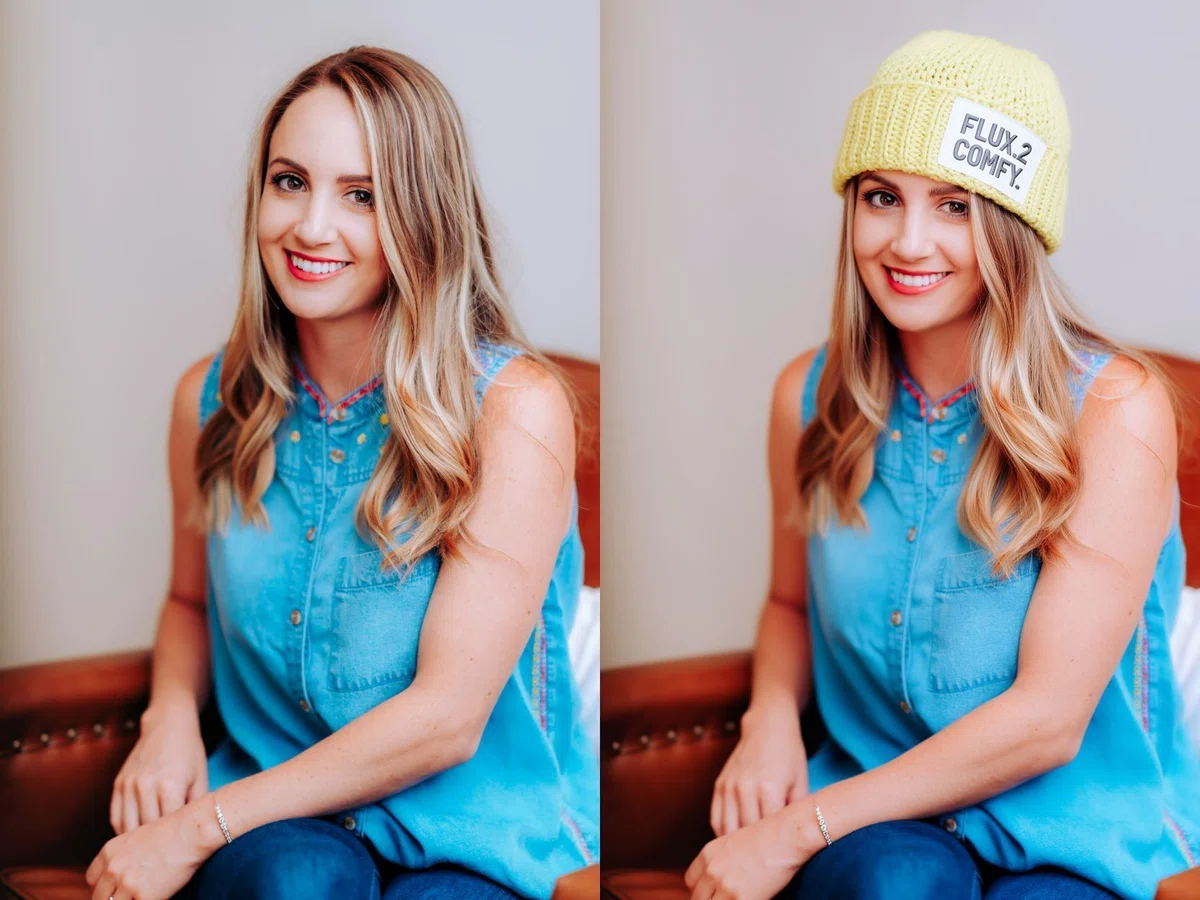
デフォルトのPromptそのまま使って生成したらこんな感じでした。
モデル読み込みありで482.39 secondsとやはり時間はかかります。
VAE Encodeだけ残して参照画像bypassすればT2Iとしても生成できます。
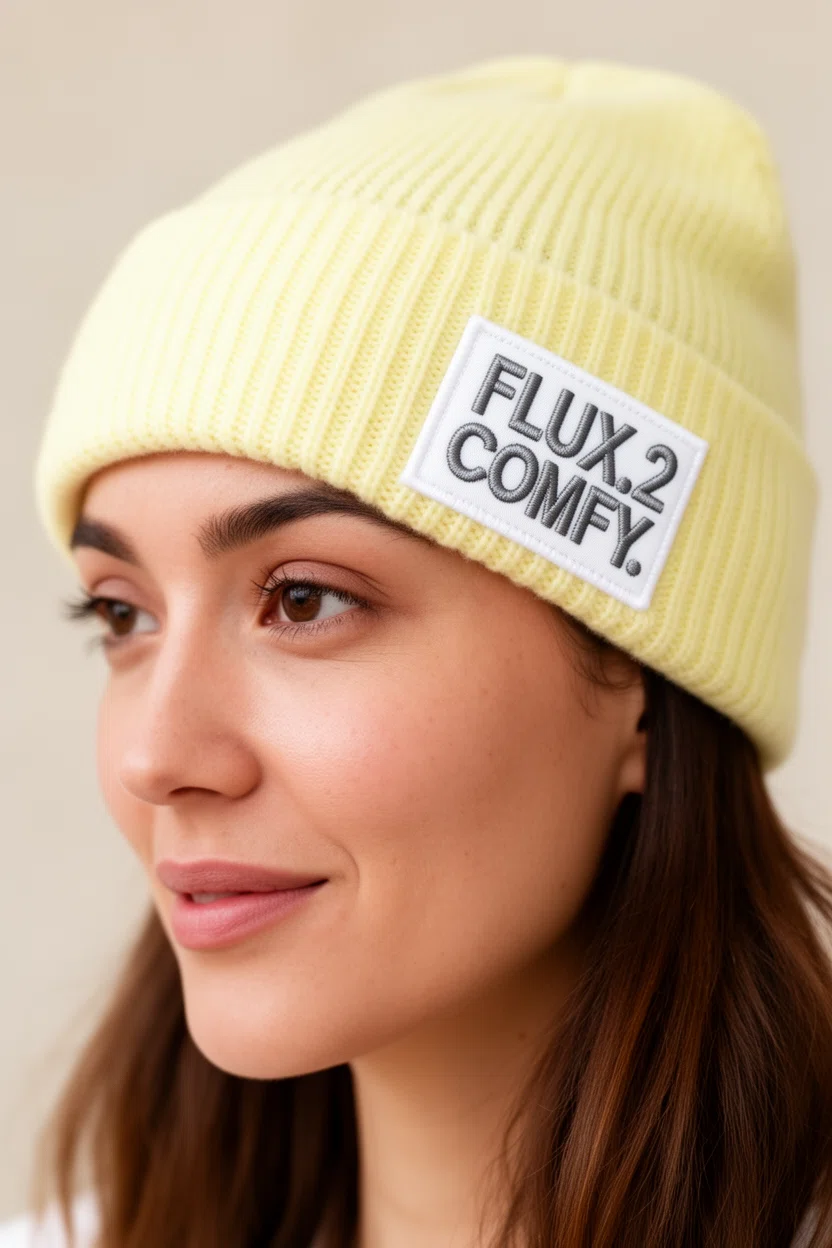
画像なしだとモデル読み込みなしで267.20 secondsでした。
Flux.2のプロンプトの書き方やコツ
ComfyUI Blogに掲載されているものをそのままAIに日本語で解説してもらいました。
https://blog.comfy.org/p/flux2-state-of-the-art-visual-intelligence
またそれを例にしたプロンプトをAIに作って貰い試してみました。
キャプションに入れてるのが使用プロンプトです。
物体・被写体の差し替え・合成
・変更する対象を明確に記述
・誰に何をさせるか分解して指示
・場所や状況も具体化
例:A man wearing these clothes, standing in a theater stage, spotlighted from above, cinematic lighting.
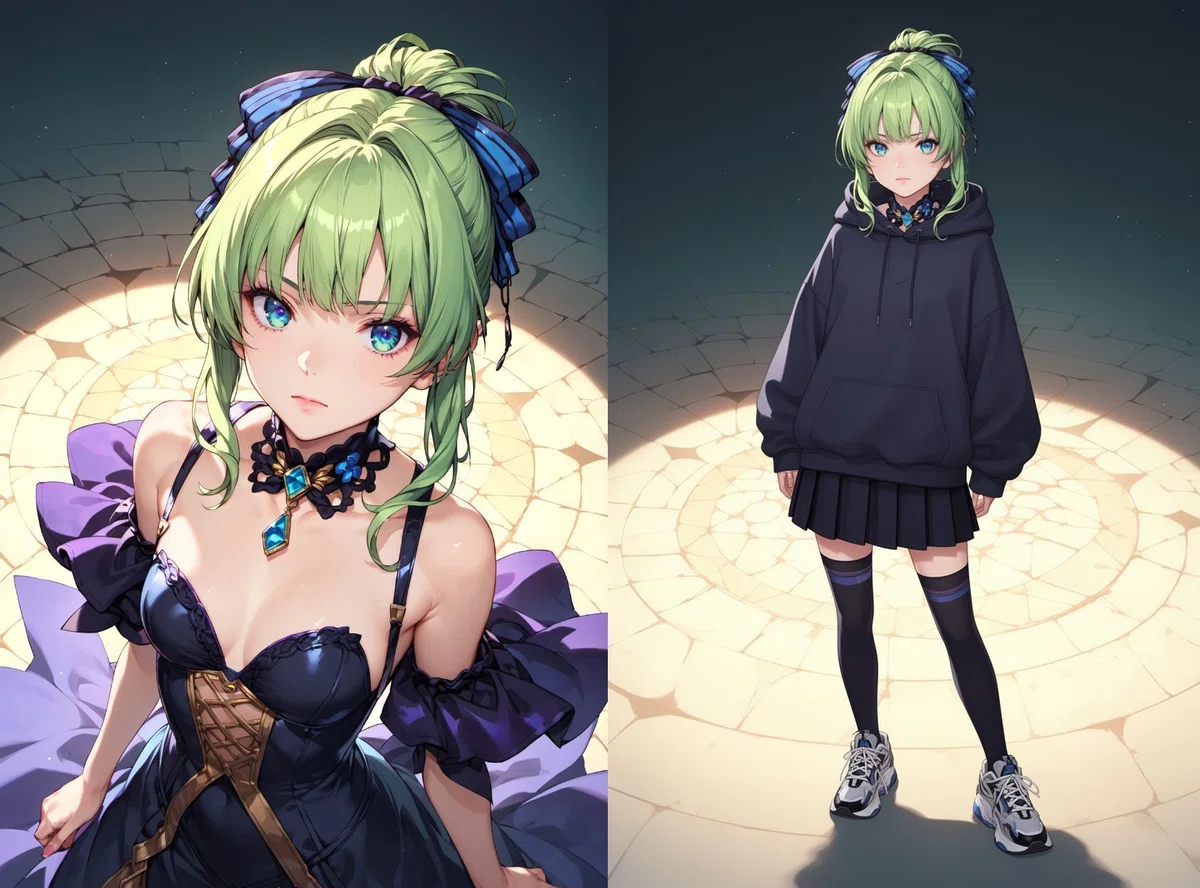
スタイル指定・世界観指定
・複数スタイルはカンマ区切りで
・ジャンル → 撮影方法 → 建築/背景 → 色彩 の順が安定しやすい
・抽象度は徐々に具体化するのが有効
high fashion, vintage couture, street photography, luxury fashion shoot, neo brutalist architecture, pastel paints

色指定(ブランド・広告向け)
・16進カラーコードを直接指定可能
・どの部分にどの色か明確に
・複数色の場合は使い分けを明記
Change the left wall color to #F0FF41 and the right wall color to #172DD7
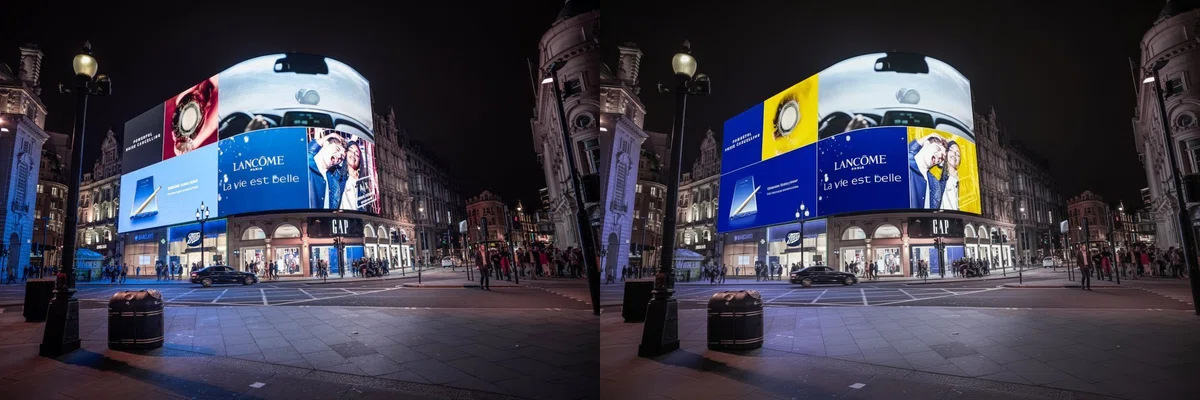
指定した色。
ポーズ・人物の細かい指定
効果的な記述要素:
・表情
・視線方向
・頭の角度
・手のしぐさ
・体の傾き
・角度は数値で指定可能
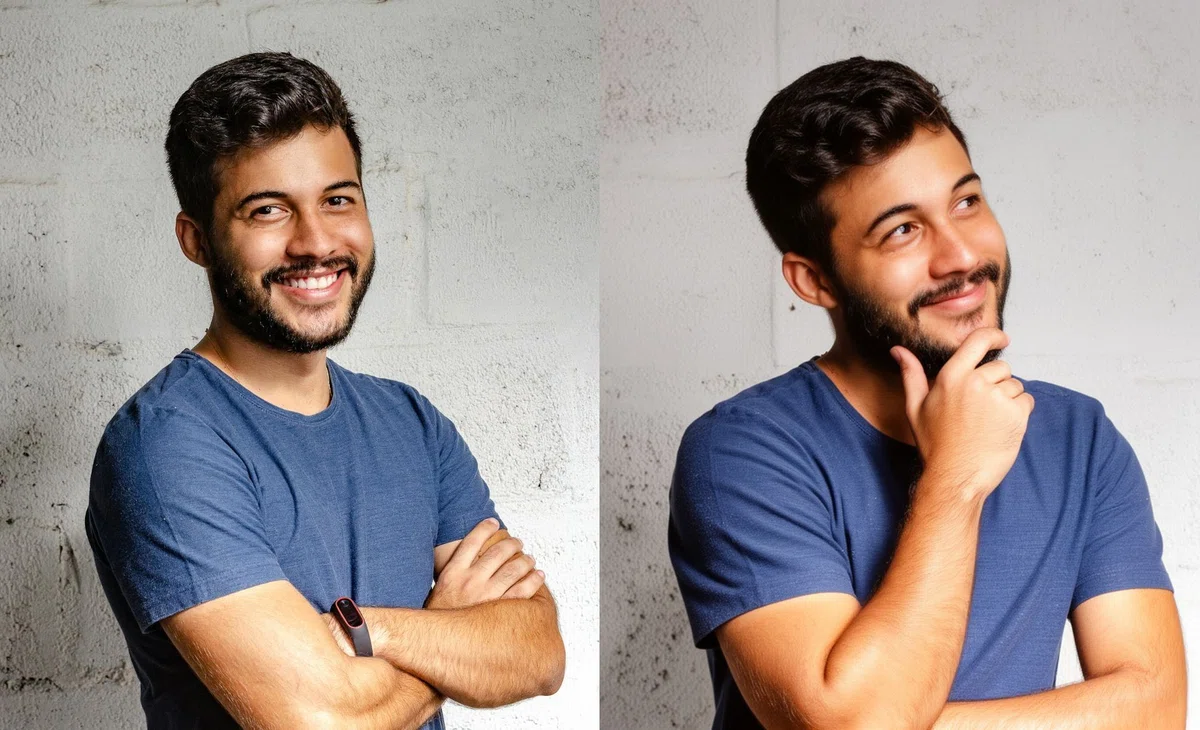
The woman in the photo is smiling, looking at the camera with her head tilted to the left. She is holding out her right hand in a peace sign symbol, with her hips bent at a 45-degree angle.
長文テキスト描画の指定
・「どこに」「何で書かれたか」「フォントの雰囲気」を含める
・文字色と文字スタイルも指定すると安定しやすい
・テキストは必ず引用符で囲む
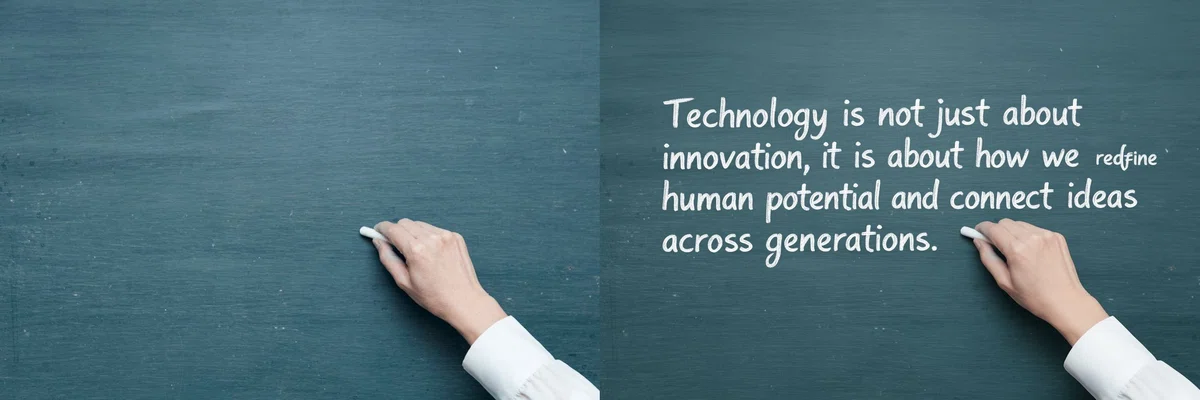
A person holding a paper, handwritten in black marker, with the text: "your sentence here"
まとめ
画像のクオリティやプロンプトの再現性はかなり高いと思います。
カラーコードそのまま指定して反映できてるし、スタイル・質感も維持できてるし、テキストも正確だし。
個人的にはQwen Editより精度も高く、質感も安定している印象。
ただやはりモデルサイズと生成速度がネックなのでこの辺りが改善されると嬉しいですね。
あとNSFW系は非対応なのでそういう用途はなかなか難しいかもしれません。
一般的な用途で画像編集とかクオリティを求める方なら使えるシーンはかなり多いと思います。
以上ComfyUIでFlux2(GGUF)を使う方法について紹介しました。
当サークルではこのようなAIに関するさまざまな情報を発信しています。
メンバーシップに加入して頂くと一部の有料記事は読み放題です。
AI技術の向上、マネタイズ方法などに興味がある方は、ぜひご検討ください。
もしこの記事が少しでも役に立った場合は、いいねやフォローして頂けると励みになります。
最後まで読んでいただき、ありがとうございました。
いいなと思ったら応援しよう!
 よろしければサポートお願いします! いただいたサポートはクリエイターとしての活動費に使わせていただきます!