
Photo by
hoshizoramochi
IsaacSim+IsaacLabで4足歩行ロボットを巡回させる

概要
NvidiaのIsaacSimとIssacLabを使って、
とりあえず歩行学習させたロボットを動かしたかったので、
歩行学習をさせたロボットを使って、決められたルートを巡回させてみた。
今回は正方形に巡回させる。座標ベースで歩かせる。
IsaacSim,IsaacLabのバージョン
IsaacSim : 6.0.0.1
IsaacLab:9.0.0
PC環境
Windows11
NVIDIA GeForce RTX 5060 Ti (8 GB)
環境構築方法
下記のNvidiaの公式のチュートリアルに準拠
手順
まずはIsaacLabに用意されている4足歩行用の強化学習を実施する。
チュートリアル内にも手順は存在する。
cd IsaacLab

isaaclab.bat train --rl_library rsl_rl --task=IsaacContrib-Velocity-Rough-AnymalC

isaaclab.bat play --rl_library rsl_rl --task=IsaacContrib-Velocity-Rough-AnymalC
強化学習実行後は、一回実行すること。出ないとモデルの重みが定義されたファイルが作成されない。
学習後のmoderlフォルダ名は日付フォルダとなるため、人によって変動する。今回だと「logs/rsl_rl/anymal_c_rough/2026-07-18_16-38-49/exported/policy.pt」のように作成される。
このAIの重みpolicy.ptを指定して、歩く学習をショートカットする。
demo.pyを作成し、下記のソースコードを記述。Pythonのパッケージ環境はチュートリアルを参考。ただしpolicy.ptのフォルダ名は自分のフォルダ構造に記述を変更してください。
"""Isaac Lab 6.0+: 環境マネージャーを使って学習済み強化学習モデル(rsl_rl)を適用して10m四方を滑らかに巡回させるスクリプト(転倒・タイムアウト対策版)"""
import argparse
import os
import torch
from isaaclab.app import AppLauncher

# 1. コマンドライン引数の設定とAppLauncherの起動
parser = argparse.ArgumentParser(description="Run ANYmal-C smoothly patrolling a 10m x 10m square without resetting.")
parser.add_argument(
    "--model_path",
    type=str,
    default="logs/rsl_rl/anymal_c_rough/2026-07-09_09-04-52/exported/policy.pt",
    help="Path to the serialized policy.pt"
)
AppLauncher.add_app_launcher_args(parser)
args_cli = parser.parse_args()
app_launcher = AppLauncher(args_cli)
simulation_app = app_launcher.app

# --- これ以降にインポートを書く ---
import gymnasium as gym
import warp as wp
import isaaclab_tasks
from isaaclab_rl.rsl_rl import RslRlVecEnvWrapper
from isaaclab_tasks.utils import parse_env_cfg
from isaaclab.utils.math import euler_xyz_from_quat

def main():
    # 2. タスク名(Gym環境ID)の設定
    task_name = "IsaacContrib-Velocity-Rough-AnymalC"

    print(f"[INFO] タスク設定を読み込んでいます: {task_name}")
    try:
        env_cfg = parse_env_cfg(task_name)
    except Exception as e:
        print(f"[WARN] {task_name} の取得に失敗しました: {e}")
        return

    # 🌟【重要対策1】エピソードの制限時間(デフォルト20秒)を実質無限に延長し、タイムアウトを完全に防ぐ
    if hasattr(env_cfg, "episode_length_s"):
        print("[INFO] エピソード制限時間を延長し、タイムアウトによるリセットを無効化します。")
        env_cfg.episode_length_s = 10000.0

    # 地形設定を【完全な平坦(Plane)】に変更
    if hasattr(env_cfg, "scene") and hasattr(env_cfg.scene, "terrain"):
        print("[INFO] 地形設定を【完全な平坦(Plane)】に変更し、でこぼこを消去します。")
        env_cfg.scene.terrain.terrain_type = "plane"

    # 不要な地形カリキュラム設定を消去
    if hasattr(env_cfg, "curriculum") and hasattr(env_cfg.curriculum, "terrain_levels"):
        delattr(env_cfg.curriculum, "terrain_levels")

    # コマンドの自動更新を無効化
    if hasattr(env_cfg, "commands") and hasattr(env_cfg.commands, "base_velocity"):
        env_cfg.commands.base_velocity.resampling_time_range = (10000.0, 10000.0)
        env_cfg.commands.base_velocity.ranges.lin_vel_x = (0.0, 0.0)
        env_cfg.commands.base_velocity.ranges.lin_vel_y = (0.0, 0.0)
        env_cfg.commands.base_velocity.ranges.ang_vel_z = (0.0, 0.0)

    # 環境数を1にオーバーライド
    env_cfg.scene.num_envs = 1

    # Fabricを有効化
    if hasattr(env_cfg, "sim"):
        env_cfg.sim.use_fabric = True

    # ビューワーのターゲット固定
    if hasattr(env_cfg, "viewer"):
        env_cfg.viewer.env_index = 0

    print("[INFO] クラス設定を適用してGym環境を生成中...")
    base_env = gym.make(task_name, cfg=env_cfg)
    env = RslRlVecEnvWrapper(base_env)

    # 3. 学習済みモデル(Policy)の読み込み
    if not os.path.exists(args_cli.model_path):
        raise FileNotFoundError(f"モデルファイルが見つかりません: {args_cli.model_path}")

    print(f"[INFO] モデルを読み込んでいます: {args_cli.model_path}")
    policy = torch.jit.load(args_cli.model_path, map_location=env.unwrapped.device)
    policy.eval()

    # 巡回ルート(ウェイポイント)を 10m 四方に設定
    waypoints = torch.tensor([
        [10.0, 0.0],
        [10.0, 10.0],
        [0.0, 10.0],
        [0.0, 0.0]
    ], device=env.unwrapped.device)
    waypoint_index = 0

    # 環境のリセット
    obs, _ = env.reset()
    print("[INFO] シミュレーション開始。10m四方の滑らかな巡回ルート制御を実行します...")

    cmd_term = env.unwrapped.command_manager._terms["base_velocity"]
    env_ids = torch.tensor([0], device=env.unwrapped.device)

    # 🌟【重要対策2】コマンド平滑化用のバッファ(急激な入力を防ぐローパスフィルター)
    smoothed_v_x = 0.0
    smoothed_v_z = 0.0
    filter_alpha = 0.08  # 値が小さいほど変化が滑らか(マイルド)になります

    # 4. メインループ
    while simulation_app.is_running():

        robot = env.unwrapped.scene["robot"]

        # WarpのProxyArrayデータをPyTorchのTensorデータへ安全に変換
        root_pos_tensor = wp.to_torch(robot.data.root_pos_w)
        root_quat_tensor = wp.to_torch(robot.data.root_quat_w)

        # 変換後のテンソルから現在位置を取得
        current_pos = root_pos_tensor[0]

        # Isaac Labの公式関数を使って正確にロボットのオイラー角(向き)を抽出
        _, _, root_yaw = euler_xyz_from_quat(root_quat_tensor)
        current_yaw = root_yaw[0]

        # 目標地点の取得と、そこまでの距離・方向ベクトルの計算
        target_pos = waypoints[waypoint_index]
        dx = target_pos[0] - current_pos[0]
        dy = target_pos[1] - current_pos[1]
        distance = torch.sqrt(dx**2 + dy**2)

        # 判定: 目標地点に 0.6m 以内に近づいたら次の地点へ切り替え
        if distance < 0.6:
            waypoint_index = (waypoint_index + 1) % len(waypoints)
            target_pos = waypoints[waypoint_index]
            dx = target_pos[0] - current_pos[0]
            dy = target_pos[1] - current_pos[1]
            distance = torch.sqrt(dx**2 + dy**2)
            print(f"\n[INFO] 🚩 ウェイポイント通過!次の目標 {waypoint_index}: ({target_pos[0]:.1f}, {target_pos[1]:.1f}) に向かいます。")

        # 目標の方向角と、現在の向きとの誤差(yaw_error)を計算
        target_yaw = torch.atan2(dy, dx)
        yaw_error = target_yaw - current_yaw
        yaw_error = torch.atan2(torch.sin(yaw_error), torch.cos(yaw_error)) # [-pi, pi]に正規化

        # 滑らかな連続制御(目標を向くほど前進速度を0.5m/sまで上げる)
        forward_factor = torch.clamp(torch.cos(yaw_error), min=0.0)
        target_lin_vel_x = 0.45 * forward_factor

        # 旋回速度は誤差に比例(転倒防止のため、最大旋回速度を少しマイルドに調整)
        target_ang_vel_z = 1.2 * yaw_error
        target_ang_vel_z = torch.clamp(target_ang_vel_z, min=-0.45, max=0.45)

        raw_v_x = float(target_lin_vel_x.item()) if hasattr(target_lin_vel_x, "item") else float(target_lin_vel_x)
        raw_v_z = float(target_ang_vel_z.item()) if hasattr(target_ang_vel_z, "item") else float(target_ang_vel_z)

        # 🌟【重要対策2の実装】急な90度旋回指示の衝撃を和らげるため、指数移動平均で徐々にコマンドを変化させる
        smoothed_v_x = filter_alpha * raw_v_x + (1.0 - filter_alpha) * smoothed_v_x
        smoothed_v_z = filter_alpha * raw_v_z + (1.0 - filter_alpha) * smoothed_v_z

        # マネージャーに平滑化された値を強制注入
        cmd_term.cfg.ranges.lin_vel_x = (smoothed_v_x, smoothed_v_x)
        cmd_term.cfg.ranges.lin_vel_y = (0.0, 0.0)
        cmd_term.cfg.ranges.ang_vel_z = (smoothed_v_z, smoothed_v_z)
        cmd_term._resample(env_ids)

        # ステータス表示
        print(f"[TRACKING] 目標WP:{waypoint_index} | 残り:{distance:.2f}m | 角度誤差:{yaw_error:.2f} | 入力(前進:{smoothed_v_x:.2f}, 旋回:{smoothed_v_z:.2f})      ", end="\r")

        # AI Policyによる推論
        if hasattr(obs, "get") or isinstance(obs, dict):
            raw_obs = obs["policy"]
        else:
            raw_obs = obs

        with torch.no_grad():
            actions = policy(raw_obs)

        obs, rewards, dones, infos = env.step(actions)

        # 🌟【重要対策3】もしロボットが不慮の事故でリセット(ワープ)されたら、目標地点の追従インデックスも0に戻す
        if dones[0]:
            print("\n[WARN] ⚠️ 環境のリセットを検知しました。目標ウェイポイントをスタート位置に初期化します。")
            waypoint_index = 0
            smoothed_v_x = 0.0
            smoothed_v_z = 0.0

        simulation_app.update()

if __name__ == "__main__":
    main()
実行方法は下記
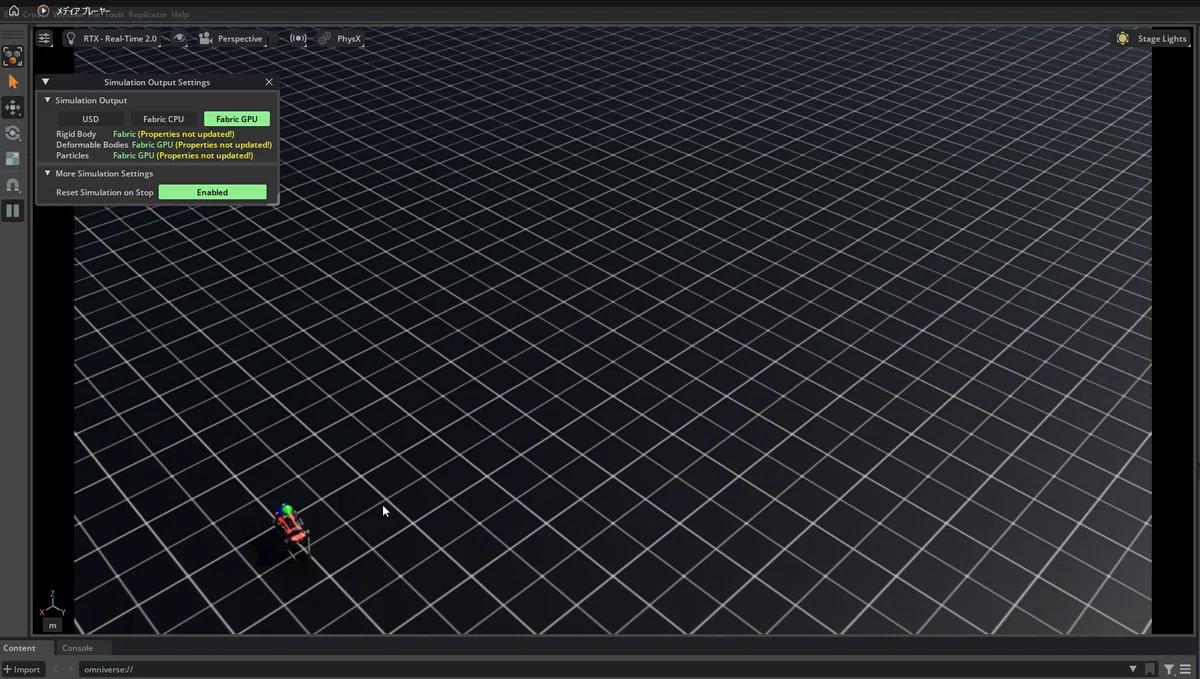
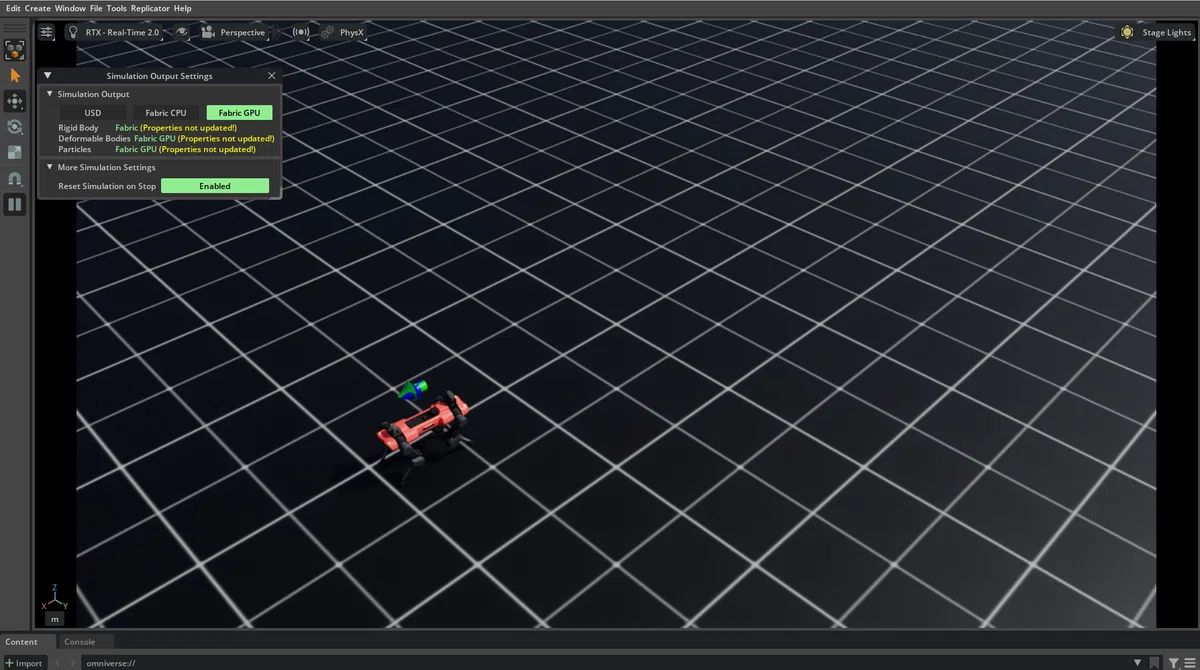
isaaclab.bat -p demo.py --viz kitシュミレーションが開始され、指定した場所に向かって歩く。
ゴールまで到達すると停止する。
最後に
製造業でのロボットシュミレーションの実用アイデア募集中
