
Whiskで生成したシーン画像の人物をDAZモデルに差し替えPika2.2で動画生成

Whiskで生成したシーンの人物をDAZ Studioで制作したデジタル美少女モデルに差し替え、それを用いてPikaframesによるAI動画生成を試みたので紹介します。
Whiskで開始と終了シーンの画像を生成し、それをPikaframeに読み込んでプロンプト無しで動画を生成 pic.twitter.com/rDC5liYTEq
— DAZgen X (@dazgen48) May 9, 2025
Gemini AdvancedやGoogle AI StudioでVeo2によるAI動画生成ができるようになりましたが、現時点ではプロンプトからの生成のみで、画像からの生成ができないので、登場人物の顔や容姿に満足ができない場合が多いです。
そのために、プロンプトの修正やガチャ要素のあるAI動画生成を繰り返すことになり、無料で使えるVeo2では一日の生成回数の上限が数回程度と、すぐには満足のいく結果を得られませんでした。
今回は、Whiskでシーンの元となるAI生成画像を動画の開始と終了シーンに合わせて生成後、Pica AIで人物の顔をDAZモデルに差し替え、それを用いてPikaframesによるAI動画生成を試みましたが・・・
WhiskでAI画像生成
以下に行きます。
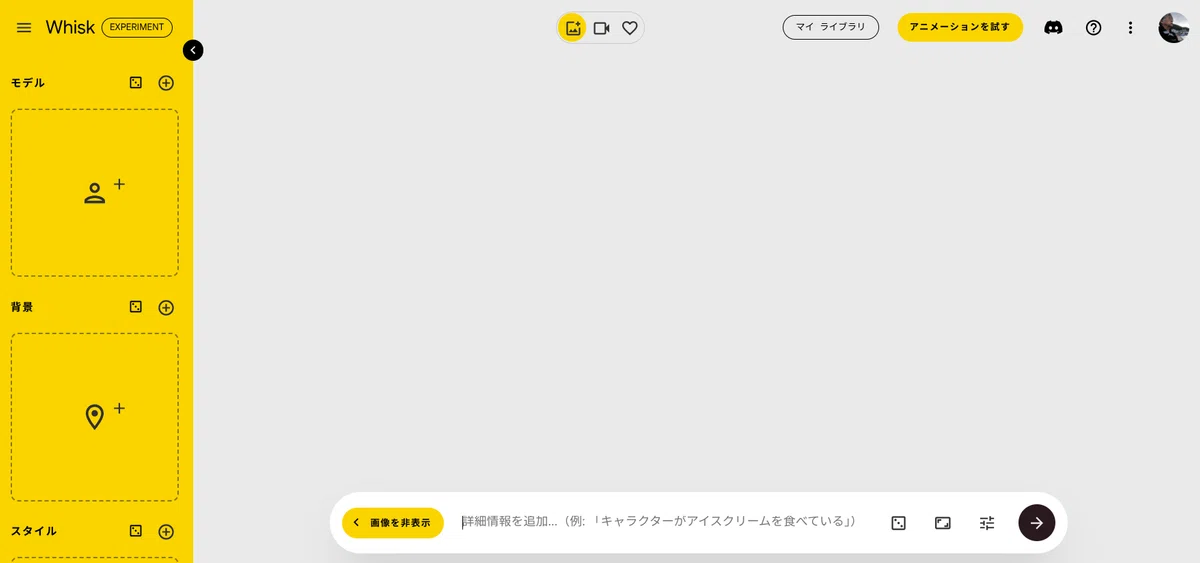
今回はできるだけ手軽にAI画像生成を試みるので、「モデル」「背景」「スタイル」はすべてシンプルなテキスト(プロンプト)で生成します。
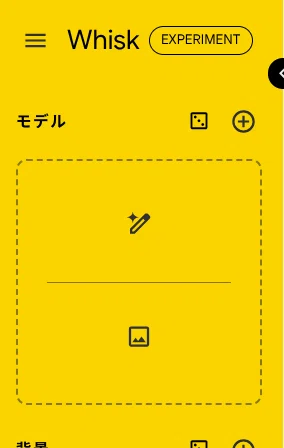
「モデル」にマウスカーソルを移動し、上部の「テキストを入力」をクリック。
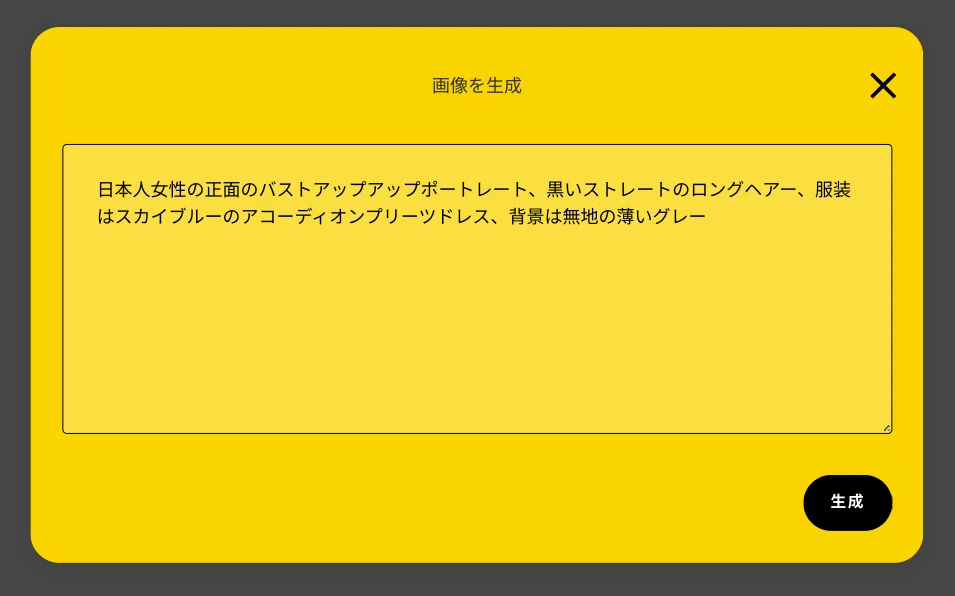
日本人女性の正面のバストアップポートレート、黒いストレートのロングヘアー、服装はスカイブルーのアコーディオンプリーツドレス、背景は無地の薄いグレー
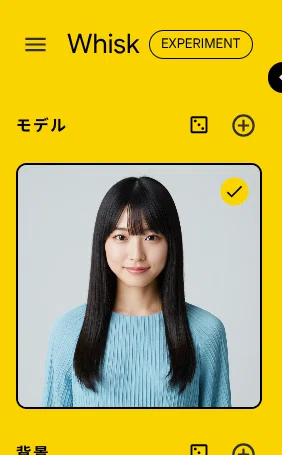
同様に「背景」と「スタイル」もテキストから生成します。
今回は、以下のテキスト(プロンプト)を用いました。
・背景:「京都の龍安寺の石庭」
・スタイル:「シネマティック」
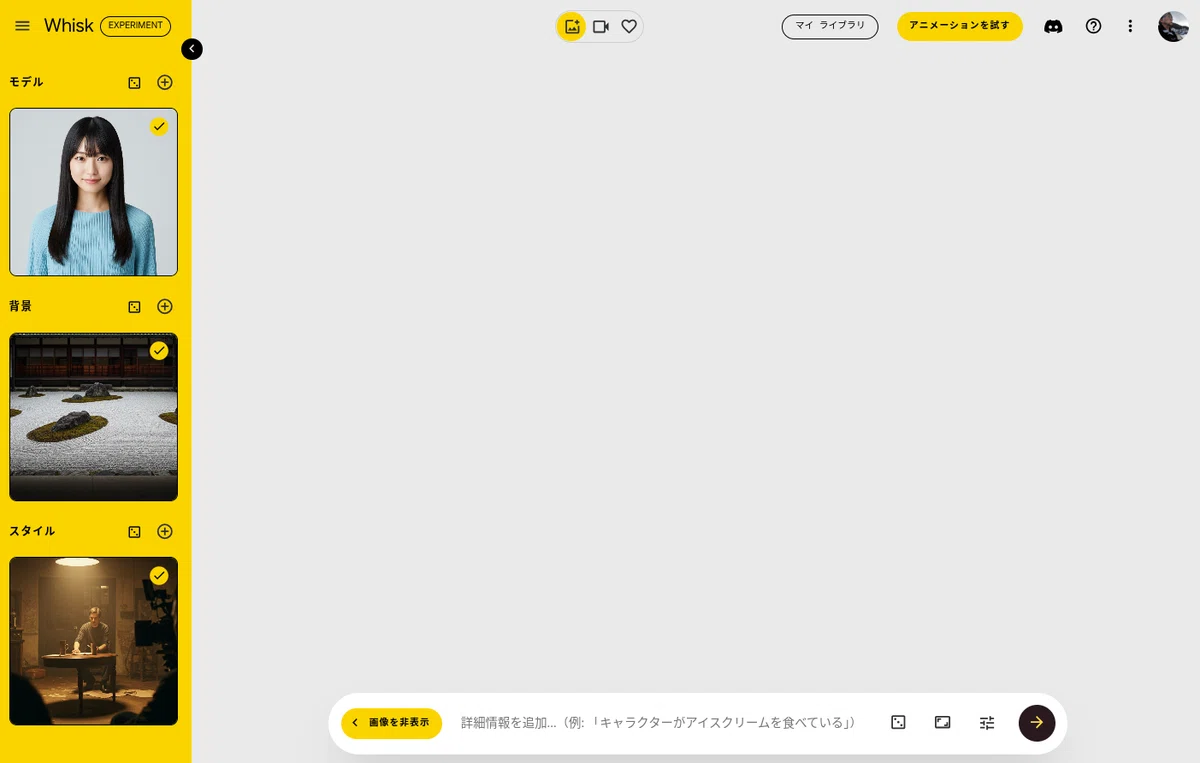
以下のプロンプトを、下の窓に入力し右端の矢印をクリック。
日本人女性が背景をバックに佇んでカメラを見つめている
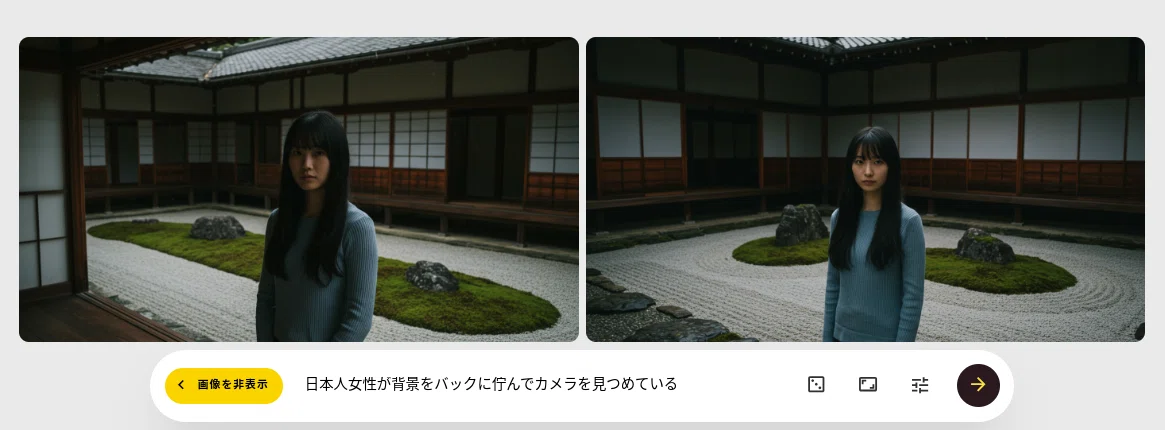
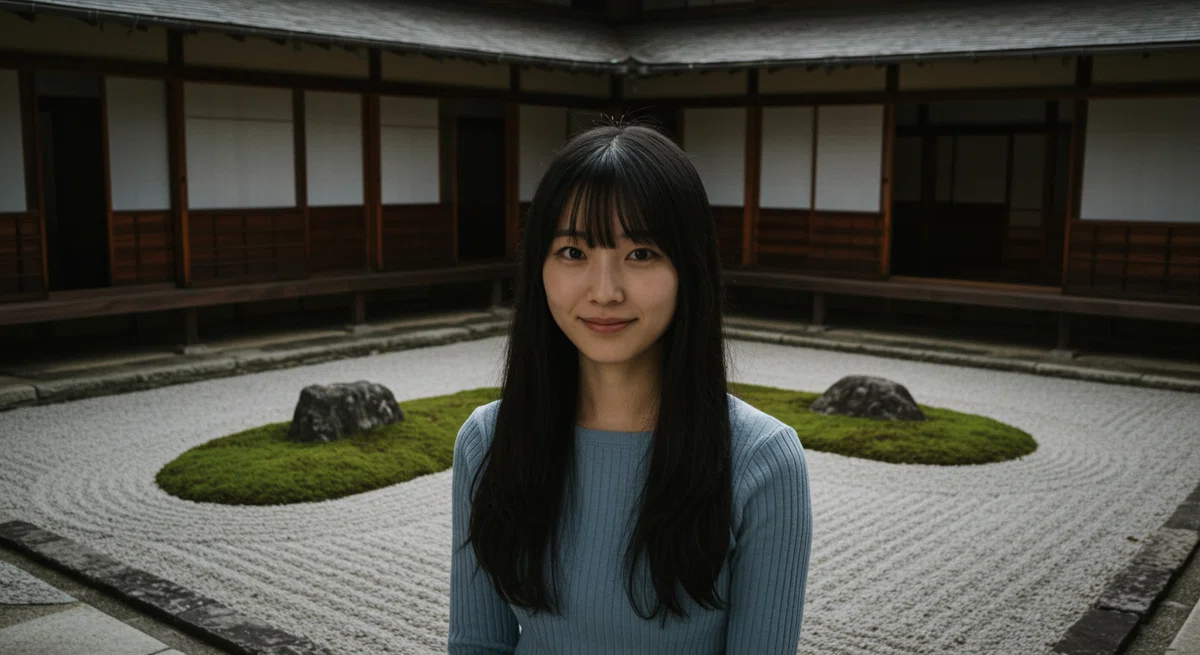
今回は、右側の画像を動画の開始シーンとして採用します。
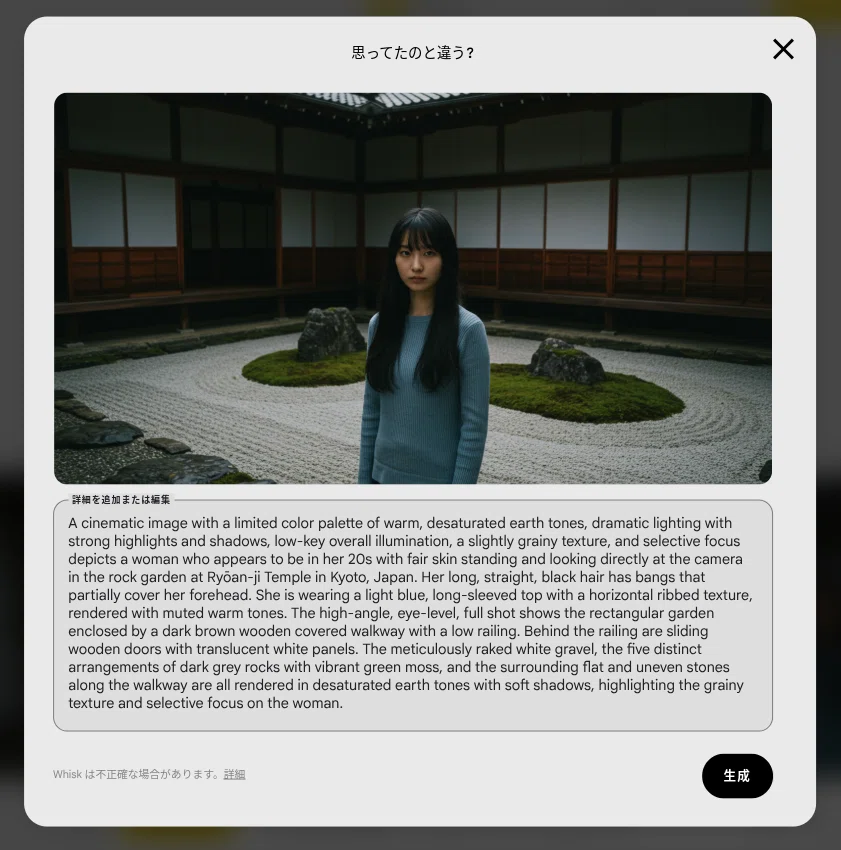
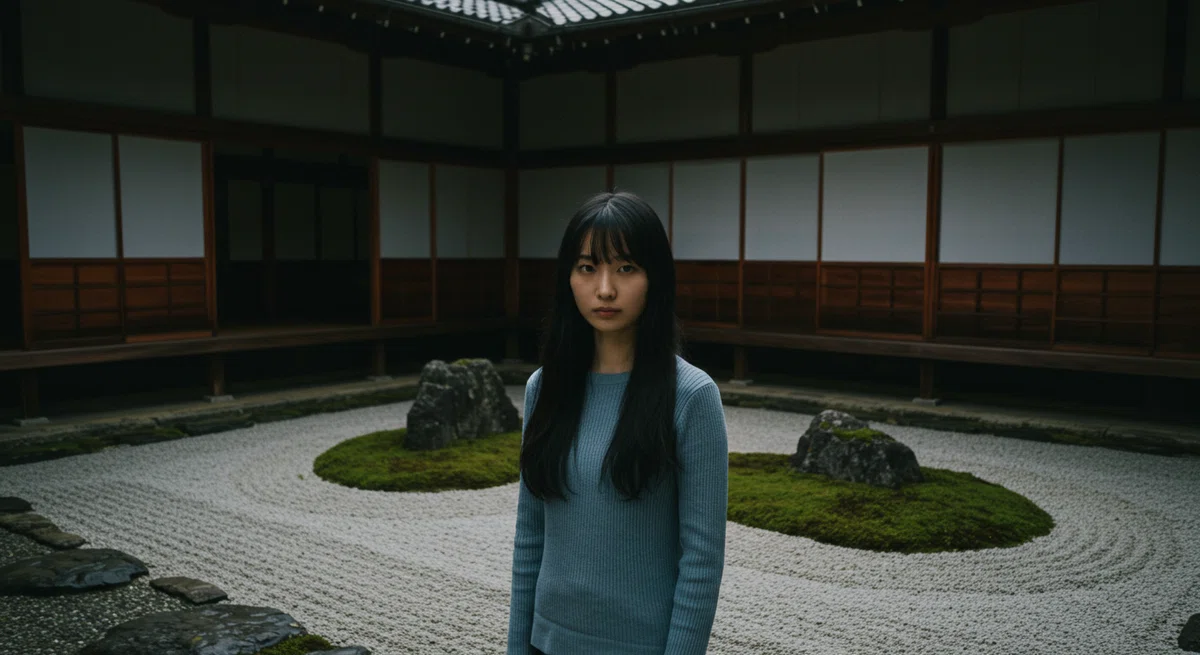
A cinematic image with a limited color palette of warm, desaturated earth tones, dramatic lighting with strong highlights and shadows, low-key overall illumination, a slightly grainy texture, and selective focus depicts a woman who appears to be in her 20s with fair skin standing and looking directly at the camera in the rock garden at Ryōan-ji Temple in Kyoto, Japan. Her long, straight, black hair has bangs that partially cover her forehead. She is wearing a light blue, long-sleeved top with a horizontal ribbed texture, rendered with muted warm tones. The high-angle, eye-level, full shot shows the rectangular garden enclosed by a dark brown wooden covered walkway with a low railing. Behind the railing are sliding wooden doors with translucent white panels. The meticulously raked white gravel, the five distinct arrangements of dark grey rocks with vibrant green moss, and the surrounding flat and uneven stones along the walkway are all rendered in desaturated earth tones with soft shadows, highlighting the grainy texture and selective focus on the woman.
プロンプトはコピーして、テキストエディターやGoogleドキュメントなどに貼り付けて保存しておきます。
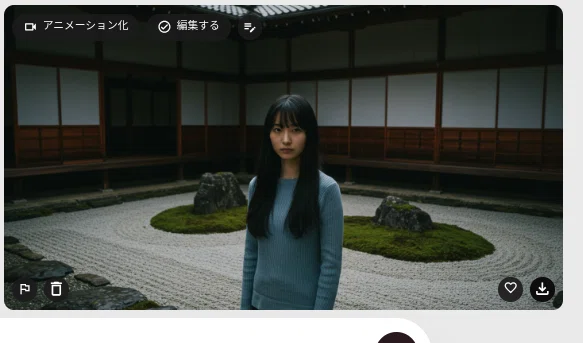
元の画面に戻り、画像の右下の「ダウンロード」ボタンをクリックし、画像をダウンロードしておきます。
次に、動画の終了シーン用に、以下のプロンプトでAI画像を生成してみます。
日本人女性が背景をバックに佇んでカメラを見つめている。女性のバストアップまでズームインし、笑顔になる
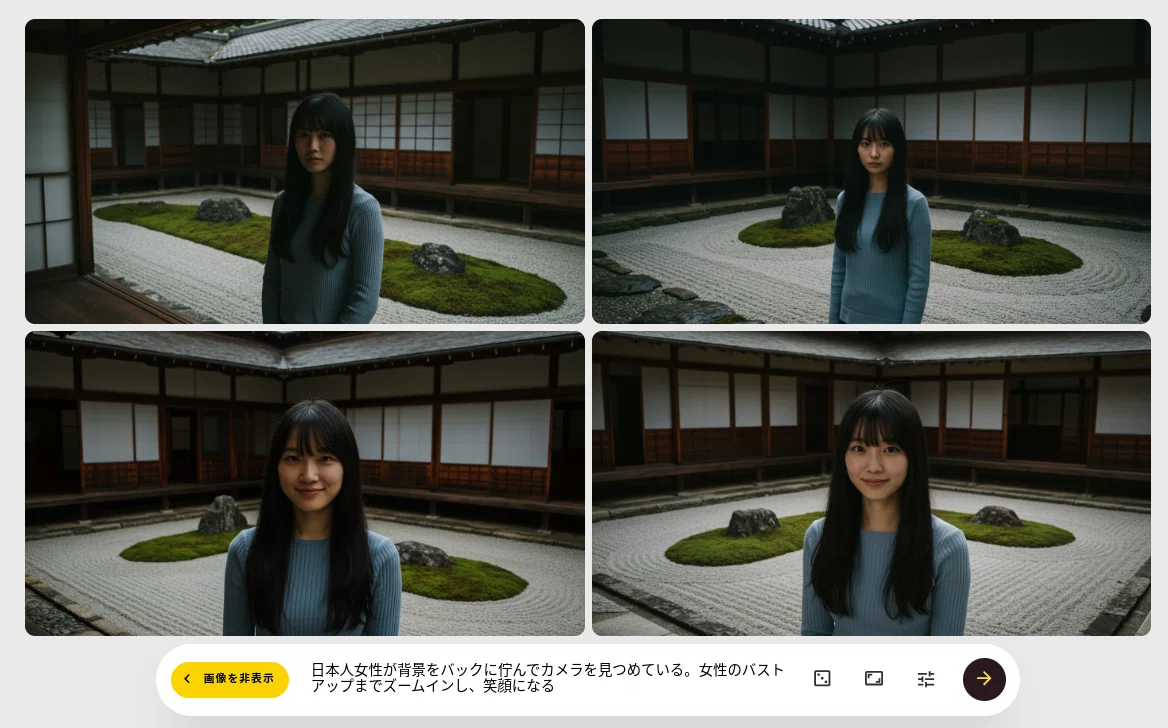
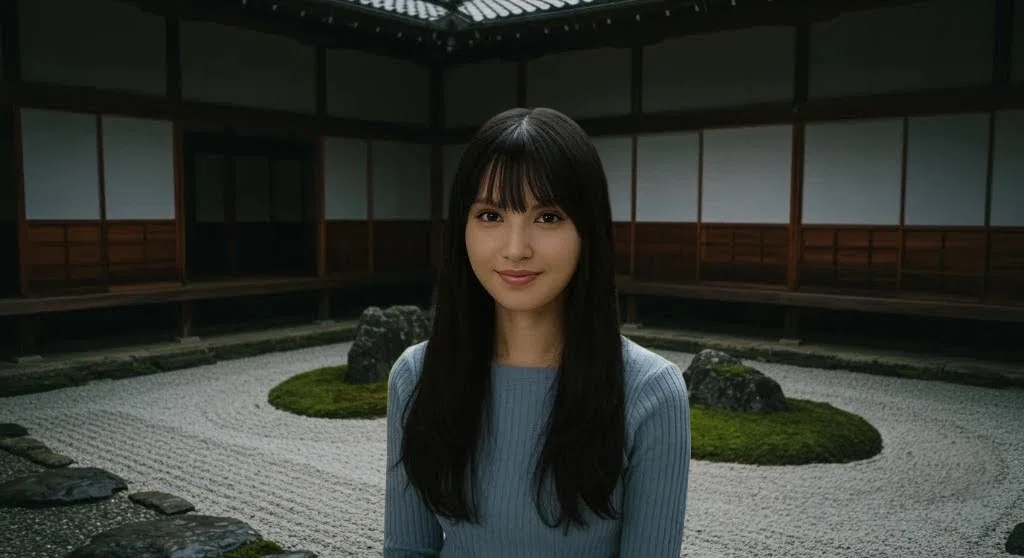
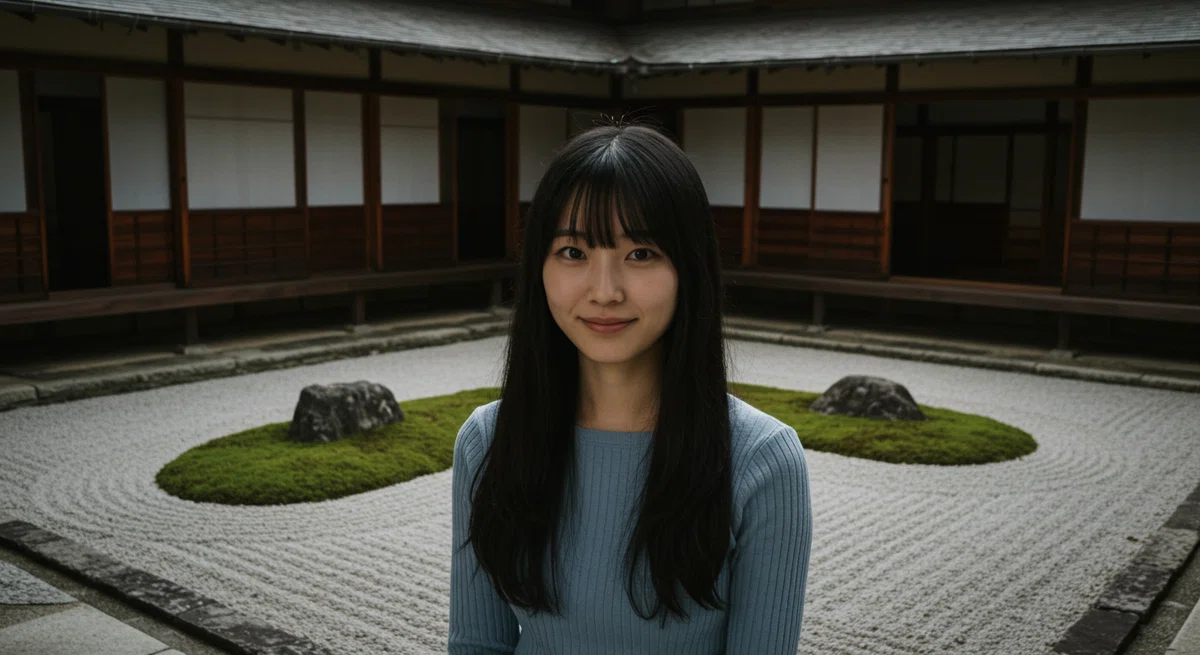
今回は、右の画像を採用してみます。
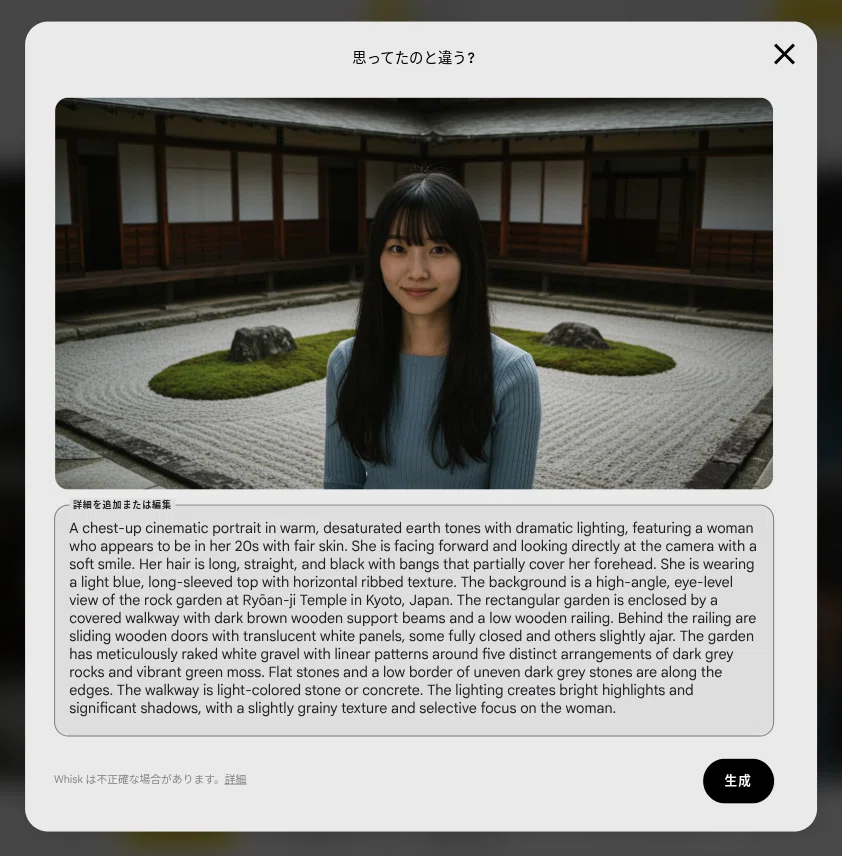
A chest-up cinematic portrait in warm, desaturated earth tones with dramatic lighting, featuring a woman who appears to be in her 20s with fair skin. She is facing forward and looking directly at the camera with a soft smile. Her hair is long, straight, and black with bangs that partially cover her forehead. She is wearing a light blue, long-sleeved top with horizontal ribbed texture. The background is a high-angle, eye-level view of the rock garden at Ryōan-ji Temple in Kyoto, Japan. The rectangular garden is enclosed by a covered walkway with dark brown wooden support beams and a low wooden railing. Behind the railing are sliding wooden doors with translucent white panels, some fully closed and others slightly ajar. The garden has meticulously raked white gravel with linear patterns around five distinct arrangements of dark grey rocks and vibrant green moss. Flat stones and a low border of uneven dark grey stones are along the edges. The walkway is light-colored stone or concrete. The lighting creates bright highlights and significant shadows, with a slightly grainy texture and selective focus on the woman.
ダウンロードした画像が以下です。
DAZモデルの顔に入れ替え
動画生成後に顔を入れ替えることも可能ですが、今回は無料かクレジットの消費を最小限にし、短時間でAI動画生成結果を得ることを考慮した結果、画像の段階で人物の顔をDAZモデルに差し替えることにしました。
これ以降は有料エリアになります。
ご購読いただくと、今回実際に検証した各種無料ツールや安価な有料ツールのクレジット消費を最小限に抑える使い方を考慮し、より効率良く、画像/動画生成AIによる動画制作が可能になると思います。
今後の検証作業と紹介記事の執筆のモチベーションが高まり、手間と時間がかかる面倒くさいテーマに積極的に取り組めます。
少しでもみなさまのお役に立てれば幸いです。
ここから先は
この記事が気に入ったらチップで応援してみませんか?
