I'm afraid this is all a little more technical than I understand, so I had to ask some more knowledgeable people for help, since this error doesn't occur on my machine. They said it might be caused by your GPU drivers, so you could try checking for available updates to those drivers. Or you could try hitting shift+G to select a different renderer.
I think 3 days is a great response time, genuinely. social media has us too worried about that kind of thing XD And thanks for the info! I'm adding it to my collection :D
I am so pleased my code helped you create this cinematic beauty! And it truly is beautiful. I can really see the days, even weeks of dedicated effort that must have gone in to this, and I can say with 100% certainty that it paid off. You have a real talent for the artistic side of programming, and I can't wait to see what you do next.
Side note: that choice at the beginning booting me to the menu had me genuinely laughing out loud.
Side note 2: for the pacing issue, I personally just manually use the toright/toleft and walkto transforms to manually have the character go to a specific spot when I want them to stop pacing. This can be awkward when you want them to stop in the middle of their pacing zone, but if you have them stop at either end, it usually looks okay.

← Return to fan game
Comments
Log in with itch.io to leave a comment.
*comes out of seclusion* Yupee, finally!
Uh, I had an exception error...
```
I'm sorry, but an uncaught exception occurred.
While running game code:
File "renpy/common/000statements.rpy", line 460, in execute_pause
renpy.pause(delay)
ShaderError: ERROR: 0:13: 'precision' : undeclared identifier
ERROR: 0:13: '' : compilation terminated
ERROR: 2 compilation errors. No code generated.
-- Full Traceback ------------------------------------------------------------
Full traceback:
File "file2.rpyc", line 492, in script
File "D:\Visual Novels\OrchidDuet-1.011-pc\renpy\ast.py", line 1968, in execute
self.call("execute")
File "D:\Visual Novels\OrchidDuet-1.011-pc\renpy\ast.py", line 1950, in call
return renpy.statements.call(method, parsed, *args, **kwargs)
File "D:\Visual Novels\OrchidDuet-1.011-pc\renpy\statements.py", line 349, in call
return method(parsed, *args, **kwargs)
File "renpy/common/000statements.rpy", line 460, in execute_pause
renpy.pause(delay)
File "D:\Visual Novels\OrchidDuet-1.011-pc\renpy\exports.py", line 1661, in pause
rv = renpy.ui.interact(mouse='pause', type='pause', roll_forward=roll_forward, pause=delay, pause_modal=modal)
File "D:\Visual Novels\OrchidDuet-1.011-pc\renpy\ui.py", line 301, in interact
rv = renpy.game.interface.interact(roll_forward=roll_forward, **kwargs)
File "D:\Visual Novels\OrchidDuet-1.011-pc\renpy\display\core.py", line 2165, in interact
repeat, rv = self.interact_core(preloads=preloads, trans_pause=trans_pause, pause=pause, pause_start=pause_start, pause_modal=pause_modal, **kwargs) # type: ignore
File "D:\Visual Novels\OrchidDuet-1.011-pc\renpy\display\core.py", line 2818, in interact_core
self.draw_screen(root_widget, fullscreen_video, (not fullscreen_video) or video_frame_drawn)
File "D:\Visual Novels\OrchidDuet-1.011-pc\renpy\display\core.py", line 1359, in draw_screen
renpy.display.draw.draw_screen(surftree)
File "gl2draw.pyx", line 1008, in renpy.gl2.gl2draw.GL2Draw.draw_screen
File "gl2draw.pyx", line 1508, in renpy.gl2.gl2draw.GL2DrawingContext.draw
File "gl2draw.pyx", line 1489, in renpy.gl2.gl2draw.GL2DrawingContext.draw_one
File "gl2draw.pyx", line 1489, in renpy.gl2.gl2draw.GL2DrawingContext.draw_one
File "gl2draw.pyx", line 1489, in renpy.gl2.gl2draw.GL2DrawingContext.draw_one
[Previous line repeated 5 more times]
File "gl2draw.pyx", line 1400, in renpy.gl2.gl2draw.GL2DrawingContext.draw_one
File "gl2draw.pyx", line 1355, in renpy.gl2.gl2draw.GL2DrawingContext.draw_model
File "D:\Visual Novels\OrchidDuet-1.011-pc\renpy\gl2\gl2shadercache.py", line 278, in get
rv.load()
File "gl2shader.pyx", line 230, in renpy.gl2.gl2shader.Program.load
File "gl2shader.pyx", line 213, in renpy.gl2.gl2shader.Program.load_shader
ShaderError: ERROR: 0:13: 'precision' : undeclared identifier
ERROR: 0:13: '' : compilation terminated
ERROR: 2 compilation errors. No code generated.
Windows-10-10.0.19045 AMD64
Ren'Py 8.2.1.24030407
Orchid Duet 1.011
Wed Nov 26 20:10:32 2025
```
I'm afraid this is all a little more technical than I
understand, so I had to ask some more knowledgeable people for help, since this error doesn't occur on my machine. They said it might be caused by your GPU drivers, so you could try checking for available updates to those drivers. Or you could try hitting shift+G to select a different renderer.I had the same error - if you just keep hitting ignore like 20+ times the game will continue.
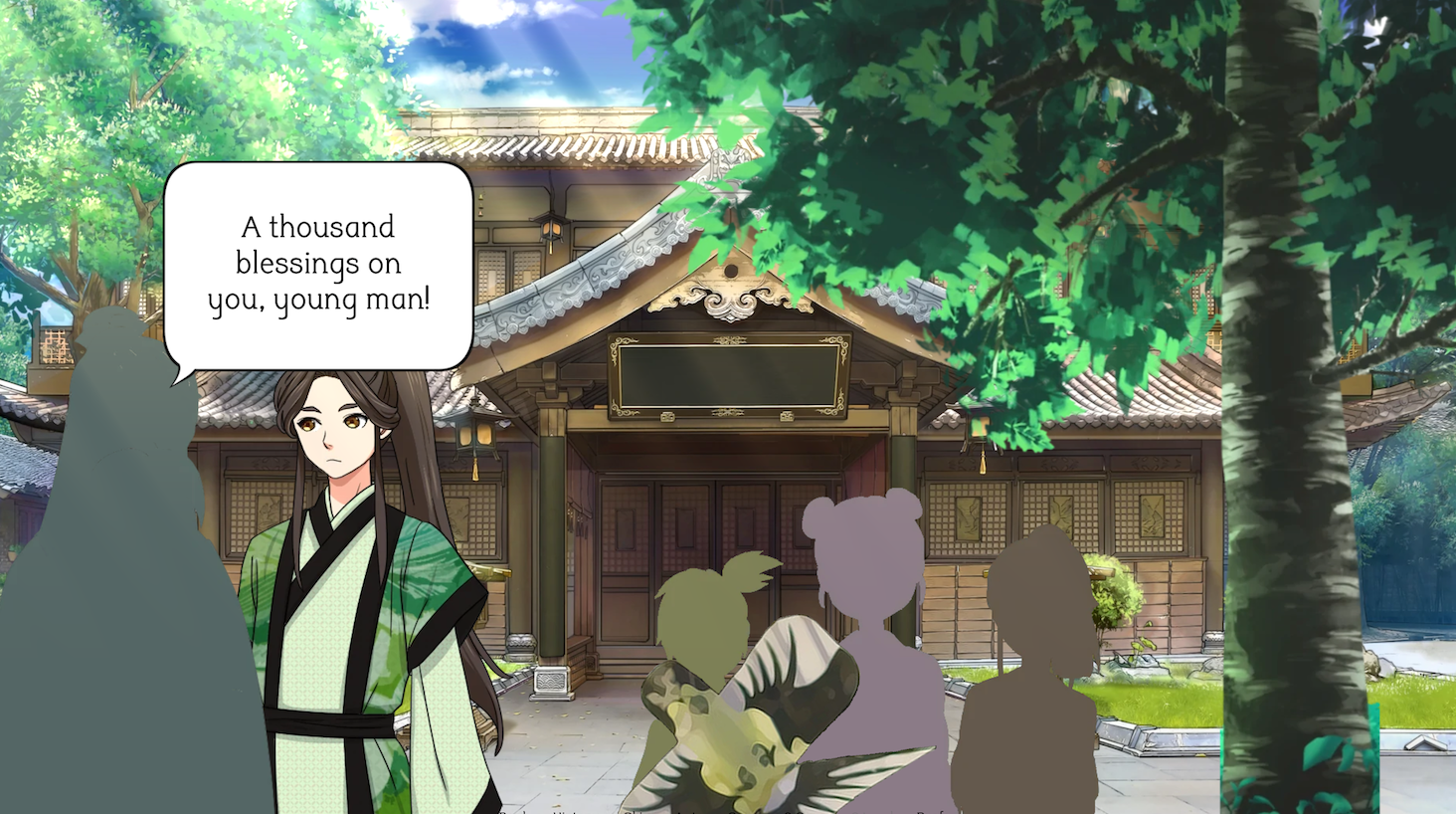
Also, it's shader error, which means it's probably being caused by some special effect being turned on. It happens after this scene for me:
the actual fix would be to modify the shader code itself - remove any lines like
The "precision" keywords are for OpenGL ES (web builds), however, they will cause errors on desktop applications, hence the exception.
That's exactly the same scene that I was on lmao.
Well, hitting Ignore repeatedly did seem to work, but it also seems like I ended up skipping ahead a bit because of it.
this is tagged as transgender! is it tm/m or tm/tm? :D
It's tm/m. :)
Sorry about the delayed response--I don't check itch.io as often as I used to.
I think 3 days is a great response time, genuinely. social media has us too worried about that kind of thing XD And thanks for the info! I'm adding it to my collection :D
https://itch.io/c/4614757/trans-dudes-in-gay-situations
Also this game needs an MDZS tag so people can find it!!!!
Nice!! You're really creative with the sprites! So glad they helped~~~
Gorgeous!!!
I am so pleased my code helped you create this cinematic beauty! And it truly is beautiful. I can really see the days, even weeks of dedicated effort that must have gone in to this, and I can say with 100% certainty that it paid off. You have a real talent for the artistic side of programming, and I can't wait to see what you do next.
Side note: that choice at the beginning booting me to the menu had me genuinely laughing out loud.
Side note 2: for the pacing issue, I personally just manually use the toright/toleft and walkto transforms to manually have the character go to a specific spot when I want them to stop pacing. This can be awkward when you want them to stop in the middle of their pacing zone, but if you have them stop at either end, it usually looks okay.