
In this article, we are going to see what is FormControlDirective in Angular 10 and how to use it.
The FormControlDirective is used to synchronize a standalone FormControl instance to a form control element
<form [FormControlDirective] ="name">
Exported from:
- ReactiveFormsModule
Selectors:
- [FormControl]
Approach:
- Create the Angular app to be used
- In app.component.ts make an object that contains a value for the input.
- In app.component.html use FormControlDirective to get values.
- Serve the angular app using ng serve to see the output.
Example:
import { Component, Inject } from '@angular/core';
  import { FormGroup, FormControl, FormArray } from '@angular/forms'
  @Component({
    selector: 'app-root',
    templateUrl: './app.component.html',
    styleUrls: [ './app.component.css' ]
  })
  export class AppComponent  {
    geek: FormControl = new FormControl('');
  }
<br>
<input [formControl]="geek">


<p>Value: {{ geek.value }}</p>
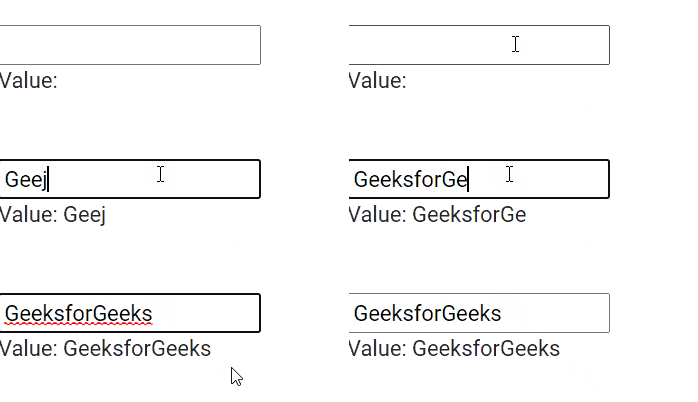
Output:
Reference: https://v17.angular.io/api/forms/FormControlDirective
