
Console.SetBufferSize(Int32, Int32) Method is used to set the height and width of the screen buffer area to the specified values.
csharp
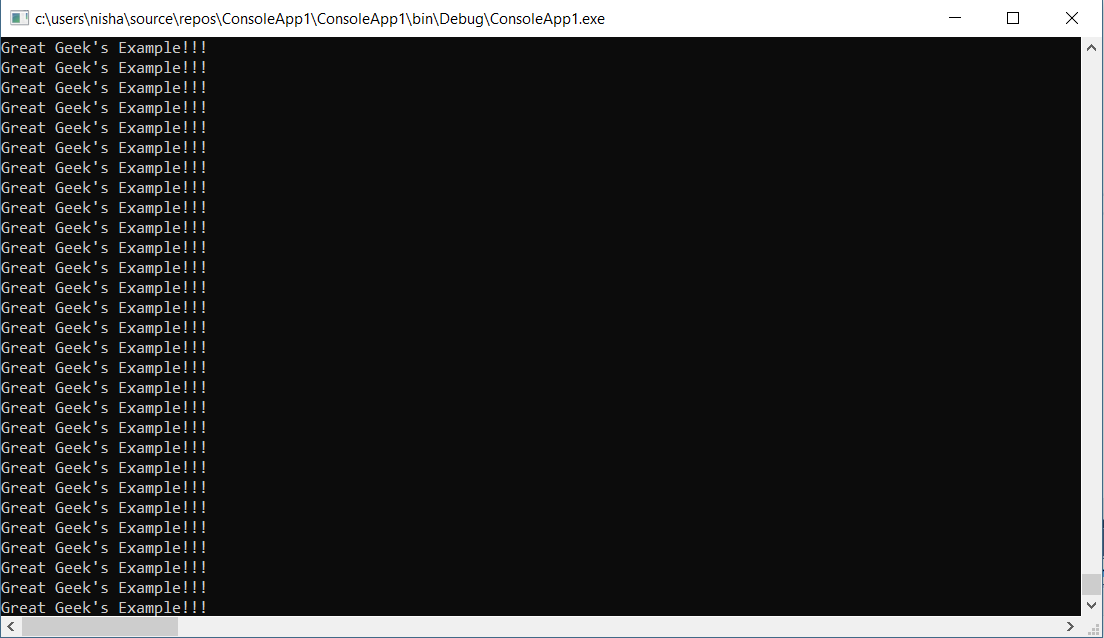
Output:
 Example 2:
csharp
 Example 3:
csharp
Syntax: public static void SetBufferSize(int width, int height); Parameters: width: It sets the width of the buffer area measured in the form of columns. height: It sets the height of the buffer area measured in the form of rows. Return value: The new size of the buffer screen.Exceptions:
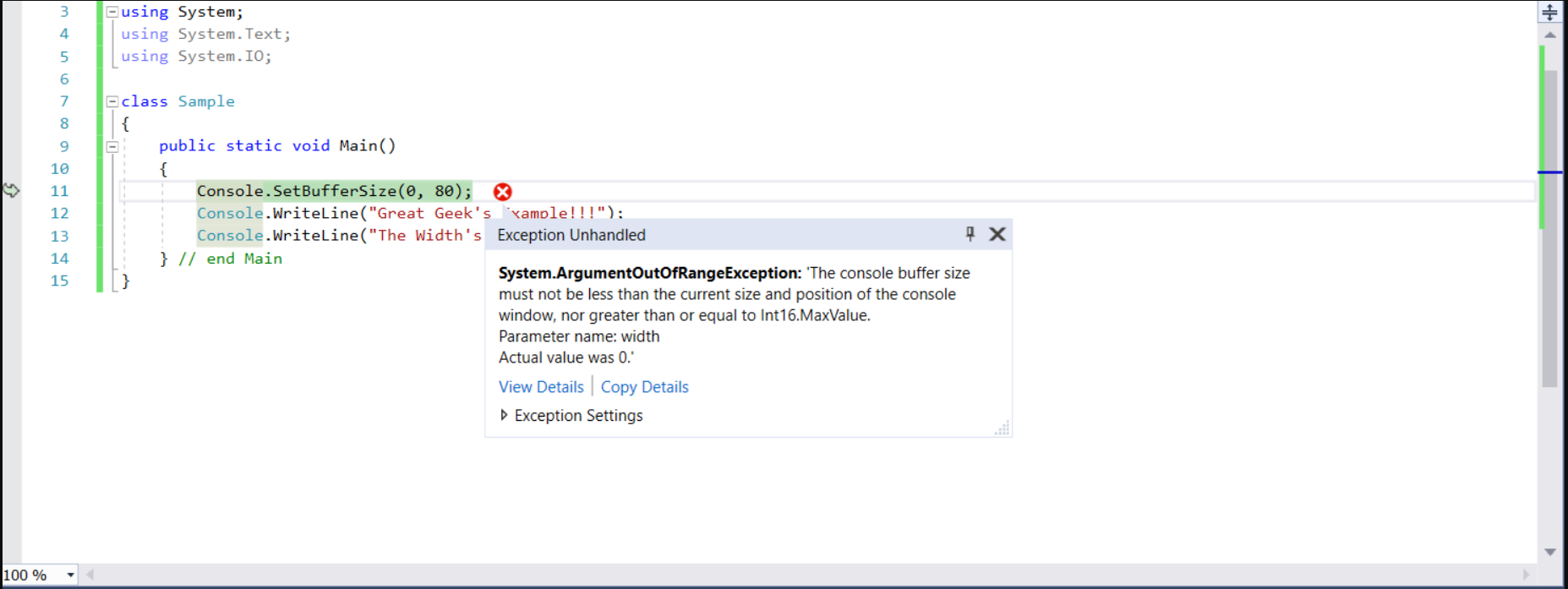
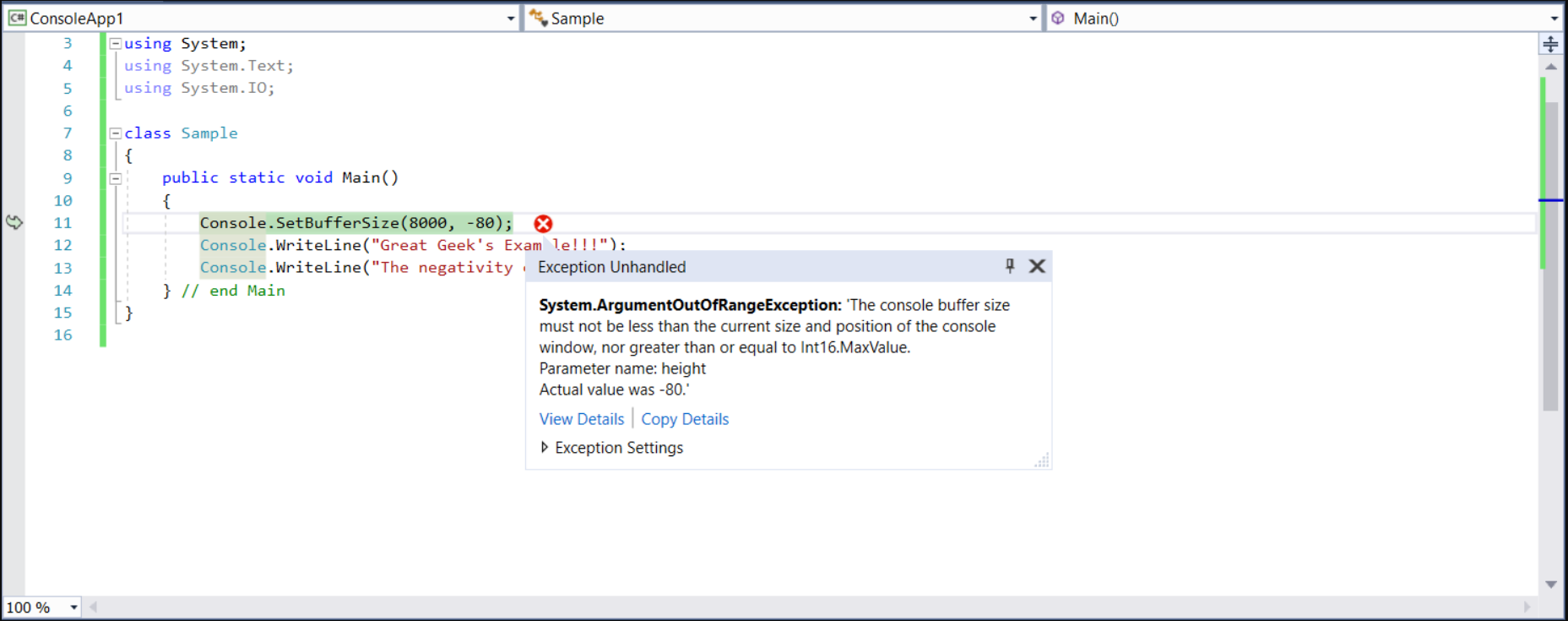
- ArgumentOutOfRangeException: If the height or width is less than or equal to zero Or height or width is greater than or equal to MaxValue. Also, if the width is less than
WindowLeft + WindowWidthor height is less thanWindowTop + WindowHeightthen we will get the same exception. - IOException: If an I/O error occurred.
// C# program to demonstrate
// the  SetBufferSize Method
using System;
using System.Text;
using System.IO;

class GFG {

    // Main Method
    public static void Main()
    {

        // using the method
        Console.SetBufferSize(800, 800);
        Console.WriteLine("Start");
        while (true)
        {
            Console.WriteLine("Great Geek's Example!!!");
        }
    } // end Main
}
// C# program to demonstrate
// the SetBufferSize Method
using System;
using System.Text;
using System.IO;

class GFG {

    // Main Method
    public static void Main()
    {
        Console.SetBufferSize(0, 80);
        Console.WriteLine("Great Geek's Example!!!");
        Console.WriteLine("The Width's value is too less!");
    } // end Main
}
// C# program to demonstrate
// the SetBufferSize Method
using System;
using System.Text;
using System.IO;

class GFG {

    // Main Method
    public static void Main()
    {
        Console.SetBufferSize(8000, -80);
        Console.WriteLine("Great Geek's Example!!!");
        Console.WriteLine("The negativity of this height is unbearable!");
    } // end Main
}
 Reference:
