
A Particle System is a component that spawns and controls many small objects called particles. Each particle has its own position, velocity, color, size and lifetime.
Creating a Particle System
- Right-click in Hierarchy -> Effects -> Particle System.
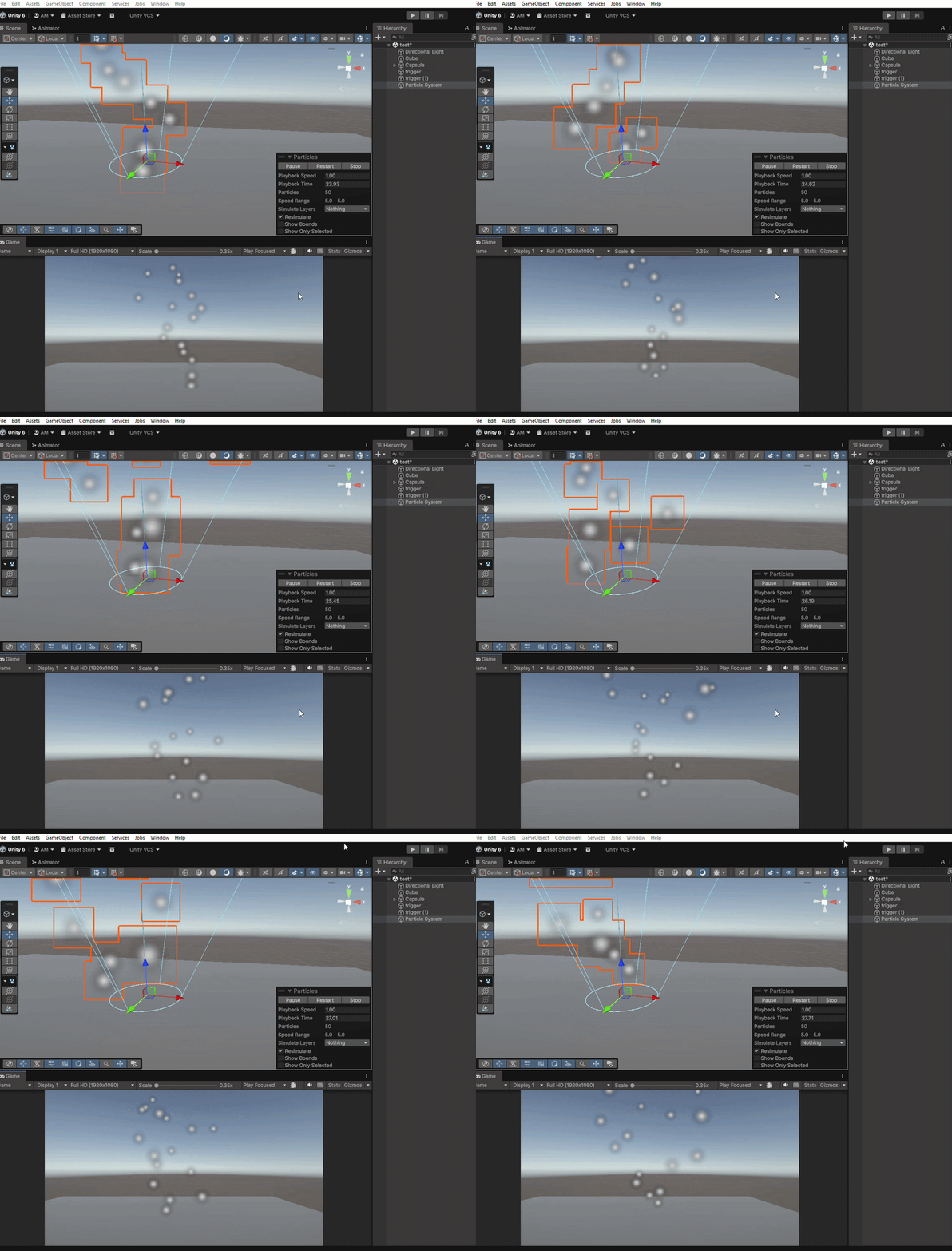
- A small cloud of white dots appears in Scene view.
- Press Play to see particles moving.
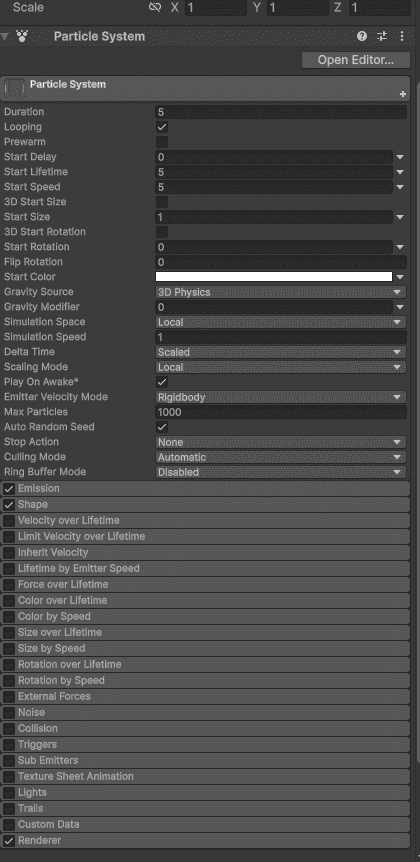
Particle System Inspector
Select the Particle System GameObject. The Inspector has many modules (collapsible sections):
- Main: Controls duration, looping, start speed, start size, and max particles.
- Emission: Controls how many particles spawn per second.
- Shape: Defines the spawn area shape (cone, sphere, box, etc.).
- Color over Lifetime: Controls how particle color changes as it ages.
- Size over Lifetime: Controls how particle size changes over time.
- Renderer: Determines which material or texture the particle uses.
Example 1: Dust Particles (Simple)
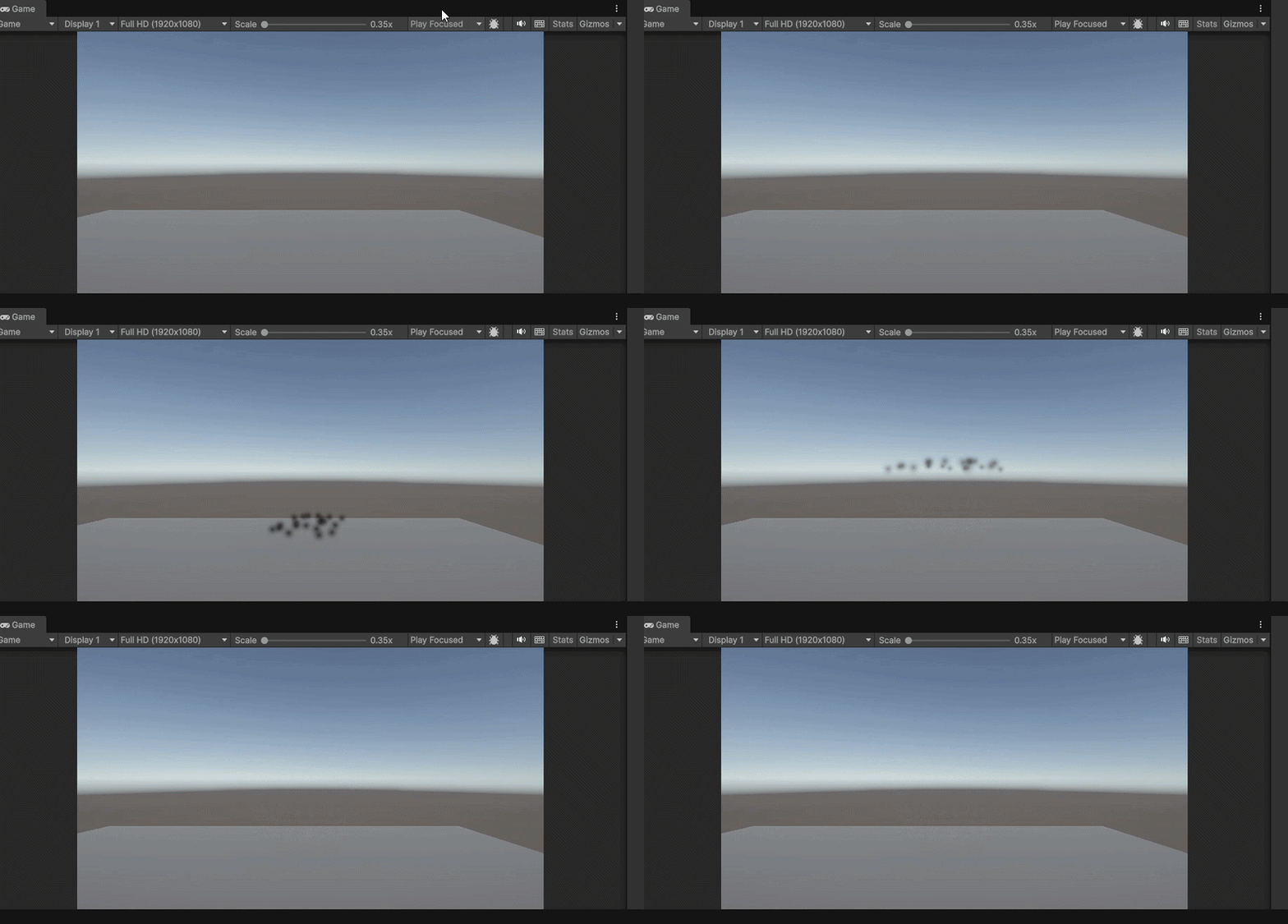
Create a simple dust effect for a character landing.
Step 1: Create Particle System (Hierarchy - Effects - Particle System).
Step 2: In Main module:
- Duration = 0.5 (plays for half second).
- Looping = Unchecked (plays once).
- Start Speed = 2.
- Start Size = 0.3.
- Max Particles = 20.
Step 3: In Emission module:
- Rate over Time = 0 (disable).
- Click "+" to add a Burst.
- Burst Time = 0.
- Count = 20.
Step 4: In Shape module:
- Shape = Hemisphere.
- Radius = 0.5.
Step 5: In Color over Lifetime module:
- Check the box.
- Click gradient bar.
- Set color from brown to transparent.
Playing Particle from Script
To play the dust effect when character lands:
public class LandDust : MonoBehaviour
{
    public ParticleSystem dustParticles;
    void OnCollisionEnter(Collision collision)
    {
        if (collision.gameObject.CompareTag("Ground"))
        {
            dustParticles.Play();
        }
    }
}
Important Particle Settings
| Setting | Location | Effect |
|---|---|---|
| Looping | Main | Effect repeats (fire, rain) or plays once (explosion) |
| Start Lifetime | Main | Defines how long each particle lives (in seconds) |
| Start Speed | Main | Sets the initial speed of particles |
| Rate over Time | Emission | Controls number of particles spawned per second |
| Burst | Emission | Spawns particles instantly in a burst |
| Gravity Modifier | Main | Applies gravity to particles (negative = upward motion) |
Changing Particle Texture
By default, particles are white dots. Use any image as particle.
- Import a PNG texture (star, smoke, leaf)
- Select Particle System - Renderer module
- Drag texture into "Material" slot
Common Use Cases
Fire
- Cone shape emission
- Colors: orange - red fade
- Moves upward (rising effect)
Smoke
- Sphere shape emission
- Particles grow larger over time
- Gradually fade out
Rain
- Box shape emission
- High speed downward movement
- Small particle size
