
Google Cloud Data Fusion is a fully managed data integration service provided by Google Cloud that enables users to build and manage data pipelines through a graphical interface. It simplifies the process of extracting, transforming, and loading (ETL) data without requiring extensive coding. Cloud Data Fusion provides a user friendly graphical user interface (GUI) and APIs that reduce development complexity and accelerate data pipeline creation. Using a drag and drop interface, users can design data workflows, integrate multiple data sources, and transform datasets efficiently.
- It supports parallel query execution, which significantly helps in the multi processing of data.
- You can use existing templates, connectors to Google Cloud, and other Cloud service providers.
- There is a variety of transformations present to help you get your desired quality and format of the data.
- Cloud Data Fusion is extensible. This includes the ability to integrate it with Apache Airflow, SQL Engine and many more.
Core Components of Datafusion in GCP
Understanding the core components of Google Cloud Data Fusion is essential for designing and managing efficient data pipelines. These components work together to extract, process, and load data into target systems.
1. Transformations
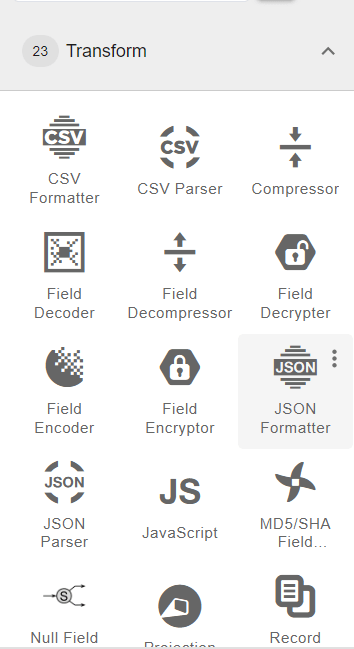
A Transformation modifies or processes data within a pipeline before sending it to the destination.
- Applies operations such as filtering, parsing, formatting, and aggregating data.
- Helps convert raw data into a structured and usable format.
- Supports built-in plugins like CSV Formatter, Compressor, and Joiner.
- Enables complex data processing workflows within the pipeline.
Example: CSV Formatter, Compressor.
2. Sink
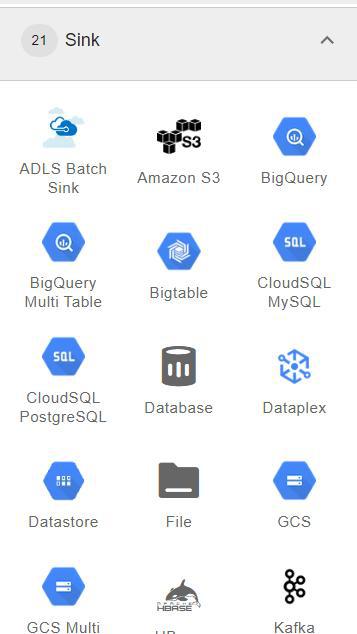
A Sink represents the final destination where processed data is stored after pipeline execution.
- Stores transformed data in target systems or storage platforms.
- Common destinations include Google BigQuery and Google Cloud Storage.
- Supports writing data to databases, cloud storage, or analytics platforms.
- Acts as the final stage of the data pipeline.
Example: Bigquery, GCS
3. Source
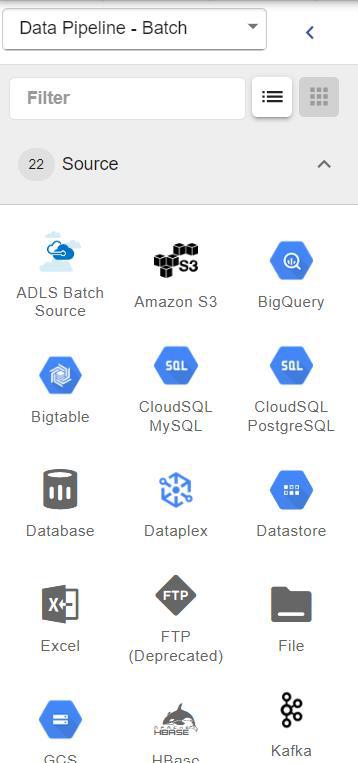
A Source is the starting point of a pipeline where data is ingested into Cloud Data Fusion for processing.
- Retrieves data from external systems, files, or databases.
- Supports multiple formats such as CSV, JSON, Excel, and database tables.
- Connects with services like Google Cloud Bigtable or APIs.
- Acts as the first stage in the pipeline before transformations are applied.
Example : Excel, Bigtable
4. Error Handlers
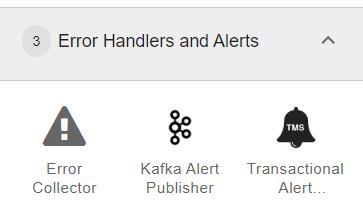
Error Handlers manage failures and problematic records during pipeline execution.
- Capture records that fail during data processing.
- Prevent pipeline crashes by handling errors gracefully.
- Allow failed data to be redirected to alternate storage or logs.
- Improve pipeline reliability and fault tolerance.
5. Wranglers
Wrangler is a built-in data preparation tool used to clean and transform datasets before pipeline execution.
- Provides an interactive interface for data cleaning and formatting.
- Helps standardize, enrich, and structure raw data.
- Allows users to preview transformations before applying them.
- Simplifies data preparation without writing complex code.
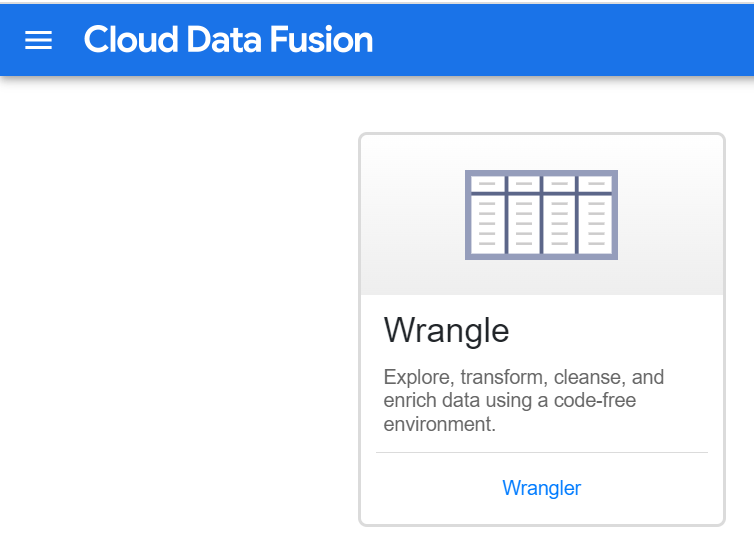
How to use Data Fusion in Google Cloud Console?
Step 1: In the Cloud console, from the Navigation menu select Data Fusion.

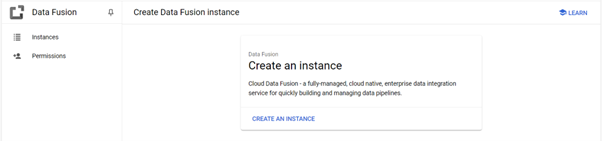
Step 2 : Click the Create an Instance link at the top of the section to create a Cloud Data Fusion instance.
- In the Create Data Fusion instance page that loads:
Step 3: A pictorial representation of the pipeline appears in the user i, which is a graphical interface for developing data integration pipelines.
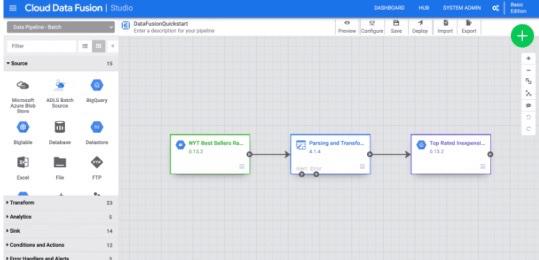
Step 4: In the top right menu, there are several options click Deploy. This will submit the pipeline to Cloud Data Fusion.

Alternatives to Cloud Data Fusion in Google Cloud
Although Cloud Data Fusion is designed for low code ETL development, other services in the Google Cloud ecosystem can also perform similar data processing tasks.
1. Google Cloud Dataproc
Google Cloud Dataproc is a managed service for running Apache Spark, Hadoop, and Hive clusters.
Key differences:
- Requires manual job creation using Spark or Hadoop frameworks.
- Offers more flexibility for custom big data workloads.
- Suitable for users familiar with distributed data processing frameworks.
Cloud Data Fusion, on the other hand, provides a visual interface for building ETL pipelines with minimal coding.
2. Google Cloud Dataflow
Google Cloud Dataflow is a fully managed service for batch and stream data processing based on the Apache Beam programming model.
Key characteristics:
- Designed for large-scale streaming and batch processing.
- Requires coding using Java or Python.
- Ideal for real-time analytics pipelines.
Compared to Dataflow, Cloud Data Fusion focuses on visual pipeline creation and data integration workflows.
