
Images are a vital part of any webpage, enhancing the visual appeal and improving user engagement. However, displaying images at the correct size is essential for a professional look and optimal page performance. Resizing an image in HTML ensures that it fits within your webpage's design while maintaining fast loading times. This article will explore various methods to resize images using HTML and CSS.
These are the following approaches to resize an image in HTML:
Table of Content
Resizing an Image Using HTML Attributes
HTML provides two attributes: width and height. These allow you to set an image's size directly in the HTML markup.
Syntax:
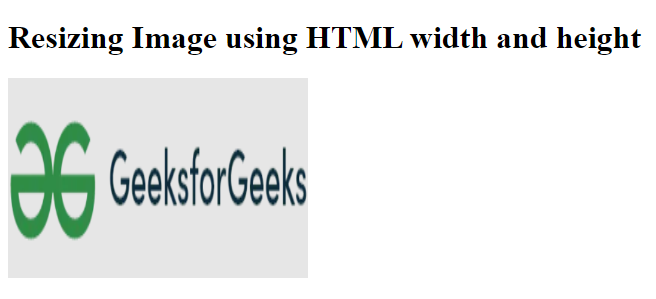
<img src="images/sample.jpg" width="300" height="200" alt="Sample Image">Example: The image is resized to 300 pixels wide and 200 pixels tall using the width and height attributes.
<!DOCTYPE html>
<html lang="en">

<head>
    <meta charset="UTF-8">
    <meta name="viewport" content=
"width=device-width, initial-scale=1.0">
    <title>Resize Image with HTML Attributes</title>
</head>

<body>
    <h1>Resizing Image using HTML width and height</h1>
    <img src=
"https://media.geeksforgeeks.org/wp-content/uploads/20240911162743/GeeksforGeeks-Logo.png" width="300"
         height="200" alt="Sample Image">
</body>

</html>
Note: Keep in mind that resizing through HTML doesn’t change the file size; it only changes the way the image is displayed.
Output:
Resizing Using CSS Styles
A more flexible way to resize an image is by using CSS styling, which offers better control over layout and responsiveness.
Syntax:
<style>
    img {
        width: 500px;
        height: 500px;
    }
</style>
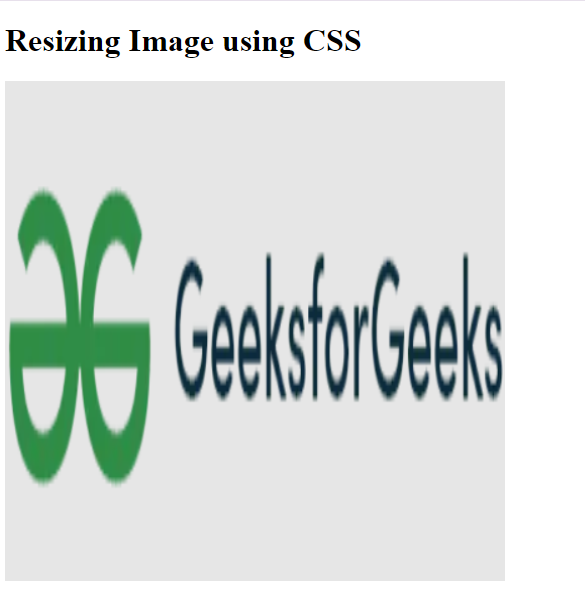
Example: The inline CSS here aims to set the image dimensions to 300 pixels wide and 200 pixels high.
<!DOCTYPE html>
<html lang="en">

<head>
    <meta charset="UTF-8">
    <meta name="viewport" content=
"width=device-width, initial-scale=1.0">
    <title>Resize Image with CSS</title>
</head>
<style>
    img {
        width: 500px;
        height: 500px;
    }
</style>

<body>
    <h1>Resizing Image using CSS</h1>
    <img src=
"https://media.geeksforgeeks.org/wp-content/uploads/20240911162743/GeeksforGeeks-Logo.png" alt="GFG Logo">
</body>

</html>
Output:
Conclusion
You can resize images in HTML using either HTML attributes or CSS, depending on your project’s requirements. For fixed dimensions, the width and height attributes in HTML provide a simple solution. However, using CSS is generally recommended for modern web development. CSS offers more flexibility, making it easier to manage layouts and ensure images adjust well on different screen sizes.
