
The Anchor pathname Property in HTML DOM is used to set or return the path name part of the href attribute value.
Syntax:
- It returns the pathname property.
anchorObject.pathname - It is used to set the pathname property.
anchorObject.pathname = path
Property Values: It contains the value i.e. path which specify the path name of the URL.
Return Value: It returns a string value which represents the path name of the URL.
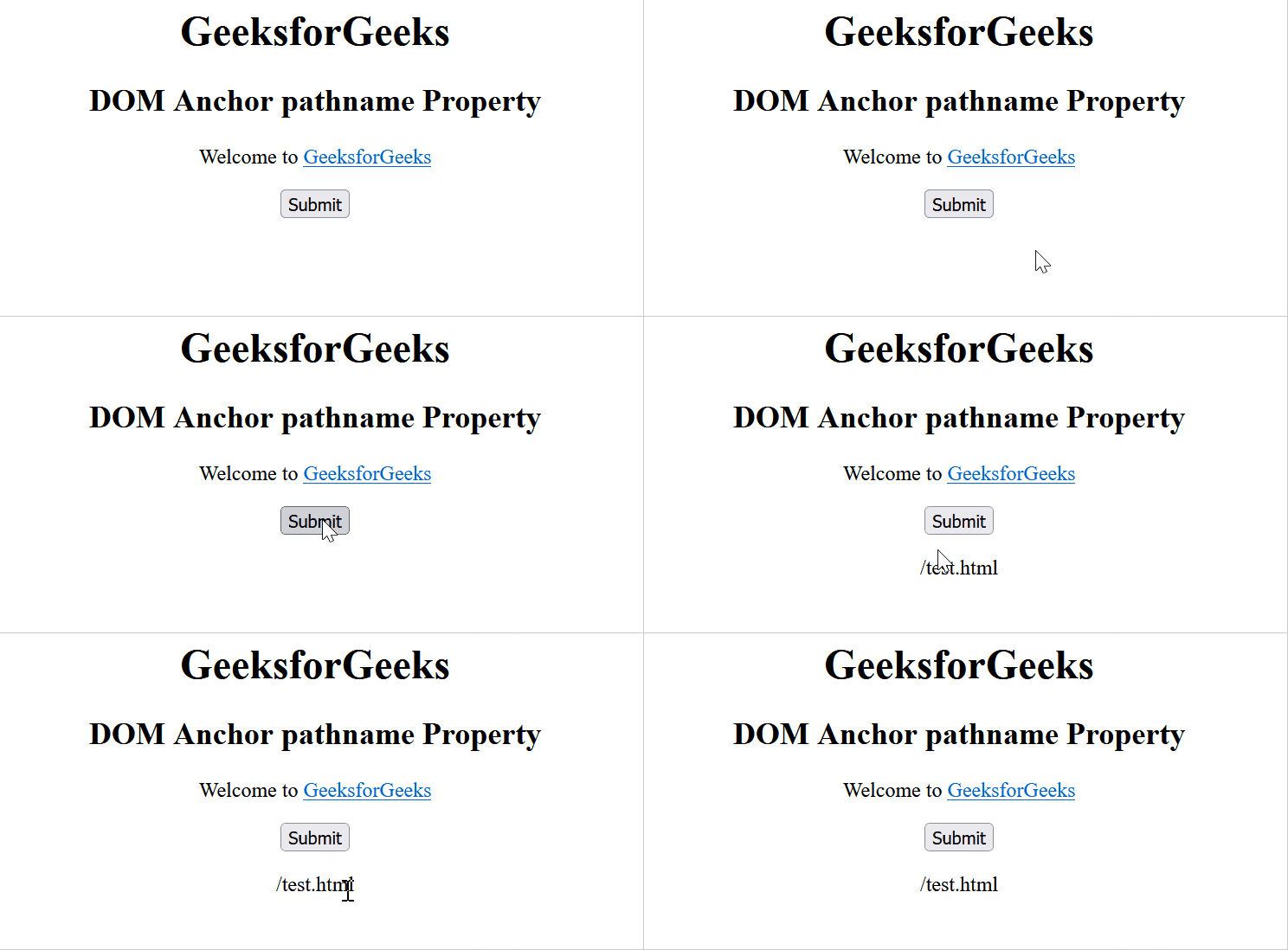
Example 1: This example returns the path name of the URL.
<!DOCTYPE html>
<html>

<head>
    <title>
        HTML DOM Anchor pathname Property
    </title>
</head>

<body style="text-align: center;">
    <h1>GeeksforGeeks</h1>

    <h2>DOM Anchor pathname Property</h2>

    <p>Welcome to
        <a href="https://www.geeksforgeeks.org/test.html"
            id="GFG" rel="nofollow" target="_self">
            GeeksforGeeks
        </a>
    </p>

    <button onclick="myGeeks()">
        Submit
    </button>

    <p id="sudo"></p>

    <script>
        function myGeeks() {
            let x = document.getElementById("GFG").pathname;
            document.getElementById("sudo").innerHTML = x;
        }
    </script>
</body>

</html>
Output:
Example 2: This example sets the path name of the URL.
<!DOCTYPE html>
<html>

<head>
    <title>
        HTML DOM Anchor pathname Property
    </title>
</head>

<body style="text-align: center;">
    <h1>GeeksforGeeks</h1>

    <h2>DOM Anchor pathname Property</h2>

    <p>Welcome to
        <a href="https://www.geeksforgeeks.org/test.html"
            id="GFG" rel="nofollow" target="_self">
            GeeksforGeeks
        </a>
    </p>

    <button onclick="myGeeks()">
        Submit
    </button>

    <p id="sudo"></p>

    <script>
        function myGeeks() {
            let x = document.getElementById("GFG")
                .pathname = 'geeks.html';

            document.getElementById("sudo").innerHTML
                = "The pathname is changed to " + x;
        }
    </script>
</body>

</html>
Output:

Supported Browsers:
- Google Chrome
- Internet Explorer 10.0 +
- Firefox
- Opera
- Safari
