
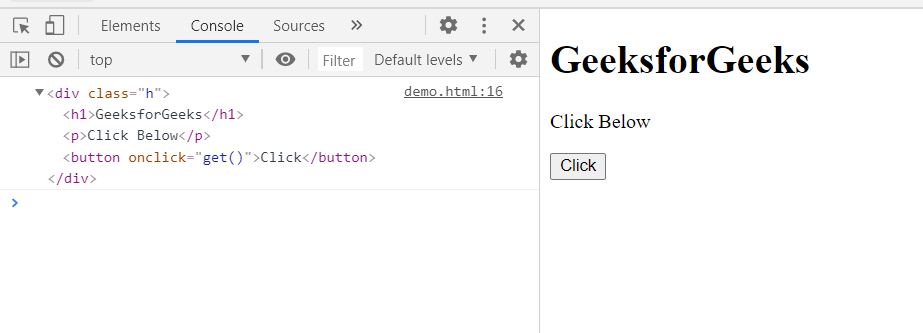
The console dirxml() method is used to display an interactive tree of the descendant elements of the specified XML/HTML element. The output is represented as a hierarchical object of expandable nodes that also lets you see the contents of the child node.
Syntax:
console.dirxml(object_or_element);
- object: This method take a JavaScript object or element.
Parameters:
Return Value: This method returns the interactive tree of the elements of the object.
Example:
<!DOCTYPE html>
<html>
<head>
  <meta charset="utf-8">
  <title>DOM console dirxml() method example</title>
</head>
<body>
  <div class="h">
  <h1>GeeksforGeeks</h1>
  <p>Click Below</p>
  <button onclick="get()">Click</button>
  </div>
</body>
<script>
    function get(){
        console.dirxml(document.querySelector(".h"));
        }
</script>
</html>
Output:
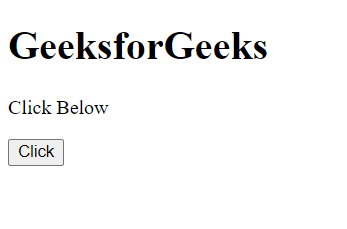
Before Clicking Button:
After Clicking Button:
Supported Browsers:
- Google Chrome
- Edge
- Firefox
- Safari
- Opera
- Internet Explorer
