
The HTML DOM IFrame srcdoc property is used to set or return the value of a srcdoc attribute of an <Iframe> element. The srcdoc attribute is used to specify the HTML content of the document in the <Iframe> element. It can be used together with the sandbox and seamless attributes.
Syntax:
- It returns the srcdoc property.
iframeObject.srcdoc- It is used to set the srcdoc property.
iframeObject.srcdoc = HTML_codeProperty Values:
- HTML_code: It is used to specify the HTML content of the page which will display in an Iframe element.
Return Value: It returns a string value that specifies the HTML content of the page that is displayed in the Iframe element.
Usage
- srcdoc lets you directly write HTML content inside the iframe, without using an external link.
- It's useful when you want to show a small piece of content or a preview without loading a whole webpage.
- You can include things like headings, paragraphs, and even styling inside the srcdoc.
- It’s a good way to avoid external loading issues or security blocks from other websites.
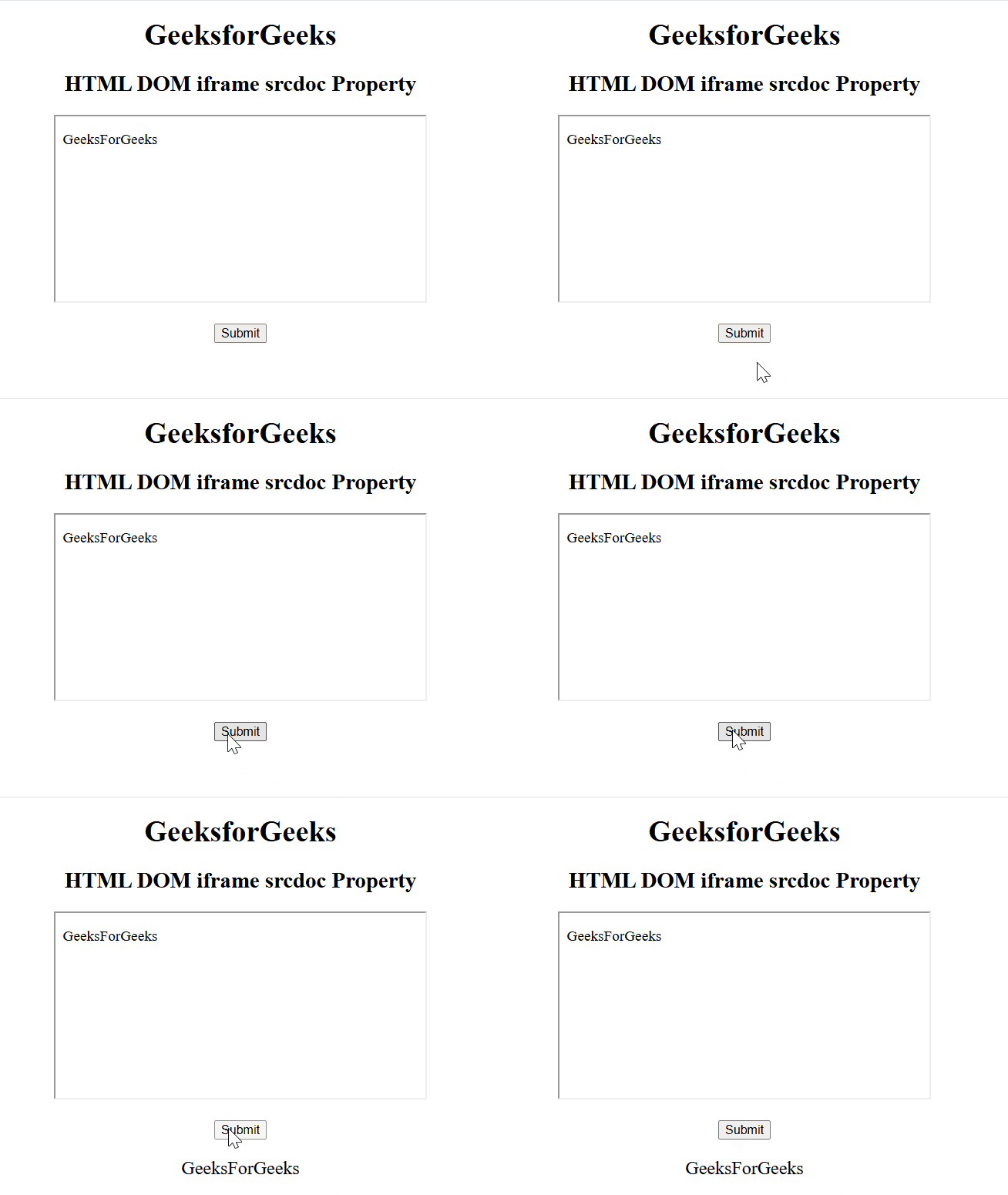
Example 1: This example illustrates how to return the Iframe srcdoc property.
<!DOCTYPE html>
<html>

<head>
    <title>
        HTML DOM iframe srcdoc Property
    </title>
</head>

<body style="text-align:center;">
    <h1>GeeksforGeeks</h1>
    <h2>HTML DOM iframe srcdoc Property</h2>
    <iframe src="https://www.geeksforgeeks.org/community/"
            srcdoc="<p>GeeksForGeeks</p>"
            id="GFG" height="200"
            width="400" name="myGeeks">
    </iframe>
    <br><br>
    <button onclick="Geeks()">
          Submit
      </button>
    <p id="sudo" style="font-size:20px"></p>

    <script>
        function Geeks() {
            let x = document.getElementById("GFG").srcdoc;
            document.getElementById("sudo").innerHTML = x;
        }
    </script>
</body>

</html>
Output:
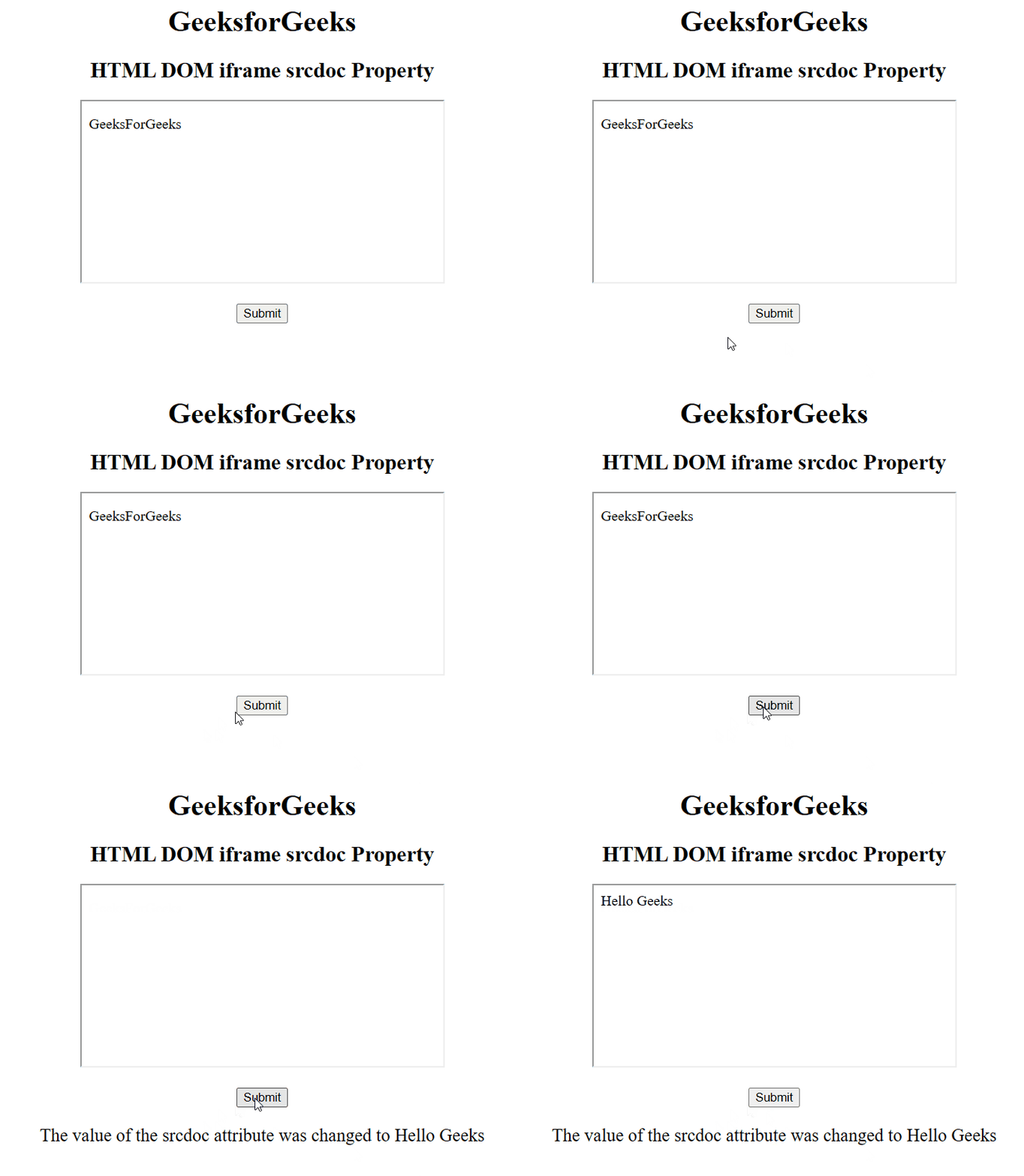
Example 2: This example illustrates how to set the Iframe srcdoc property.
<!DOCTYPE html>
<html>

<head>
    <title>
        HTML DOM iframe srcdoc Property
    </title>
</head>

<body style="text-align:center;">
    <h1>GeeksforGeeks</h1>
    <h2>HTML DOM iframe srcdoc Property</h2>
    <iframe src="https://www.geeksforgeeks.org/community/"
            srcdoc="<p>GeeksForGeeks</p>"
            id="GFG" height="200"
            width="400" name="myGeeks">
    </iframe>
    <br><br>
    <button onclick="Geeks()">
        Submit
    </button>
    <p id="sudo" style="font-size:20px"></p>

    <script>
        function Geeks() {
            let x = document.getElementById("GFG").srcdoc
                = "Hello Geeks";
            document.getElementById("sudo").innerHTML
                = "The value of the srcdoc attribute "
                + "was changed to " + x;
        }
    </script>
</body>

</html>
Output:
Supported Browsers: The browsers supported by HTML DOM IFrame srcdoc Property are listed below:
- Google Chrome 20.0 and above
- Edge 79.0 and above
- Firefox 25.0 and above
- Internet Explorer not supported
- Opera 15.0 and above
- Safari 6.0 and above
