
The input event is fired when the user changes an element, the value of an element or <textarea> element. DOM InputEvent occurs when an element in the HTML document gets input from the user.
InputEvent property:
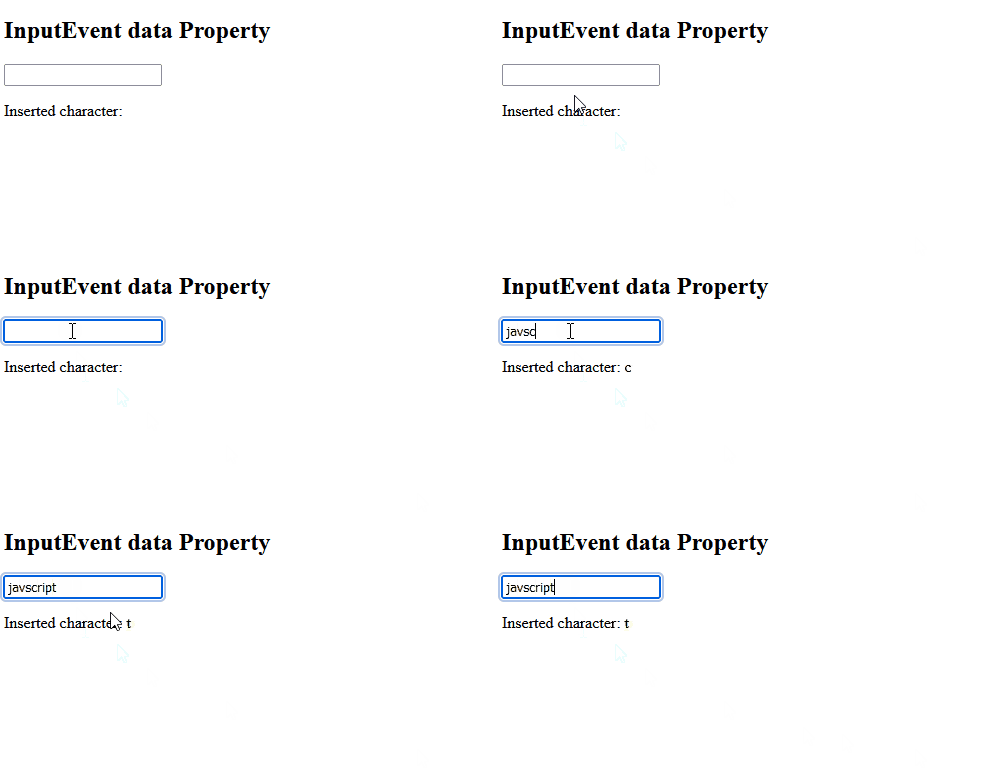
- data: Returns the inserted characters.
- dataTransfer: Returns an object containing information about the inserted/deleted data.
- getTargetRanges: Returns an array containing target ranges that will be affected by the insertion/.eletion.
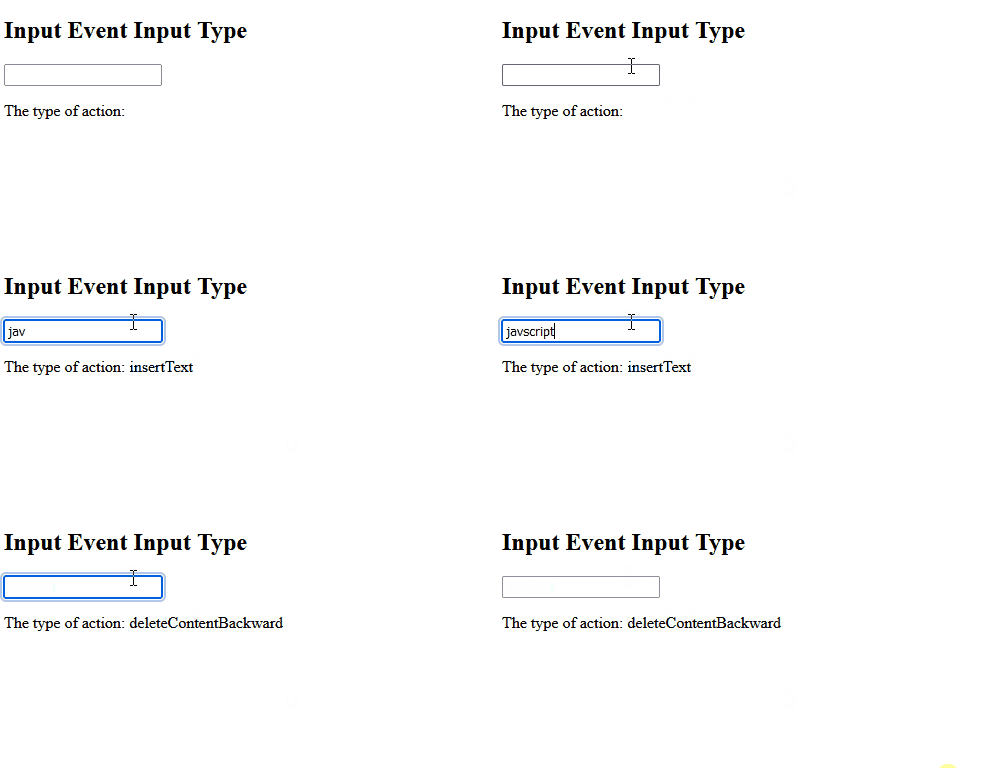
- inputType: Returns the type of the change (i.e "inserting" or "deleting")
- isComposing: Returns the state of the event.
Syntax:
<element oninput="Function">Example 1: Accessing input type using "event.inputType;"
<!DOCTYPE html>
<html>

<body>
    <h2>Input Event Input Type</h2>
    <input type="text" id="myInput" oninput="myFunction(event)">

    <p>
        The type of action:
        <span id="demo"></span>
    </p>

    <script>
        function myFunction(event) {
            document.getElementById("demo").innerHTML =
                event.inputType;
        }
    </script>

</body>

</html>
Output:
Example-2: Accessing data property to return inserted characters.
<!DOCTYPE html>
<html>

<head>
    <title>
        HTML DOM InputEvent data Property
    </title>
</head>

<body>
    <h1>GeeksforGeeks</h1>

    <h2>InputEvent data Property</h2>

    <input type="text" id="GFG" oninput="myGeeks(event)">

    <p>Inserted character: <span id="test"></span></p>

    <script>
        function myGeeks(event) {
            document.getElementById("test").innerHTML
                    = event.data;
        }
    </script>
</body>

</html>
Output:
Example-3: In this example, oninput return the whole inserted data.
<!DOCTYPE html>
<html>

<body>
    <p>Write something in the text
      field to start the function....</p>
    <input type="text"
           id="myInput"
           oninput="Function()">

    <p id="demo"></p>

    <script>
        function Function() {
            var x = document.getElementById(
              "myInput").value;

            document.getElementById(
              "demo").innerHTML =
              "You wrote: " + x;
        }
    </script>

</body>

</html>
Output:

Supported Browsers:
- Google Chrome 1
- Mozilla Firefox 4.0
- Internet Explorer 9.0
- Safari 5.0
- Opera 11.6
