
The HTML DOM oncut Event occurs when the content of an element is cut by the user. The oncut event is mostly used on elements with type="text".
Supported Tags
- It supports all HTML elements.
Syntax:
In HTML:
<element oncut="myScript">
In JavaScript:
object.oncut = function(){myScript};
In JavaScript, using the addEventListener() method:
object.addEventListener("cut", myScript);
Note: There are three ways to cut the content of an element:
- Press CTRL + X
- Select "Cut" from the Edit menu in your browser
- Right click to display the context menu and select the "Cut" command
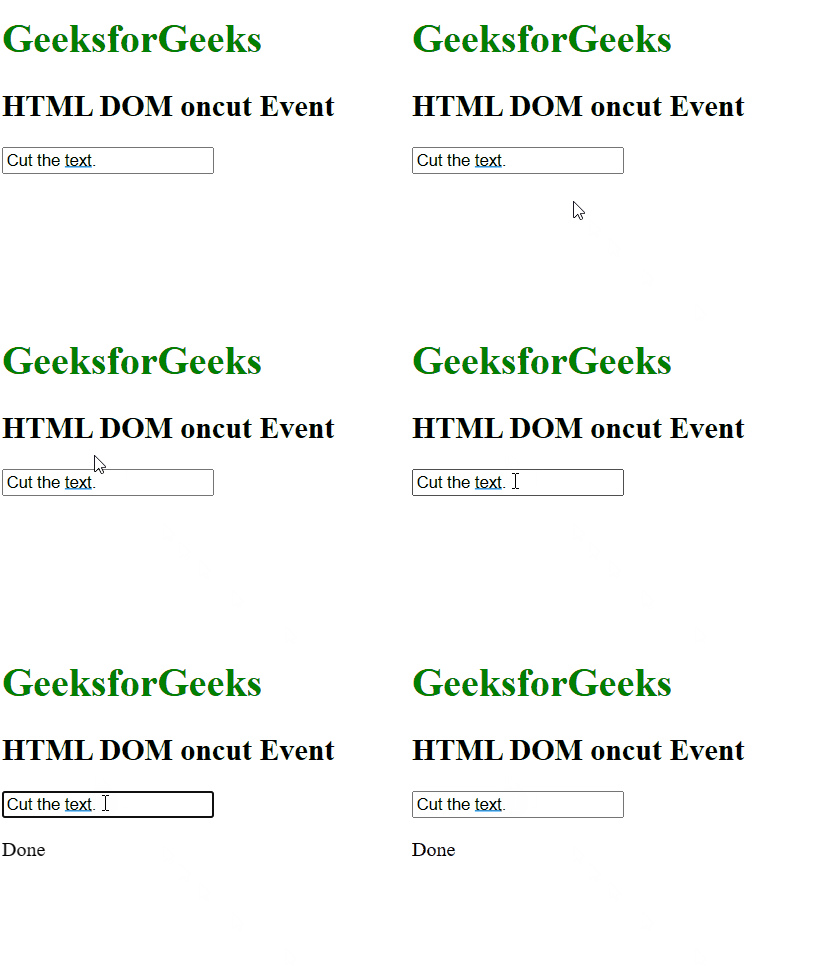
Example 1: Using HTML
<!DOCTYPE html>
<html>

<head>
    <title>
          HTML DOM oncut Event
      </title>
</head>

<body>
    <h1 style="color:green">
        GeeksforGeeks
    </h1>
    <h2>HTML DOM oncut Event</h2>
    <input type="text" oncut="myFunction()"
           value="Cut the text">
    <p id="demo"></p>

    <script>
        function myFunction() {
            document.getElementById(
                "demo").innerHTML = "Done";
        }
    </script>

</body>

</html>
Output:
Example 2: Using JavaScript
<!DOCTYPE html>
<html>

<head>
    <title>
        HTML DOM oncut Event
    </title>
</head>

<body>
    <h1 style="color:green">
        GeeksforGeeks
    </h1>
    <h2>HTML DOM oncut Event</h2>
    <input type="text" id="myInput"
           value="Cut the text">

    <script>
        document.getElementById("myInput").oncut =
            function () {
                GFGfun()
            };
        function GFGfun() {
            alert("Done");
        }
    </script>
</body>

</html>
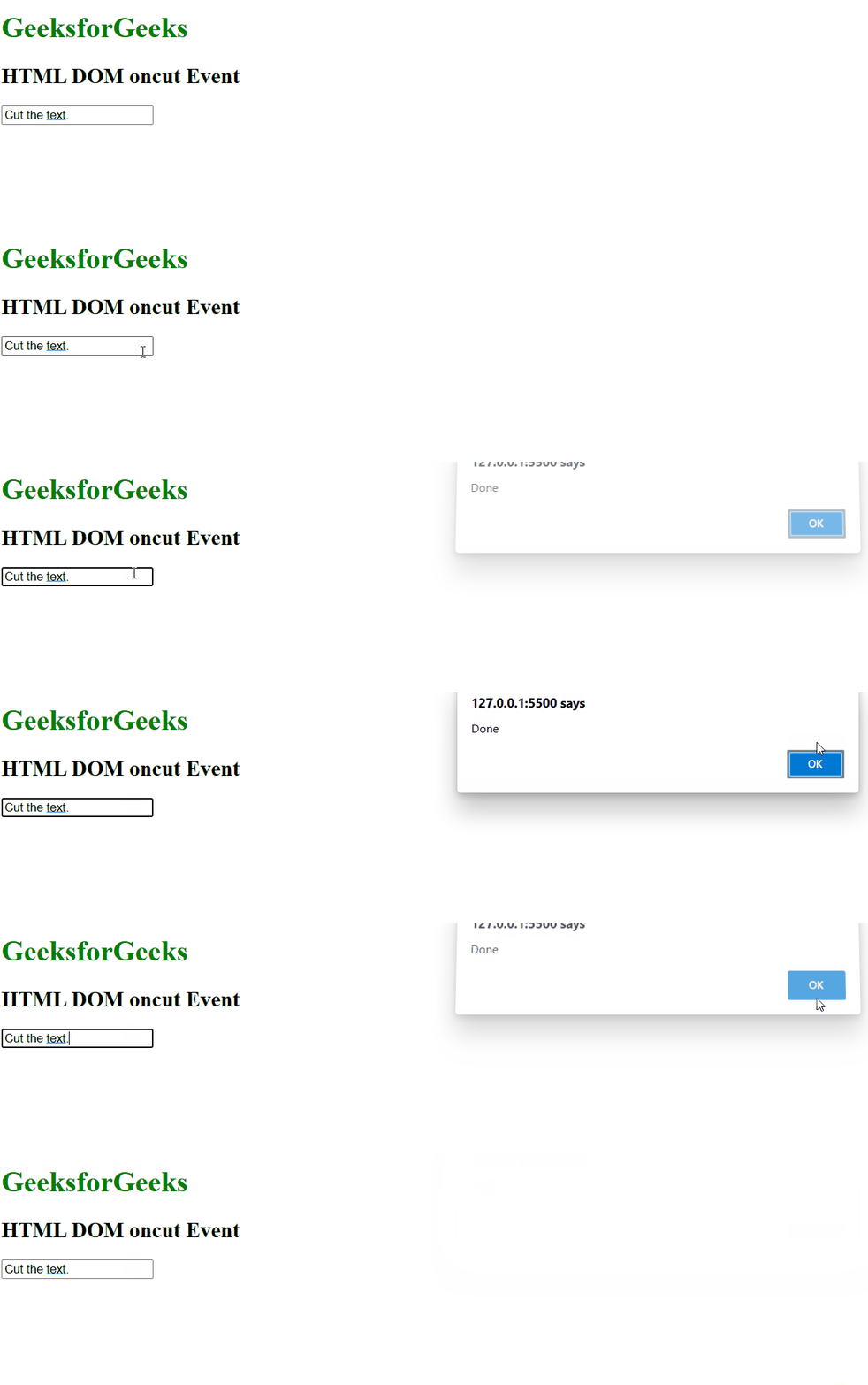
Output:
Example 3: In JavaScript, using the addEventListener() method:
<!DOCTYPE html>
<html>

<head>
    <title>HTML DOM oncut Event</title>
</head>

<body>
    <h1 style="color:green">
        GeeksforGeeks
    </h1>
    <h2>HTML DOM oncut Event</h2>
    <input type="text" id="myInput"
           value="Cut the text">

    <script>
        document.getElementById(
            "myInput").addEventListener(
                "cut", GFGfun);
        function GFGfun() {
            alert("Done");
        }
    </script>

</body>

</html>
Output:
Supported Browsers: The browsers supported by HTML DOM oncut Event are listed below:
- Google Chrome
- Internet Explorer
- Firefox
- Apple Safari
- Opera
