
The HTML DOM Script charset property is used to set or return the value of a charset attribute of an <script> element. The charset attribute is used to specify the character encoding used in an external script.
Syntax:
- It returns the charset property.
scriptObject.charset
- It is used to set the charset Property.
scriptObject.charset = charset
Property Values: It contains single value charset which specifies the character encoding used in an external script.
- "ISO-8859-1": It is used to specify the standard encoding for the Latin alphabet.
- "UTF-8": It is used to specify the character encoding for Unicode. Compatible with ASCII.
Return Value: It returns a string value that represents the character encoding of the script element.
Example: This example illustrates how to return the script charset property.
<!DOCTYPE html>
<html>

<head>
    <title>
        DOM script charset Property
    </title>
</head>

<body>
    <h1 style="color:green;">
        GeeksforGeeks
    </h1>
    <h3>
        DOM script charset property
    </h3>
    <script id="myGeeks"
            type="text/javascript"
            src="my_script.js"
            charset="UTF-8">
    </script>
    <br>
    <button onclick="Geeks()">Submit</button>
    <h2 id="demo"></h2>

    <script>
        function Geeks() {
            let x = document.getElementById("myGeeks").charset;
            document.getElementById("demo").innerHTML = x;
        }
    </script>
</body>

</html>
Output:

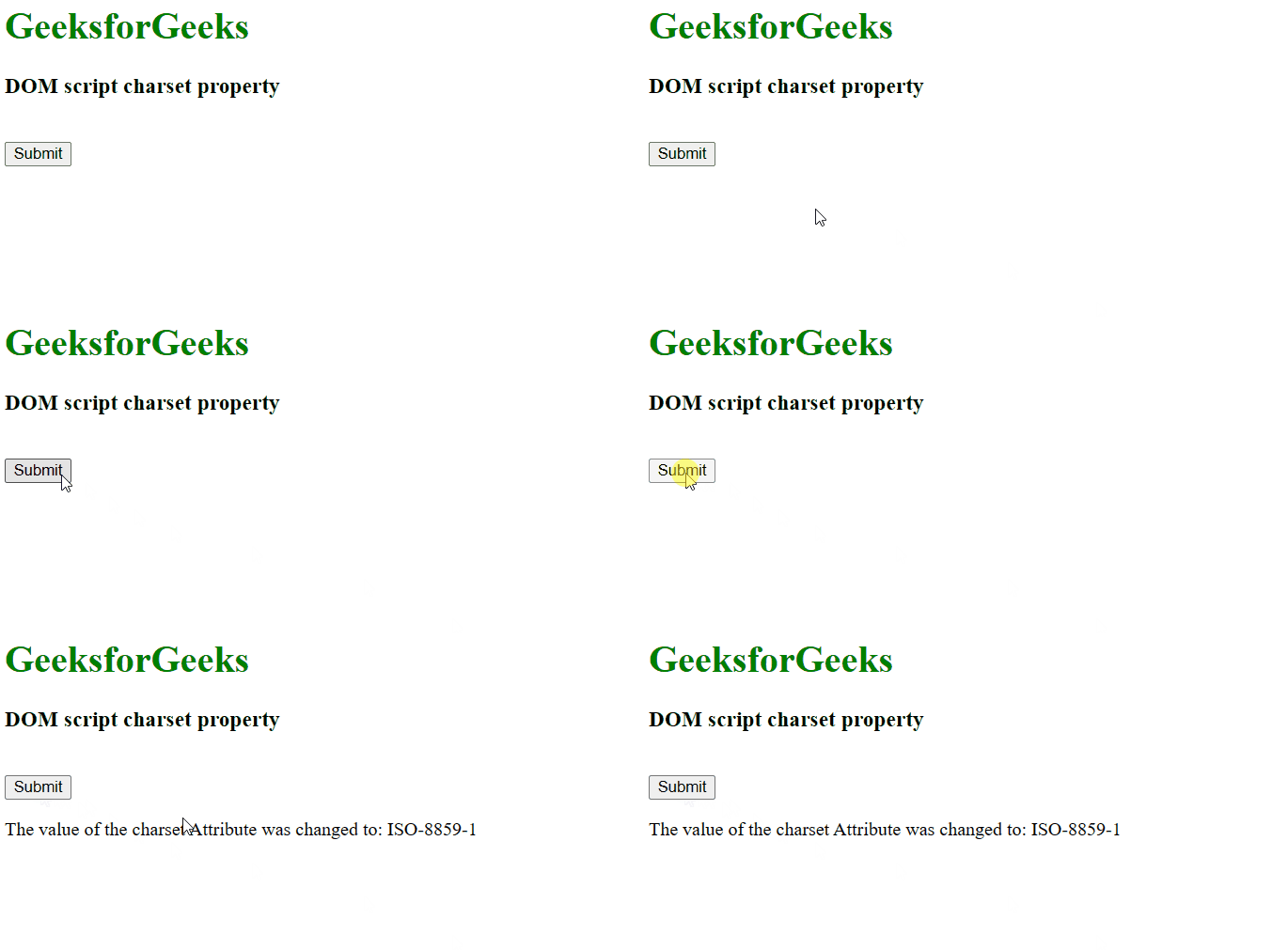
Example 2: This example illustrates how to set the script charset property.
<!DOCTYPE html>
<html>

<head>
    <title>
        DOM script charset Property
    </title>
</head>

<body>
        <h1 style="color:green;">
            GeeksforGeeks
        </h1>
        <h3>
            DOM script charset property
        </h3>
        <script id="myGeeks" type="text/javascript"
                src="my_script.js" charset="UTF-8">
        </script>
        <br>
        <button onclick="Geeks()">Submit</button>
        <p id="demo"></p>

        <script>
            function Geeks() {
                let x = document.getElementById("myGeeks").charset
                    = "ISO-8859-1";
                document.getElementById("demo").innerHTML
                    = "The value of the charset Attribute"
                    + " was changed to: " + x;
            }
        </script>
</body>

</html>
Output:
Supported Browsers: The browsers supported by HTML DOM Script charset property are listed below:
- Google Chrome
- Internet Explorer
- Firefox
- Safari
- Opera
