
The setItem() method is used to set the storage object item which is specified by the user. This storage object can be a localStorage object or sessionStorage object.
Syntax: For local storage:
localStorage.setItem(keyname, value)
For session storage:
sessionStorage.setItem(keyname, value)
Parameters: Two parameters are required :-
- Keyname: It specifies the name of the key used for getting the value.
- value: It specifies the value which replaces the old value.
Return Value: A String, representing the inserted value.
Example:
<!DOCTYPE html>
<html>

<head>
    <!--script for creating new local
      storage item and retrieve it -->
    <script>

        // Set item in local storage.
        function createItem() {
            localStorage.setItem("city", "Gwalior");
        }

        function myFunction() {
            var x = localStorage.getItem("city");
            document.getElementById("demo").innerHTML = x;
        }
    </script>
</head>

<body>
    <h1>Welcome to GeeksforGeeks</h1>
    <h3>The Storage setItem() Method</h3>
    <p>Click on button to create a
      local storage item </p>

    <button onclick="createItem()">
      Create local storage item
  </button>

    <p>Click the button to get the item value:</p>

    <button onclick="myFunction()">
      Get the item value
  </button>

    <p id="demo"></p>

</body>

</html>
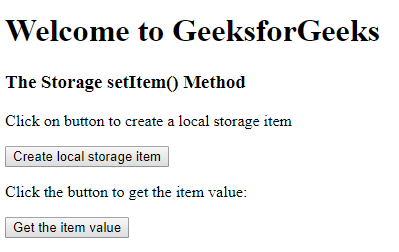
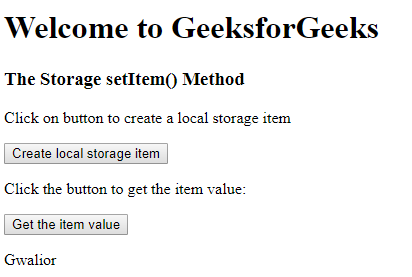
Output:
Before:
After:
Supported Browsers: The browser supported by DOM setItem() Method are listed below:
- Google Chrome 4 and above
- Edge 12 and above
- Internet Explorer 8 and above
- Firefox 3.5 and above
- Opera 10.5 and above
- Safari 4 and above
