
The DOM style backgroundClip Property is used to set or return the painting area of the background.
Syntax:
- It is used to return the backgroundClip property.
object.style.backgroundClip
- It is used to set the backgroundClip property.
object.style.backgroundClip = "border-box|padding-box|content-box|initial|inherit"
Property Values:
- border-box property: The border-box property is used to set the background color spread over the whole division.
- padding-box property: The padding-box property is used to set the background inside the border.
- content-box property: The content-box property is used to set the background color upto the content only.
Example:
<!DOCTYPE html>
<html>

<head>
    <title>Border Box</title>
    <style>
        #gfg {
            background-color: green;
            background-clip: border-box;
            text-align: center;
            border: 10px dashed black;
            color: white;
        }
    </style>
</head>

<body>
    <h1>
        DOM Style backgroundClip Property
    </h1>
    <div id="gfg">
        <h2>
            GeeksforGeeks
        </h2>
        <p>
            background-clip: border-box;
        </p>
    </div>
    <br>
    <button onclick="myGeeks()">Submit</button>

    <script>
        function myGeeks() {
            document.getElementById("gfg"
            ).style.backgroundClip = "padding-box";
        }
    </script>
</body>

</html>
Output :
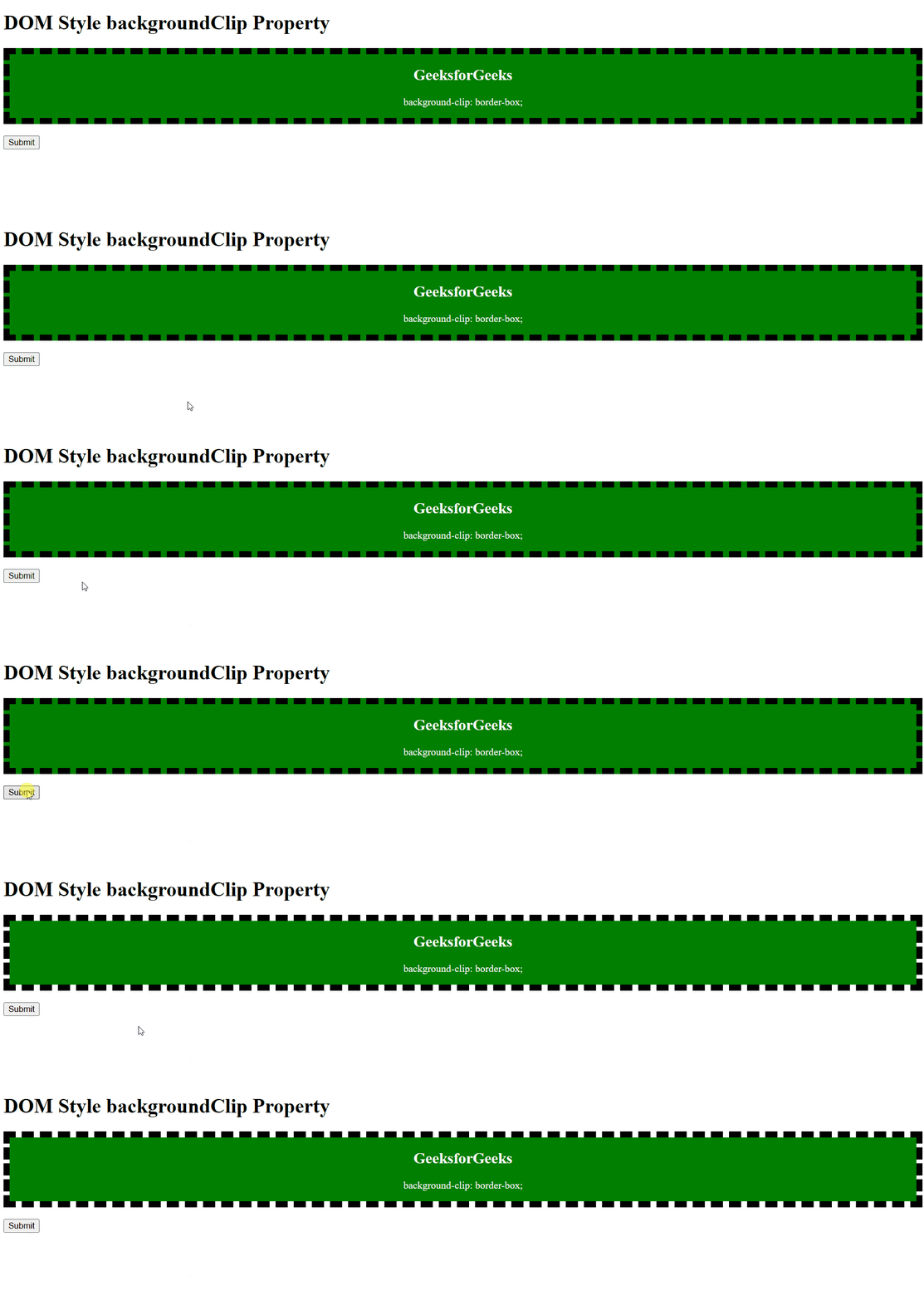
Supported Browsers: The browser supported by DOM Style backgroundClip Property are listed below:
- Google Chrome 1
- Edge 12
- Internet Explorer 9
- Firefox 4
- Opera 10.5
- Safari 14
