
The searchParams property returns a URLSearchParams object allowing access to the GET all the decoded query arguments contained in the URL.
Syntax:
params = url.searchParams;
Return Value: A URLSearchParams object.
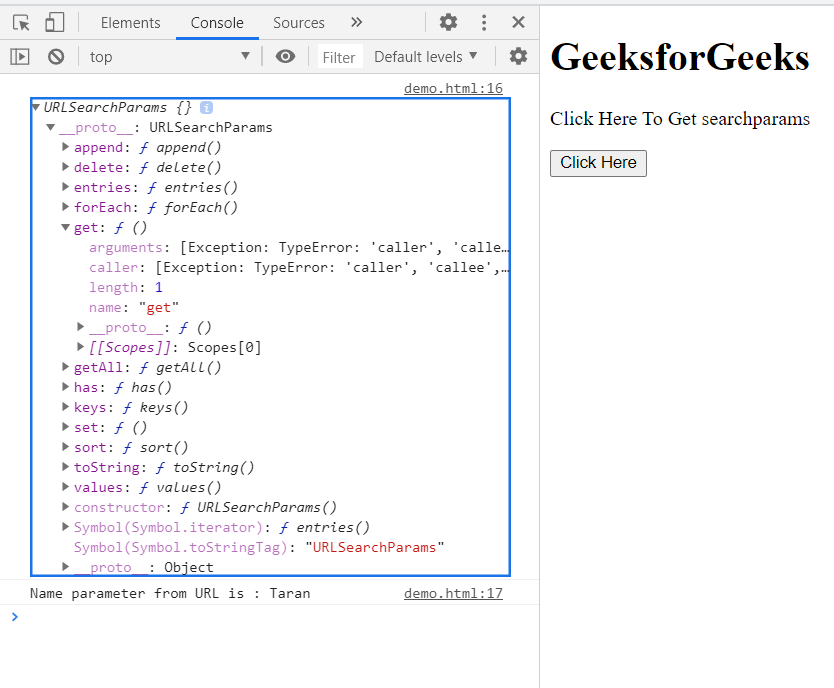
Example: In this example, we will get the searchParams of the URL, here URL is "https://gfg.com/?name=Taran" taken for example.
In this URL we will get the name parameter using this property.
<!doctype html>
<html>
<head>
    <meta charset="utf-8">
<title>HTML DOM URL searchParams property</title>
</head>
<body>
    <h1>GeeksforGeeks</h1>
    <p>Click Here To Get searchparams</p>
    <button onclick="Check()">Click Here</button>
    <div class="child"></div>
</body>
<script>
    function Check(){
         let params = (new URL(
            "https://gfg.com/?name=Taran")).searchParams;
                console.log(params);
                console.log(
      "Name parameter from URL is :", params.get("name"));
        }
</script>
</html>
Output:
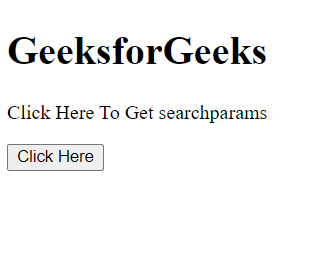
Before Button Click:
After Button Click:
Supported Browsers:
- Google Chrome
- Edge
- Firefox
- Safari
- Opera
