
The HTML Window length property is used for returning the number of <iframe> elements in the current window. It is a read-only property and it returns a number that represents the number of frames in the current window.
Syntax:
window.length
Return Value: It returns a numeric value that represents the number of frames in the current window
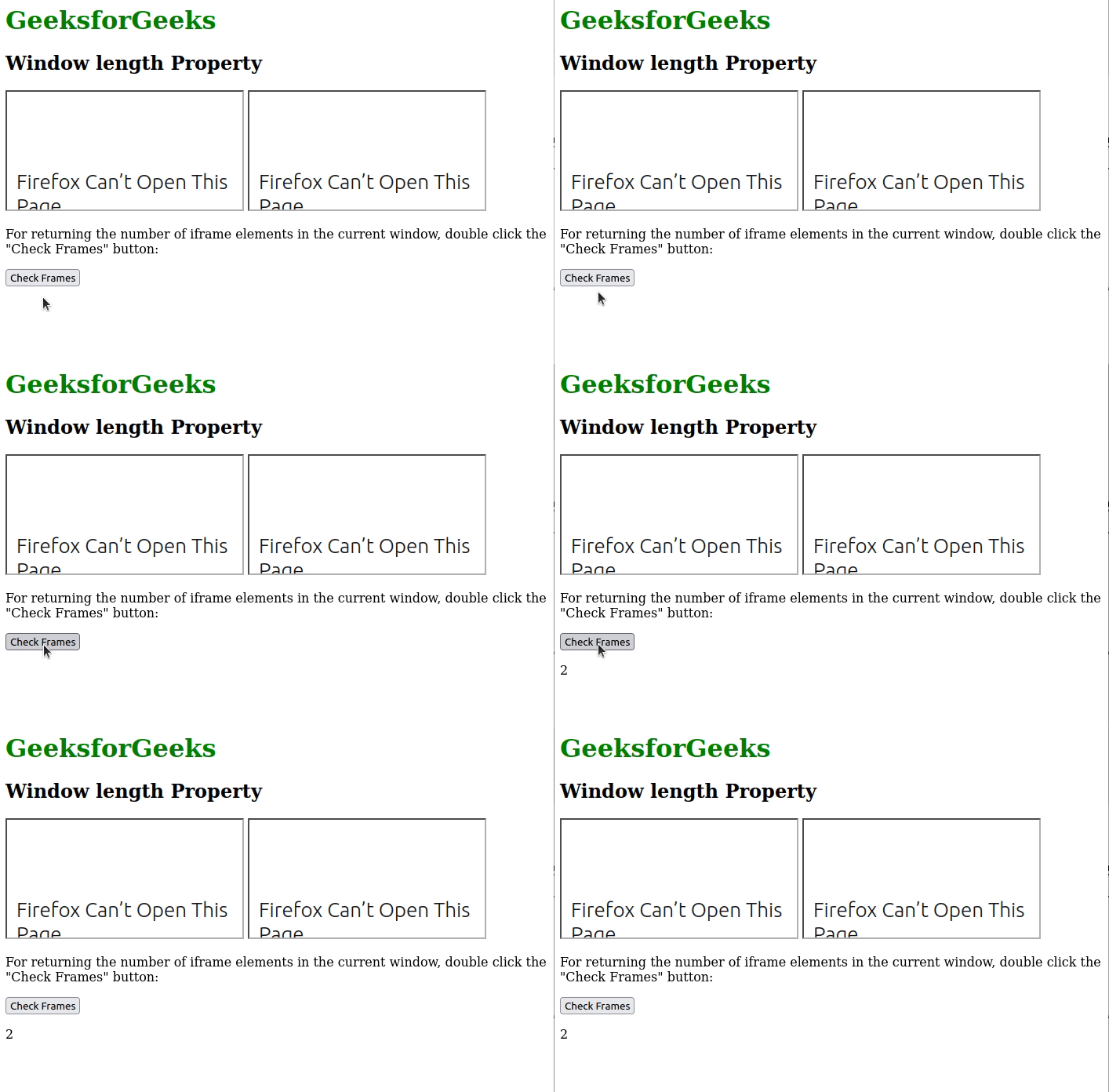
The below program illustrates the Window length Property:
Example: Returning the number of <iframe> elements in the current window.
<h1 style="color: green">GeeksforGeeks</h1>
<h2>Window length Property</h2>
<iframe src="https://www.geeksforgeeks.org"></iframe>
<iframe src="https://www.geeksforgeeks.org/courses/"></iframe>

<p>
    For returning the number of iframe elements
    in the current window, double click the
    "Check Frames" button:
</p>

<button ondblclick="frame()">
    Check Frames
</button>
<p id="count"></p>

<script>
    function frame() {
        var c = window.length;
        document.getElementById("count").innerHTML = c;
    }
</script>
Output:
Supported Browsers: The browsers supported by Window length Property are listed below:
- Google Chrome 1
- Edge 12
- Internet Explorer 4
- Firefox 1
- Opera 12.1
- Safari 1
We have a Cheat Sheet on Javascript where we covered all the important topics of Javascript to check those please go through Javascript Cheat Sheet-A Basic guide to JavaScript.
