
The Window moveBy() method is used for moving a window with a specified number of pixels relative to its current coordinates. The Window moveBy() method accepts two parameters x and y which denote the number of pixels to move the window horizontally and vertically.
Syntax:
window.moveBy(x, y)
Parameters Used:
- x: It is a mandatory parameter that specifies the number of pixels to move the window horizontally.
- y: It is a mandatory parameter that specifies the number of pixels to move the window vertically.
The below program illustrates the Window moveBy() Method:
Example: Moving a new window relative to its current position
<!DOCTYPE html>
<html>

<head>
    <title>
      Window moveBy() Method in HTML
    </title>
    <style>
        h1 {
            color: green;
        }

        h2 {
            font-family: Impact;
        }

        body {
            text-align: center;
        }
    </style>
</head>

<body>

    <h1>GeeksforGeeks</h1>
    <h2>Window moveBy() Method</h2>

    <p>
      For opening the Test window,
      double click the "Open Window" button:
    </p>

    <button ondblclick="Opwind()">
      Open Window
    </button>
    <br>

    <p>
      For moving the Test window,
      double click the "Move Window" button:
    </p>

    <button ondblclick="Movewind()">
      Move Window
    </button>

    <script>
        function Opwind() {
            TestWindow = window.open("", "TestWindow",
                "width=400, height=400");
            TestWindow.document.write("This is a Test Window.");
        }

        function Movewind() {
            TestWindow.moveBy(200, 200);
            TestWindow.focus();
        }
    </script>

</body>

</html>
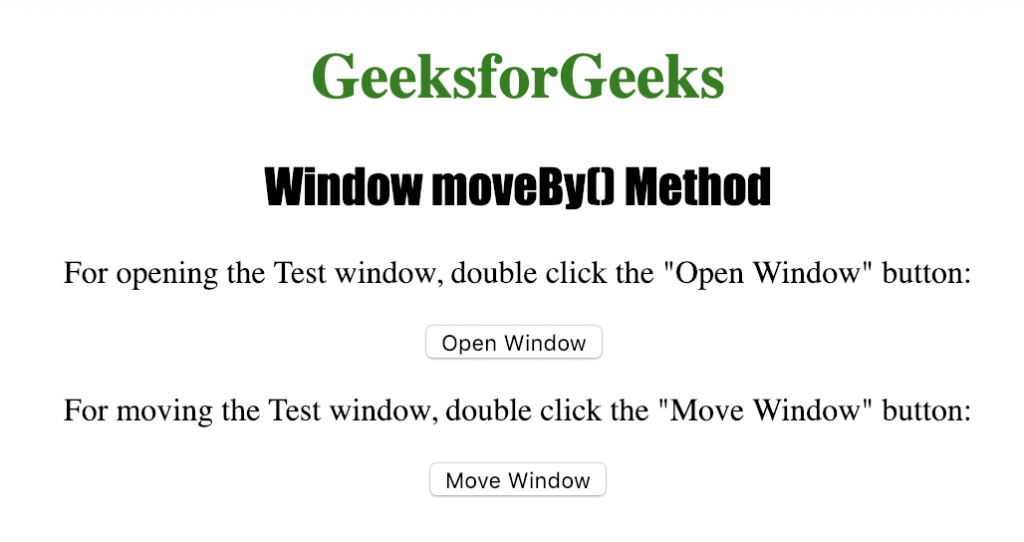
Output:
After clicking the button 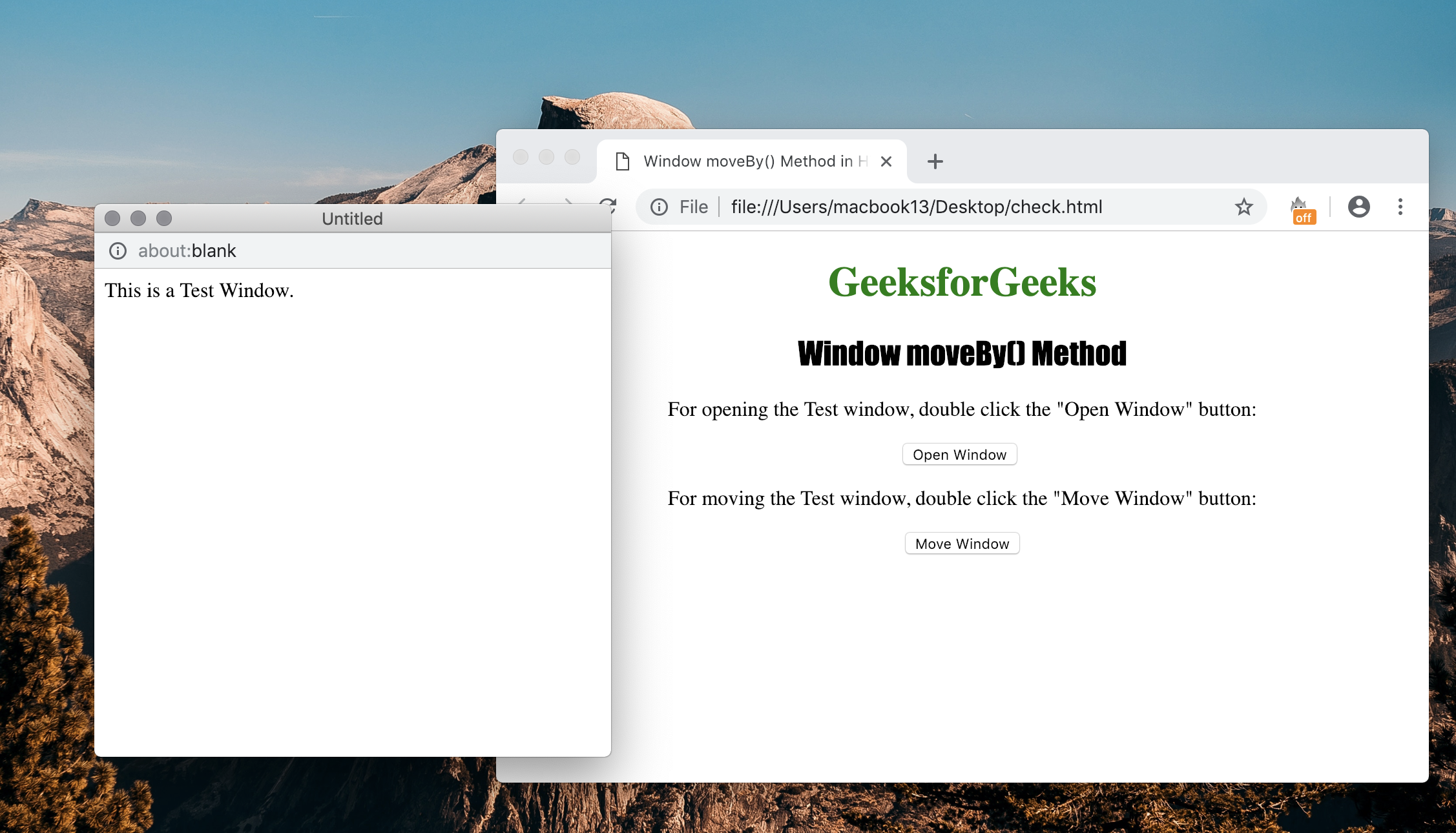 Supported Browsers: The browser supported by Window moveBy() Method arelisted below:
- Google Chrome 1 and above
- Edge 12 and above
- Firefox 1 and above
- Opera 12.1 and above
- Safari 1 and above
