
SVG stands for Scalable Vector Graphic. It is used to make graphics and animations which can be scaled to large screen sizes. The <hatchpath> element is defines a hatch path which is used by the<hatch> element. The <hatchpath> element is defined in the<hatch> element.
Syntax:
<hatchpath stroke="" stroke-width=" "/>
Attributes:
- d: The d attribute defines a path to be drawn
- offset: The offset attribute is used to set the offset for the path.
Example 1:
<!DOCTYPE html>
<html>

<body>
    <svg viewBox="0 0 1100 400">
        <defs>
            <hatch id="hatch"
                hatchUnits="userSpaceOnUse"
                pitch="5" rotate="135">

                <hatchpath stroke="blue"
                    stroke-width="15" />
            </hatch>
        </defs>

        <foreignObject x="100" y="12"
            width="160" height="160"
            color="Green">

            <div>
                <br><br>GFG<br><br>
            </div>

        </foreignObject>
        <rect fill="url(#hatch)"
            stroke="green" stroke-width="2"
            x="5%" y="5%" width="20%"
            height="20%" />
    </svg>
</body>

</html>
Output:
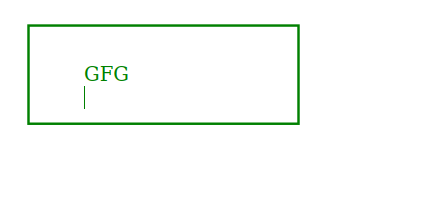
Example2:
<!DOCTYPE html>
<html>

<body>
    <svg viewBox="0 0 1100 400">
        <defs>
            <hatch id="hatch"
                hatchUnits="userSpaceOnUse"
                pitch="9" rotate="135">

                <hatchpath stroke="Green"
                    stroke-width="12" />
            </hatch>
        </defs>

        <foreignObject x="110" y="12"
            width="160" height="160"
            color="Green">

            <div>
                <br><br>GFG<br><br>
            </div>

        </foreignObject>
        <ellipse vfill="url(#hatch)"
            fill="None" stroke="green"
            stroke-width="2" cx="164"
            cy="58" rx="100" ry="50"
            fill />
    </svg>
</body>

</html>
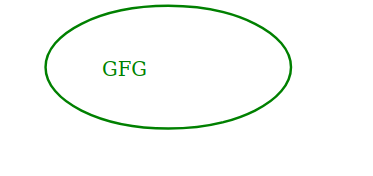
Output:
Browser Compatibility: Currently, no browser supports this element but it can be supported in future versions of modern browsers.
