Amazon Simple Notification Service (SNS) is a highly scalable, fully managed messaging service designed for both Application-to-Application (A2A) and Application-to-Person (A2P) communication.
- Enables asynchronous publisher-subscriber structures to keep application components microservices-decoupled.
- Instantly routes messages to subscribed endpoints without requiring constant client polling.
- Easily handles varied endpoint configurations such as SQS queues, Lambda functions, email, and SMS.
- Offers first-in-first-out messaging capability to support strict queue sequencing and deduplication.
- Permits direct access policy modifications to securely govern publishing and subscribing permissions.
Benefits
Using Amazon SNS offers several operational and architectural benefits for cloud deployment:
- Immediate Delivery: Employs push-based real-time communication to instantly update subscriber endpoints when events occur.
- Simplified Integration: Works natively with other AWS services, making it easy to wire together microservices.
- Flexible Communication: Delivers messages to diverse endpoints and devices simultaneously using customized protocols.
- Ordering Guarantees: Fully supports FIFO topics to prevent out-of-order message processing in financial or inventory workflows.
Create and Manage Amazon SNS Using AWS CLI
Step 1: Create an SNS Topic
- Open AWS CloudShell or your local terminal.
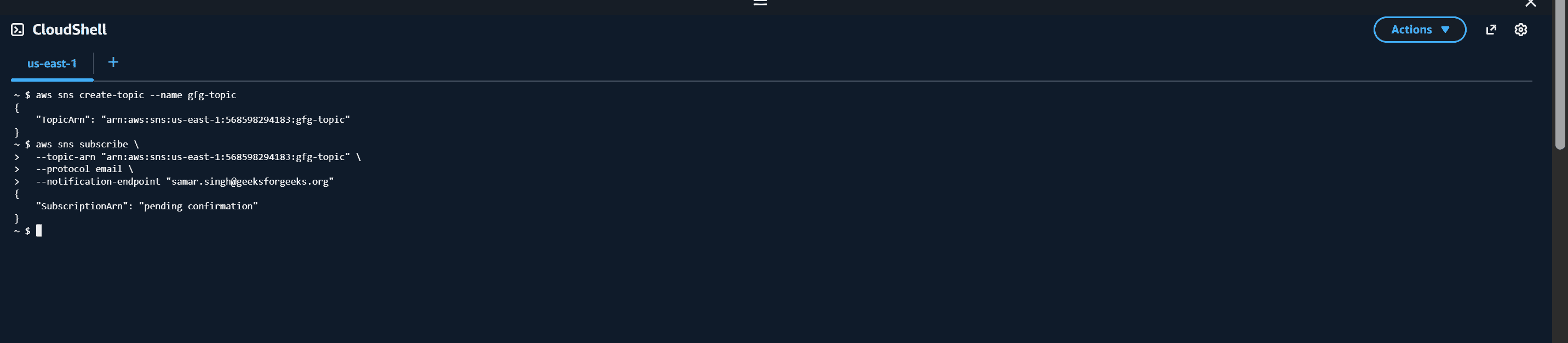
- Run the following command to create a new SNS topic:
aws sns create-topic --name gfg-topic
Step 2: Subscribe an Email Endpoint
- Run the following command:
aws sns subscribe \
  --topic-arn "arn:aws:sns:us-west-2:123456789012:gfg-topic" \
  --protocol email \
  --notification-endpoint "example@example.com"
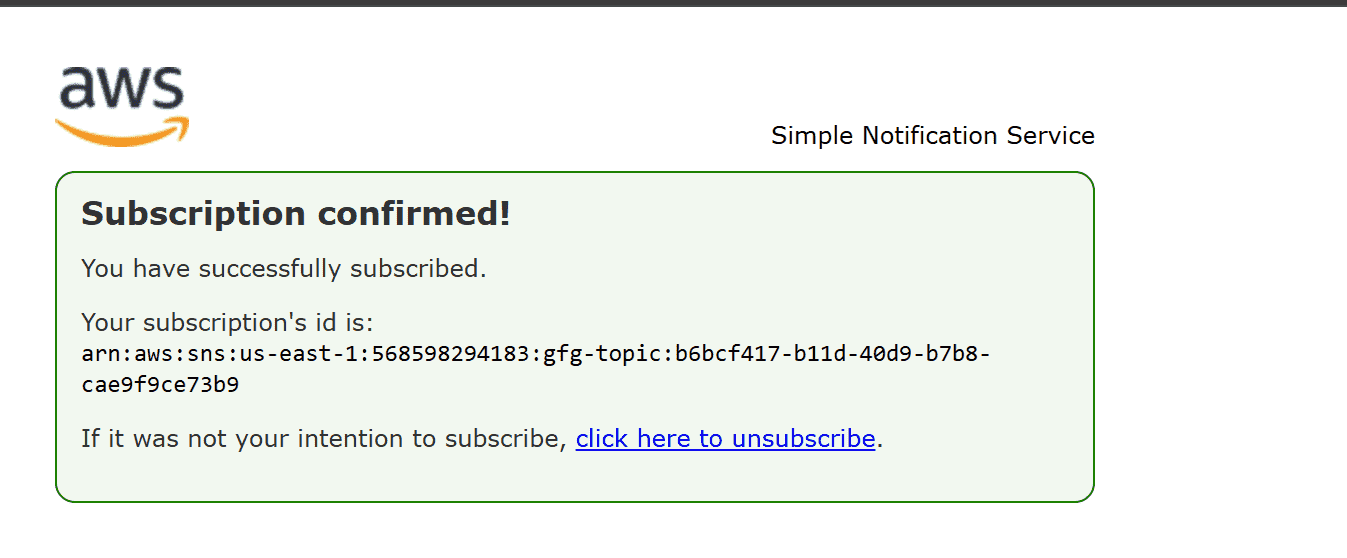
--topic-arnspecifies the SNS topic ARN.--protocol emailsets email as the notification method.--notification-endpointdefines the recipient email address.- Open your email inbox.
- Click the confirmation link received from AWS SNS.
Step 3: Verify the Subscription
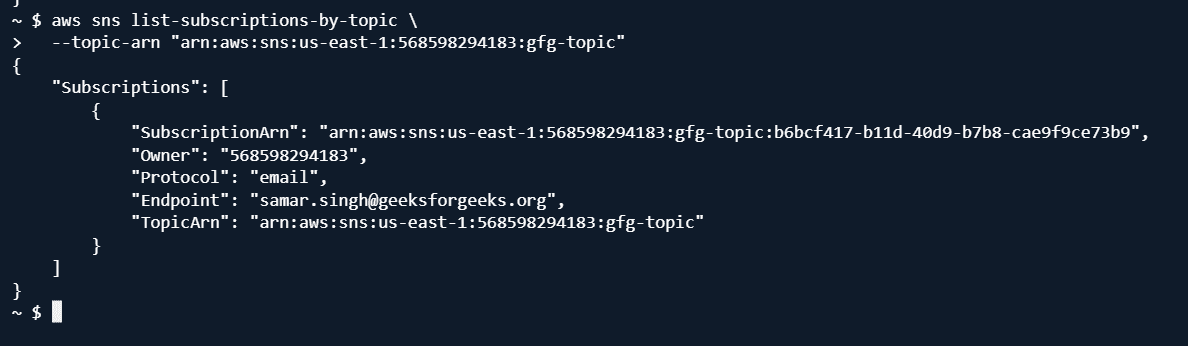
- Run the following command:
aws sns list-subscriptions-by-topic \
--topic-arn "arn:aws:sns:us-west-2:123456789012:gfg-topic"
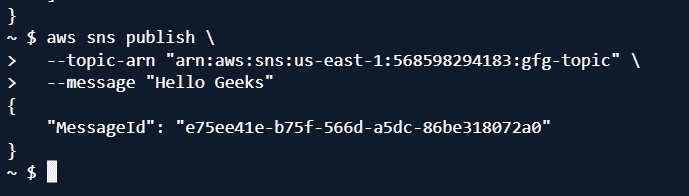
Step 4: Publish a Message
- Run the following command:
aws sns publish \
--topic-arn "arn:aws:sns:us-west-2:123456789012:gfg-topic" \
--message "Hello Geeks"
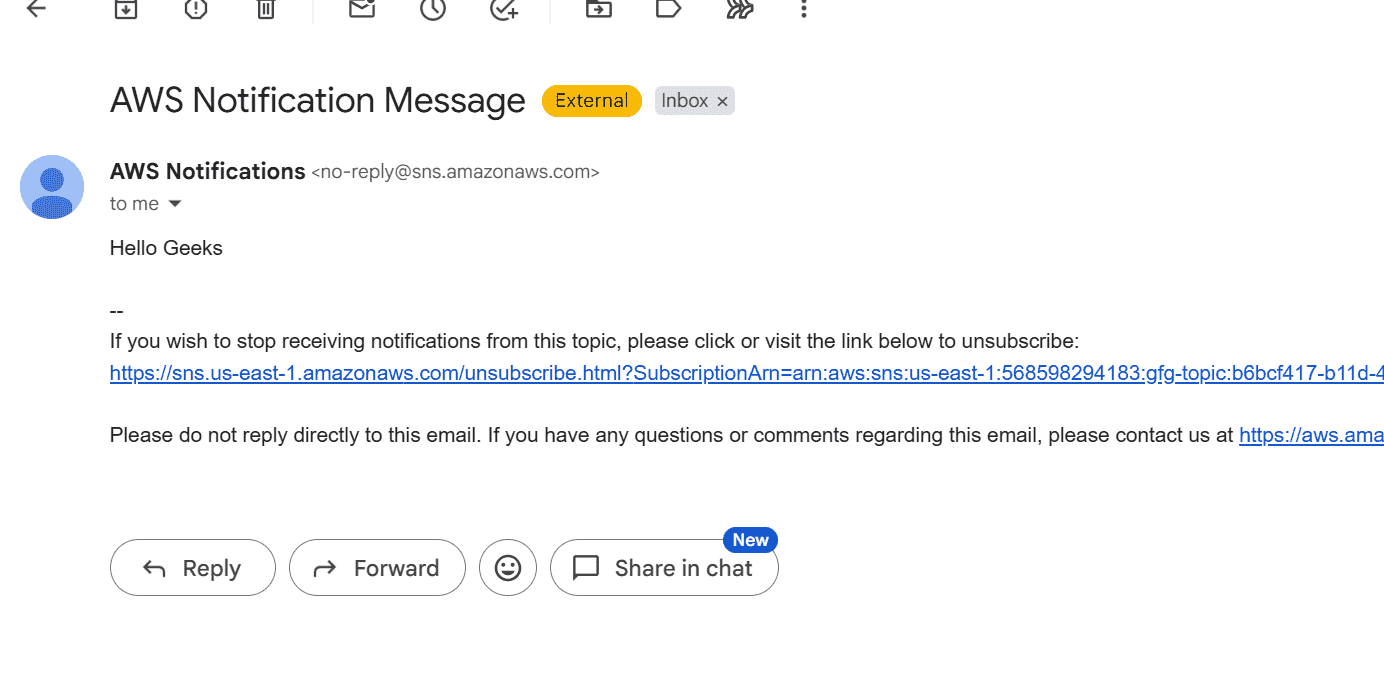
Step 5: Check the Email Notification
- Open your email inbox.
- Verify that the notification email has been received.
Step 6: Unsubscribe from the Topic
- Run the following command:
aws sns unsubscribe \
--subscription-arn "arn:aws:sns:us-west-2:123456789012:gfg-topic:1328f057-de93-4c15-512e-8bb22EXAMPLE"

Step 7: Delete the SNS Topic
- Run the following command:
aws sns delete-topic \
--topic-arn "arn:aws:sns:us-west-2:123456789012:gfg-topic"

Step 8: Verify
- Run the following command:
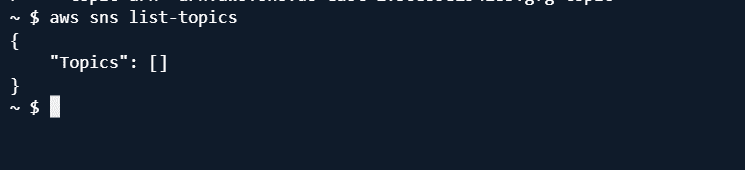
aws sns list-topics