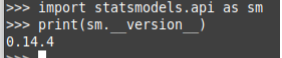
Statsmodels is a Python library that enables us to estimate and analyze various statistical models. It is built on numeric and scientific libraries like NumPy and SciPy. It provides classes & functions for the estimation of many different statistical models.
Installing Statsmodels in Windows
1. Using pip
The easiest way to install Statsmodels is by using pip. First, create and activate a virtual environment, then install the library using the following commands:
python -m venv env
.\env\Scripts\activate
pip install statsmodels
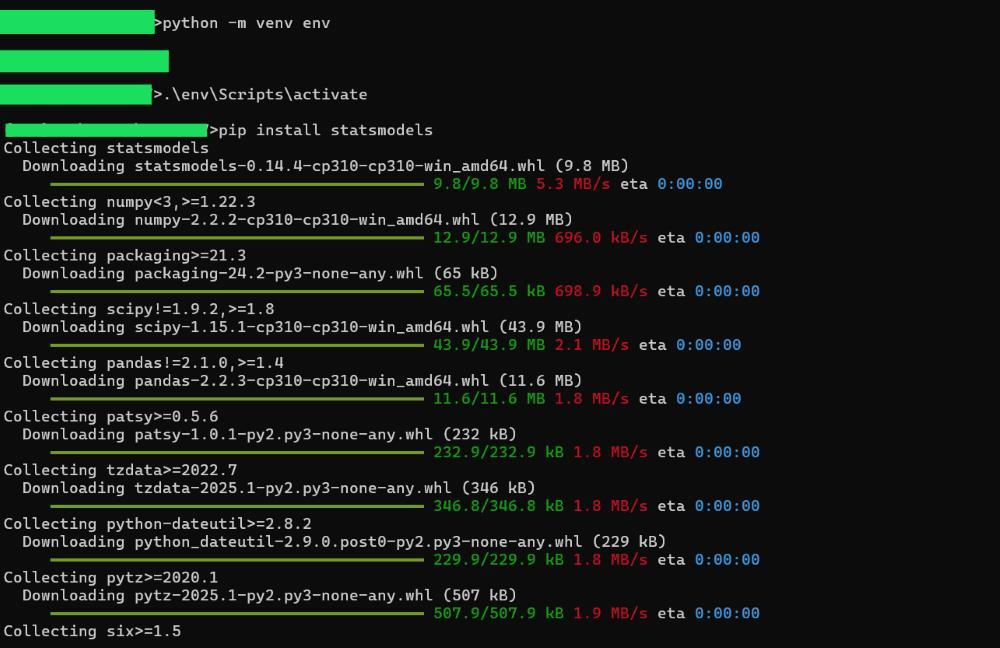
This will automatically install Statsmodels with its dependencies including NumPy, SciPy, Pandas, and Patsy. Patsy is used for handling formulas in statistical models.
2. Using Conda (Anaconda Users)
If you use Anaconda, Statsmodels can be installed using the Conda package manager:
conda install -c conda-forge statsmodels
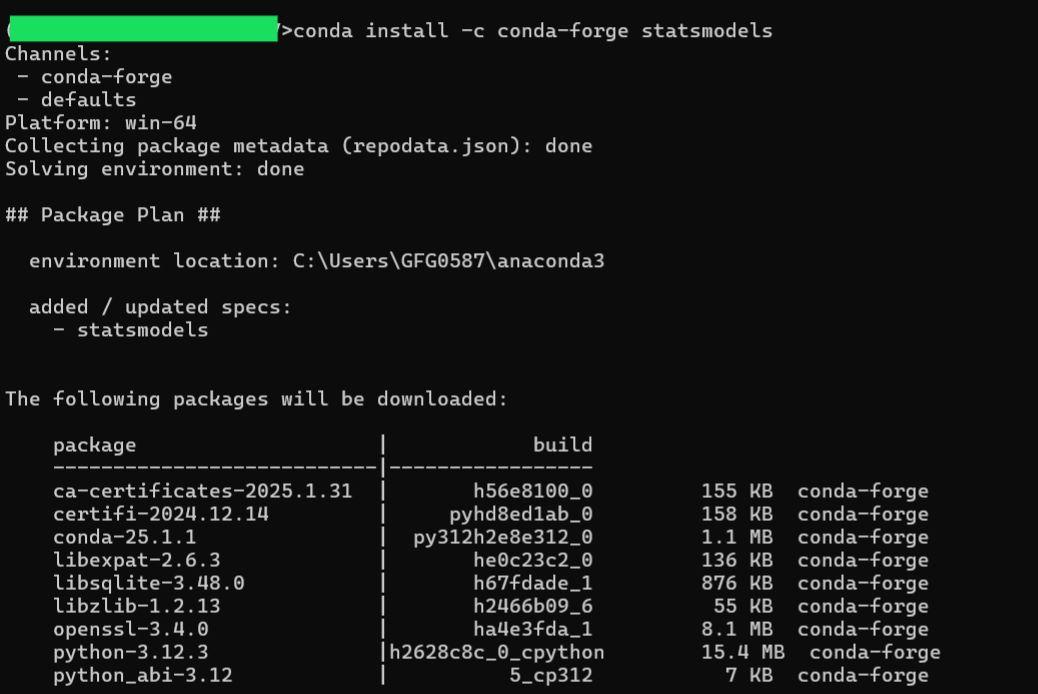
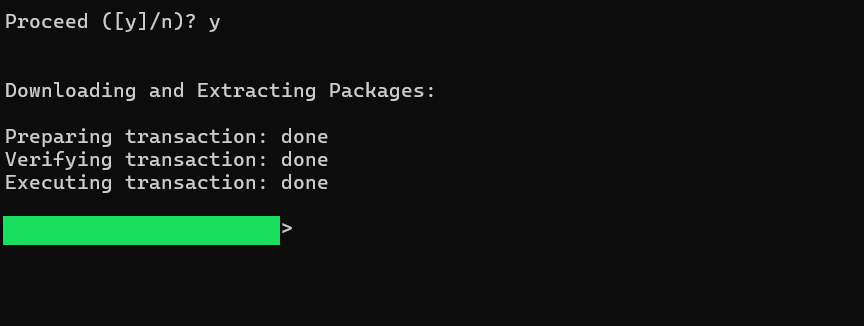
To continue with installation type 'y':
Verifying the Installation
After installation, you can verify Statsmodels by running the following Python code:
mport statsmodels.api as sm
print("Statsmodels version:", sm.__version__)
Output:
Statsmodels version: 0.14.4
Installing Statsmodels in Linux
1. Using pip
Follow the below steps to install statsmodels in Python on Linux using pip:
$ python3 -m venv StatsM
$ source ./StatsM/bin/activate
$ pip install statsmodels
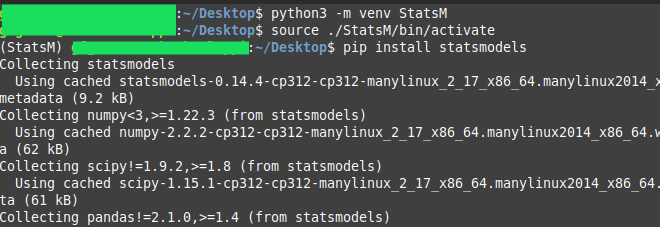
Hence, installation is successful.
2. Using conda
Step 1: Install Miniconda
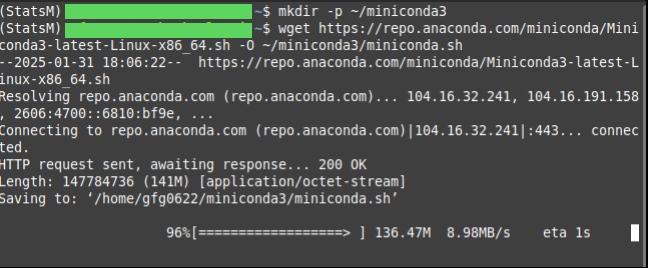
Create a directory and download Miniconda:
mkdir -p ~/miniconda3
wget https://repo.anaconda.com/miniconda/Miniconda3-latest-Linux-x86_64.sh -O ~/miniconda3/miniconda.sh
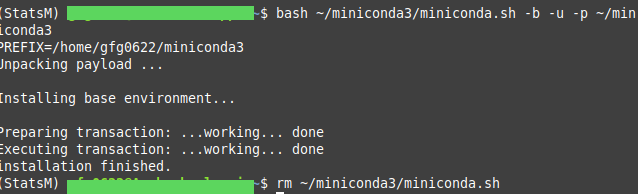
Run the installer to install Miniconda and remove the installer script:
bash ~/miniconda3/miniconda.sh -b -u -p ~/miniconda3
rm ~/miniconda3/miniconda.sh
Step 2: Activate Conda Environment
source ~/miniconda3/bin/activate

Note: The (base) prompt shows that the Conda environment is active. All Python commands will now use Conda’s installed Python and packages.
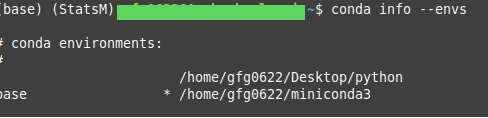
Step 3: Check Conda Environments
conda info --envs
Step 3: Install Statsmodels
conda install -c conda-forge statsmodels
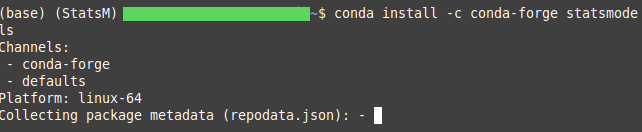
This will display the installed version of Statsmodels, confirming that the installation was successful.
Step 4: Verify the Installation
import statsmodels.api as sm
print(sm.__version__)