
In this article, we will see how to convert the string value containing 'px' to the Integer Value with the help of JavaScript.
There are two approaches to converting a pixel value to a number value, these are:
- Using parseInt() Method
- Using RegExp
Approach 1: Using parseInt() Method
This method takes a string as the first argument and returns the Integer value.
Example: This example implements the above approach.
<!DOCTYPE html>
<html lang="en">

<head>
    <meta charset="UTF-8">
    <meta name="viewport" content=
        "width=device-width, initial-scale=1.0">

    <title>
        How to convert a pixel value to a
        number value using JavaScript ?
    </title>
</head>

<body>
    <h1 style="color:green;">
        GeeksforGeeks
    </h1>

    <p id="checkFontSize" style="font-size: 19px">
        Click on Button to get this
        font size value in number
    </p>

    <button onclick="GFG_Fun()">
        Click Here
    </button>

    <p id="result"></p>

    <script>
        const str = document.getElementById("checkFontSize");

        const res = document.getElementById("result");

        const fontSizePX = str.style.fontSize;

        function GFG_Fun() {
            res.innerHTML = "Integer value is " +
                            parseInt(fontSizePX, 10);
        }
    </script>
</body>

</html>
Output:
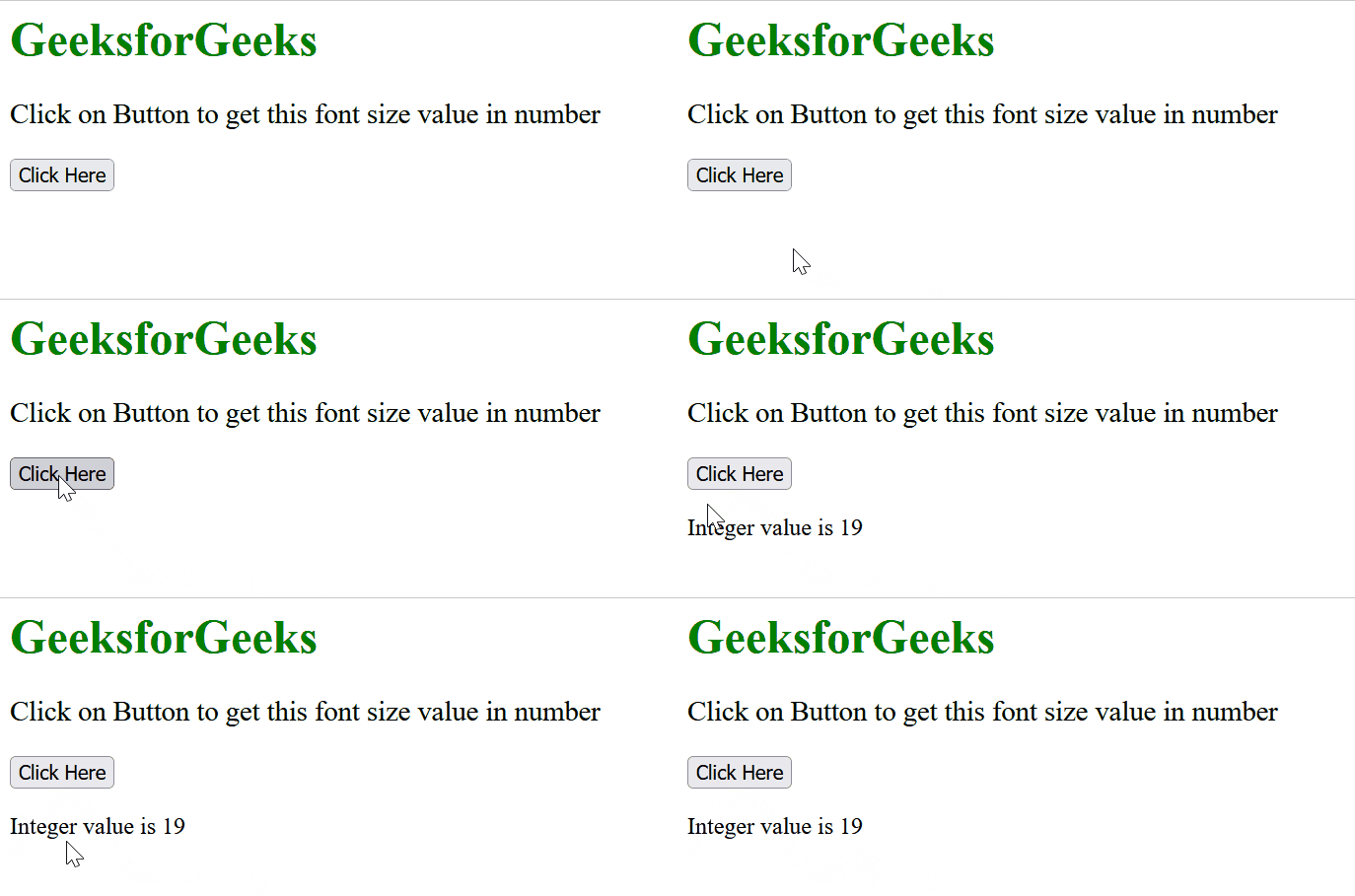
Approach 2: Using RegExp
The RegExp is used to replace the 'px' with an empty string and then convert the result to Integer using Number() method.
Example: This example implements the above approach.
<!DOCTYPE html>
<html lang="en">

<head>
    <meta charset="UTF-8">
    <meta name="viewport" content=
        "width=device-width, initial-scale=1.0">

    <title>
        How to convert a pixel value to a
        number value using JavaScript ?
    </title>
</head>

<body>
    <h1 style="color:green;">
        GeeksforGeeks
    </h1>

    <p id="checkFontSize" style="font-size: 19px">
        Click on Button to get this
        font size value in number
    </p>

    <button onclick="GFG_Fun()">
        Click Here
    </button>

    <p id="result"></p>

    <script>
        const str = document.getElementById("checkFontSize");

        const res = document.getElementById("result");

        const fontSizePX = str.style.fontSize;

        function GFG_Fun() {
            res.innerHTML = "Integer value is " +
                Number(fontSizePX.replace(/px$/, ''));
        }
    </script>
</body>

</html>
Output:
