
The DOM implementation property in HTML is used to return the DOMImplementation object associated with the current document. The DOMImplementation is the interface that represents a method providing the object which is not dependent on any particular document.
Syntax:
document.implementation
Return Value: It returns the document implementation object.
Example 1: In this example, we will use the DOM implementation property
<!-- HTML code to check the document
has HTML DOM 1.0 feature -->
<!DOCTYPE html>
<html>

<head>
    <title>
        HTML DOM implementation Property
    </title>

</head>

<body>
    <h2>HTML DOM implementation Property</h2>
    <p>Click on button to check the document
        has HTML DOM 1.0 feature</p>
    <button onclick="DomFunction()">
        Click Here!
    </button>
    <p id="demo"></p>

    <script>
        function DomFunction() {
            let obj = document.implementation;
            document.getElementById("demo").innerHTML
                = obj.hasFeature("HTML", "1.0");
        }
    </script>
</body>

</html>
Output:
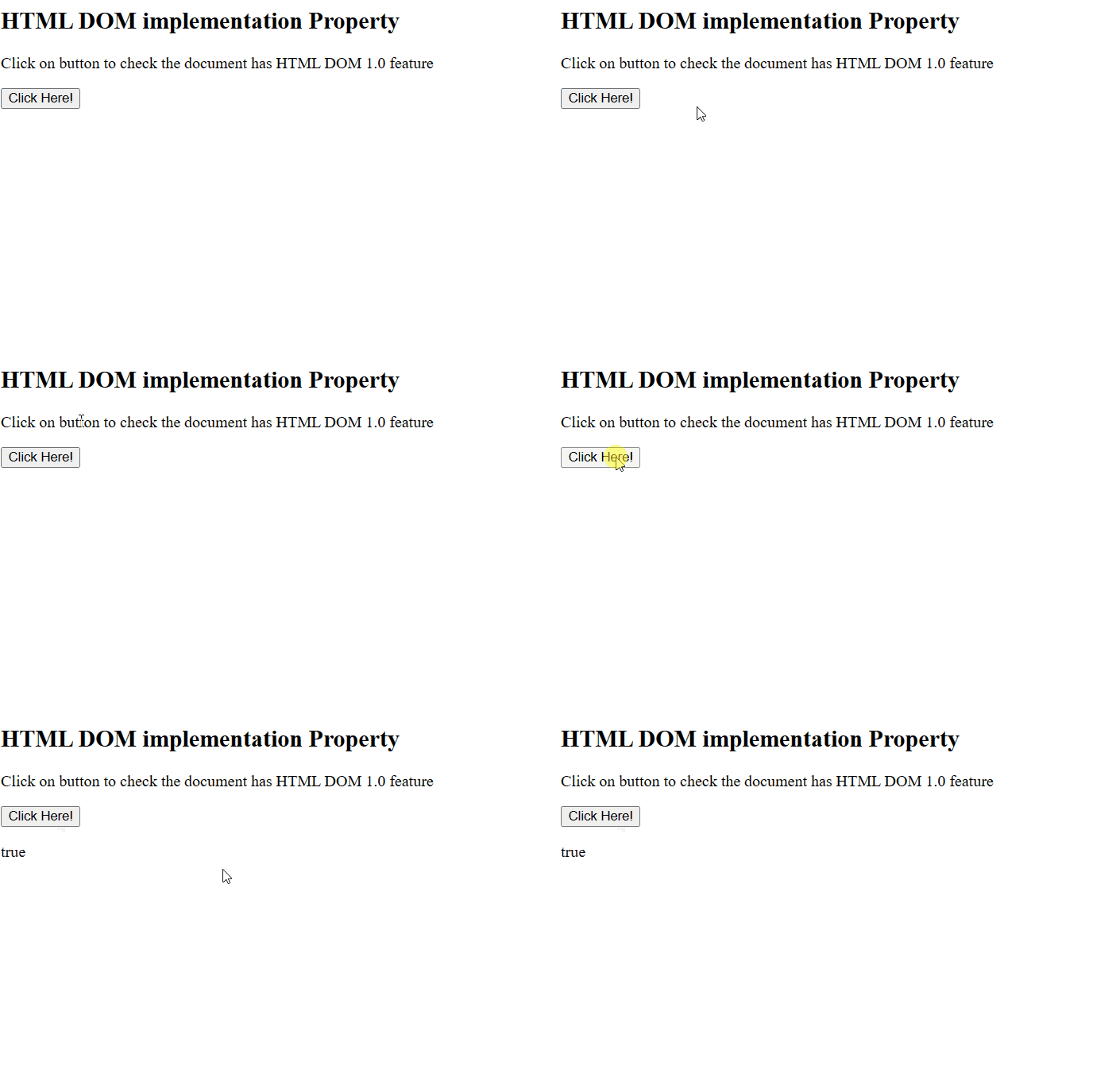
Example 2: In this example, we will use the DOM implementation property
<!DOCTYPE html>
<html>

<head>
    <title>
        HTML DOM implementation Property
    </title>
</head>

<body>
    <h2>HTML DOM implementation Property</h2>

    <script>
        let DOM_Name = "HTML";
        let DOM_Ver = "1.0";
        let GFG = document.implementation.hasFeature(
            DOM_Name, DOM_Ver);
        alert("DOM " + DOM_Name + " " + DOM_Ver
              + " supported? " + GFG);
    </script>
</body>

</html>
Output:
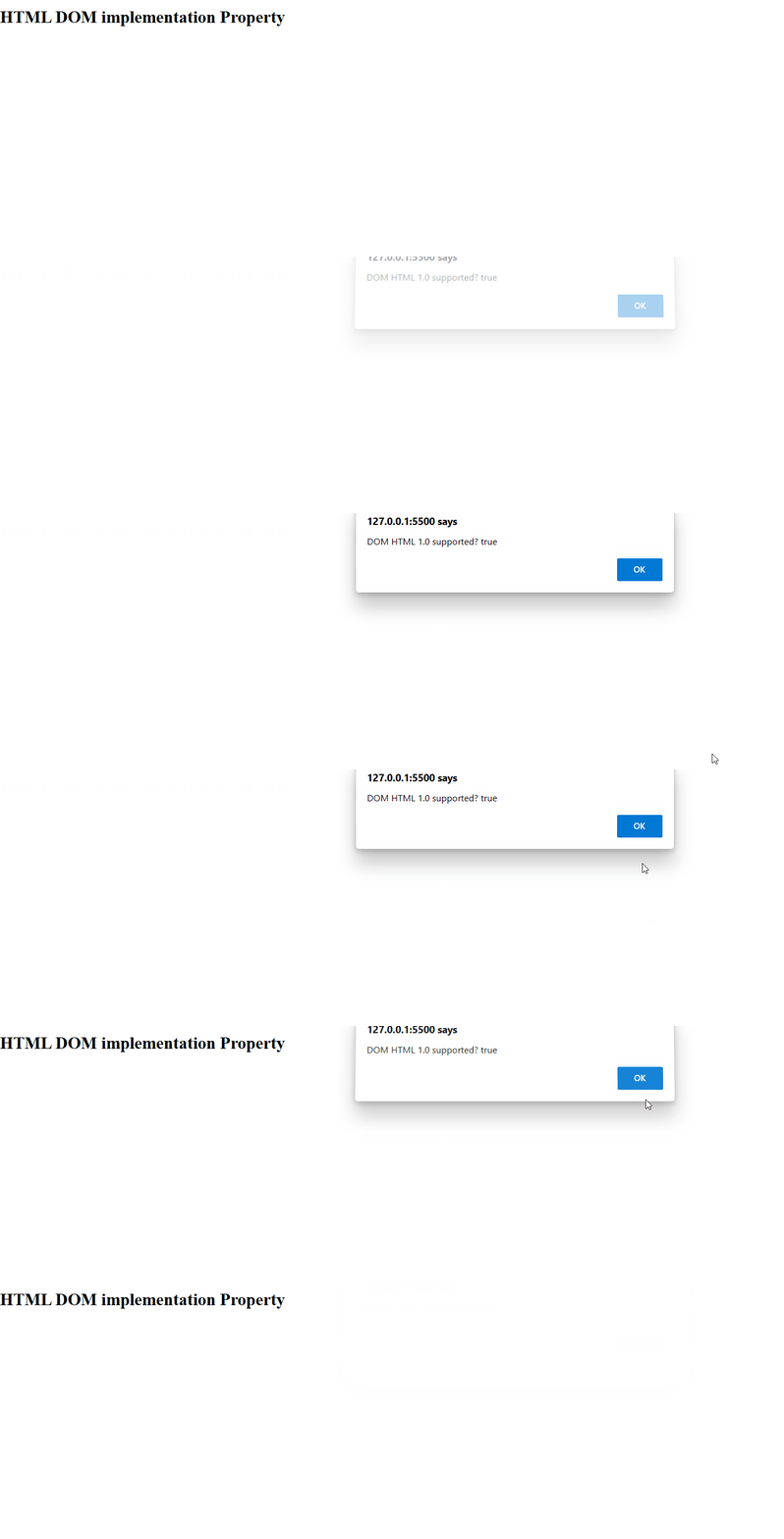
Supported Browsers: The browser supported by DOM implementation property are listed below:
- Google Chrome 1 and above
- Edge 12 and above
- Internet Explorer 6 and above
- Firefox 1 and above
- Opera 12.1 and above
- Safari 1 and above
