
The Window.crypto property returns the crypto object associated with the global object. This is a read-only property. This object allows web pages to access certain cryptographic related services. This crypto object offers some methods to access, exp getRandomValues() method.
Syntax:
var cryp = window.crypto or window.msCrypto;
Value: This property returns an instance of the crypto object.
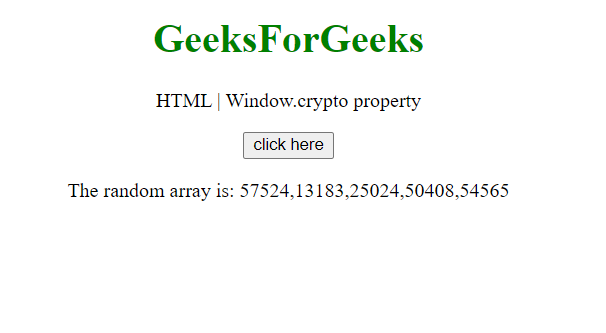
Example: This example uses the crypto property with its getRandomValues() method to generate a random array of size 5.
<!DOCTYPE HTML>
<html>
<head>
    <title>window crypto property</title>
</head>
<body style="text-align:center;">
    <h1 style="color:green;">
        GeeksForGeeks
    </h1>
    <p>
    HTML | Window.crypto property
    </p>
    <button onclick = "Geeks();">
    click here
    </button>
    <p id="arr">
    </p>
    <script>
        var arr = document.getElementById("arr");
        function Geeks() {
            var array = new Uint16Array(5);
            console.log(window.crypto);
            a = window.crypto.getRandomValues(array);
            console.log(a);
            arr.innerHTML = "The random array is: "+a;
        }
    </script>
</body>
</html>
Output:
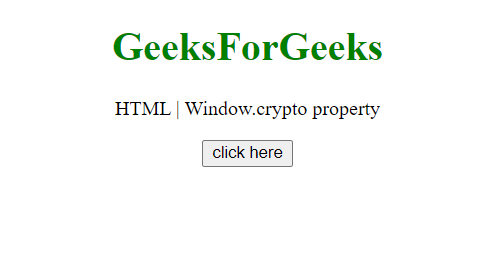
Before Clicking Button:
After Clicking Button:
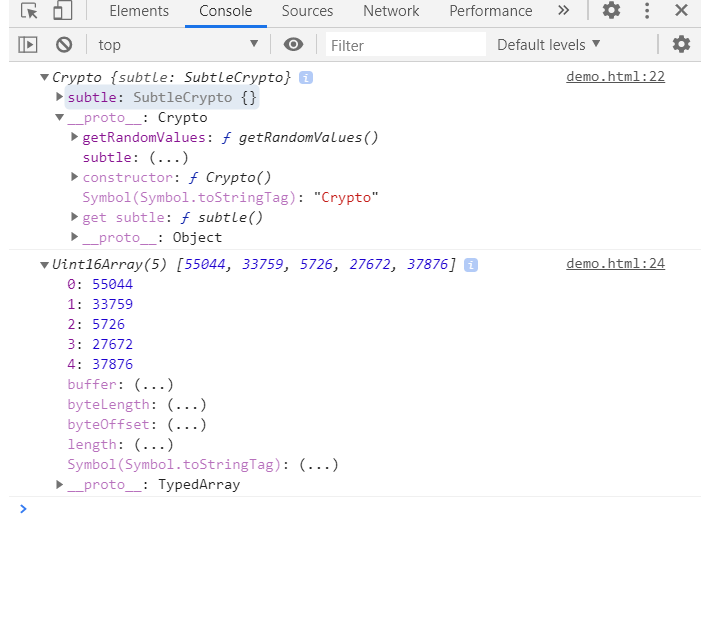
Also, the crypto object in the console is:
Supported Browsers:
- Google Chrome 37
- Edge 12
- Firefox 1
- Safari 5
- Opera 24
