
The customElements property returns a reference to a CustomElementRegistry object, which can be further used to register new custom elements and hence get information about previously registered custom elements.
Syntax:
var obj = window.customElements;
Return Value:
- CustomElementRegistry Object: This property returns an object which contains details about Custom Elements defined.
Example: In this example, we will get information about custom elements and will create a custom element using define() method.
<!DOCTYPE HTML>
<html>
<head>
    <title>customElements property</title>
</head>
<body style="text-align:center;">
    <h1 style="color:green;">
        GeeksForGeeks
    </h1>
    <p>
    HTML | customElements property
    </p>
    <button onclick = "Geeks();">
    click here
    </button>
    <p id="arr">
    </p>
    <script>
        var arr = document.getElementById("arr");
        function Geeks() {
          let customElementRegistry = window.customElements;
          class CustomTitle extends HTMLElement {
              constructor() {
                super()
                this.attachShadow({ mode: 'open' })
                this.shadowRoot.innerHTML = `
                <h1>Newly Defined Custom Element's Data</h1>
                    `
                      }
                }
        window.customElements.define(
                'custom-title', CustomTitle);
        console.log(customElementRegistry)
        }
    </script>
    <custom-title></custom-title>
</body>
</html>
Output:
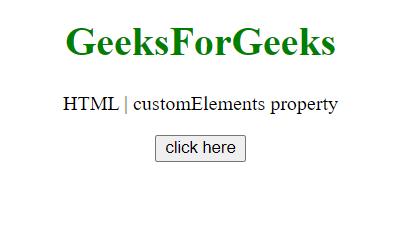
Before Button Click:
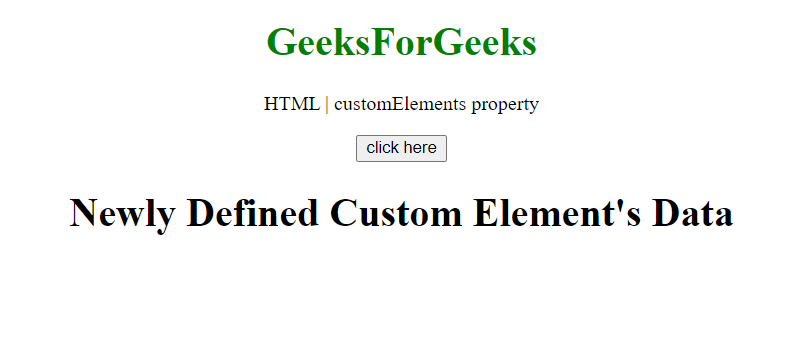
After Button Click:
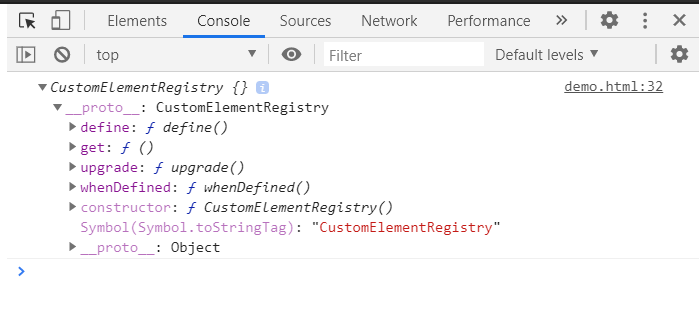
customElements object:
Supported Browsers:
- Google Chrome 54 and above
- Edge 79 and above
- Firefox 63 and above
- Safari 10.1 and above
- Opera 41 and above
- Internet Explorer not supported
