
The jQuery :hidden selector selects hidden elements to work upon.
Syntax:
$(":hidden")- Set to display:none
- Form elements with type="hidden"
- Width and height set to 0
- A hidden parent element (this also hides child elements)
Example 1:
<!DOCTYPE html>
<html>

<head>
    <!-- Jquery CDN -->
    <script src=
"https://ajax.googleapis.com/ajax/libs/jquery/3.3.1/jquery.min.js">
    </script>
    <!-- Jquery demonstration script -->
    <script>
        $(document).ready(function () {
            $("h1:hidden").show(3000);
        });
    </script>
    <!-- Script ends here -->
</head>

<body>
    <center>
        <h1 style="display:none;">
            GeeksforGeeks
        </h1>
        <p>Hidden attribute example</p>
        <p>The above line will show up gradually.</p>
    </center>
</body>

</html>
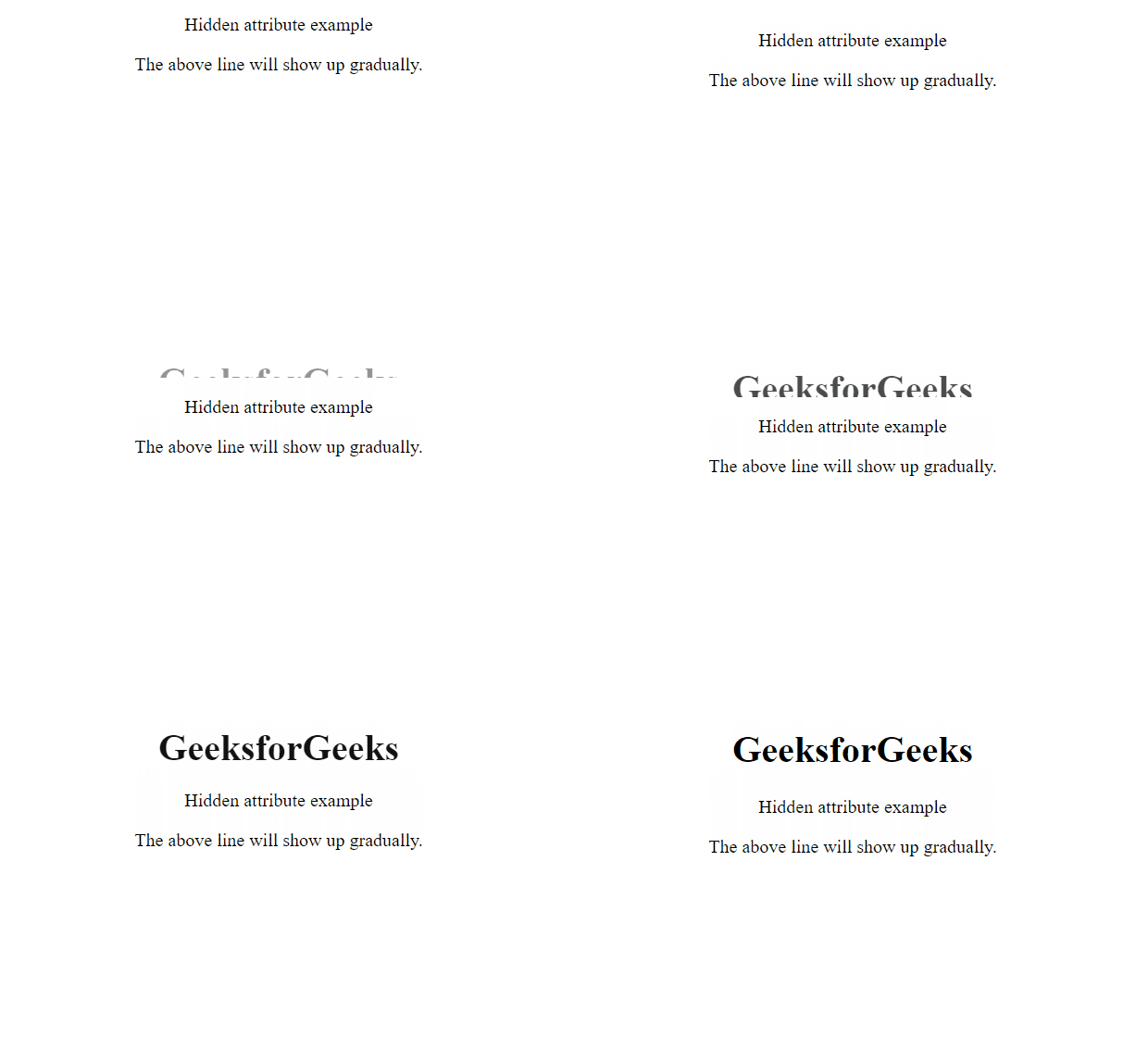
Output:
Example 2:
<!DOCTYPE html>
<html lang="en">

<head>
    <title>
        Complex Animation Using Hidden Attribute
    </title>
    <style>
        h1 {
            color: green;
        }

        div {
            width: 70px;
            height: 40px;
            background: green;
            margin: 5px;
            float: left;
        }

        span {
            display: block;
            clear: left;
            color: black;
        }

        .starthidden {
            display: none;
        }
    </style>
    <script src=
"https://code.jquery.com/jquery-1.10.2.js">
    </script>
</head>

<body>
    <center>
        <h1>GeeksforGeeks</h1>
    </center>
    <span></span>
    <div></div>
    <div style="display:none;">
        Hidden element
    </div>
    <div class="starthidden">
        Hidden element2
    </div>
    <div></div>
    <div style="display:none;">
        Hidden element
    </div>
    <div class="starthidden">
        Hidden element2
    </div>
    <div></div>
    <form>
        <input type="hidden">
        <input type="hidden">
        <input type="hidden">
    </form>
    <span></span>
    <script>
        let hiddenElements = $("body").find(":hidden").not("script");
        $("span:first").text("We have found " +
            hiddenElements.length +
            " hidden elements total.");
        $("div:hidden").show(1000);
        $("span:last").text("We have found " +
            $("input:hidden").length
            + " hidden inputs.");
    </script>
</body>

</html>
Output:

Note: This selector will not work on elements with visibility: hidden.
References: https://api.jquery.com/hidden-selector/
