jQuery UI consists of GUI widgets, visual effects, and themes implemented using jQuery, CSS, and HTML. jQuery UI is great for building UI interfaces for the webpages. jQueryUI provides us a slider control through slider widget. Slider helps us to get a certain value using a given range. In this article we will see how to enable a jQuery UI slider. The enable() method is used to enable the current slider.
Syntax:
$( ".selector" ).slider("enable");Approach: First, add jQuery UI scripts needed for your project.
<link href = "https://code.jquery.com/ui/1.10.4/themes/ui-lightness/jquery-ui.css" rel = "stylesheet"> <script src = "https://code.jquery.com/jquery-1.10.2.js"></script> <script src = "https://code.jquery.com/ui/1.10.4/jquery-ui.js"></script>
Example:
<!doctype html>
<html lang="en">

<head>
    <meta charset="utf-8">
    <link href=
"https://code.jquery.com/ui/1.10.4/themes/ui-lightness/jquery-ui.css"
        rel="stylesheet">

    <script src=
        "https://code.jquery.com/jquery-1.10.2.js">
    </script>

    <script src=
        "https://code.jquery.com/ui/1.10.4/jquery-ui.js">
    </script>

    <script>
        $(function() {
            $("#gfg").slider();
            $("#gfg").slider("enable");
        });
    </script>
</head>

<body>
    <h1>GeeksforGeeks</h1>
    <h2>jQuery UI | slider enable method</h2>
    <div id="gfg"></div>
</body>

</html>
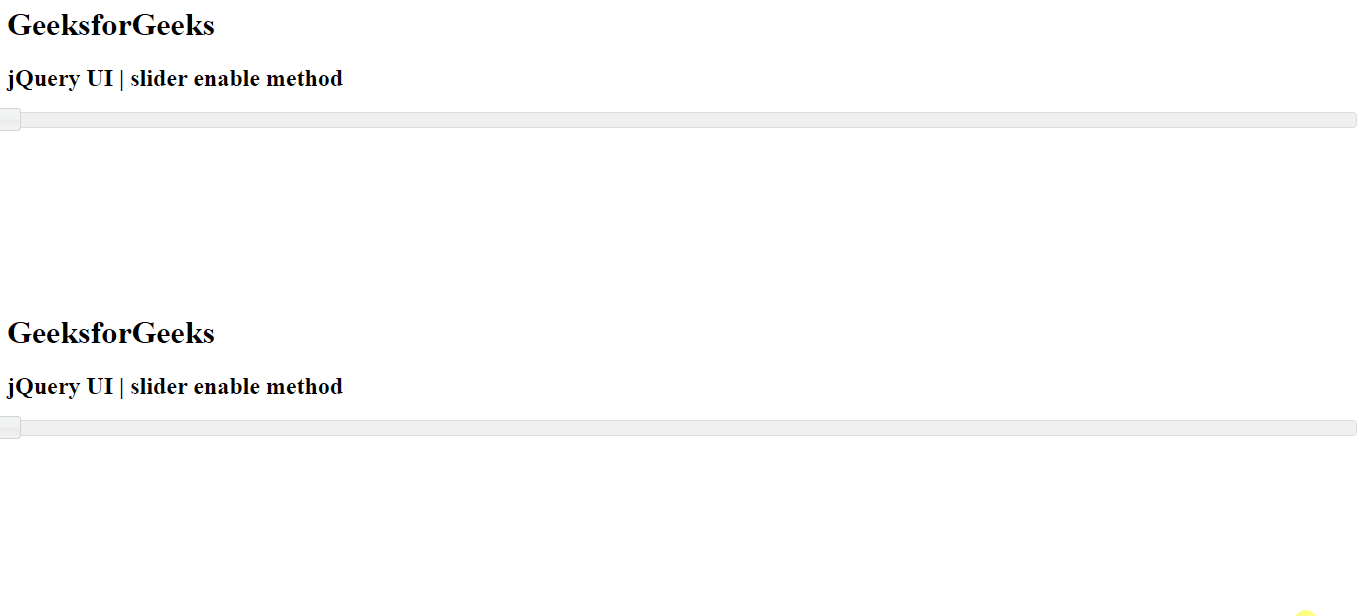
Output: