
A Text Box in MS Word is a resizable container that allows you to insert and format text, images, or other content. It helps highlight information, can be moved anywhere in the document, and offers customization options like border styles, background colors, and designs to make content more attractive.
Some colored text boxes are:



Steps to add a Background Color to the Textbox in MS Word
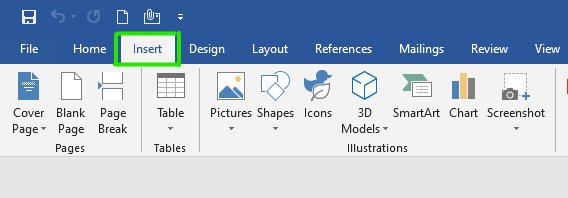
Step 1: Select the insert option from the navigation menu.
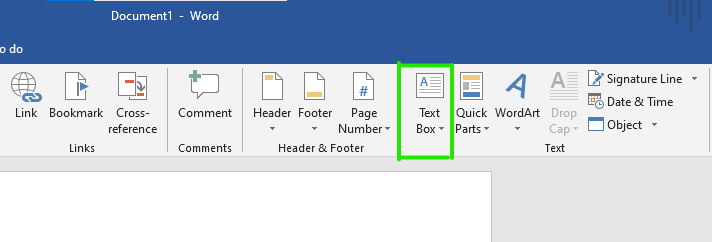
Step 2: Click on the text box option as shown:
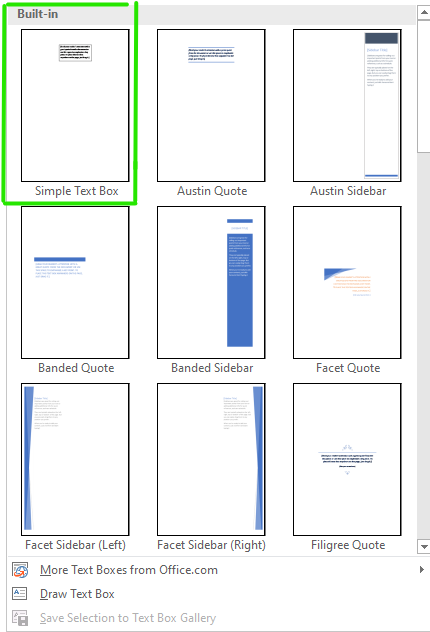
Step 3: Select the Simple Text Box option from the menu, or you can also draw a text box.
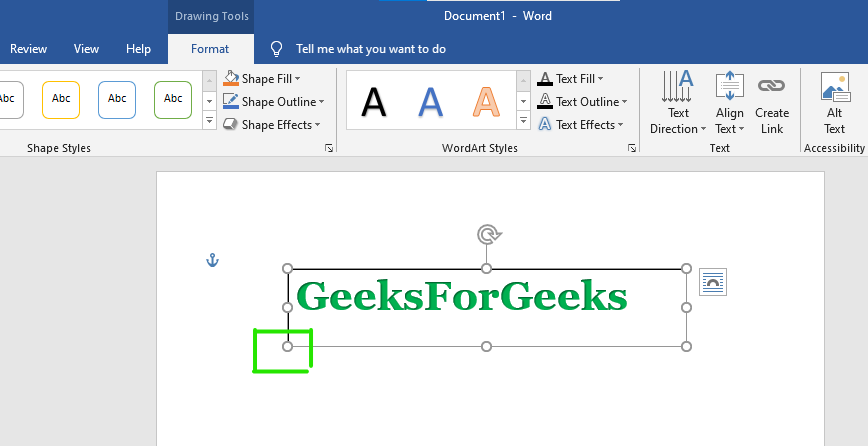
Step 4: Adjust the size of the text box according to requirement by simply dragging the dot button as in figure:
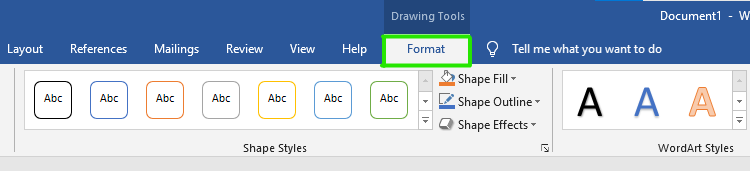
Step 5: Select the Format option from the navigation menu.
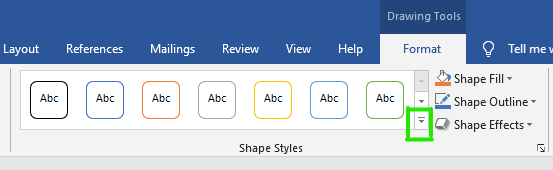
Step 6: Select the down arrow button from the Shape Styles Block as shown in the figure.
Step 7: A theme-style dialog box will open.
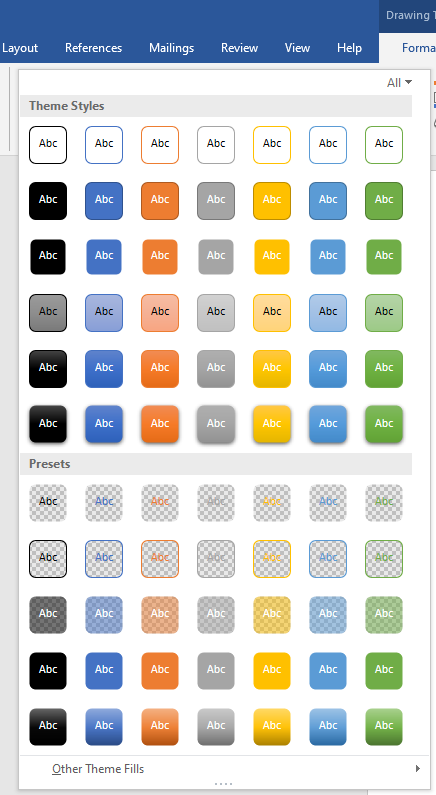
Step 8: Select the color/styles of your choice.
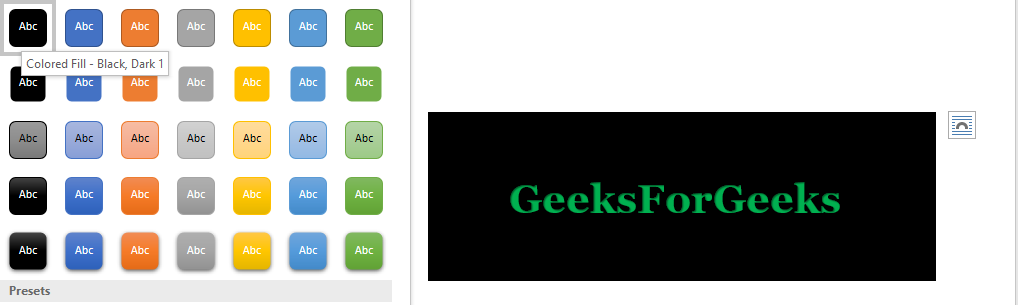
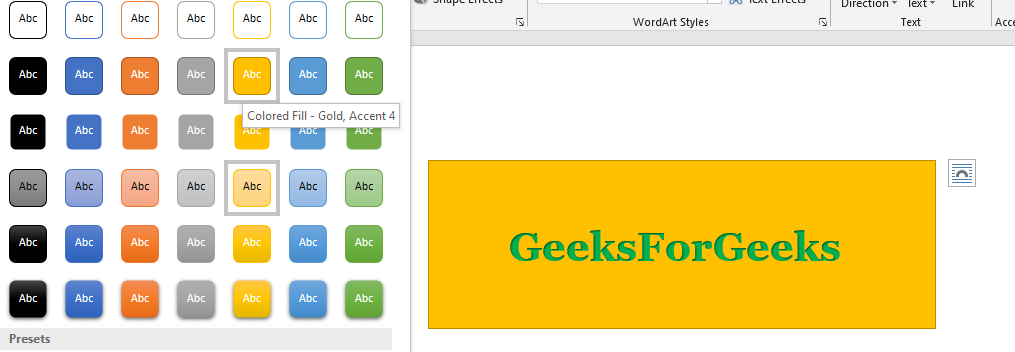
Finally, the text box background color is set.
