In this article, we are going to depict images using the Matplotlib module in grayscale representation using PIL, i.e. image representation using two colors only i.e. black and white.
Syntax: matplotlib.pyplot.imshow(X, cmap=None)
Displaying Grayscale image
Displaying Grayscale image, store the image path here let's say it fname. Now open the image using PIL image method and convert it to L mode If you have an L mode image, that means it is a single-channel image - normally interpreted as grayscale. It only stores a grayscale, not color. Plotting the image as cmap = 'gray' converts the colors. All the work is done you can now see your image.
# storing image path
fname = r'g4g.png'

# opening image using pil
image = Image.open(fname).convert("L")

# mapping image to gray scale
plt.imshow(image, cmap='gray')
plt.show()
Output:
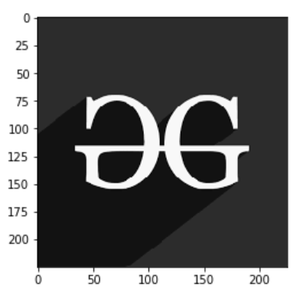
Example 1:
# importing libraries.
import numpy as np
import matplotlib.pyplot as plt
from PIL import Image


# storing image path
fname = r'gfg.png'

# opening image using pil
image = Image.open(fname).convert("L")

# mapping image to gray scale
plt.imshow(image, cmap='gray')
plt.show()
Output:

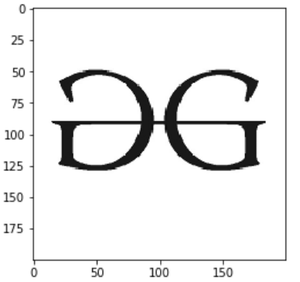
Example 2:
# importing libraries.
import numpy as np
import matplotlib.pyplot as plt
from PIL import Image


# storing image path
fname = r'geeks.png'

# opening image using pil
image = Image.open(fname).convert("L")

# mapping image to gray scale
plt.imshow(image, cmap='gray')
plt.show()
Output: