Prerequisite:
In this article, we will learn about how to print pretty in BeautifulSoup Using Python. The requests library is an integral part of Python for making HTTP requests to a specified URL. Whether it be REST APIs or Web Scraping, requests are must be learned for proceeding further with these technologies. When one makes a request to a URI, it returns a response. Python requests provide inbuilt functionalities for managing both the request and response.
pip install requests
Beautiful Soup is a Python library designed for quick turnaround projects like screen-scraping.
pip install beautifulsoup4
What is Pretty Printing?
In simple words we can say, It prettifies the HTML with proper indents and everything.
Let's Understand Step by step implementation:-
- Import Required Module
# Import Required Module
import requests
from bs4 import BeautifulSoup
- Parse HTML Content
# Web URL
Web_url = "Enter WEB URL"

# Get URL Content
r = requests.get(Web_url)

# Parse HTML Code
soup = BeautifulSoup(r.content, 'html.parser')
- Pretty the HTML Code. BeautifulSoup has a prettify() method.
The prettify() method will turn a Beautiful Soup parse tree into a nicely formatted Unicode string, with a separate line for each tag and each string:
print(soup.prettify())
Below is the implementation:
# Import Required Module
import requests
from bs4 import BeautifulSoup

# Web URL
Web_url = "https://www.geeksforgeeks.org/python/transparent-window-in-tkinter/"

# Get URL Content
r = requests.get(Web_url)

# Parse HTML Code
soup = BeautifulSoup(r.content, 'html.parser')
print(soup.prettify())
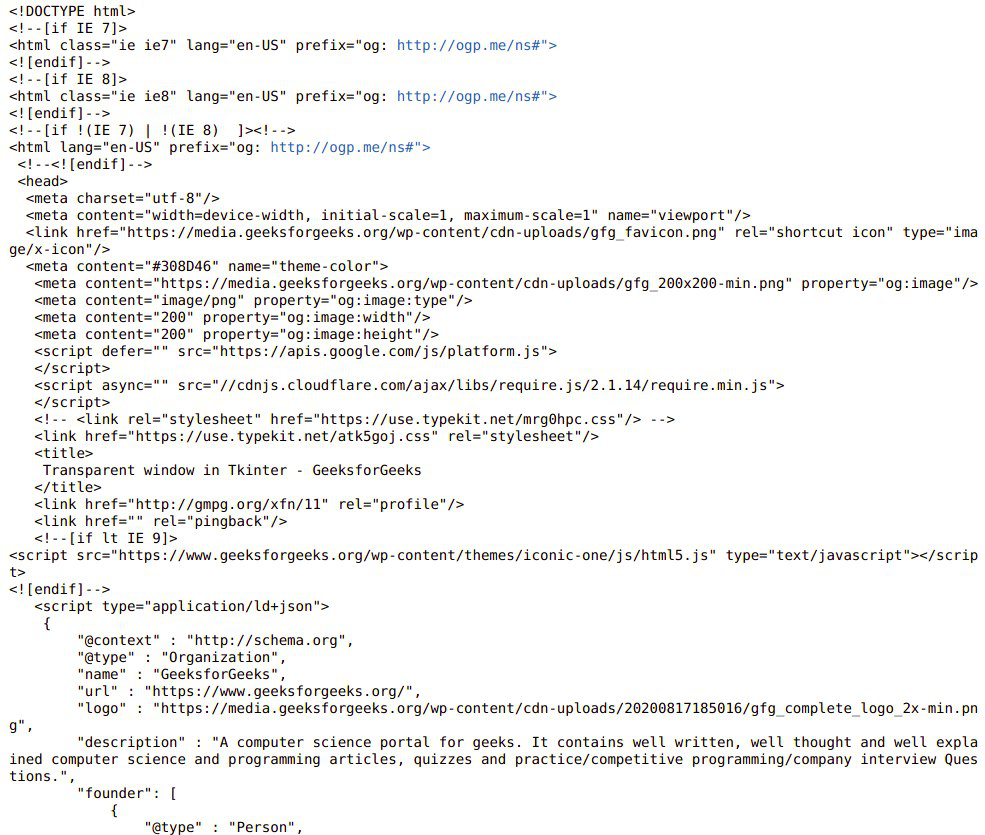
Output: