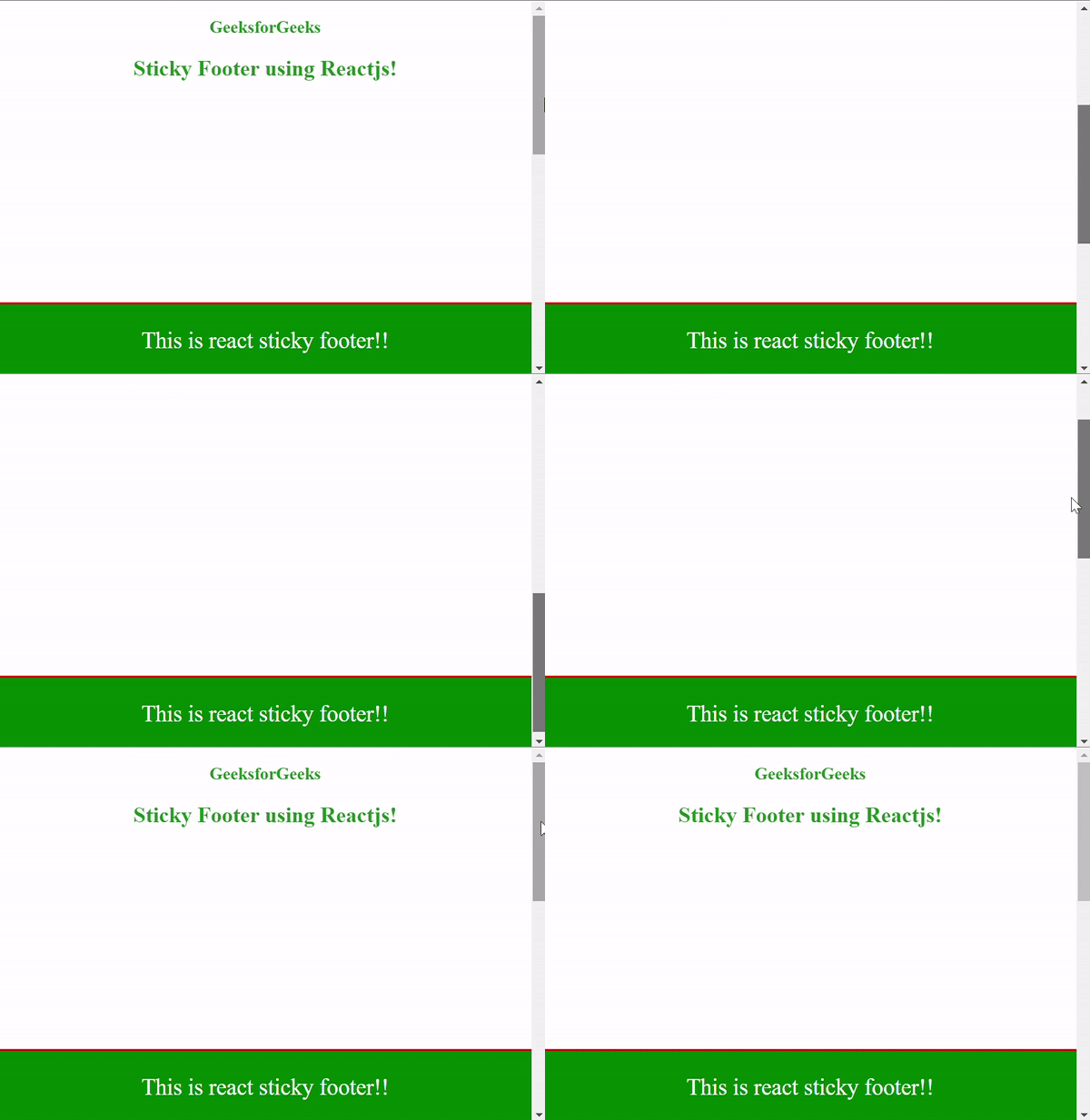
Creating a sticky footer in React jS is a common requirement when designing web applications or websites. A sticky footer remains fixed at the bottom of the screen, regardless of the content's height. In this article, we will see how to create a sticky footer in ReactJS.
Prerequisites:
Steps to Create React Application:
Step 1: Create a React application using the following command:
npx create-react-app react-footer
Step 2: After creating your project folder i.e. react-footer, move to it using the following command:
cd react-footerProject Structure:
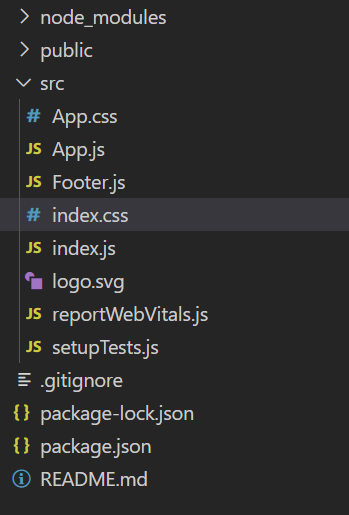
Example: This example implement the sticky footer to the web page.
// Filename - App.js

import React from "react";

// Importing the footer component
import Footer from "./Footer";

// Importing the styling of App component
import "./App.css";

const App = () => (
    <div className="App">
        <h3>GeeksforGeeks</h3>
        <h2>Sticky Footer using Reactjs!</h2>
        <Footer />
    </div>
);

export default App;
// Filename - Footer.js

import React from "react";

const Footer = () => (
    <footer className="footer">
        <p>This is react sticky footer!!</p>
    </footer>
);

export default Footer;
/* Filename - App.css */

body {
    margin: 0;
    padding: 0;
    height: 1000px;
}

.App {
    color: #228b22;
    text-align: center;
}

.footer {
    background-color: green;
    border-top: 2px solid red;
    position: fixed;
    width: 100%;
    bottom: 0;
    color: white;
    font-size: 25px;
}
Step to Run Application: Run the application using the following command from the root directory of the project:
npm start
Output: Now open your browser and go to http://localhost:3000/, you will see the following output: