
React Suite is a library of React components, sensible UI design, and a friendly development experience. It is supported in all major browsers. It provides pre-built components of React which can be used easily in any web application. In this article, we’ll learn about React suite Checkpicker with a Label.
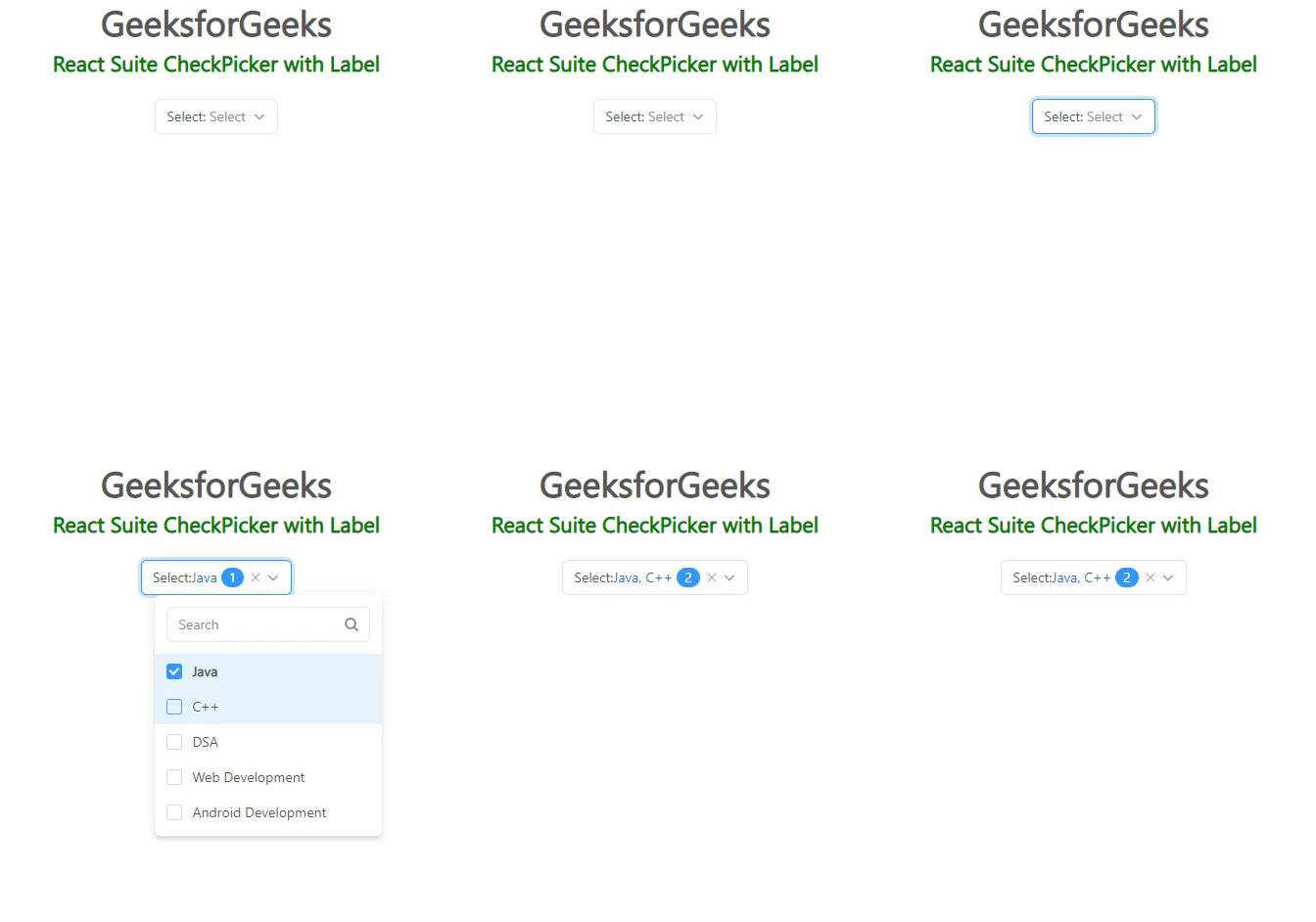
The Checkpicker Component is very useful for selecting multiple items or selecting a group of data items. To display a label with Checkpicker, a label prop is used that displays the text at the beginning of the toggle button.
Syntax:
<CheckPicker label="..."/>
Creating React Application And Installing Module:
Step 1: Create a React application using the given command:
npm create-react-app projectname
Step 2: After creating your project, move to it using the given command:
cd projectname
Step 3: Now Install the rsuite npm package using the given command:
npm install rsuite
Project Structure: Now your project structure should look like the following:
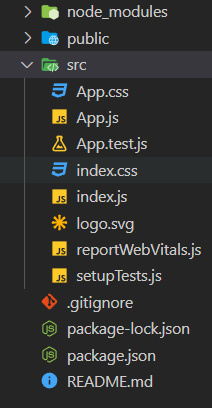
Example 1: Below example demonstrates the usage of a label with the Checkpicker component.
import "rsuite/dist/rsuite.min.css";
import { CheckPicker } from "rsuite";

const data = [
    "Java",
    "C++",
    "DSA",
    "Web Development",
    "Android Development",
].map((item) => ({
    label: item,
    value: item,
}));

export default function App() {
    return (
        <div>
            <div style={{ textAlign: "center" }}>
                <h2>GeeksforGeeks</h2>
                <h4 style={{ color: "green" }}>
                    React Suite CheckPicker with Label
                </h4>
                <div style={{ padding: 20 }}>
                    <div>
                        <CheckPicker label="Select"
                            data={data} />
                    </div>
                </div>
            </div>
        </div>
    );
}
Output:
Example 2: Below example demonstrates the subtle appearance of the label with the Checkpicker component.
import "rsuite/dist/rsuite.min.css";
import { CheckPicker } from "rsuite";

const data = [
    "Java",
    "C++",
    "DSA",
    "Web Development",
    "Android Development",
].map((item) => ({
    label: item,
    value: item,
}));

export default function App() {
    return (
        <div>
            <div style={{ textAlign: "center" }}>
                <h2>GeeksforGeeks</h2>
                <h4 style={{ color: "green" }}>
                    React Suite CheckPicker with Label
                </h4>
                <div style={{ padding: 20 }}>
                    <div>
                        <CheckPicker
                            label="Choose"
                            appearance="subtle"
                            data={data}
                        />
                    </div>
                </div>
            </div>
        </div>
    );
}
Output:

Reference: https://rsuitejs.com/components/check-picker/#with-a-label
